Catalog
Blocks
Whole screens, assembled and wired. A block is the same promise as a component: readable source, copied into your project, yours to change.
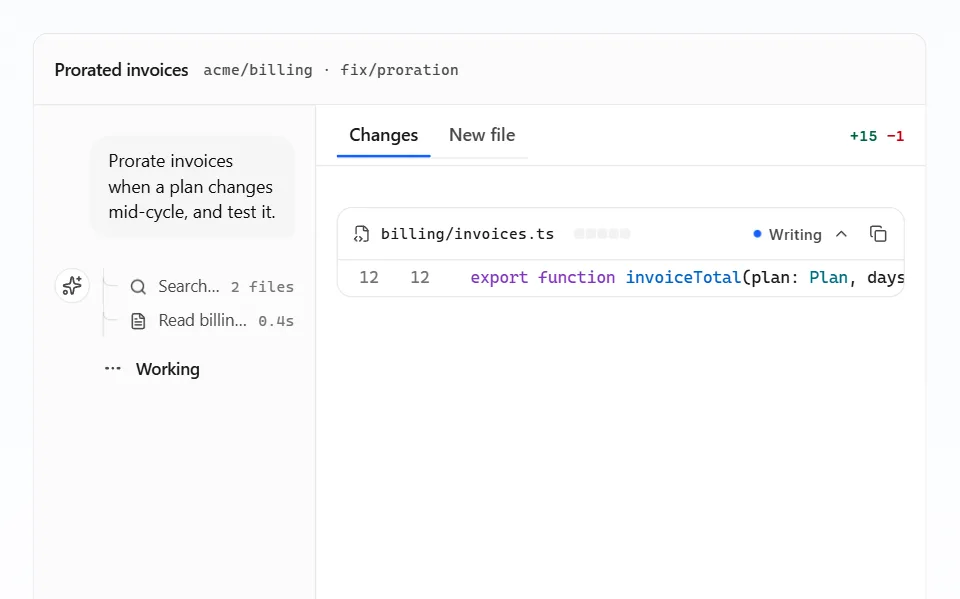
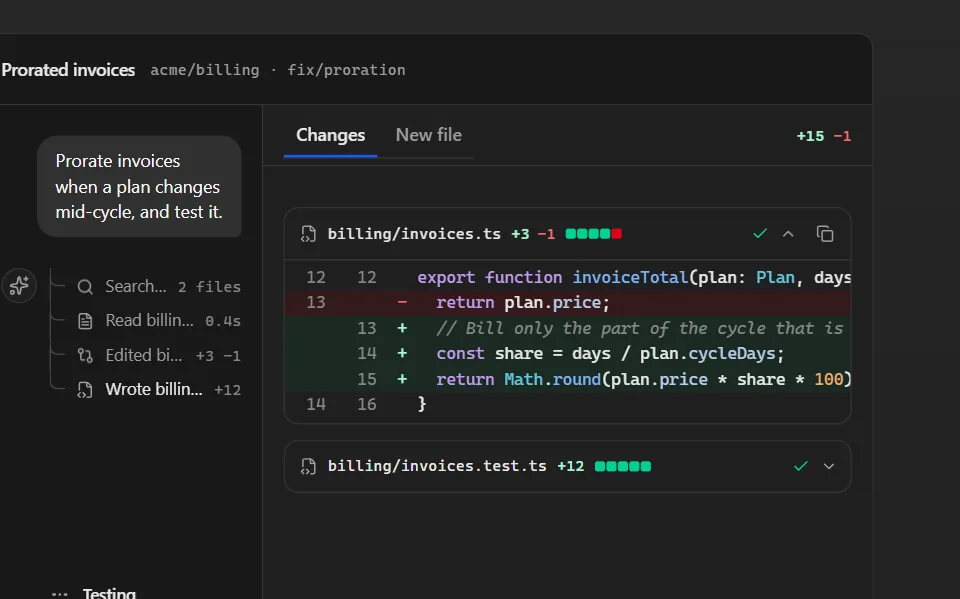
Agent Code Workspace
A coding agent at work: the conversation with its step log and test run on the left, and on the right the changed files as streaming diffs and the new file being written. One view at a time on a phone.
ai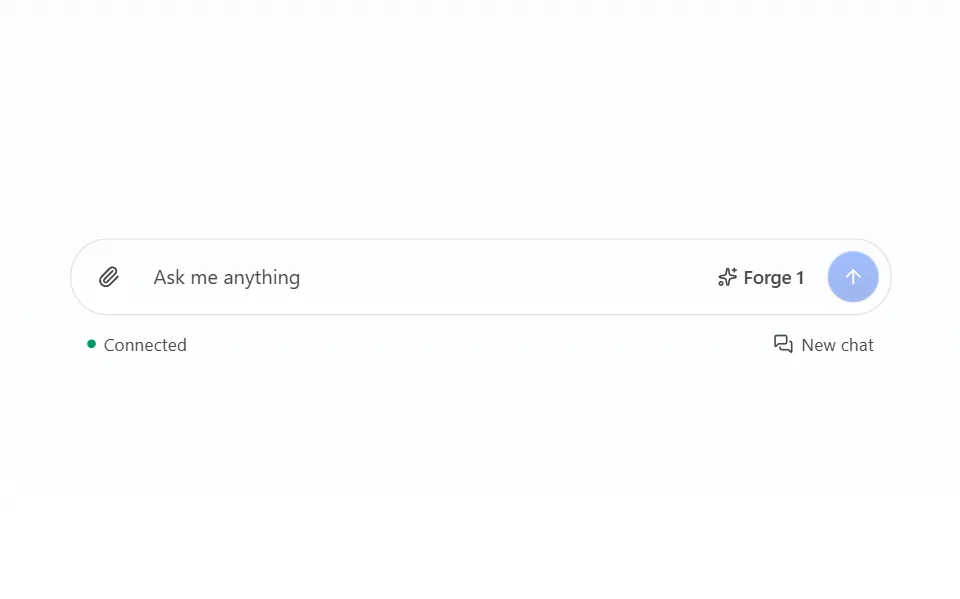
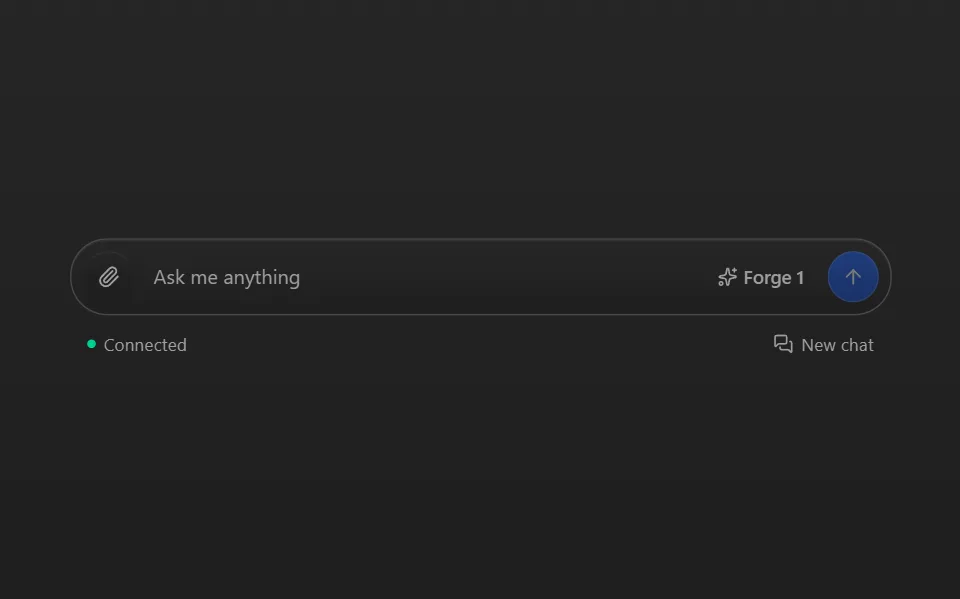
Agent Composer
The compact composer of an agent app: a rounded field with round controls flush inside, send that becomes stop in place, a light that runs round the edge while the agent works, and a status row beneath.
ai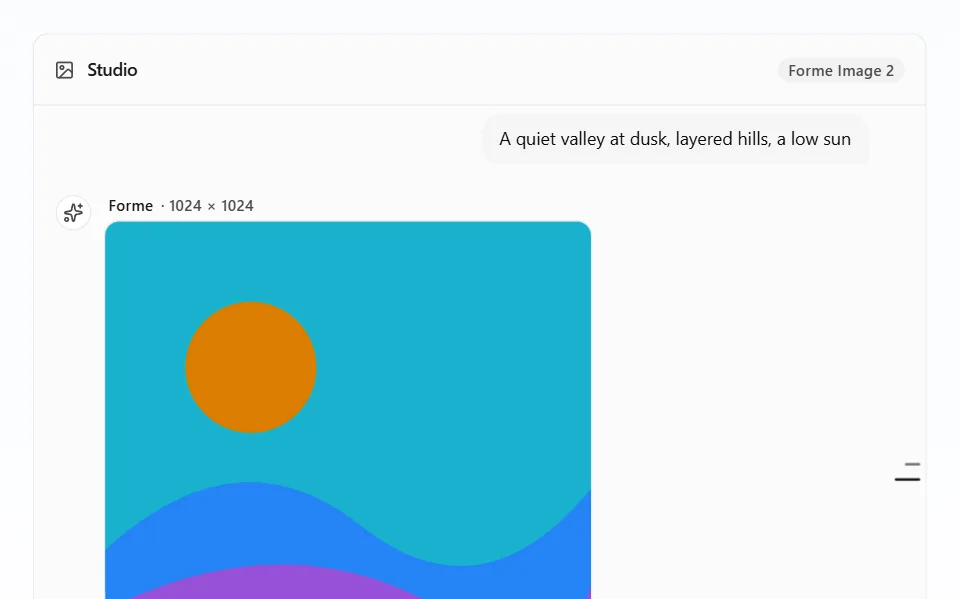
Agent Image Chat
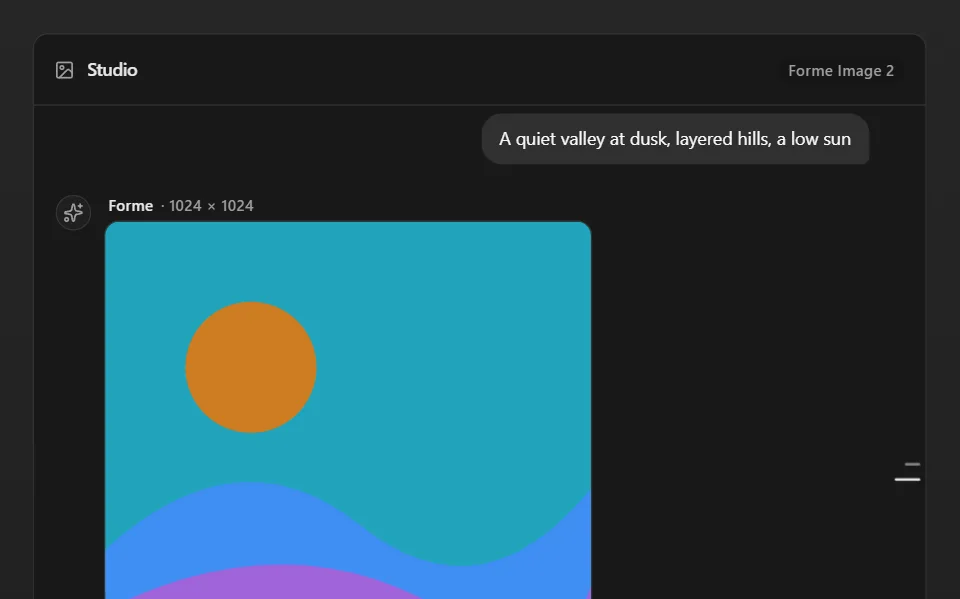
A chat that makes images: each prompt becomes a turn whose image holds its shape, ripples while it generates and sharpens in, with download, variations, stop and retry. Built from Message, MessageScroller, ImageGeneration and AgentComposer.
ai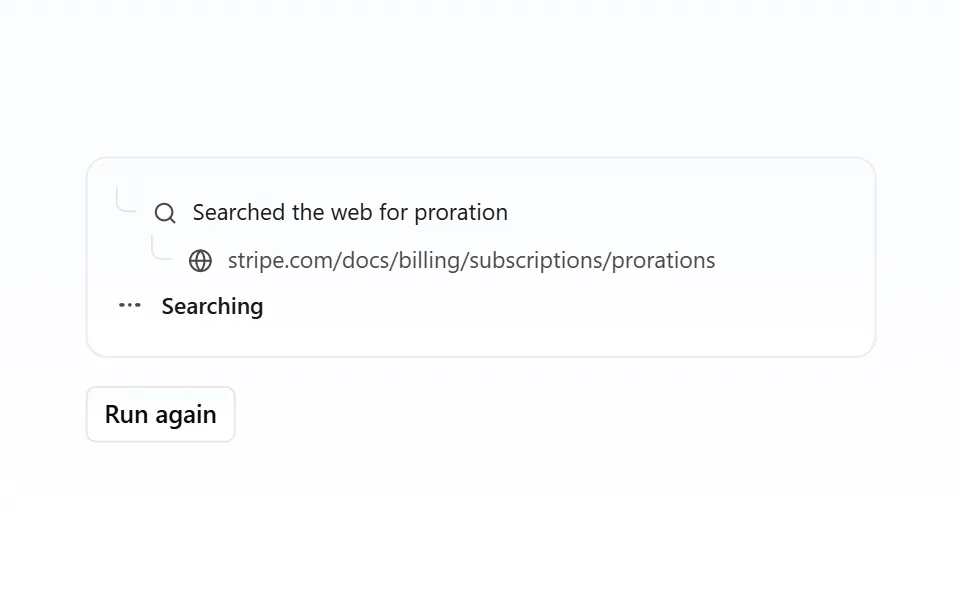
Agent Log
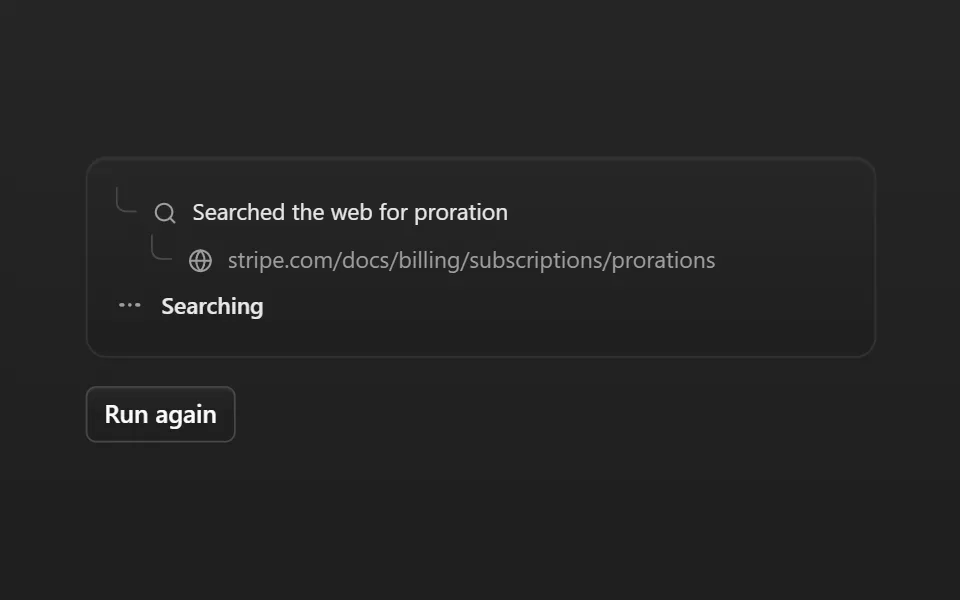
What an agent did, as a tree that draws itself: each step opens its own height, the guide strokes out to it, and nested results branch beneath. Pure CSS, so it is a server component.
ai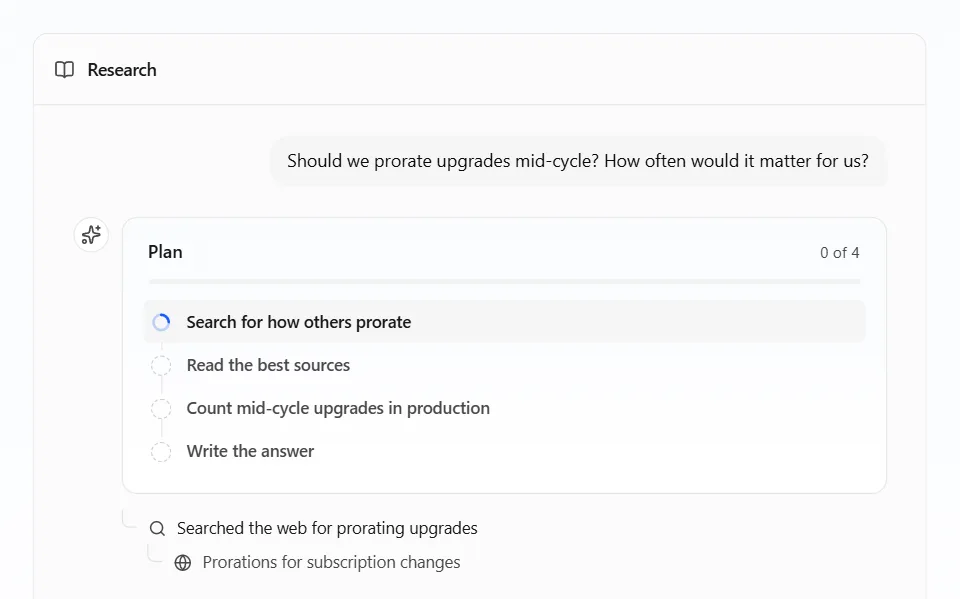
Agent Research Chat
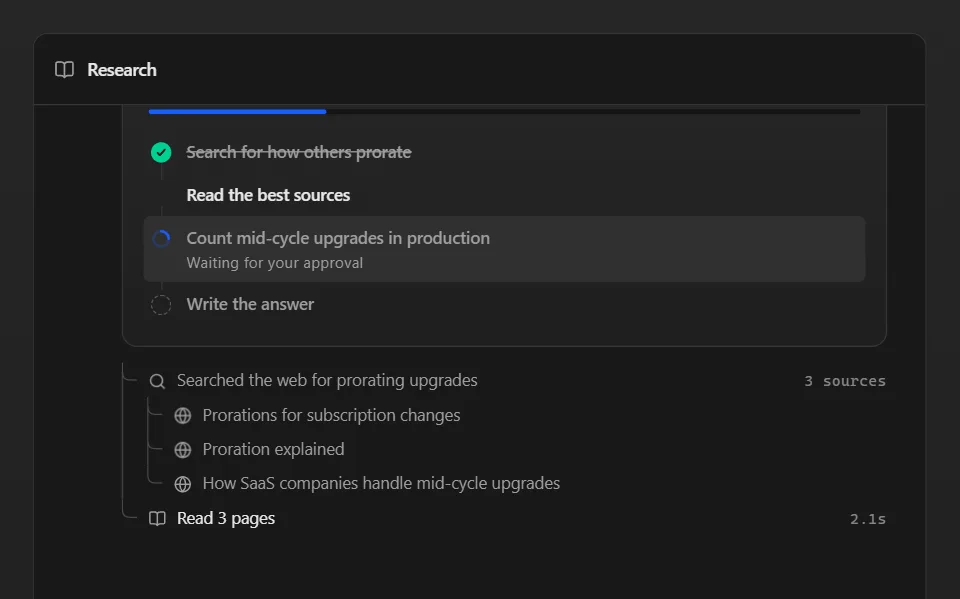
A research agent that shows its working: a plan that ticks itself off, a log of sources branching in, an approval that pauses the run before it queries production, and an answer with inline citations.
ai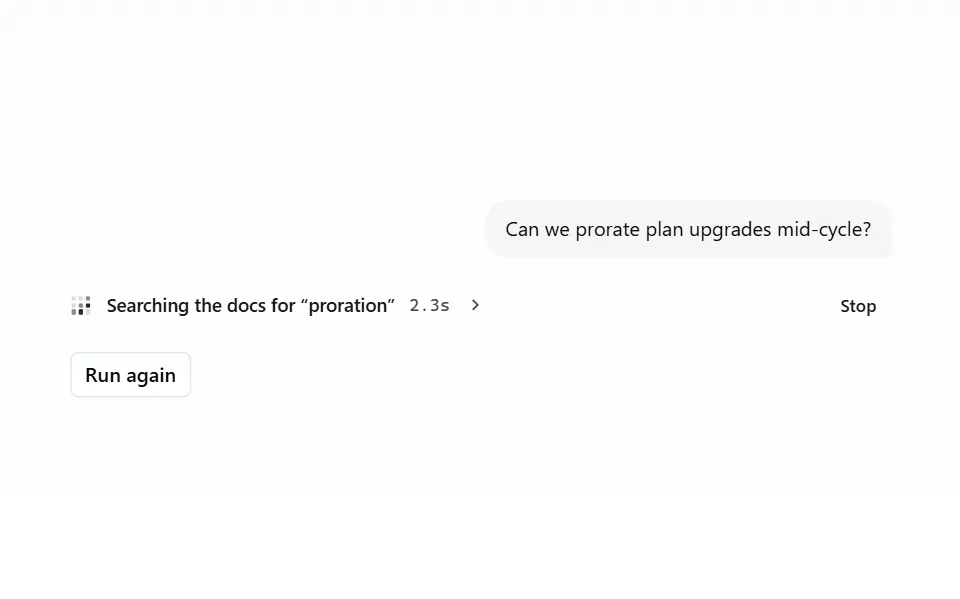
Agent Thinking
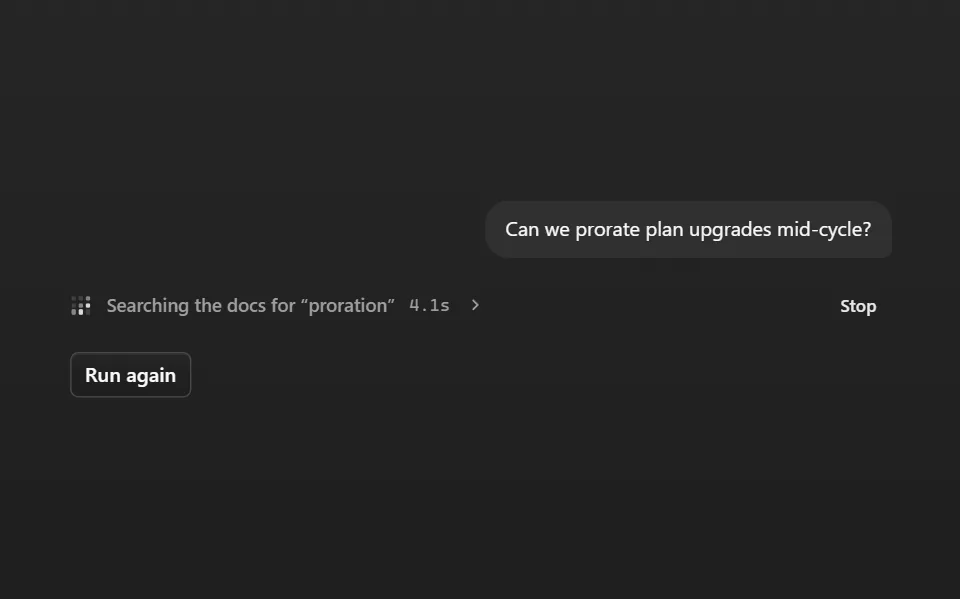
The line above a chat composer while an agent works: a loader, the current activity under a sweep of light, an elapsed timer and a Stop button. Each new activity becomes a timed step you can unfold, and it finishes as “Worked for 14.2s”.
ai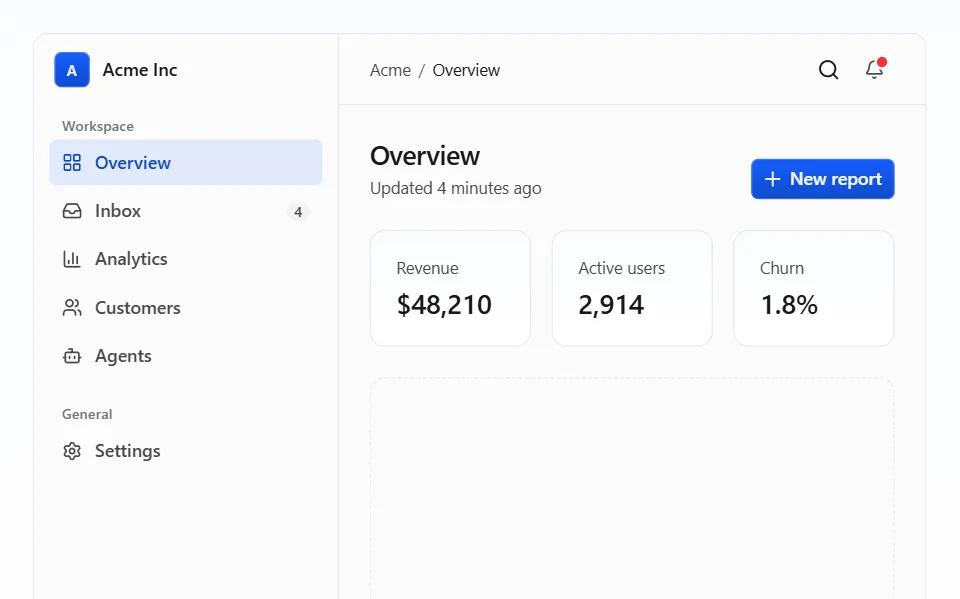
App Shell
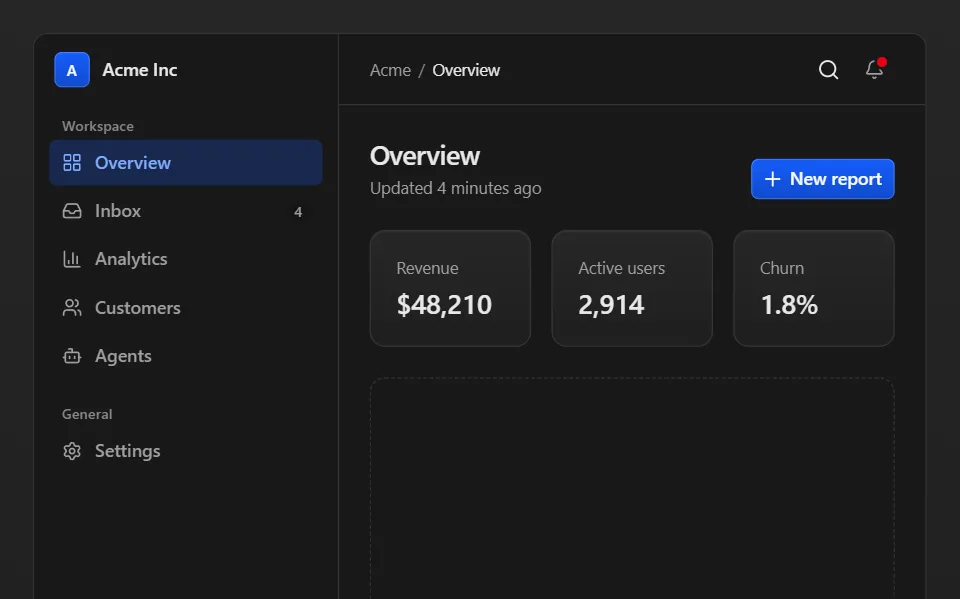
The frame of an app: a sidebar of sections and nav items, a header bar, a page header and a scrolling content column. On narrow screens the sidebar becomes a sheet in a native modal dialog.
application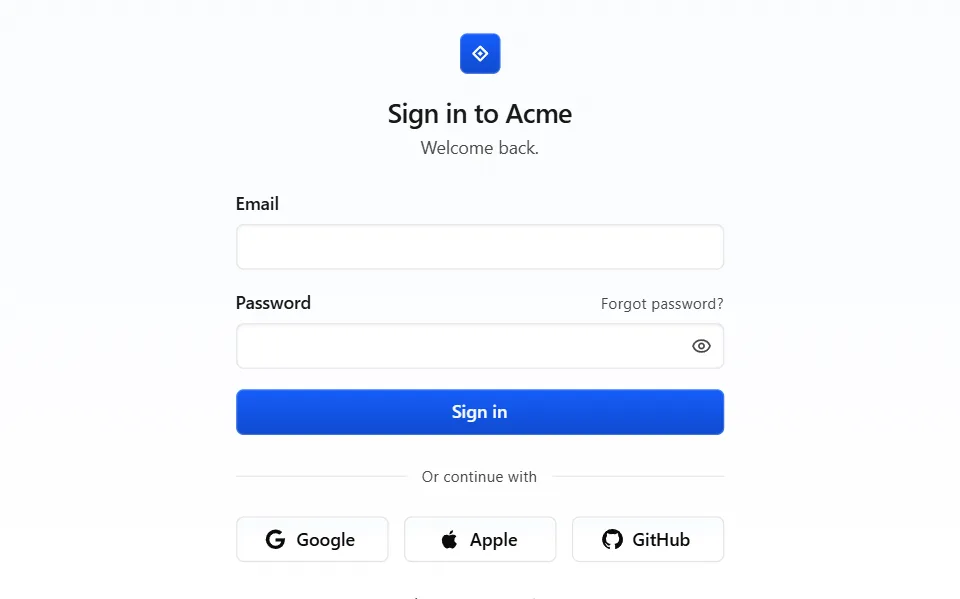
Auth
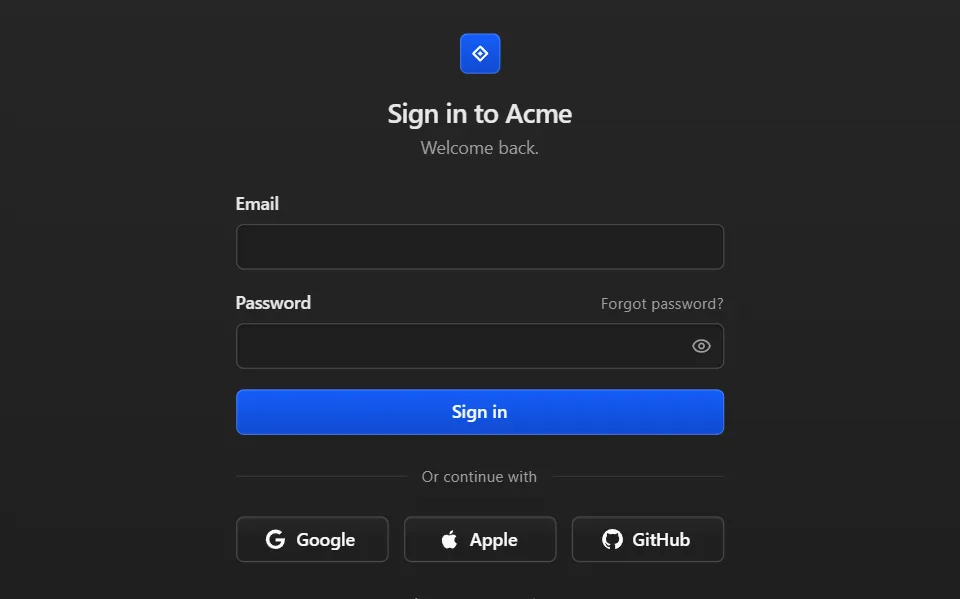
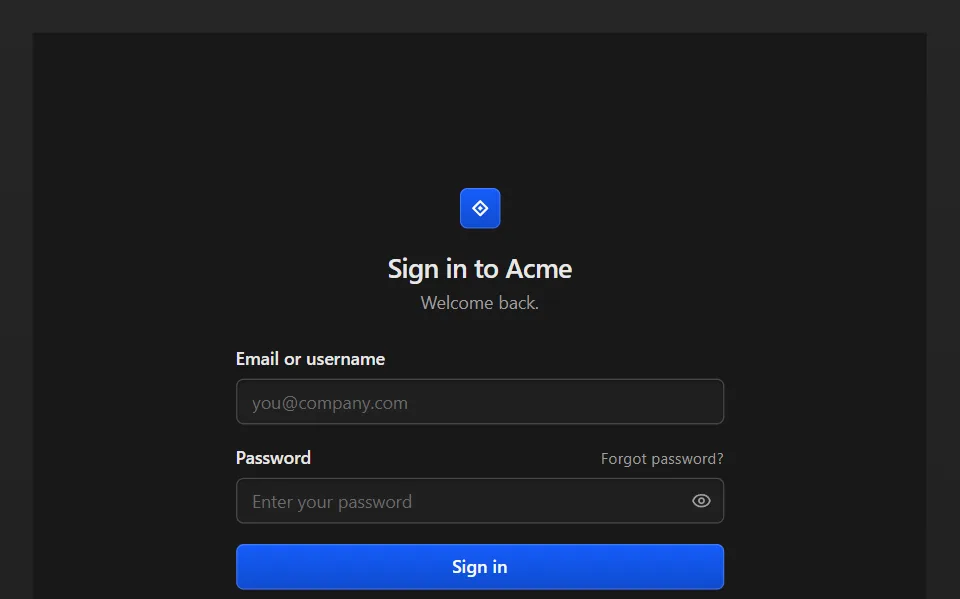
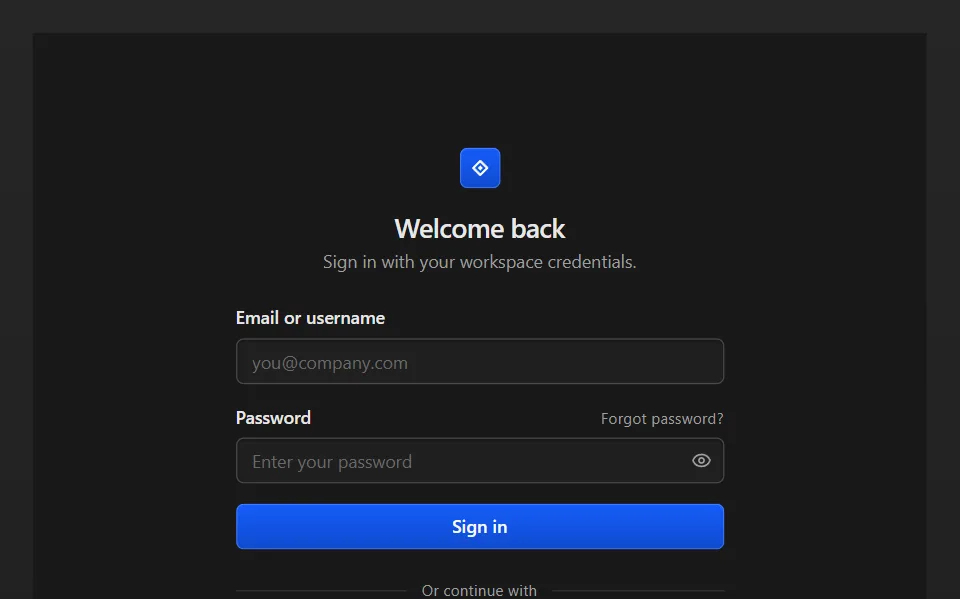
The parts every Forme sign-in page is built from: a field with a label-row action, a password input with a show toggle, provider buttons, the divider, a testimonial and a row of customer marks. The numbered auth blocks are layouts of these; install this one to build your own.
authentication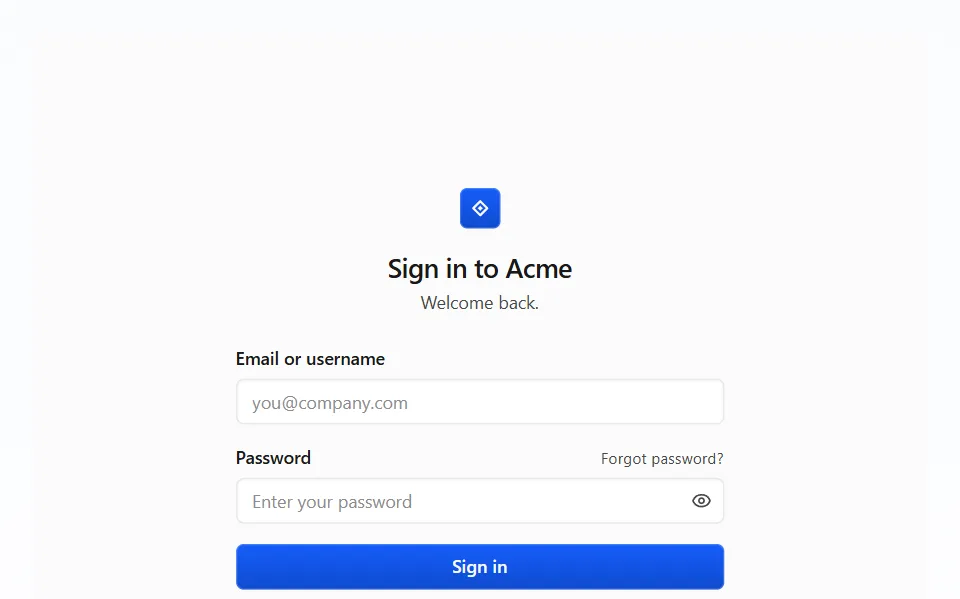
Sign in, split with image
A sign-in page with the form on one side and a framed image on the other: email or username, a password with a show toggle and a forgot link, then Google and Apple. The image steps aside on narrow screens.
authentication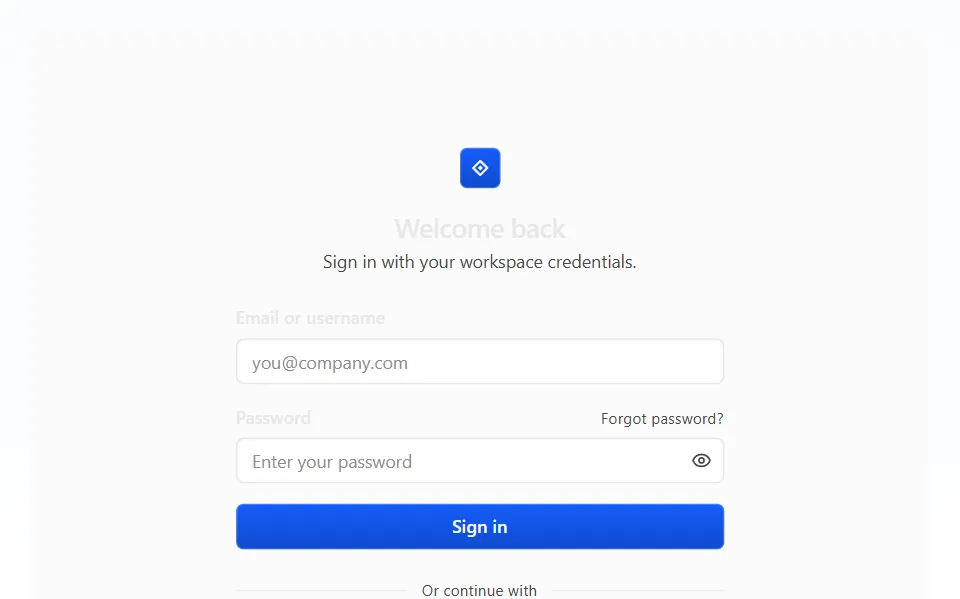
Sign in, split with testimonials
A sign-in page beside a brand panel: a headline, a carousel of customer quotes and a rating line. The form takes email or username and a password, with Google, Apple and GitHub underneath and a small footer of links.
authentication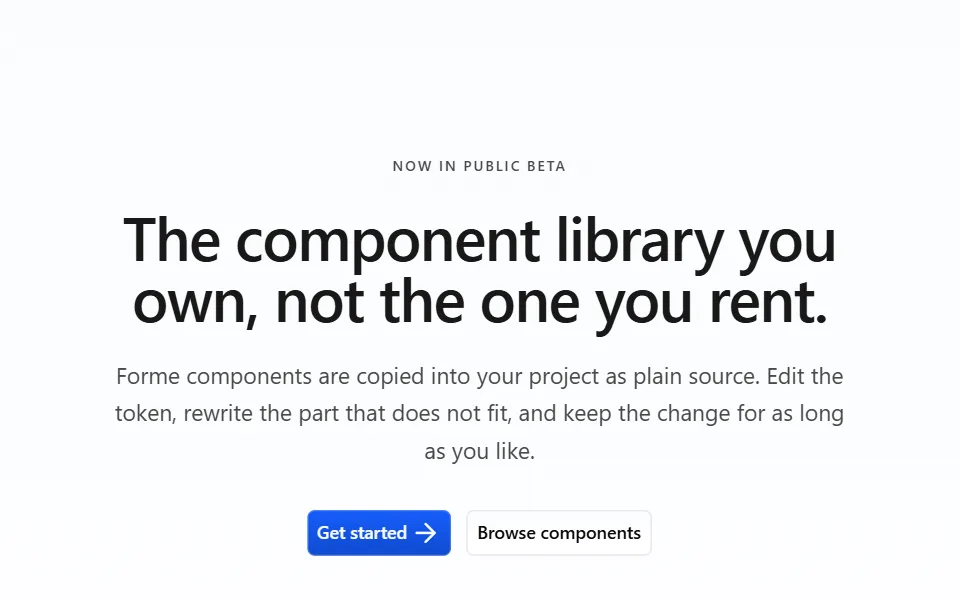
Hero
A marketing hero with an eyebrow, a headline, a supporting paragraph, two calls to action and a frame for a real product screenshot. Every part is composed by you, so the section carries your copy instead of a placeholder.
marketing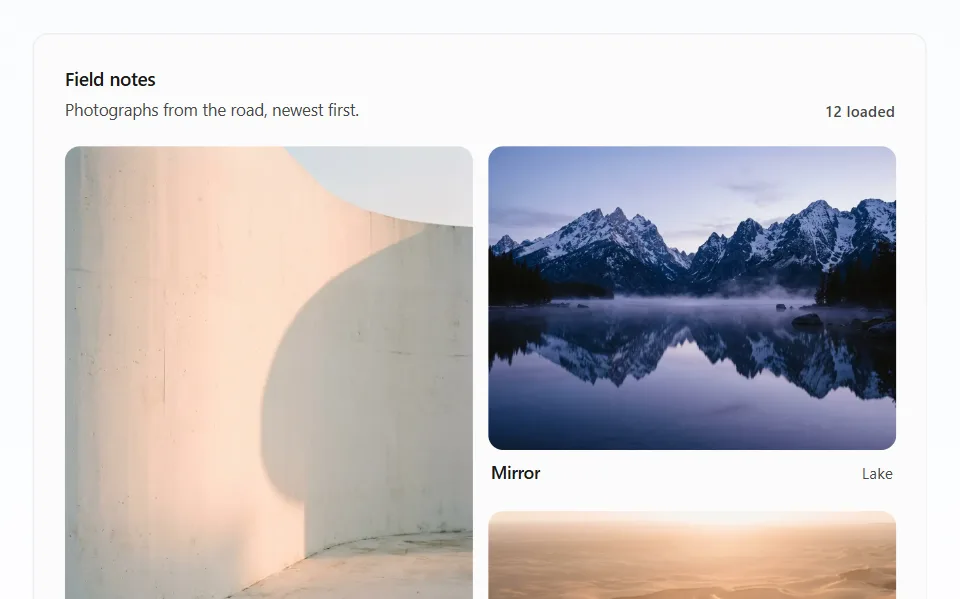
Infinite Masonry
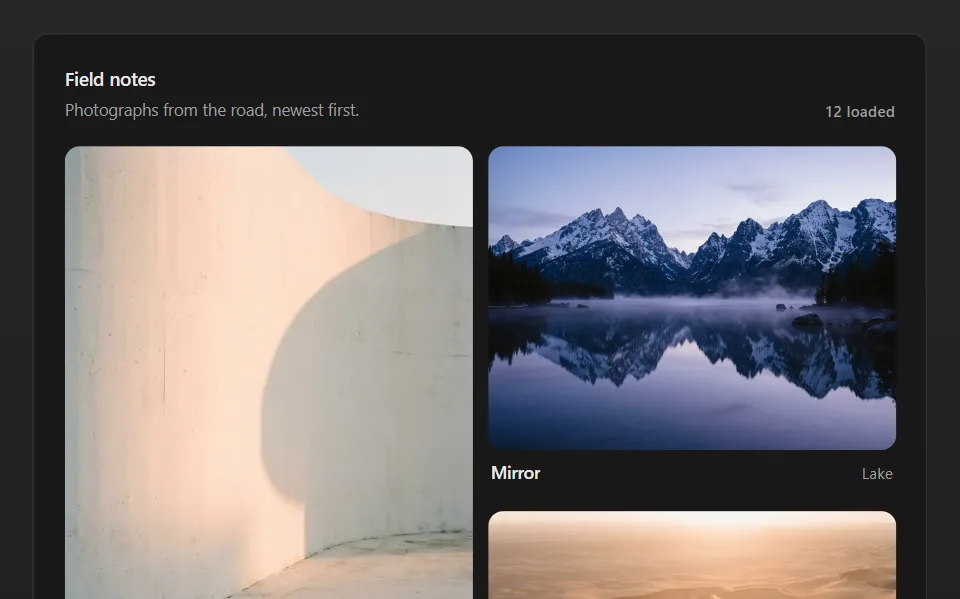
An endless photo feed in balanced columns. Tiles reserve their space from the image size, so nothing shifts as pages arrive; the next page loads as the shortest column nears view; and it is an ARIA feed with Page Down between items. No virtualiser, no dependencies.
application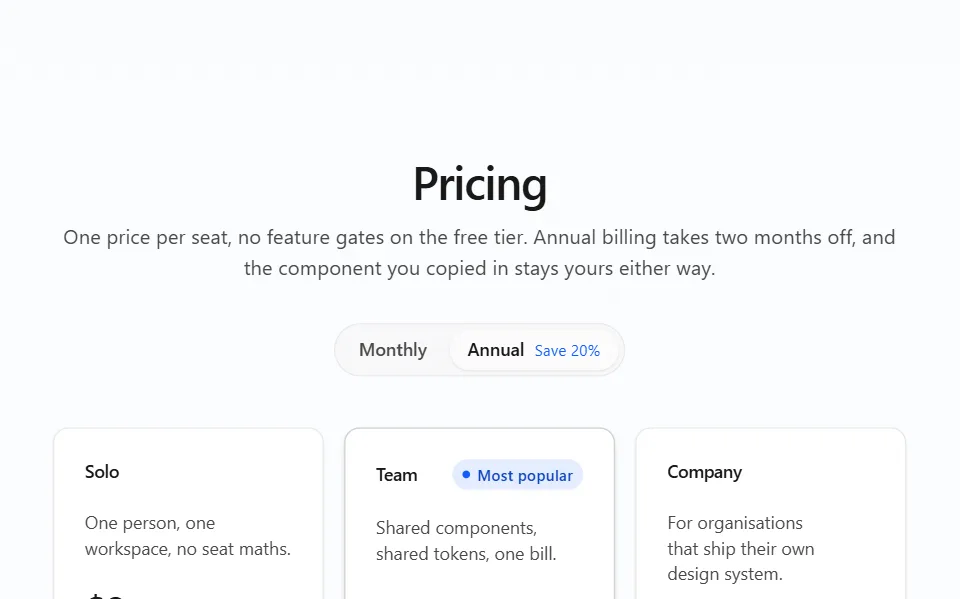
Pricing
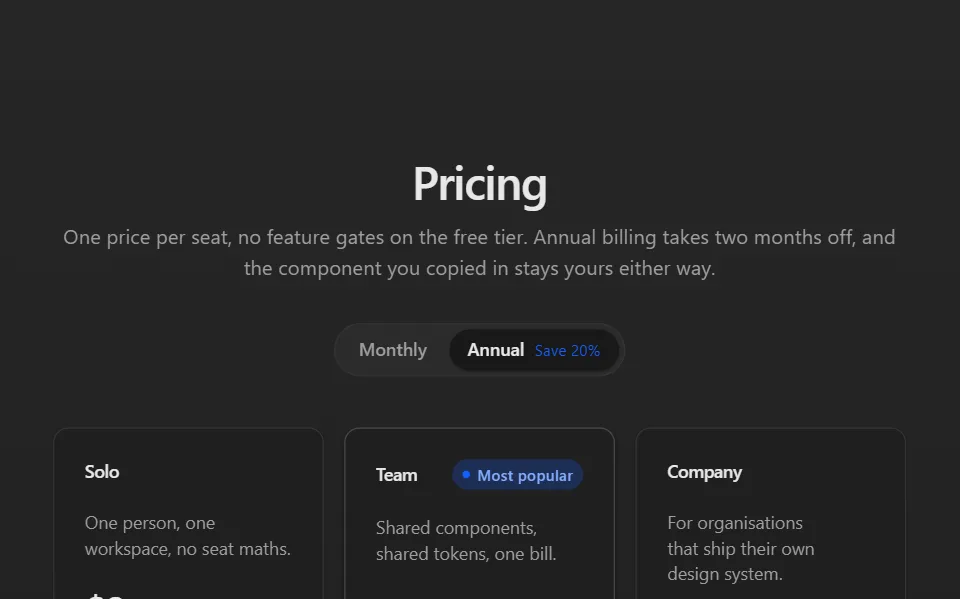
A pricing section with three tiers, a monthly and annual toggle the caller controls, and a featured tier marked by a stronger border and a small label rather than a coloured card. Each tier takes its own price, so the toggle is a few lines of your own state.
commerce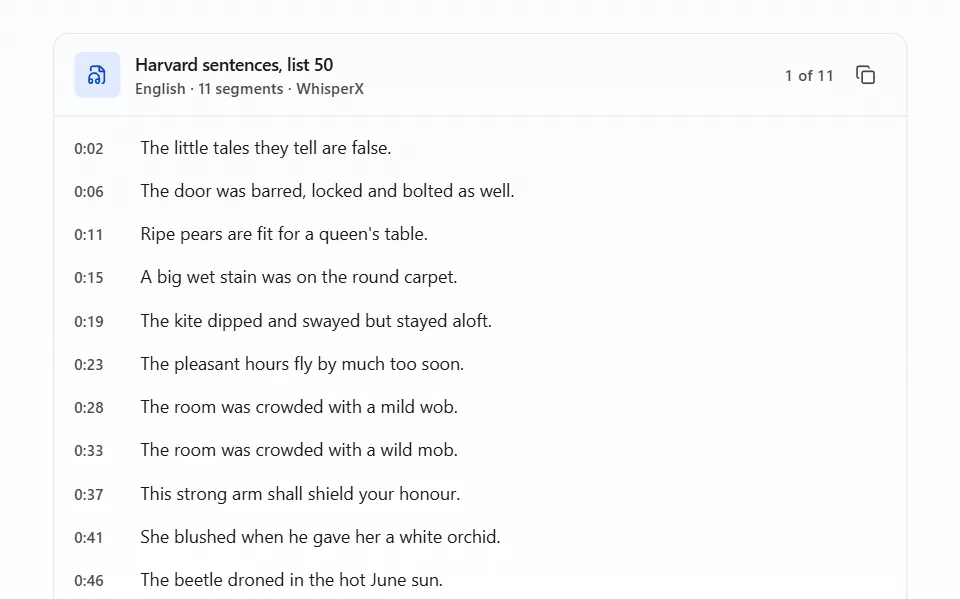
Transcript Player
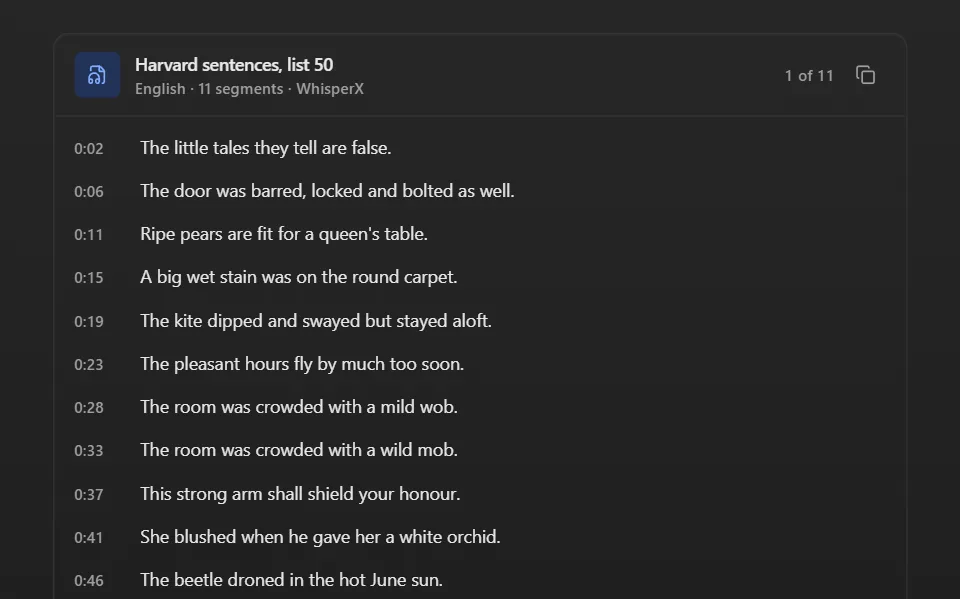
A recording and its transcript as one surface: the line and word being spoken are marked as it plays, and a click on any line or word seeks there. Takes WhisperX output as it comes.
application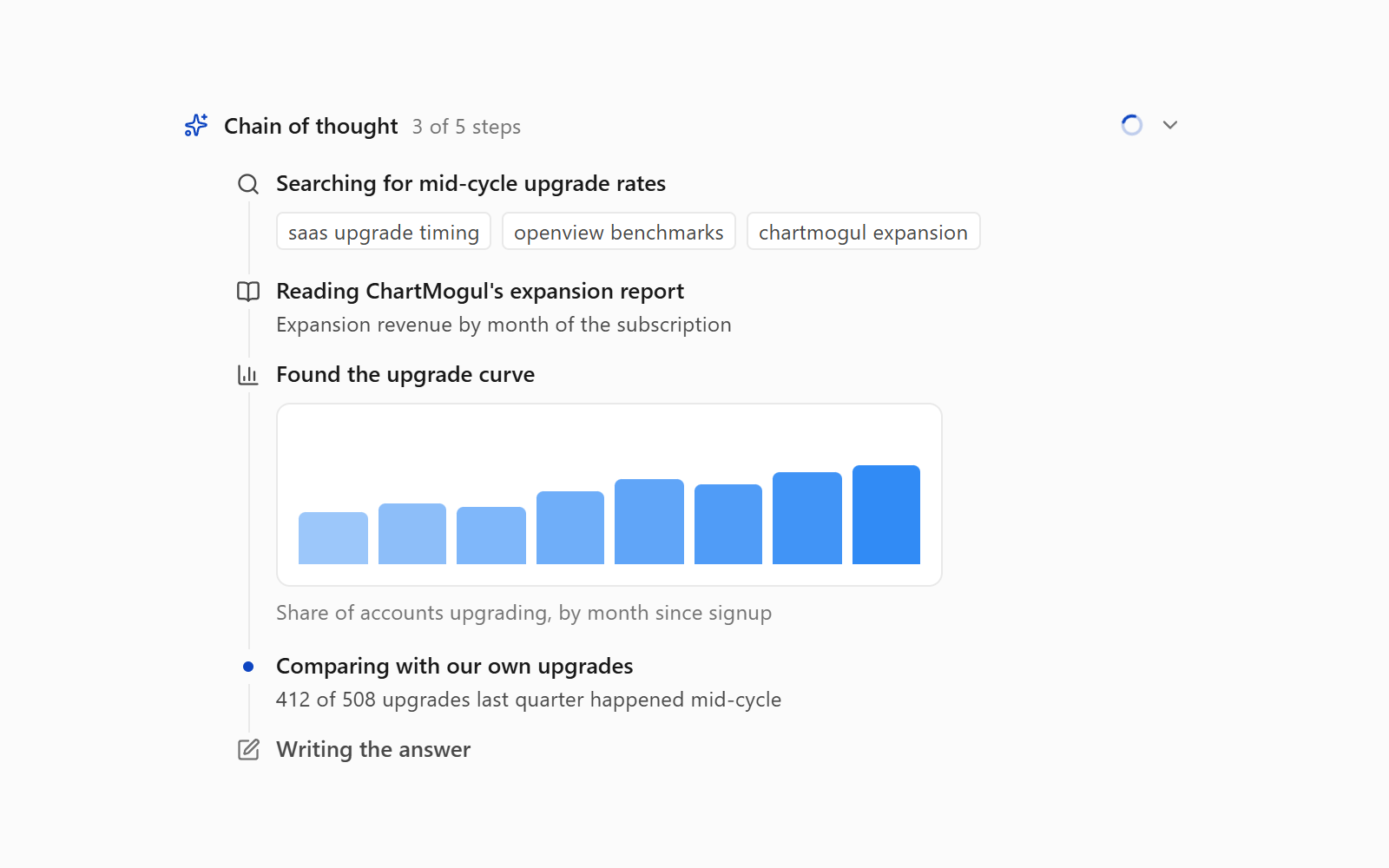 Pro
Chain of Thought
An agent's chain of thought as one summary line that opens into its steps: done, under way and still to come, each with room for what it turned up — search chips, a figure, a quote.
ai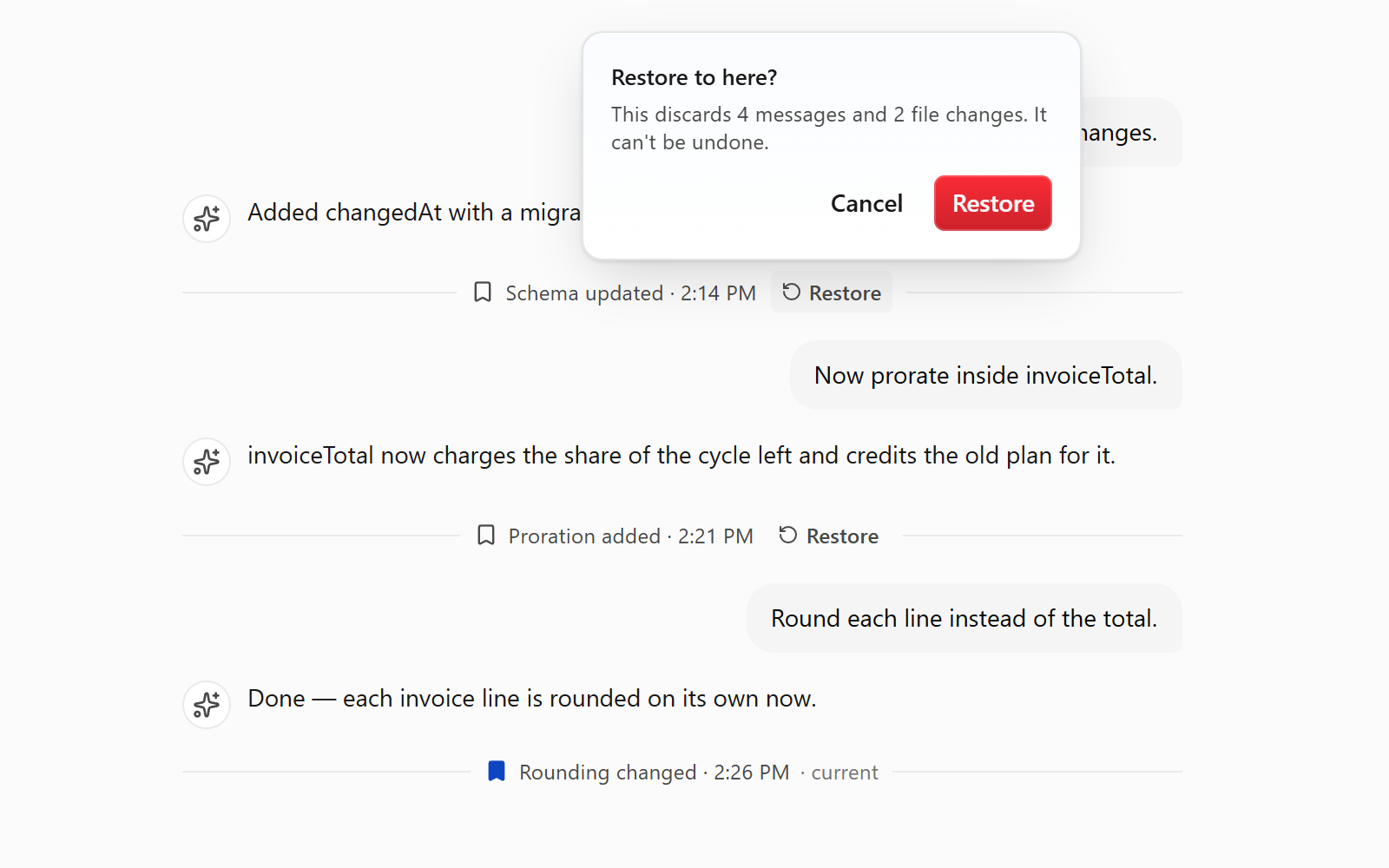 Pro
Checkpoint
A point in an agent conversation you can go back to: a labelled hairline between turns with Restore, which confirms first and says exactly what will be discarded. The latest is marked current.
ai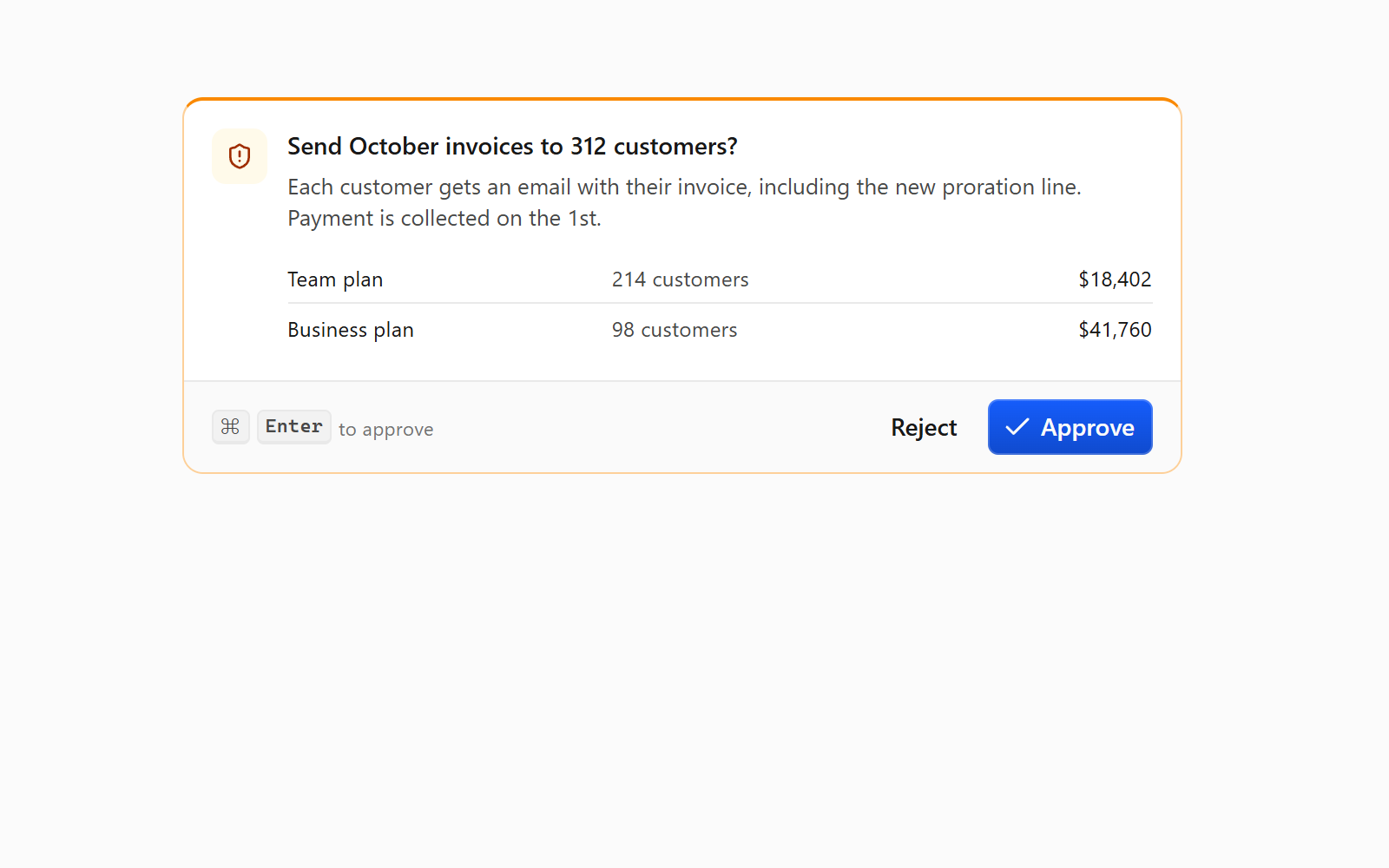 Pro
Confirmation
An agent asking before an action that matters: the question, what will happen and the specifics, with Approve, or Reject with a reason the agent reads. ⌘ Enter and Escape, and a one-line record once answered.
ai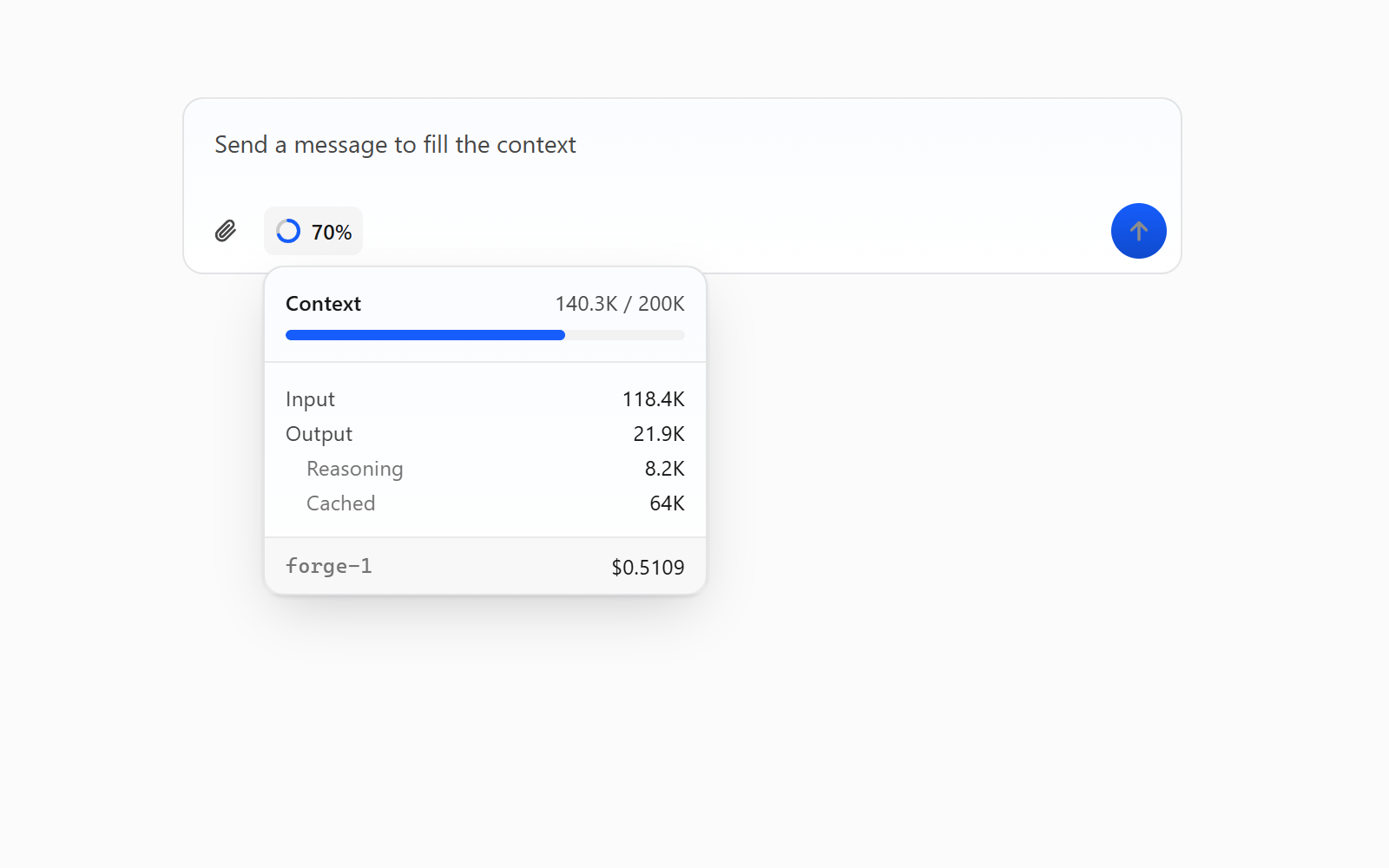 Pro
Context
How full the context window is: a ring and a percentage for a composer's toolbar that opens into input, output, reasoning and cached tokens and what the conversation has cost, turning to warning past 80%.
ai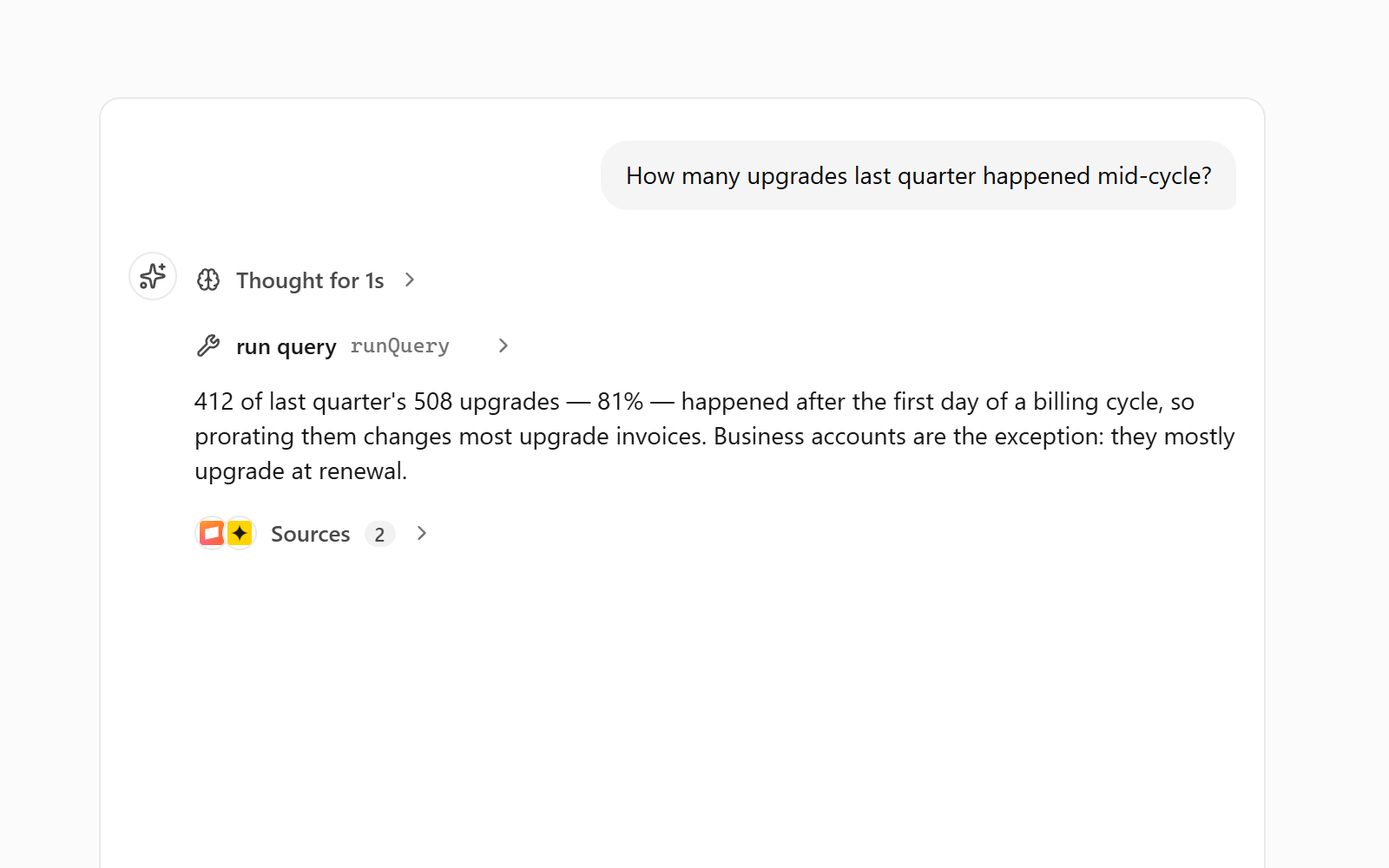 Pro
Chat
A whole agent conversation from AI SDK message parts: reasoning, tool calls, streamed text and sources in order, a transcript that follows the reply without pulling you down, and the composer pinned under it.
ai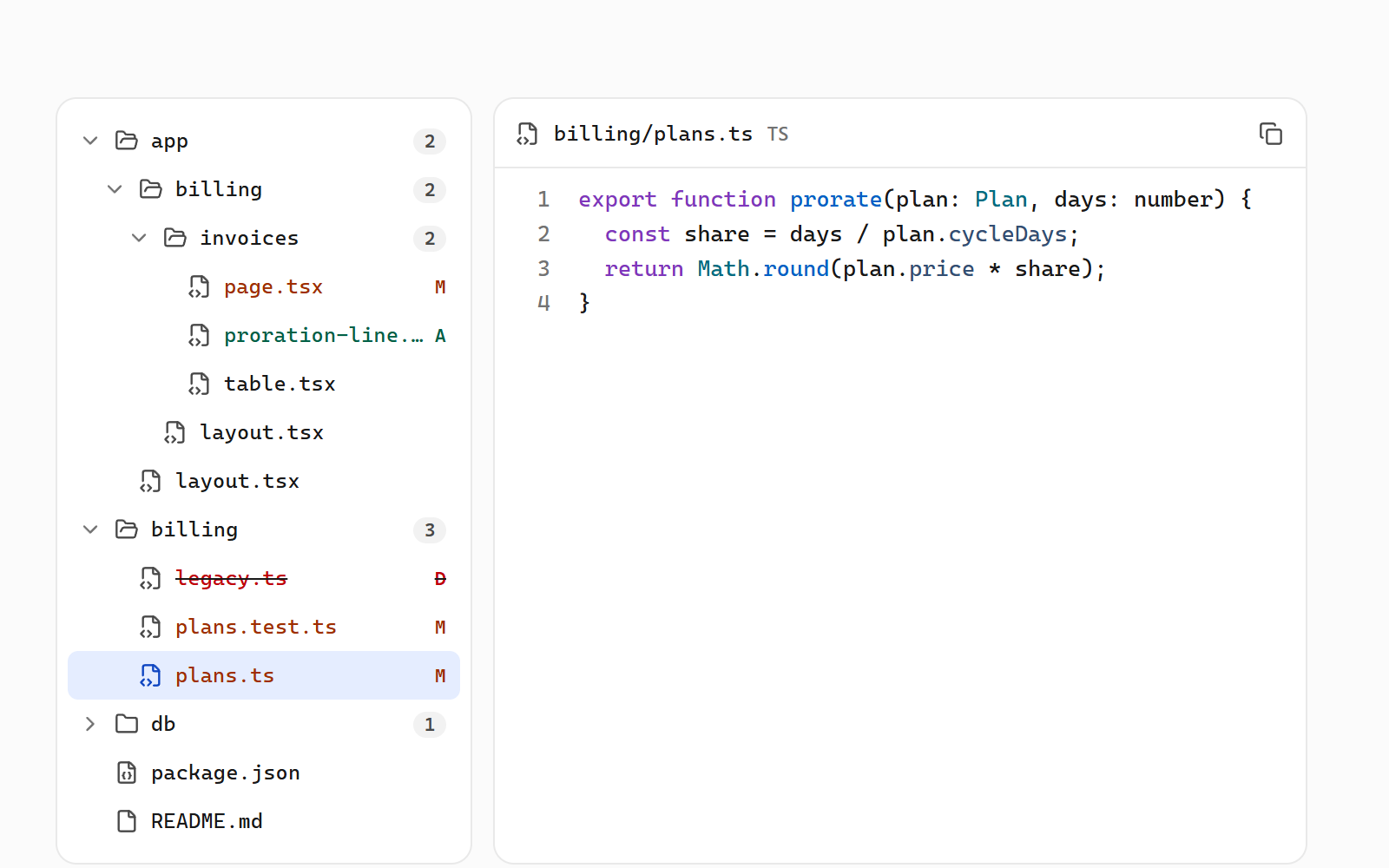 Pro
File Tree
The files an agent is working in as a real tree: one tab stop, arrow keys, Home and End, files it added, modified or deleted marked A, M and D, and each folder counting the changes inside it.
ai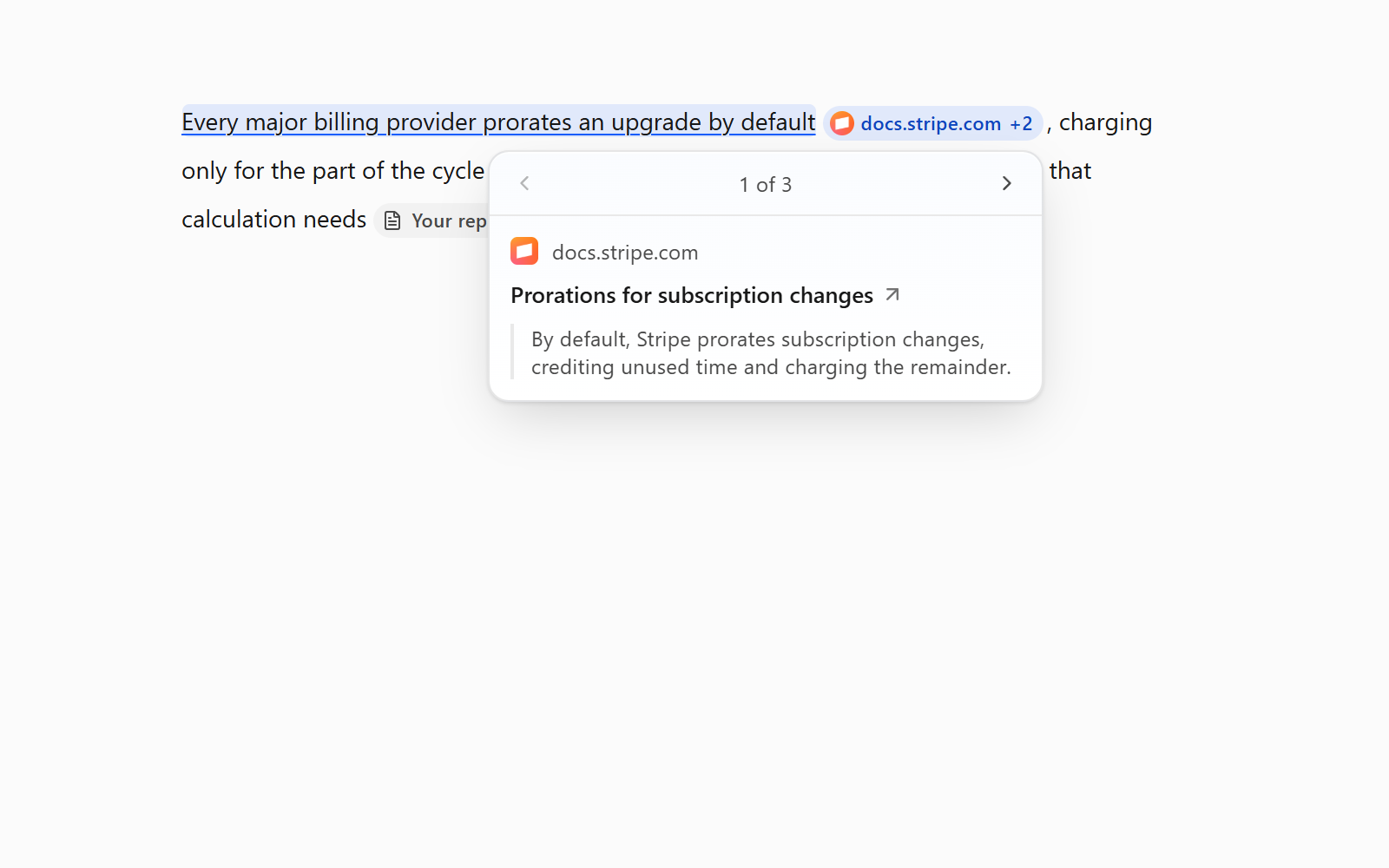 Pro
Inline Citation
A citation inside the sentence it supports: a pill that names the first source and counts the rest, opening on hover or focus into a card that pages through every source with its quoted passage.
ai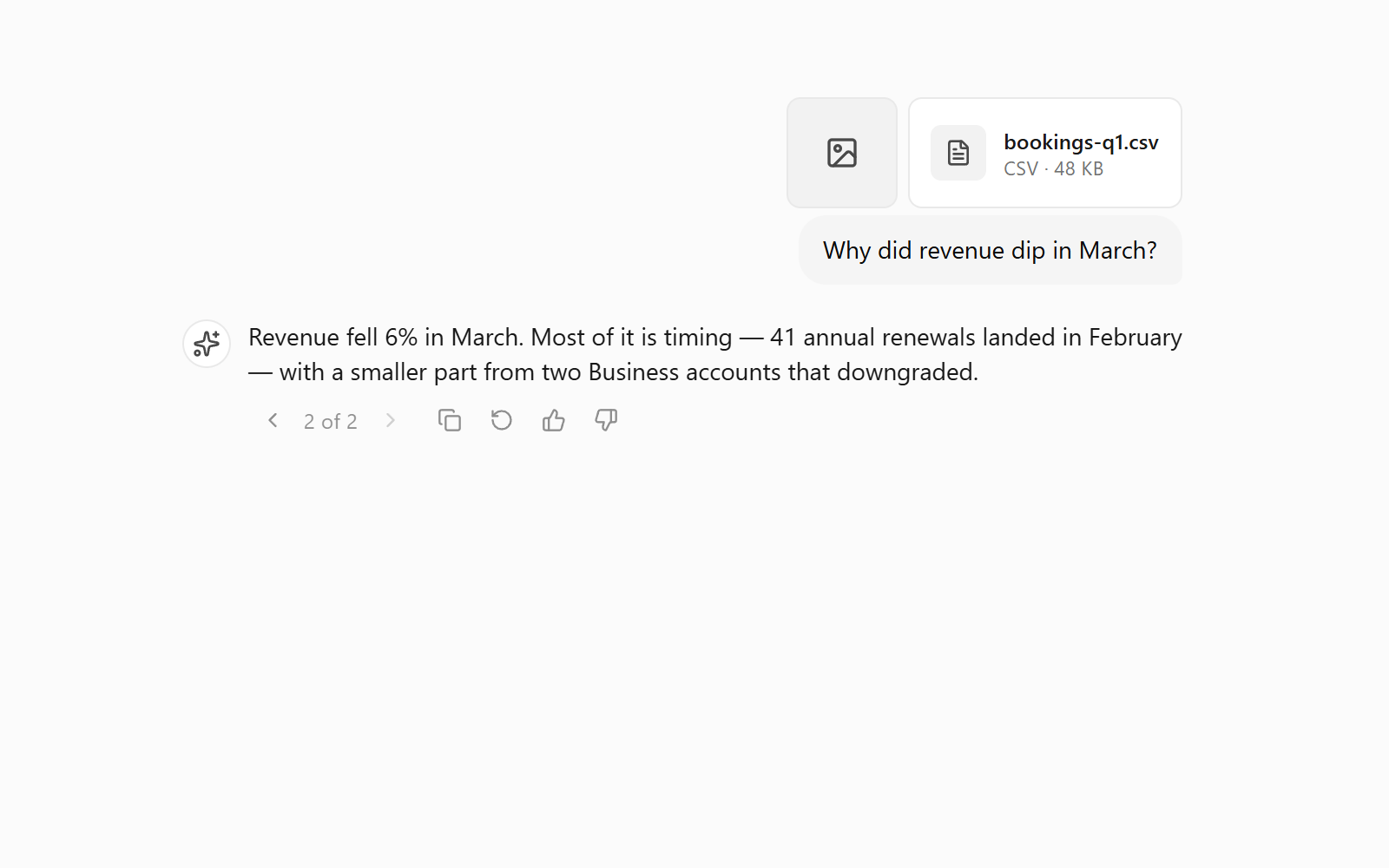 Pro
Message
An assistant message that keeps every version of its answer: regenerate streams a new one and a pager steps between them, with copy and thumbs always visible, and user attachments as thumbnails and file chips.
ai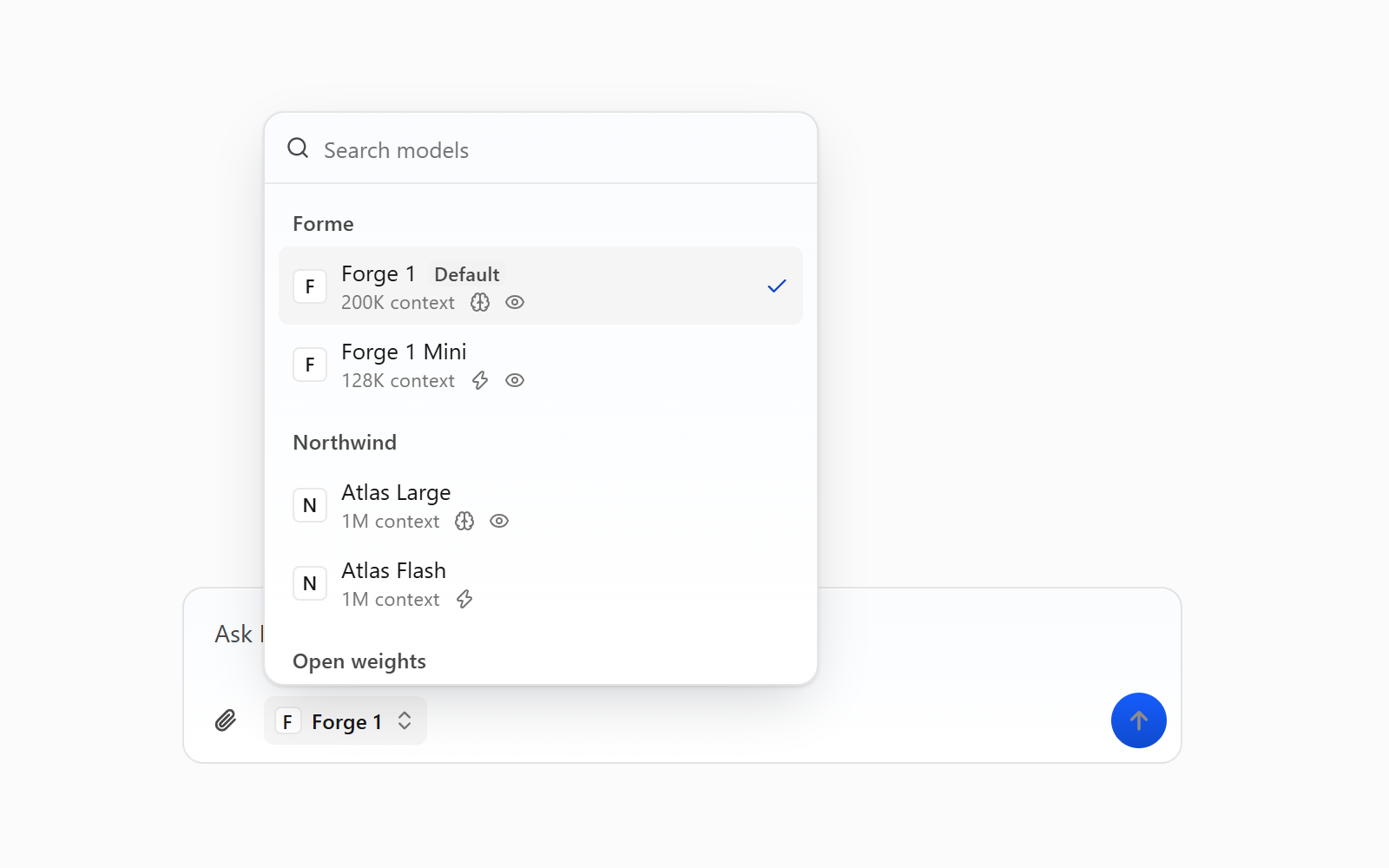 Pro
Model Selector
The model picker for a composer's toolbar: the current model on a quiet button, opening into a searchable list grouped by provider with each model's capabilities and context window. Arrows, Enter and Escape.
ai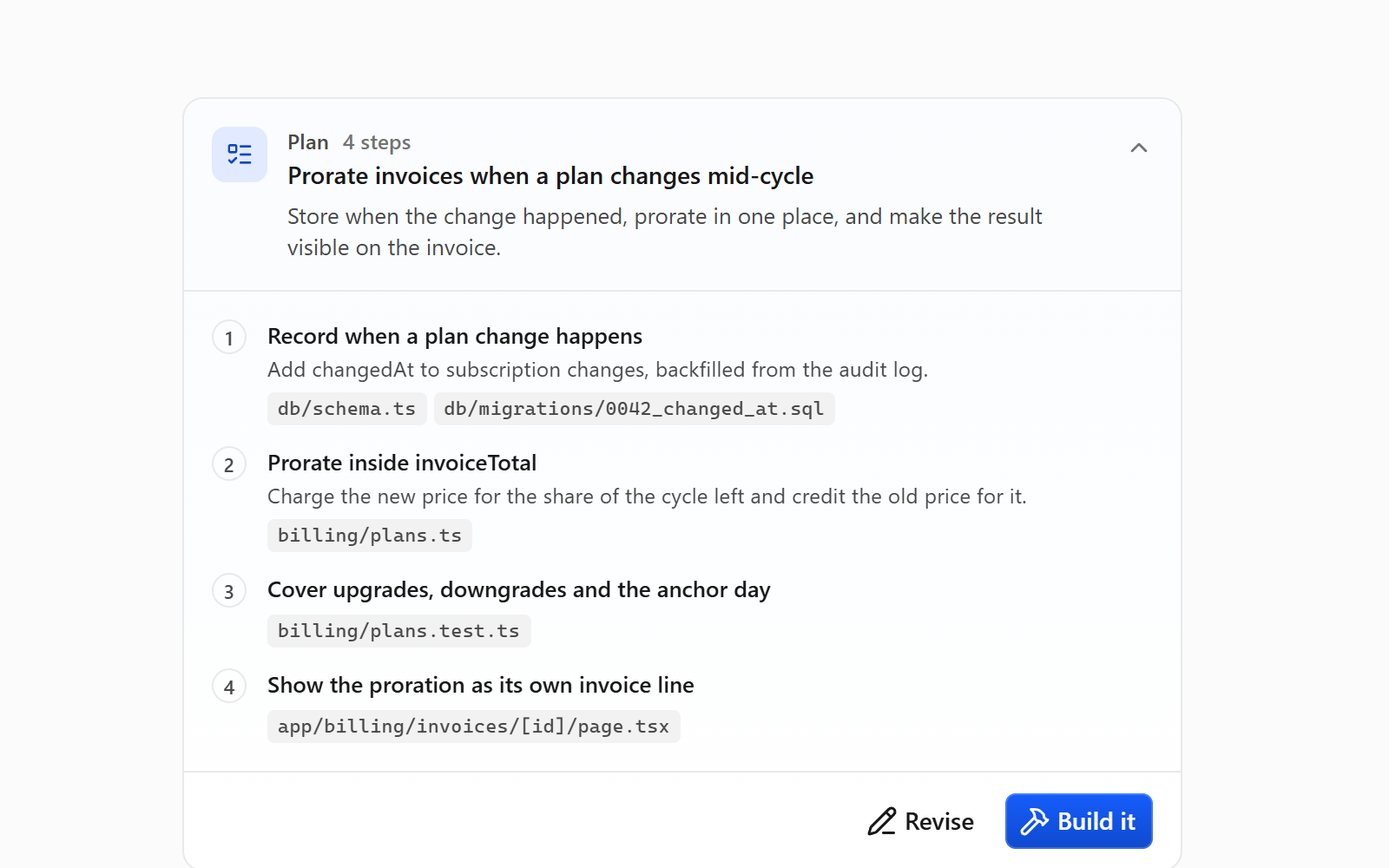 Pro
Plan
The plan an agent proposes before it acts: a title, the approach, and numbered steps with the files each touches. It streams in with a waiting line for the next step, and offers Build and Revise only once it is complete.
ai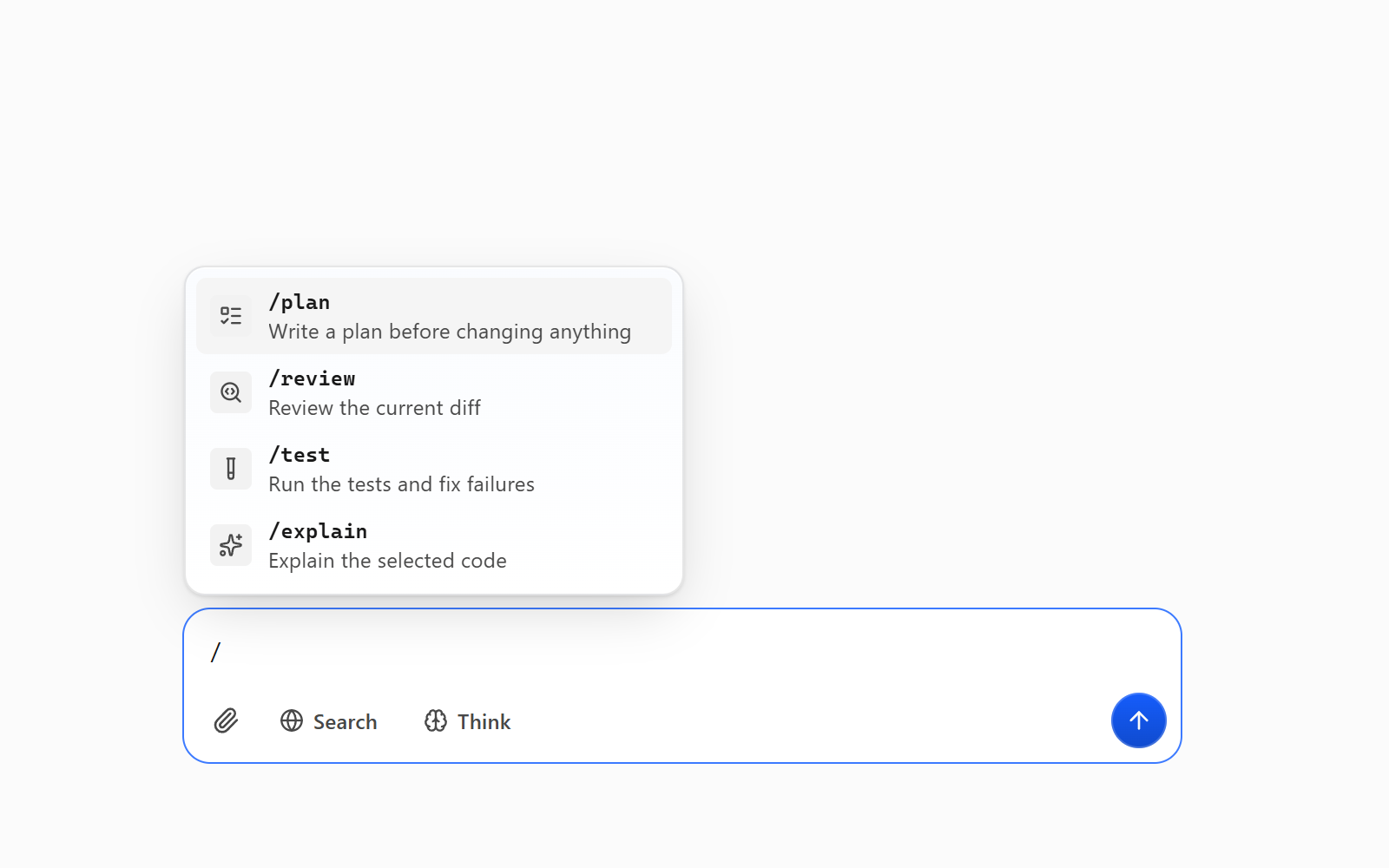 Pro
Prompt Input
The composer for an agent: a field that grows, files by button, paste or drop with removable previews, a / menu of commands with full keyboard support, tool toggles sent with the message, and send that turns into stop.
ai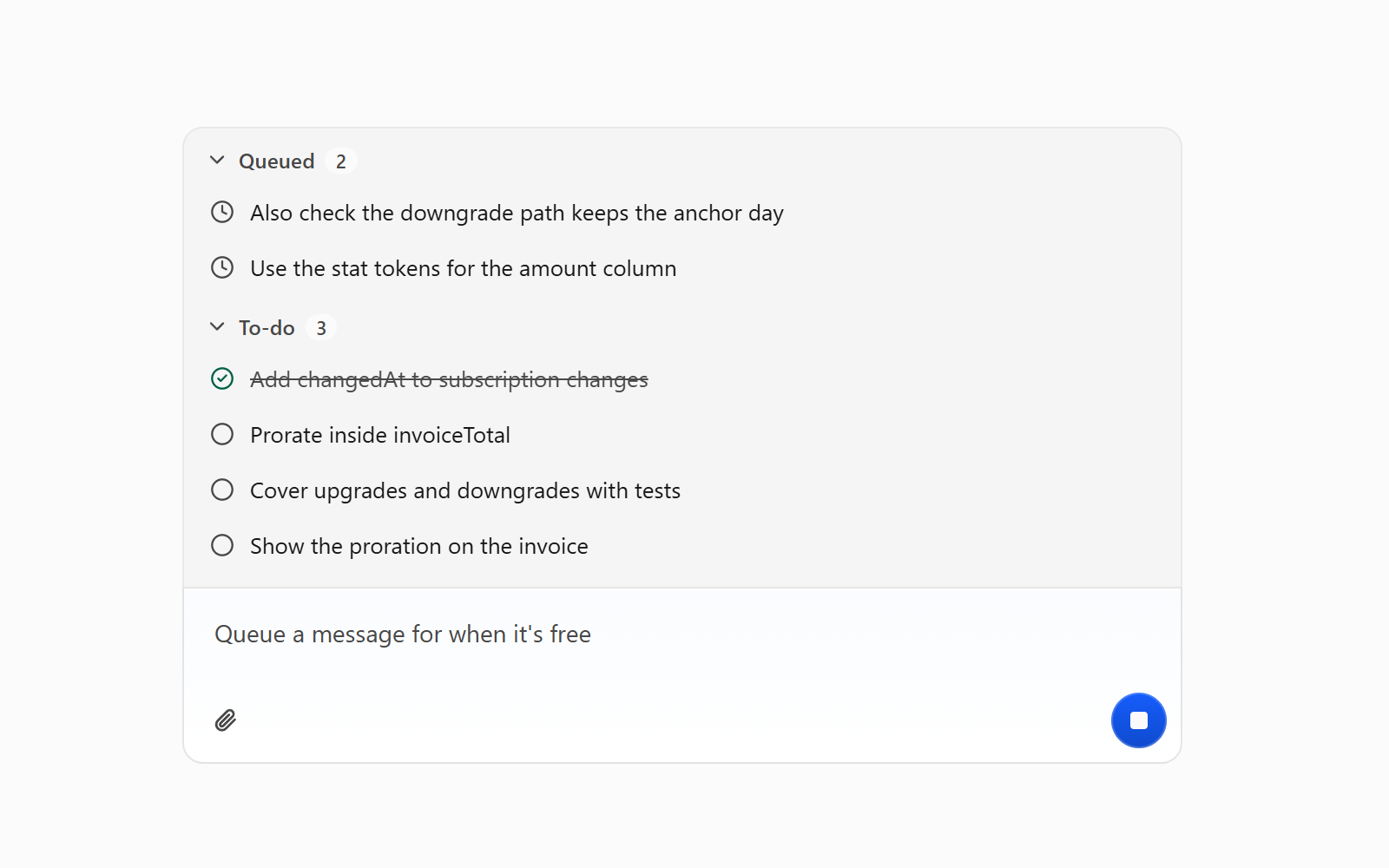 Pro
Queue
What is waiting while an agent works: messages you queued and the to-dos it has not reached, in collapsible sections joined to the top of the composer, each item with send-now and remove on hover or focus.
ai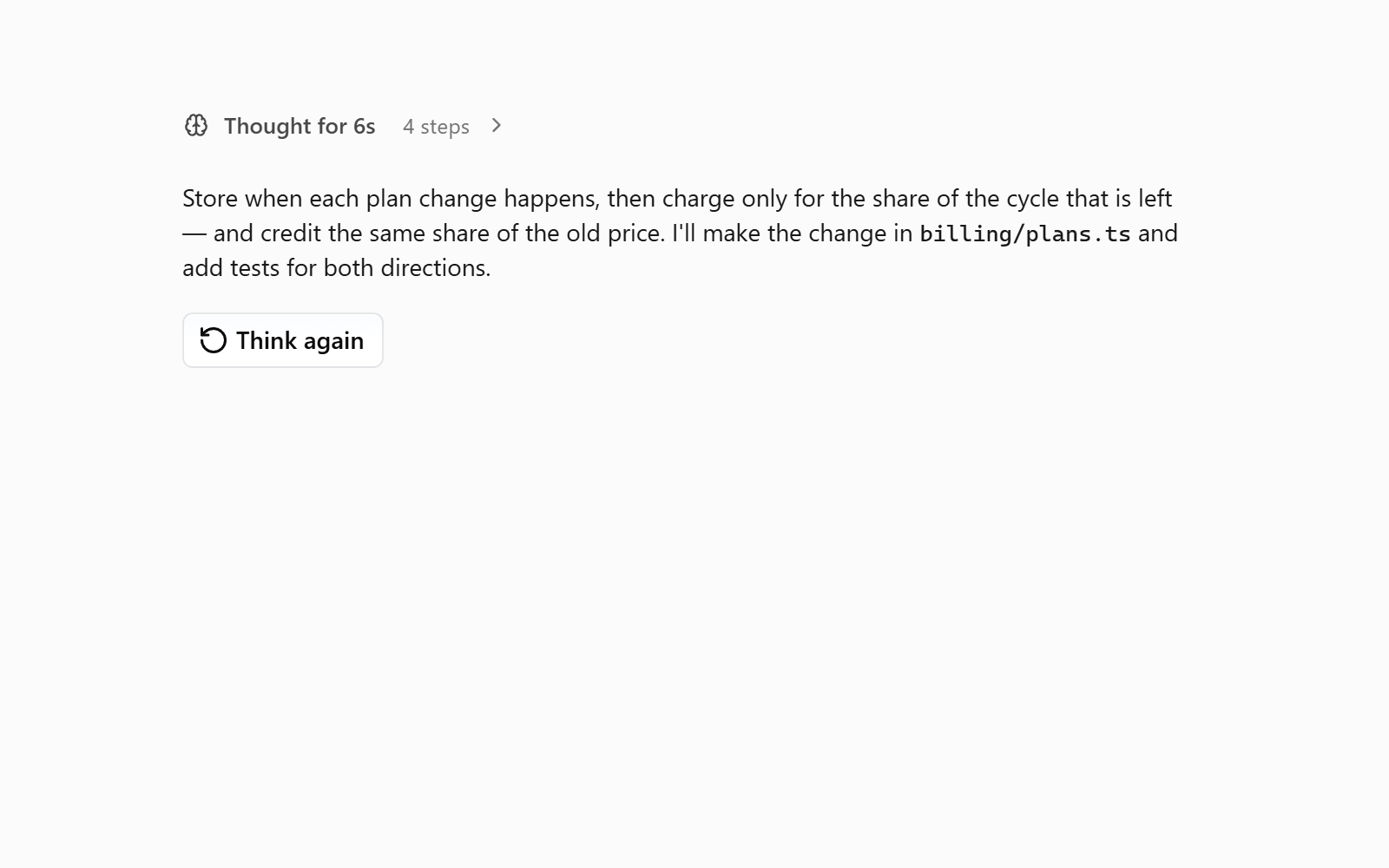 Pro
Reasoning
A model's reasoning as it streams: the line names what it is doing right now from the latest summary heading, opens into each section as a step, and folds into 'Thought for 6s' when the answer begins.
ai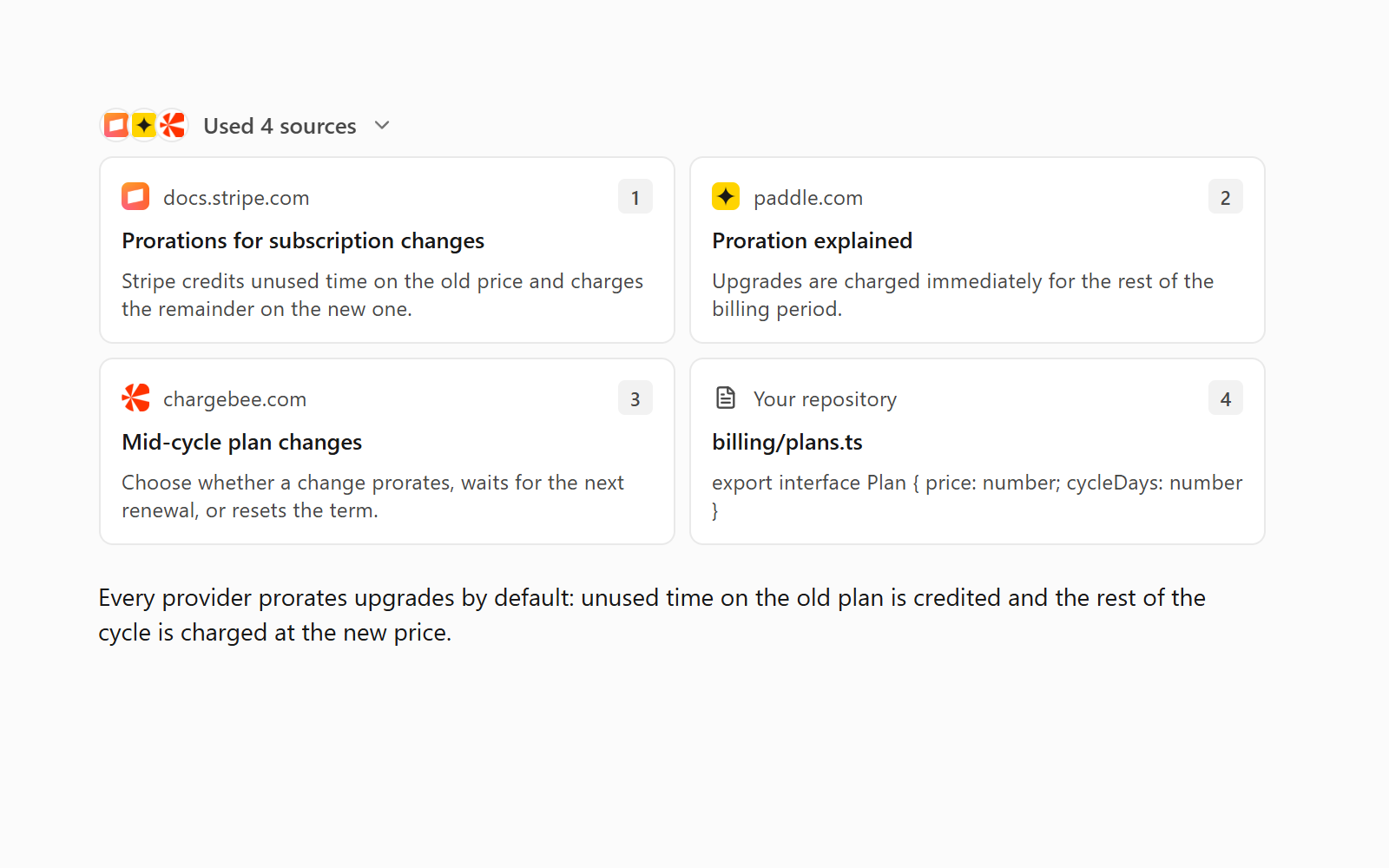 Pro
Sources
The sources behind an answer: 'Used 4 sources' with stacked favicons, opening into a card per source with its site, title and the passage used. Sweeps and fills in while the agent is still searching.
ai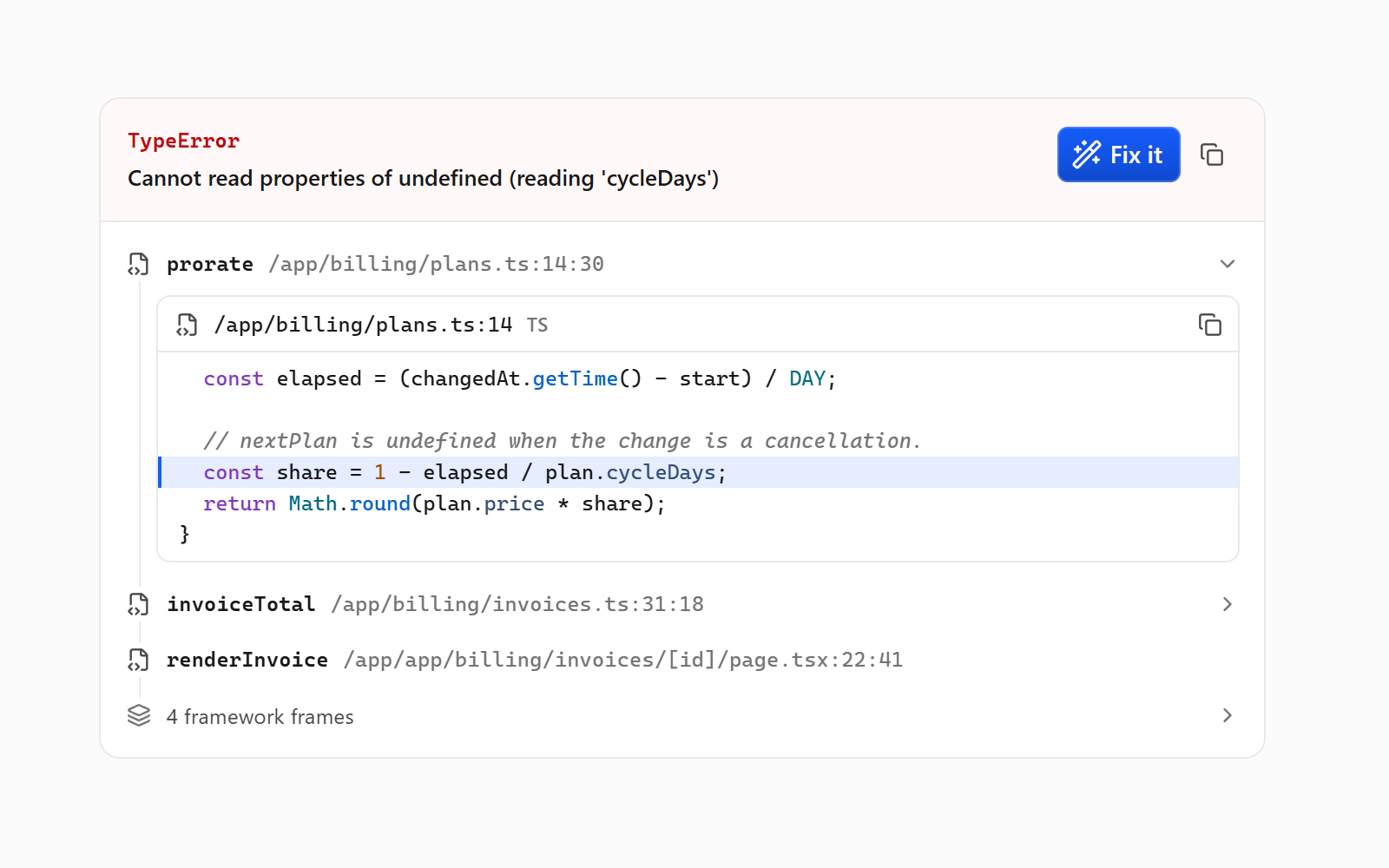 Pro
Stack Trace
An error and its stack, parsed from error.stack: the error first, your own frames opening onto the source around the failing line, and framework frames folded into one line. Copy, and room for a Fix it action.
ai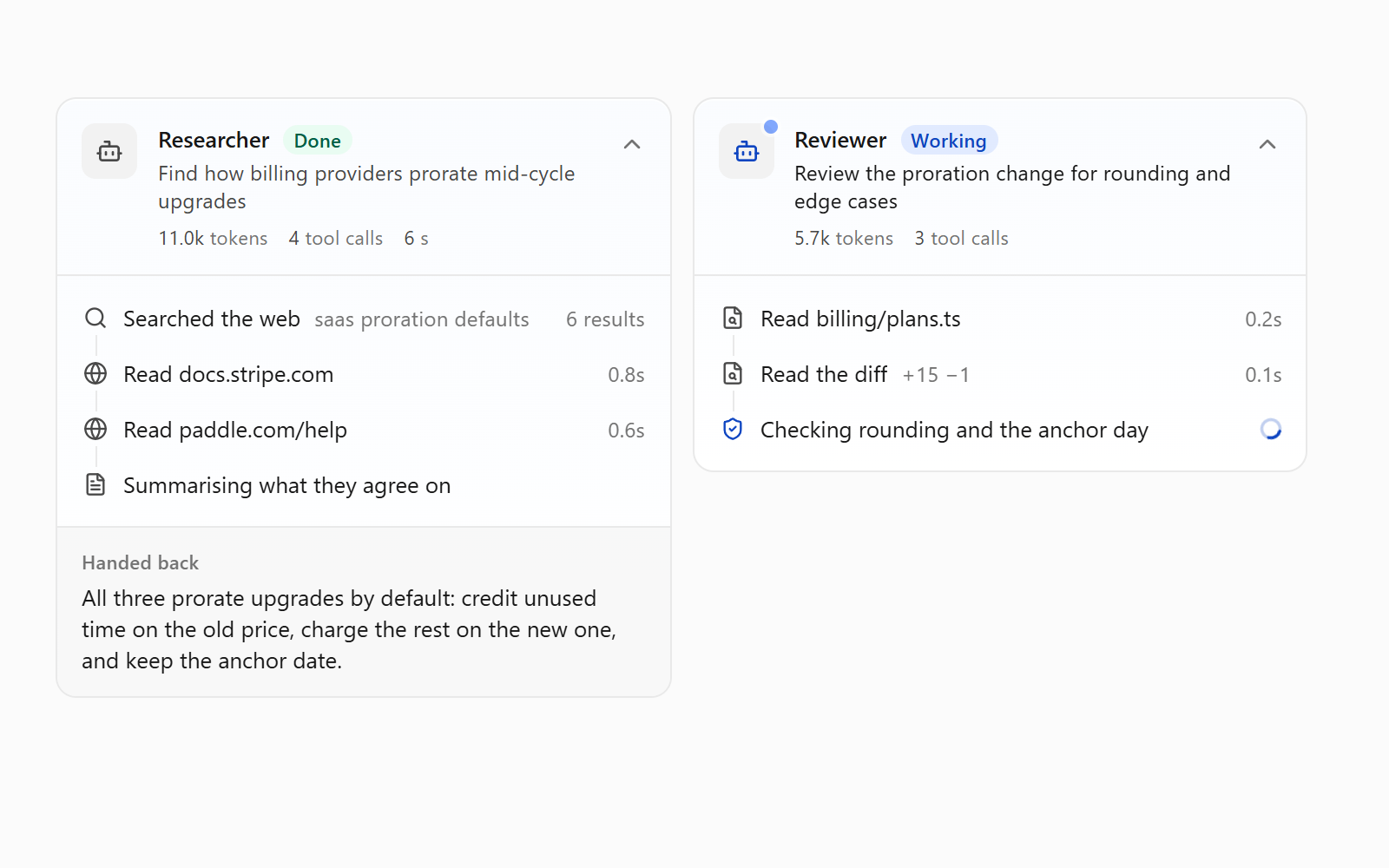 Pro
Subagent
A subagent the main agent delegated to: its role, its task, live stats, its own steps as a Trace, and the result it handed back. A card, so several can run side by side, folding to its header in a long transcript.
ai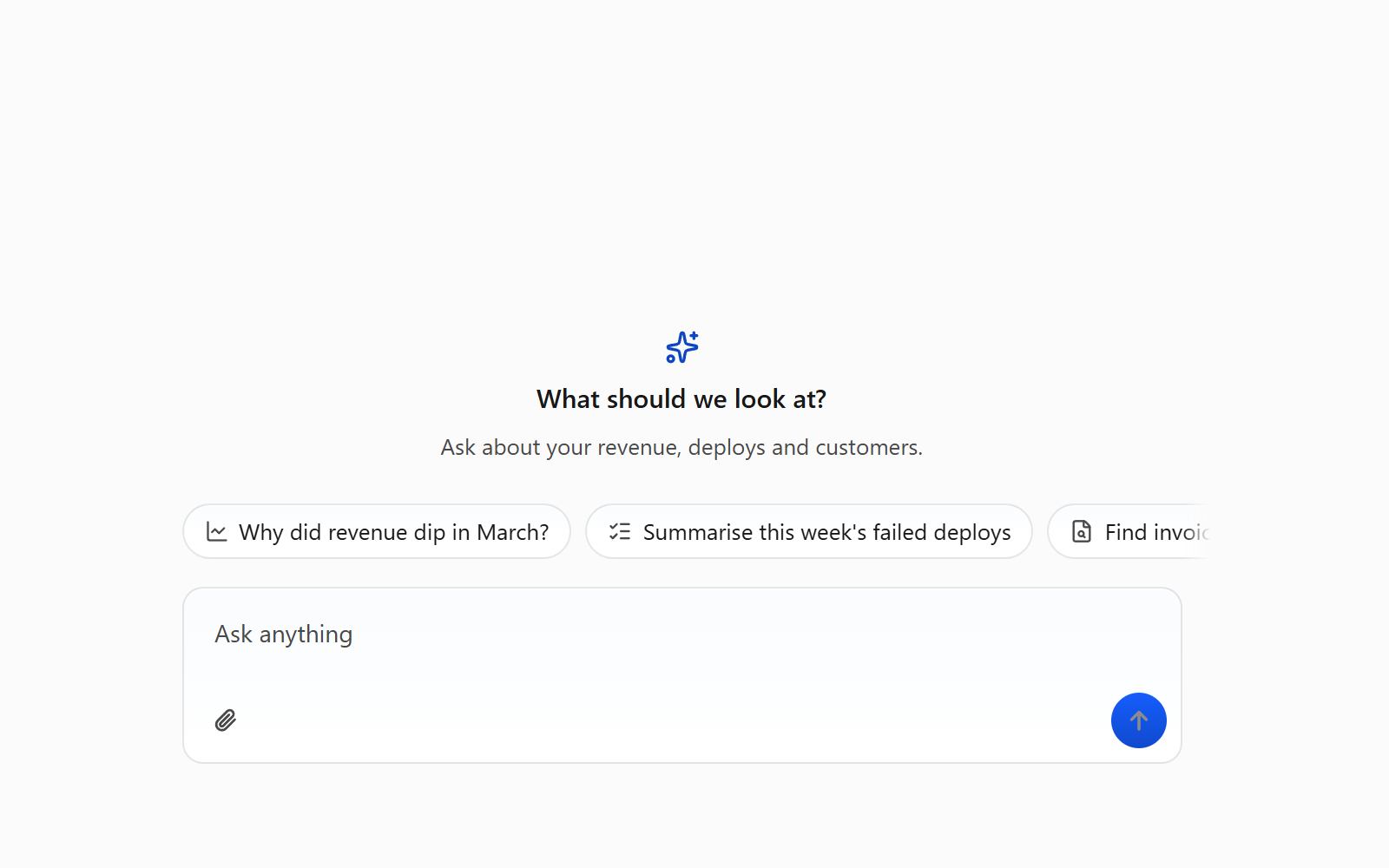 Pro
Suggestion
Prompt suggestions as chips: a row that scrolls sideways with faded edges so it never pushes the composer down, or wraps for an empty state. Each chip hands its prompt to onSelect.
ai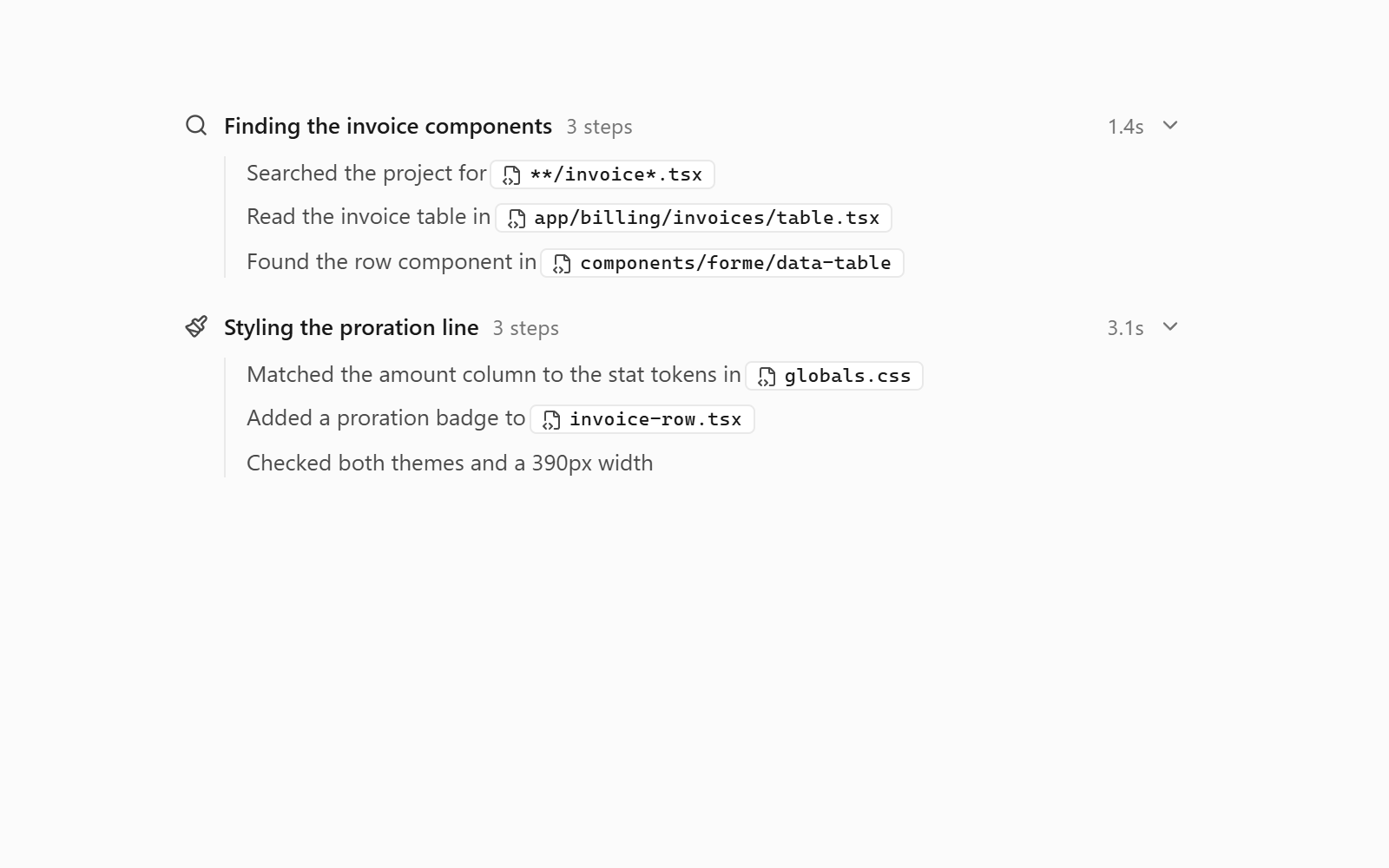 Pro
Task
One unit of an agent's work that opens into what it did, a sentence per step with the files it touched as chips. Sweeps while it runs, its steps arriving one by one, and folds to a count when done.
ai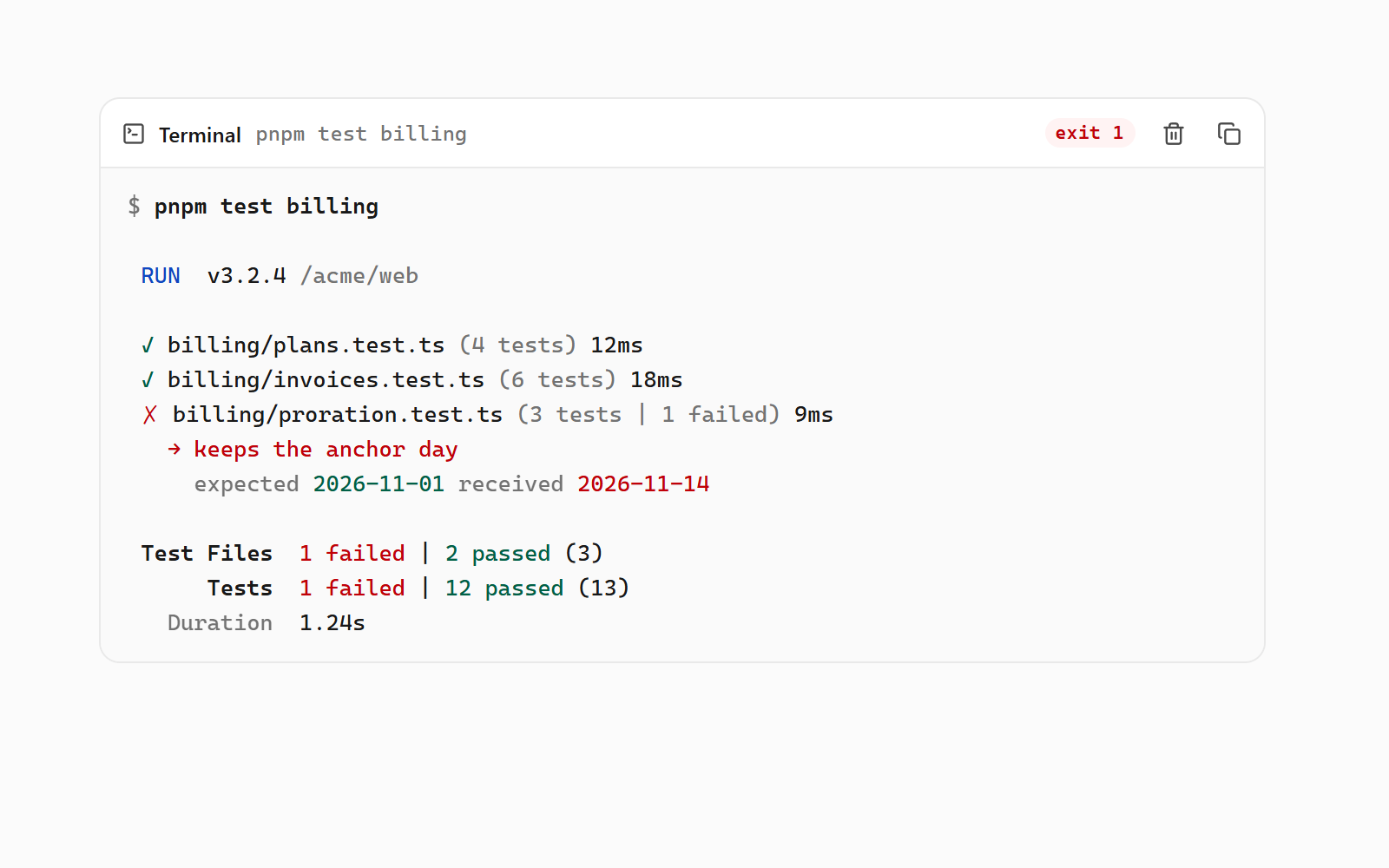 Pro
Terminal
A terminal an agent ran a command in: output streaming in with its ANSI colours mapped onto the theme's tokens, following the newest line, the exit code in the title bar, and copy without escape codes.
ai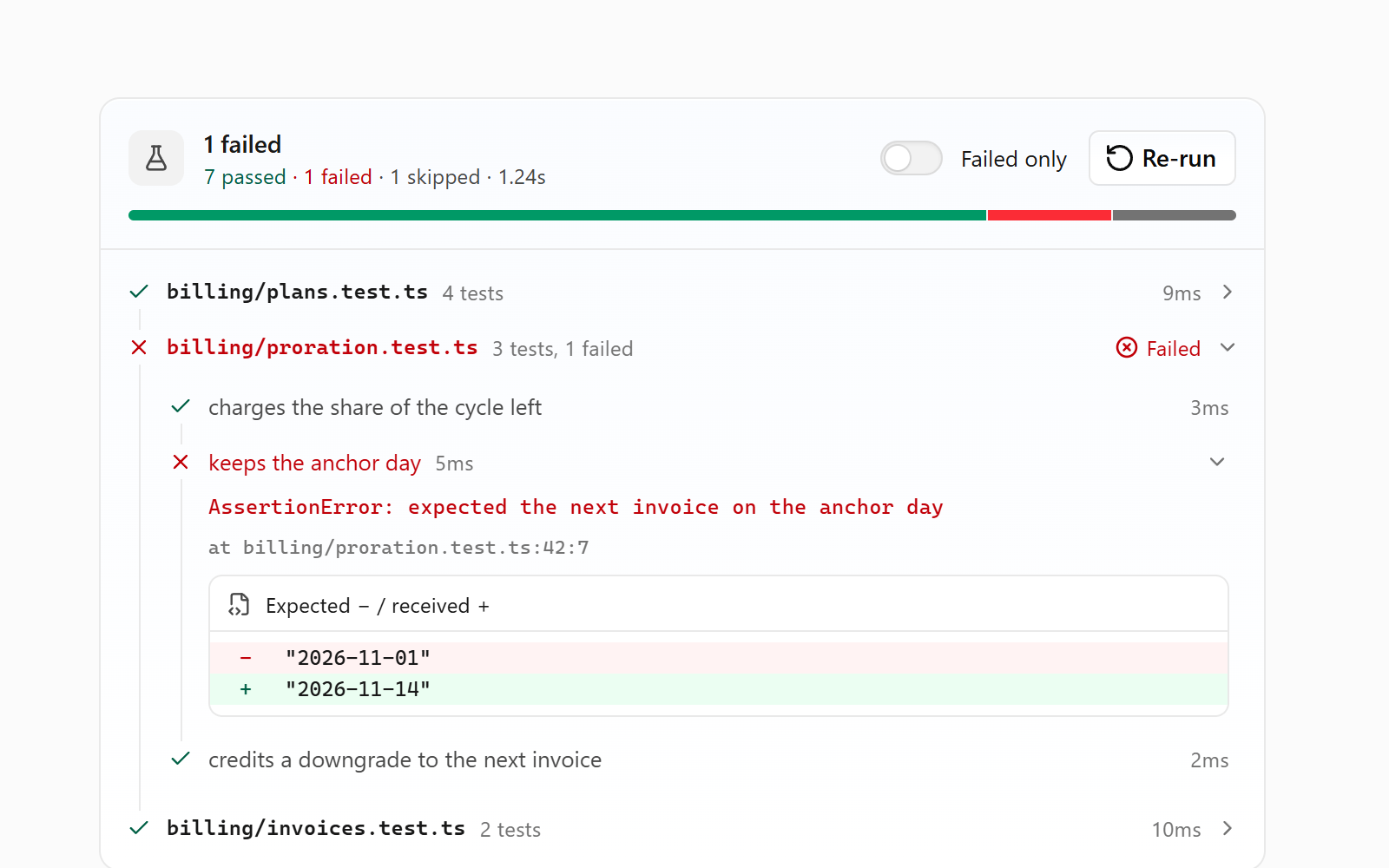 Pro
Test Results
A test run an agent started: totals and a pass/fail bar, then each file as a Trace line, failures open and passes folded. A failing test opens into its message, its location and an expected-versus-received diff.
ai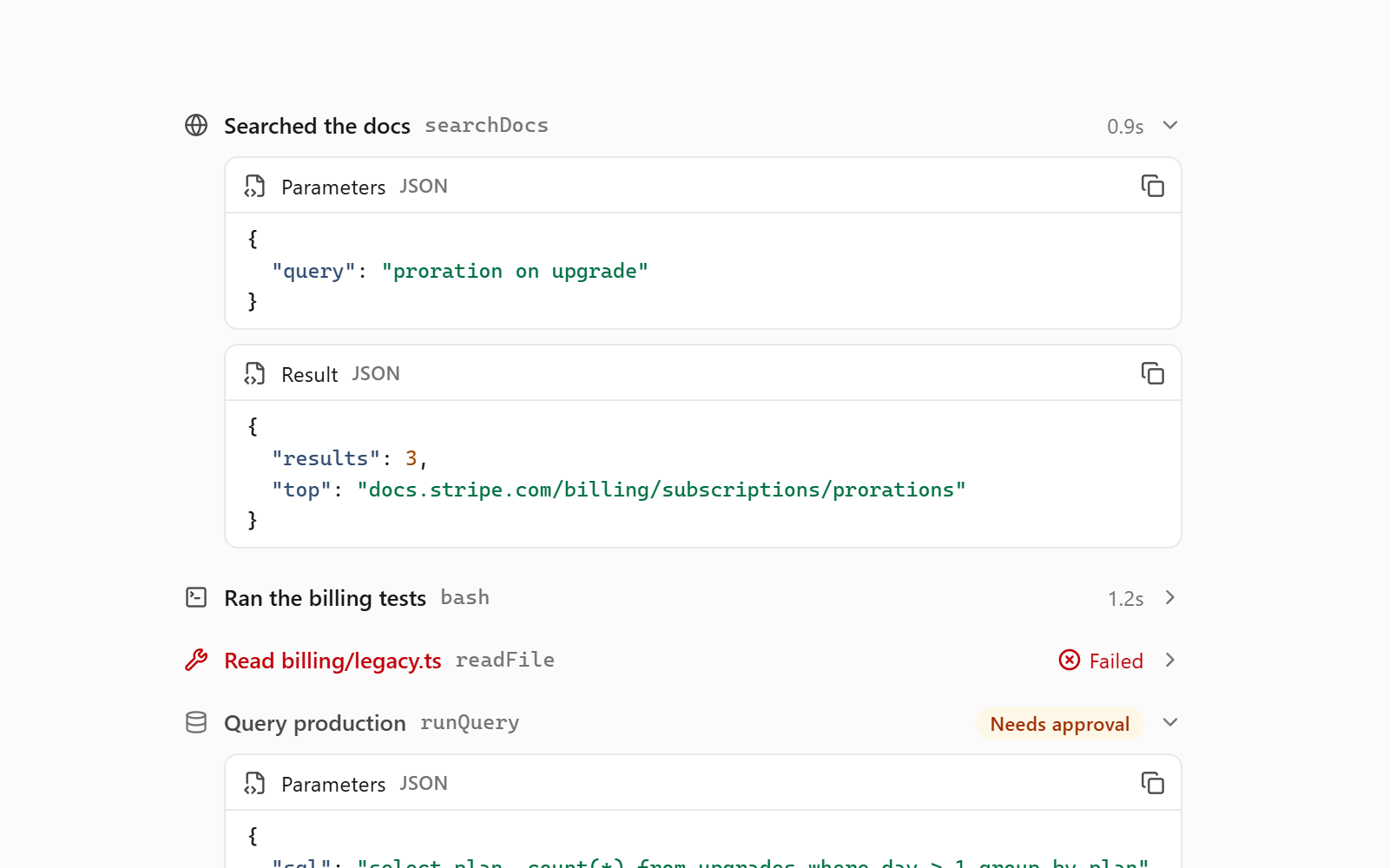 Pro
Tool
A tool call from arguments to result, driven by an AI SDK tool part's state: it sweeps while the input streams and runs, asks for approval in place, and opens into its parameters and a JSON or custom-rendered result.
ai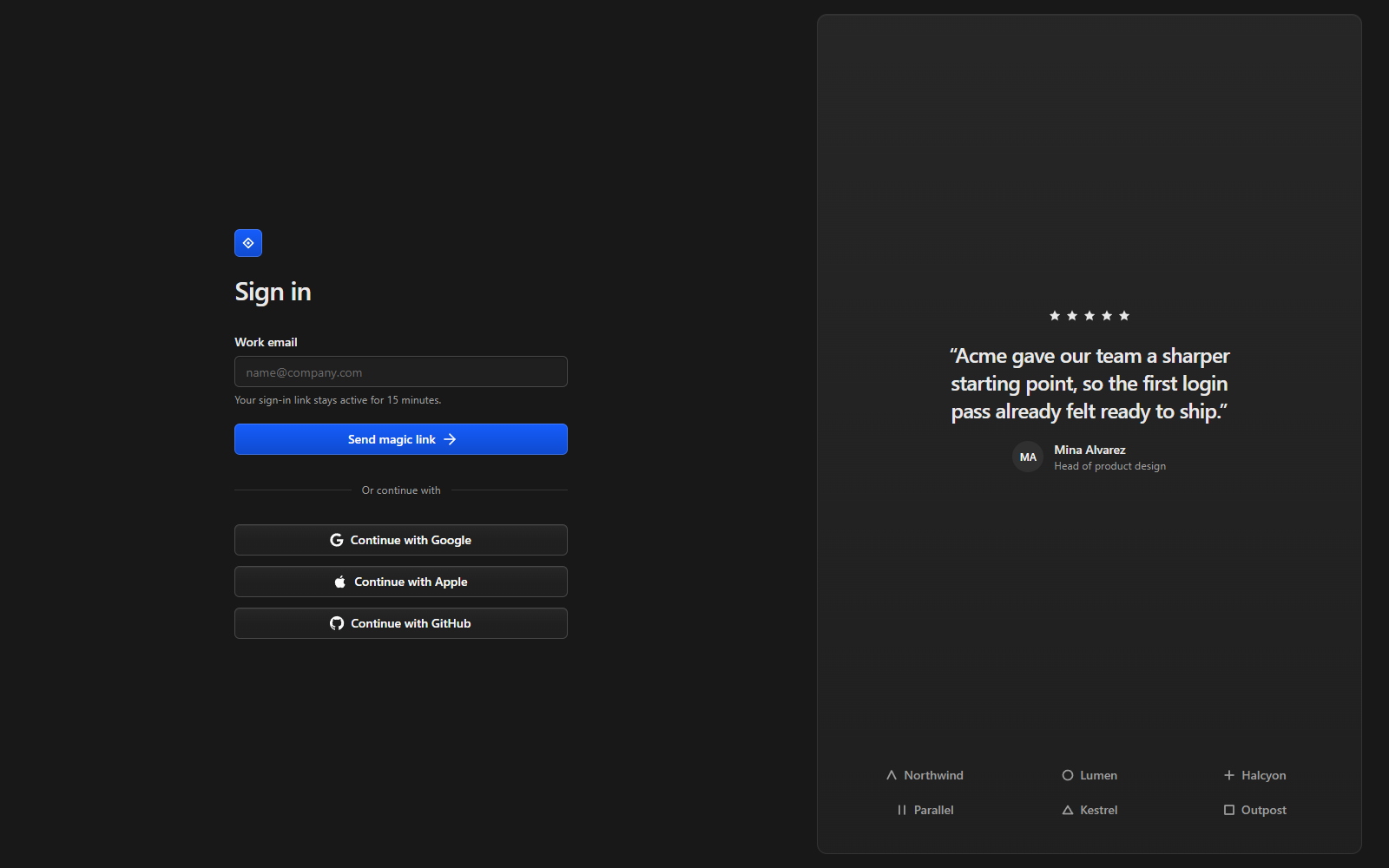 Pro
Magic link with inset proof card
Passwordless sign in with the proof inset as its own card: a customer quote in the middle and a grid of customer marks along its foot.
authentication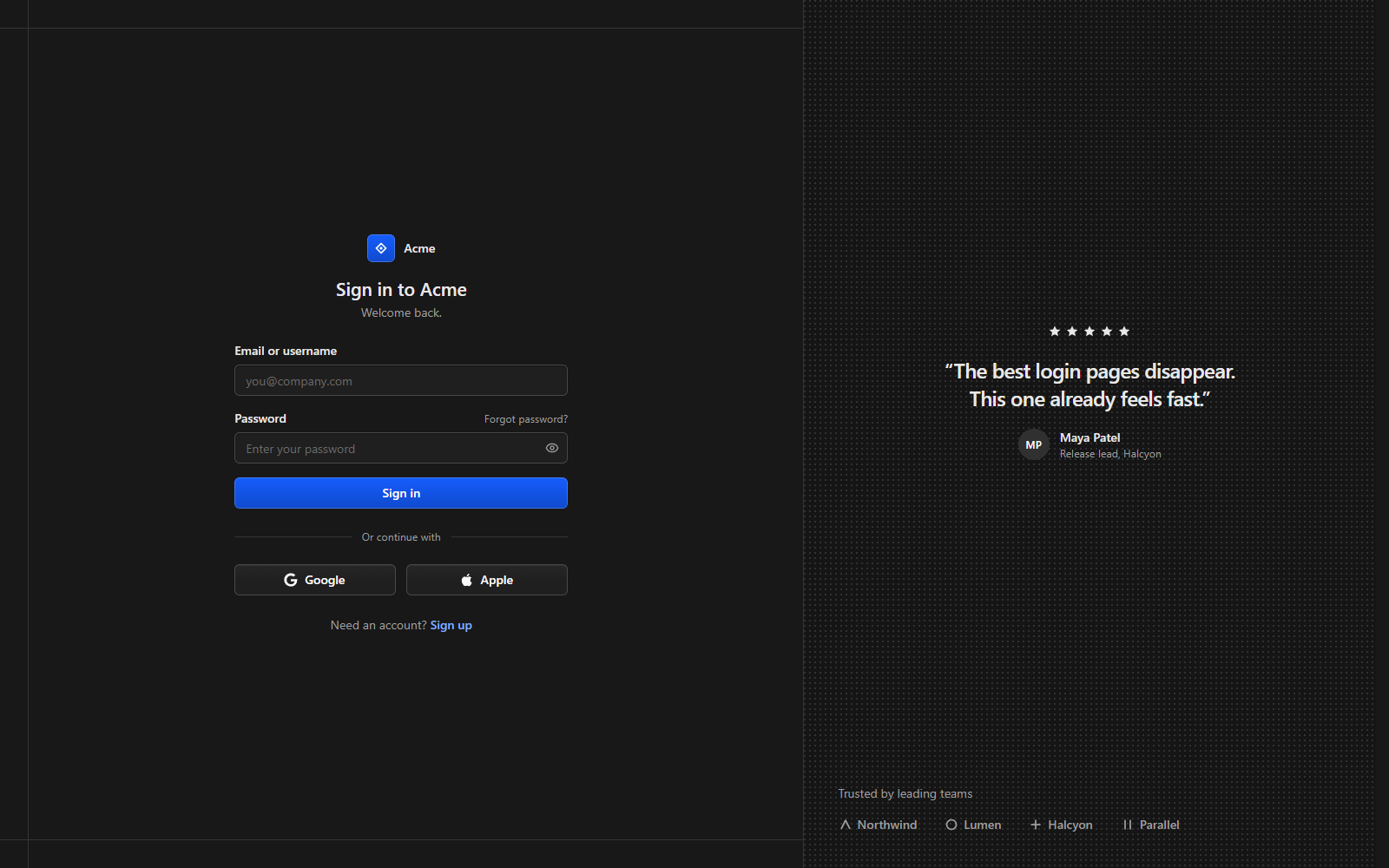 Pro
Sign in, drafted frame
Sign in inside a frame of hairlines that run the full page and cross at its corners, beside a customer quote on a dotted panel and a row of customers.
authentication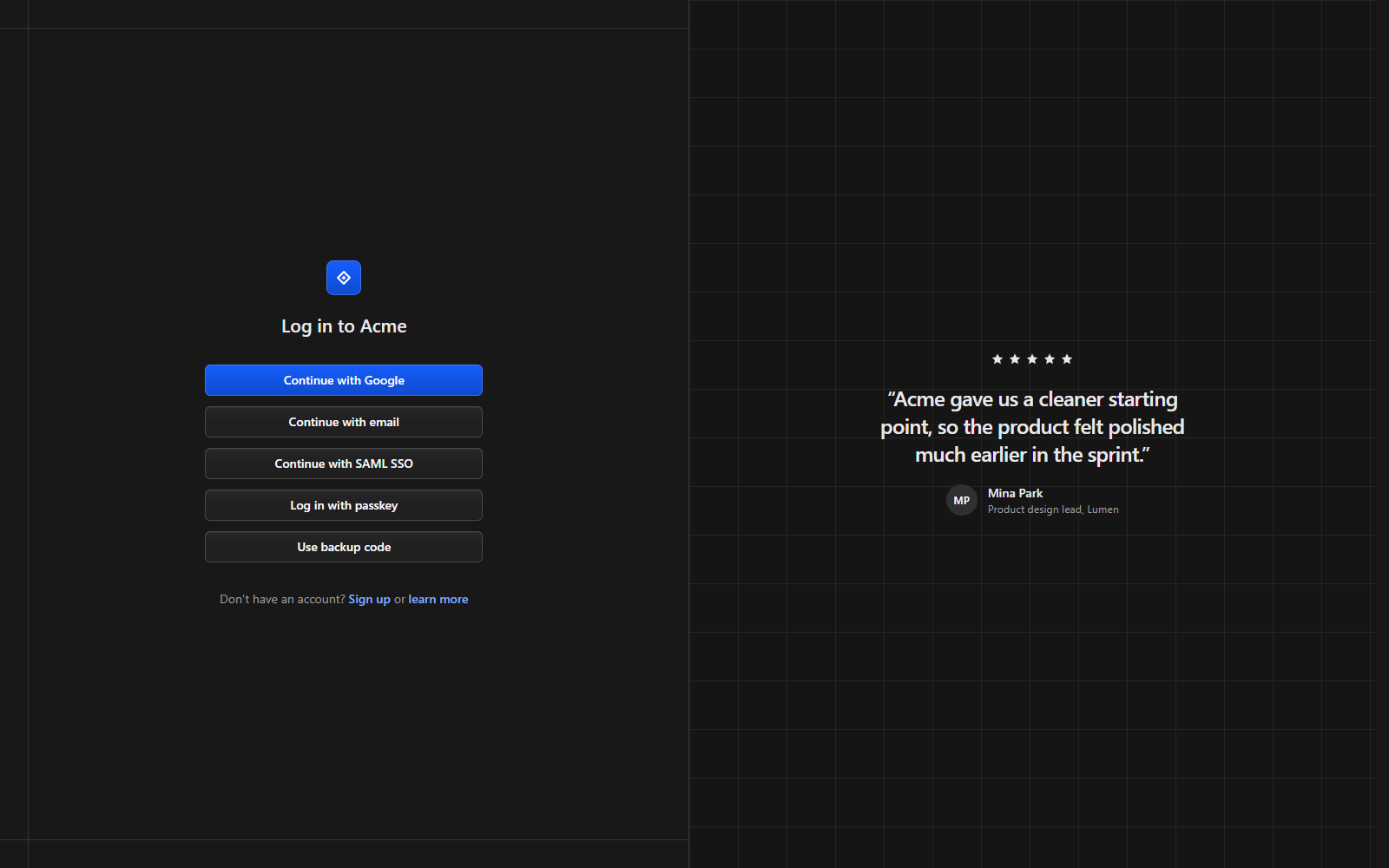 Pro
Log in methods, drafted frame
Log in as a list of methods rather than a form: Google as the primary action, then email, SAML SSO, passkey and backup code, beside a quote in a drafted frame.
authentication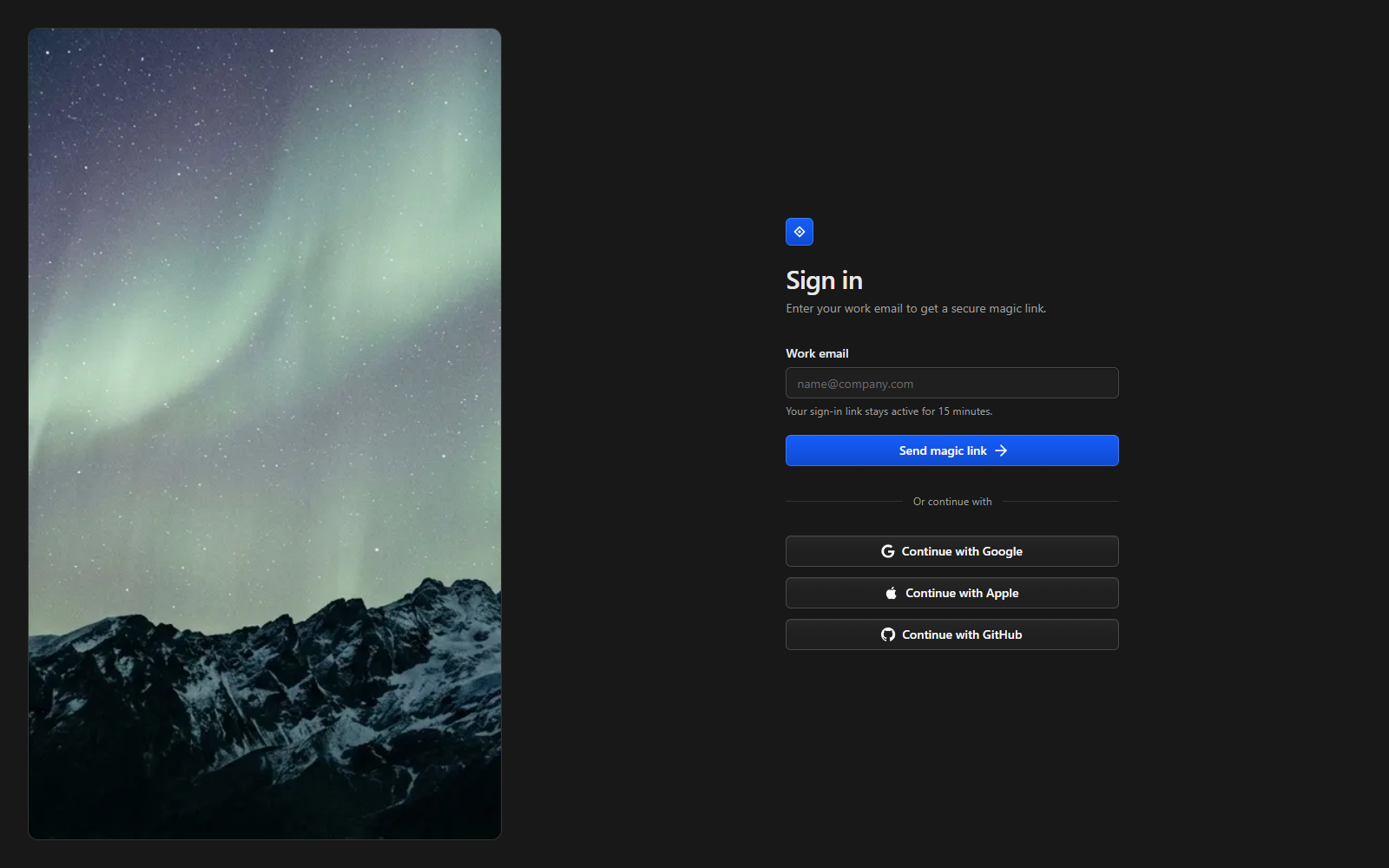 Pro
Magic link beside a poster image
Passwordless sign in with a tall framed image leading the page and the form set to its right.
authentication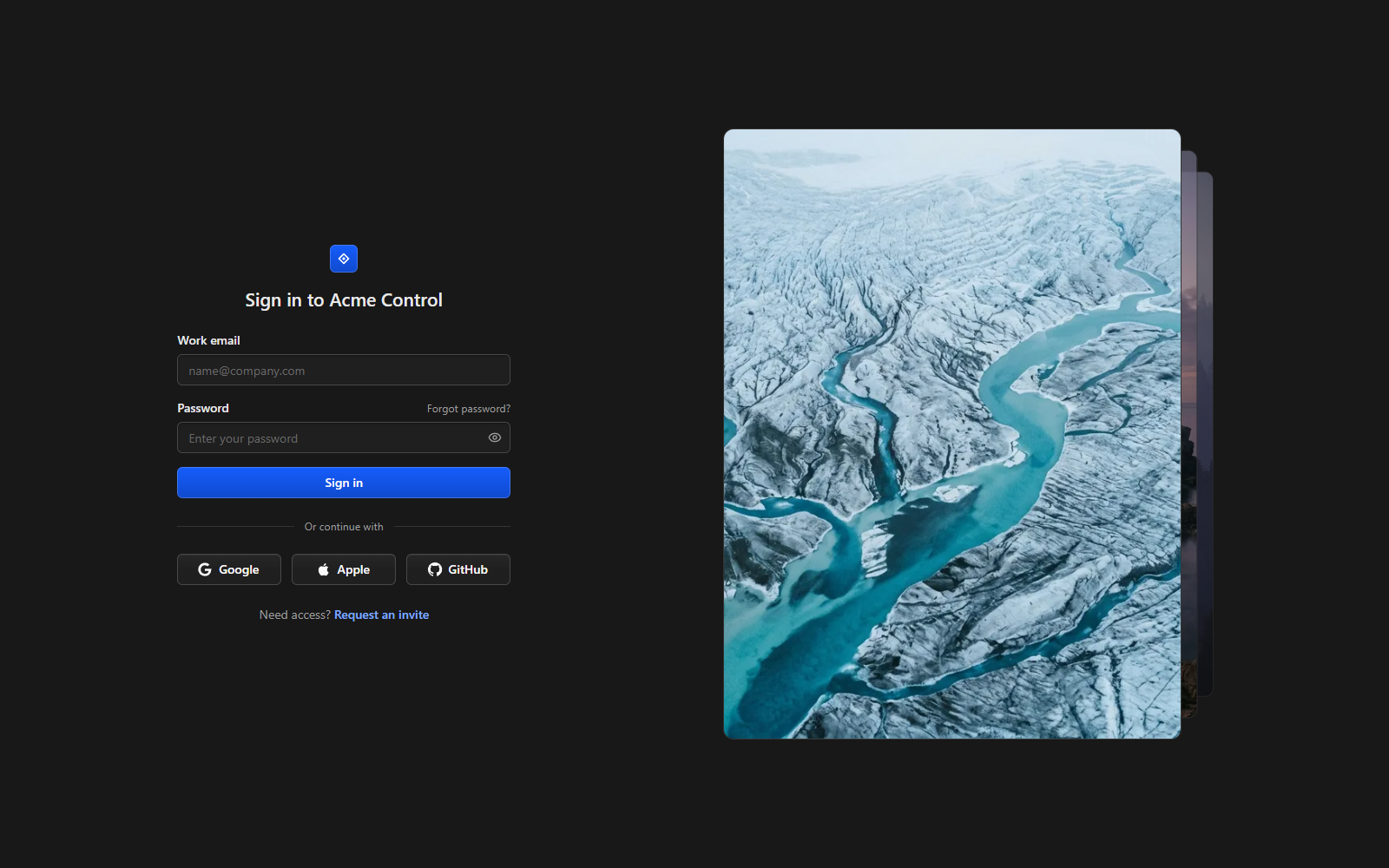 Pro
Sign in with a fanned image stack
Sign in to an internal tool, with access by invitation, beside three images fanned into a stack.
authentication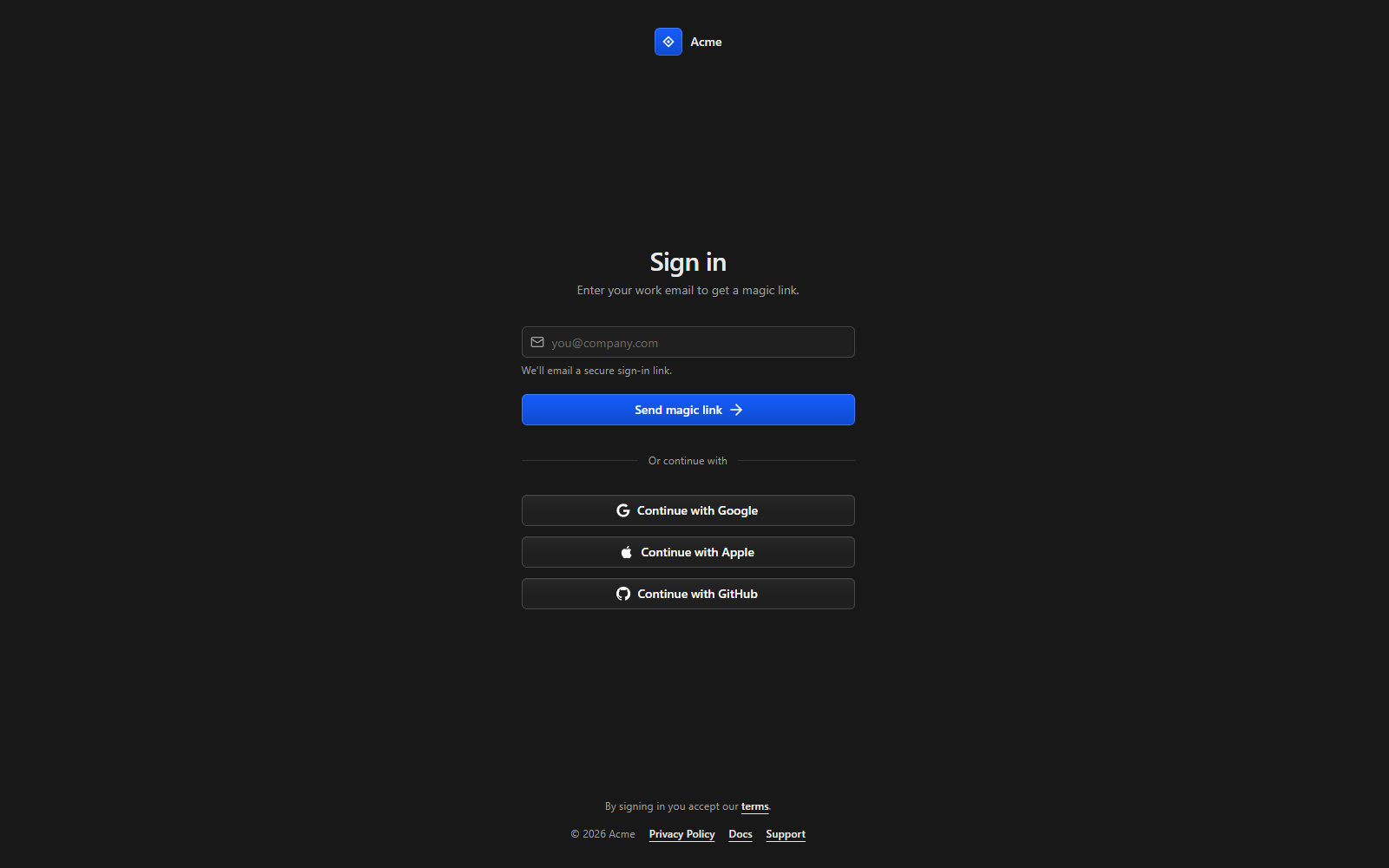 Pro
Magic link, minimal
The quietest page in the set: the brand at the top, a magic-link form in the middle, and the legal copy and links at the foot.
authentication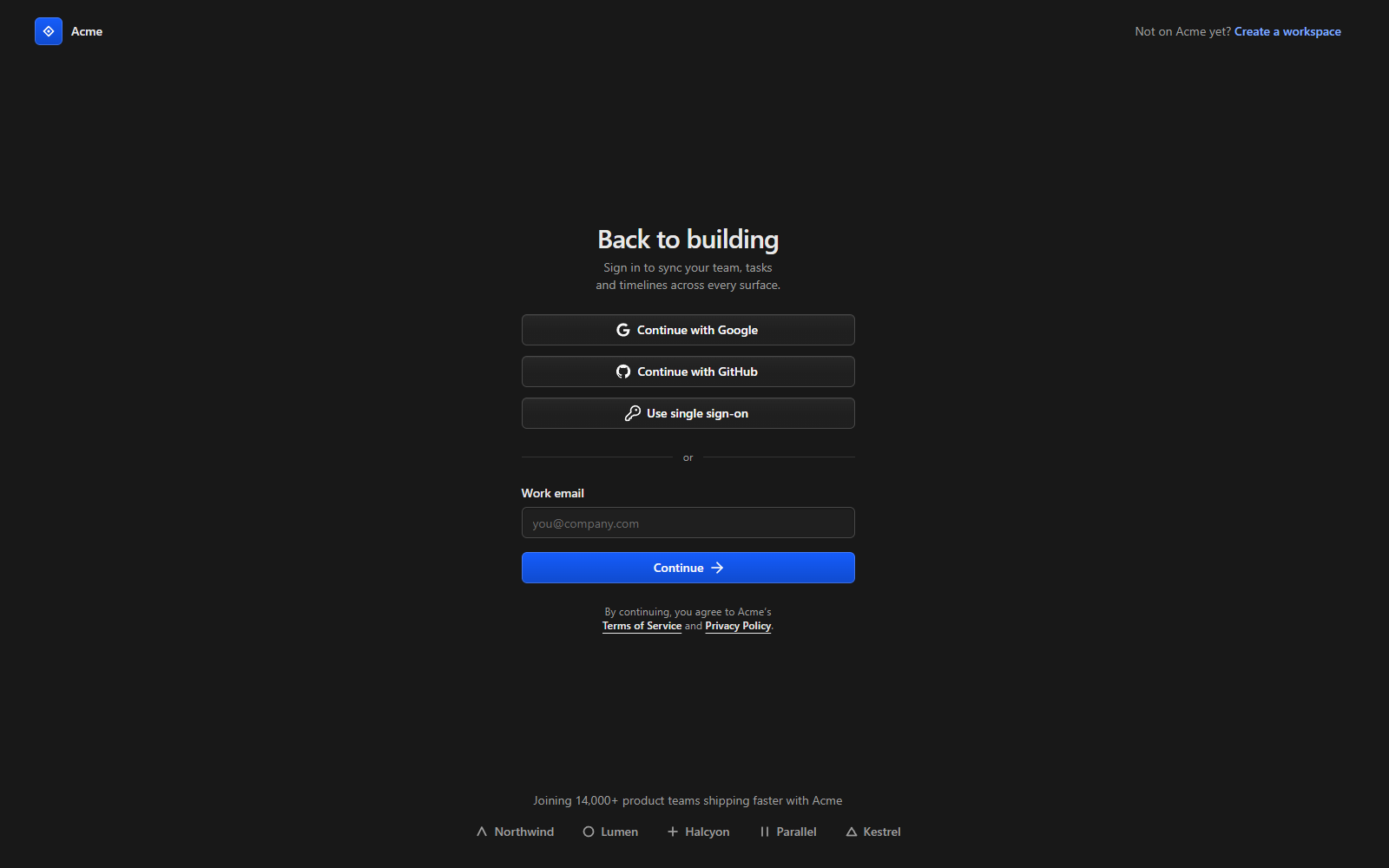 Pro
Providers first, email second
Sign in with Google, GitHub or single sign-on first and a work email as the fallback, with a create-workspace link in the header and customers along the bottom.
authentication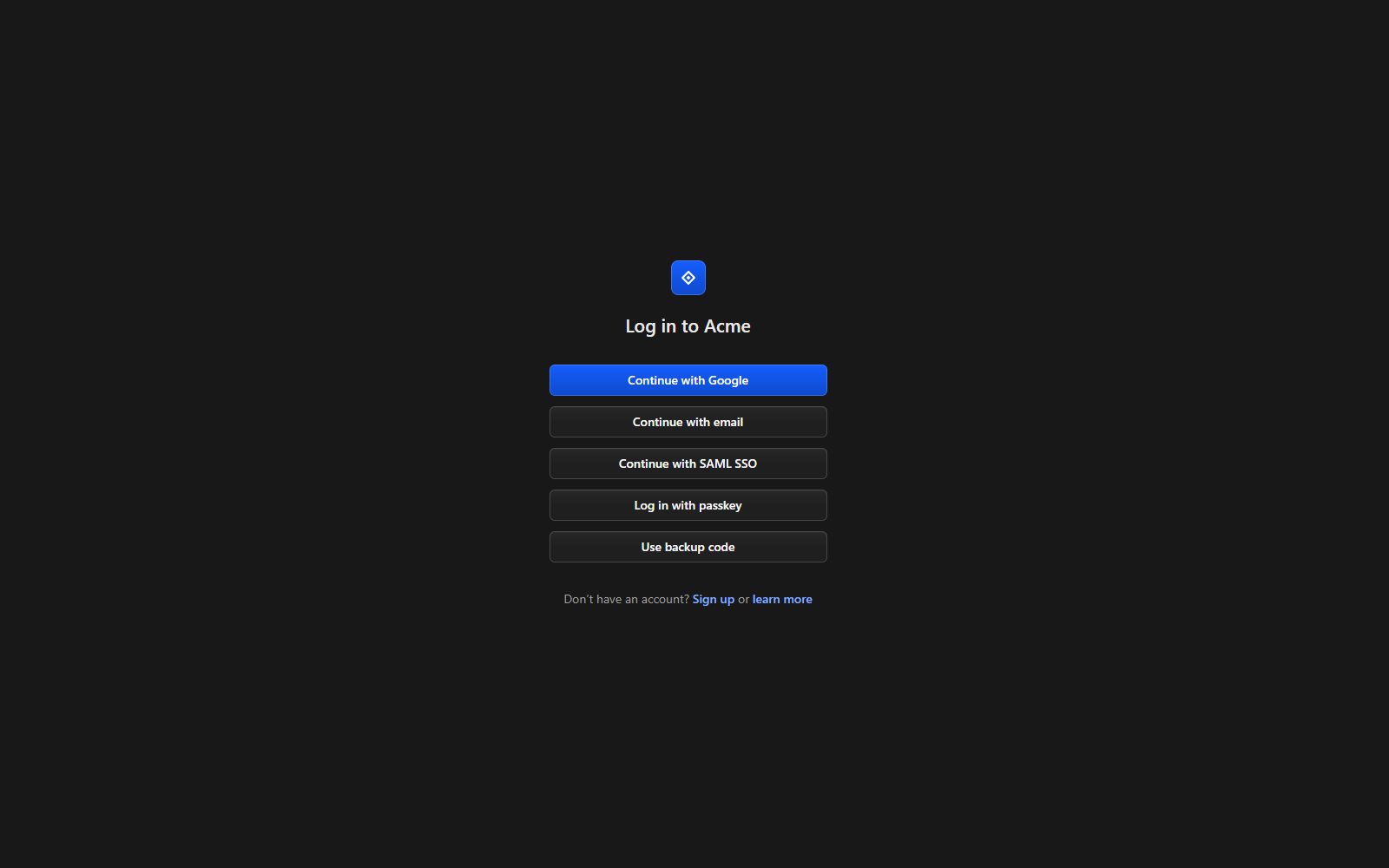 Pro
Log in methods, centred
Log in as a short centred menu of methods: Google as the primary action, then email, SAML SSO, passkey and backup code as equals.
authentication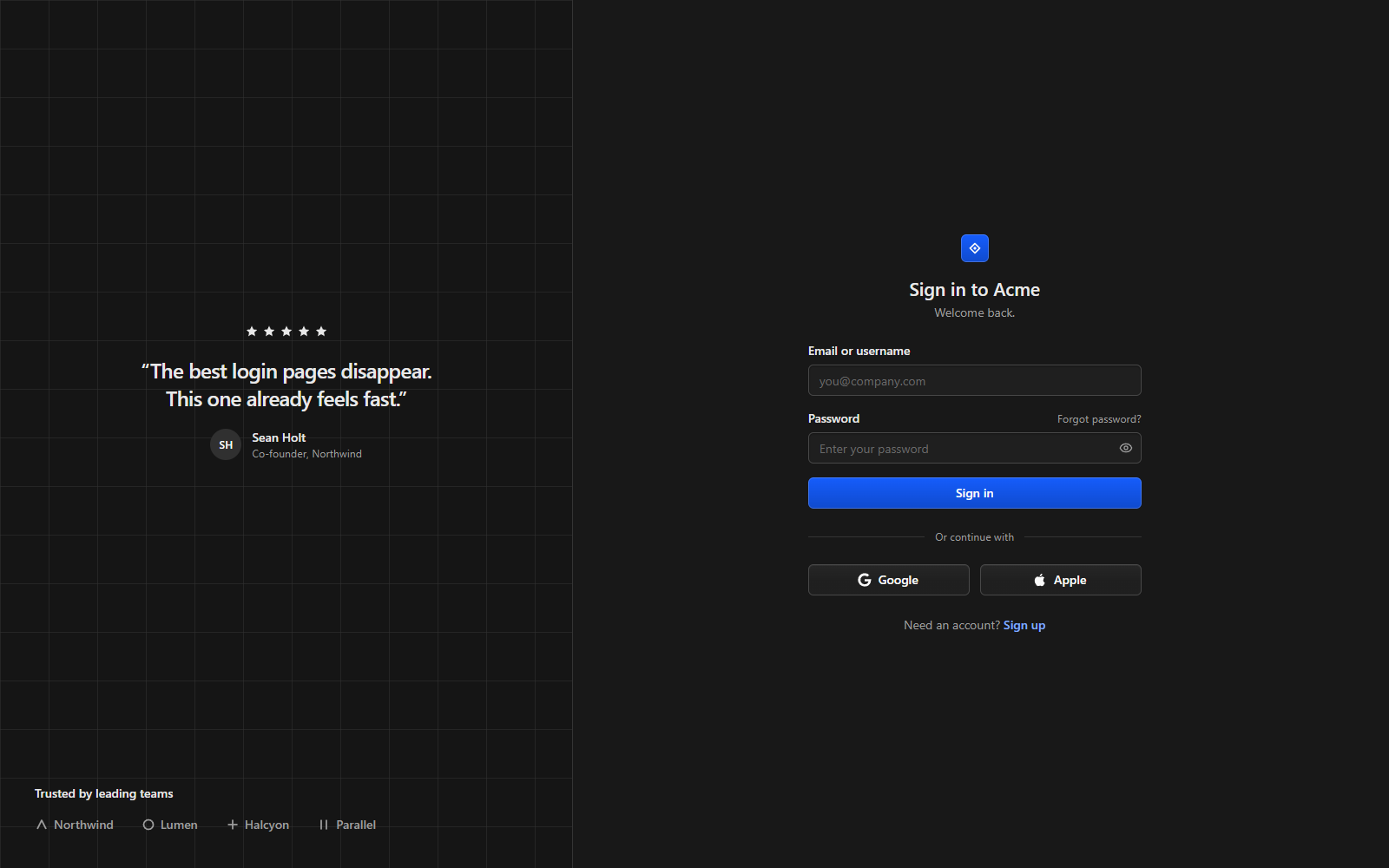 Pro
Sign in, proof first
Sign in with the proof leading: a customer quote and customer marks on a ruled panel to the left, the form to the right.
authentication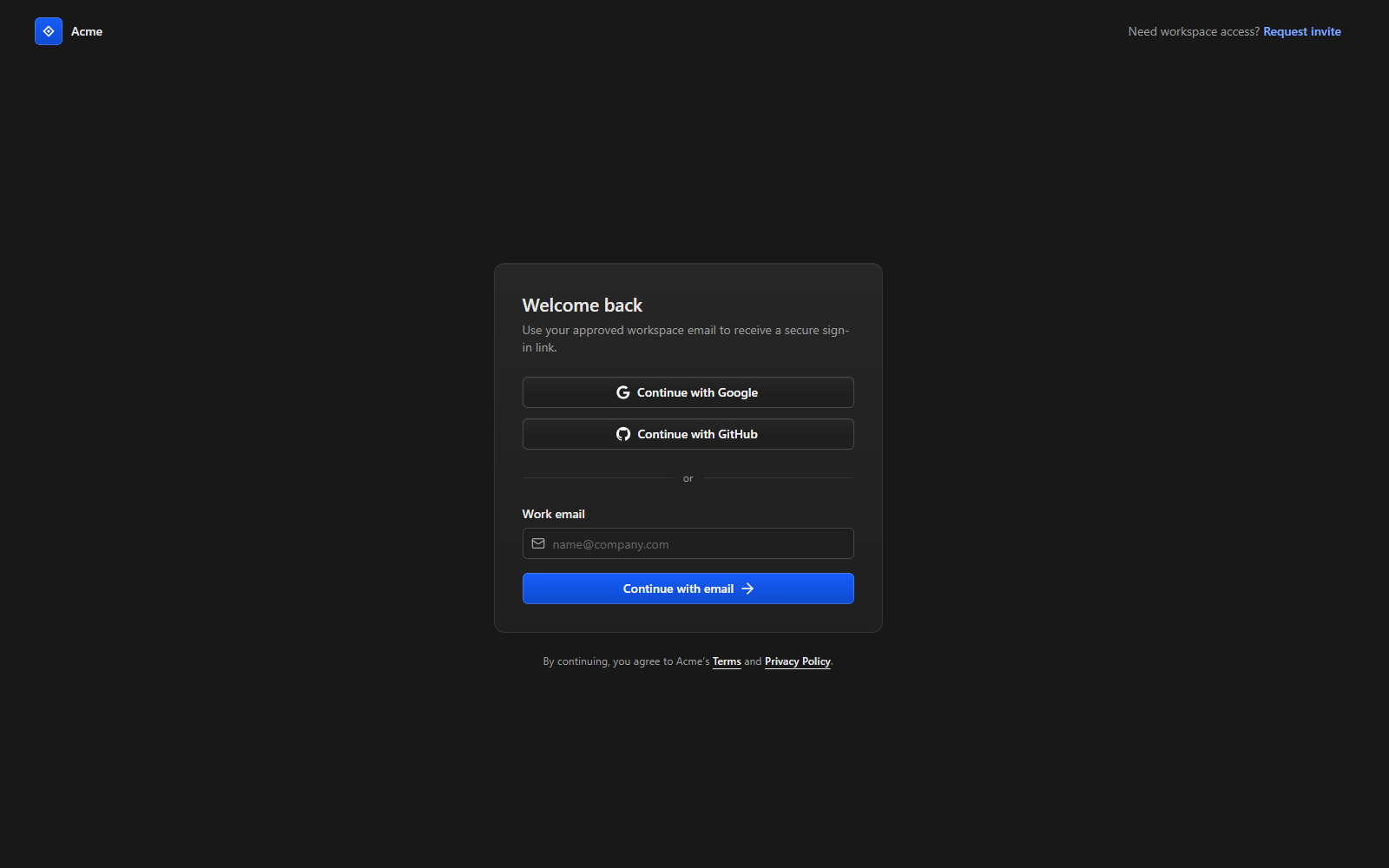 Pro
Invite-only sign in card
Sign in to an invite-only workspace: Google and GitHub first, then an approved work email that receives a link, in a card, with a request-invite link in the header.
authentication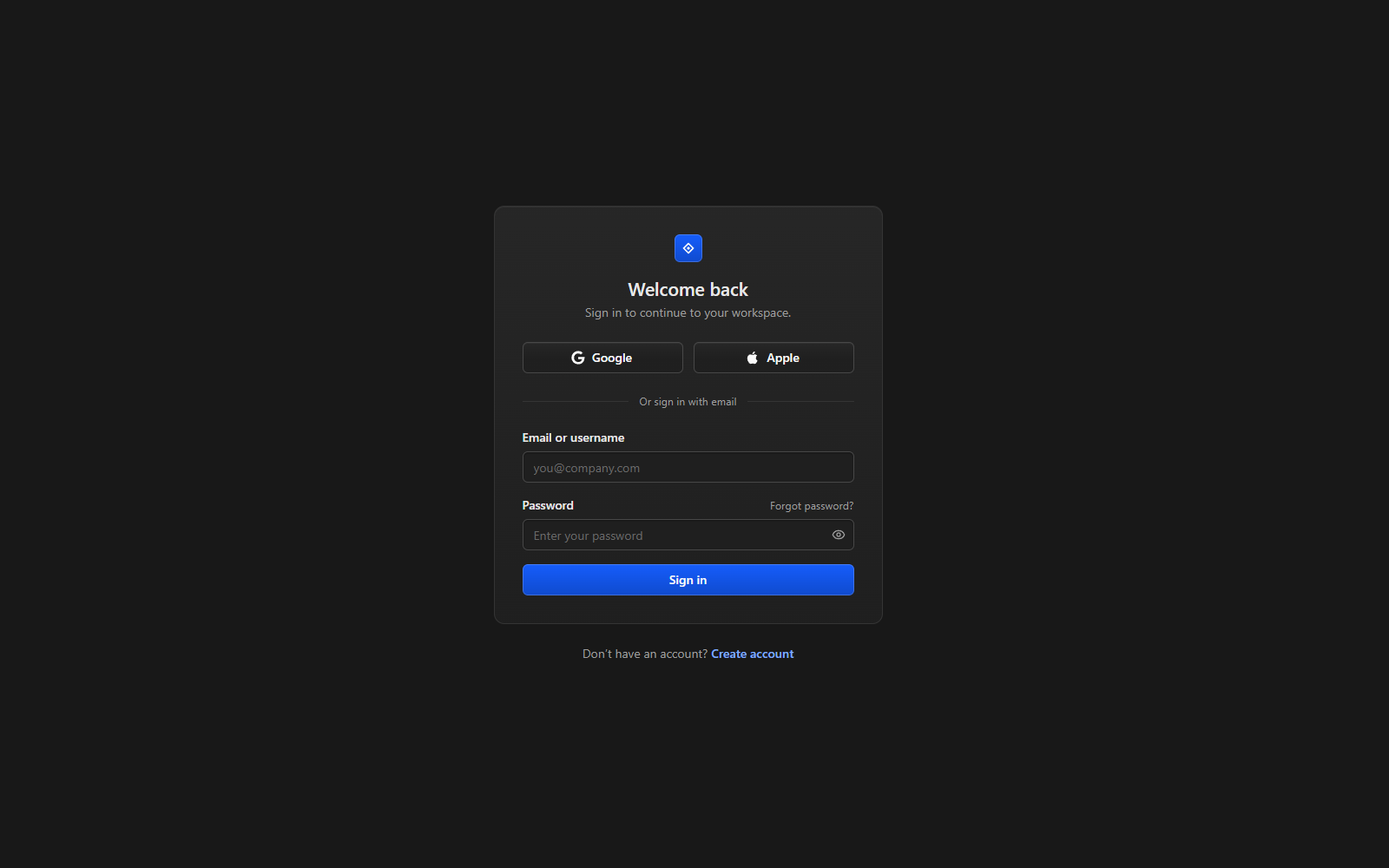 Pro
Sign in card, providers first
A centred sign-in card with Google and Apple above the email-and-password form, for products where one-click sign in is the norm.
authentication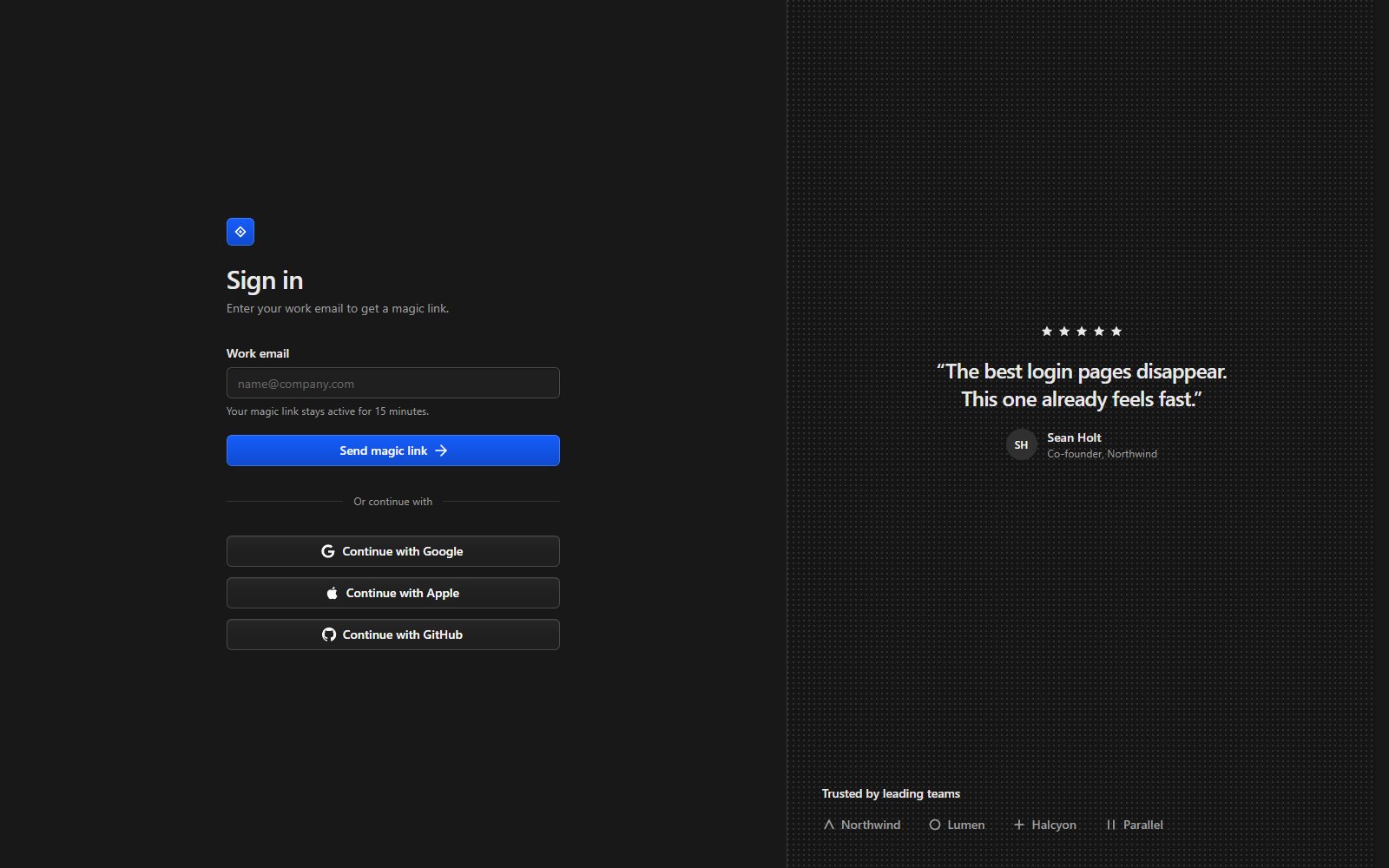 Pro
Magic link, split with quote
Passwordless sign in: one work email that sends a magic link, Google, Apple and GitHub, and a customer quote on a dotted panel above a row of customer marks.
authentication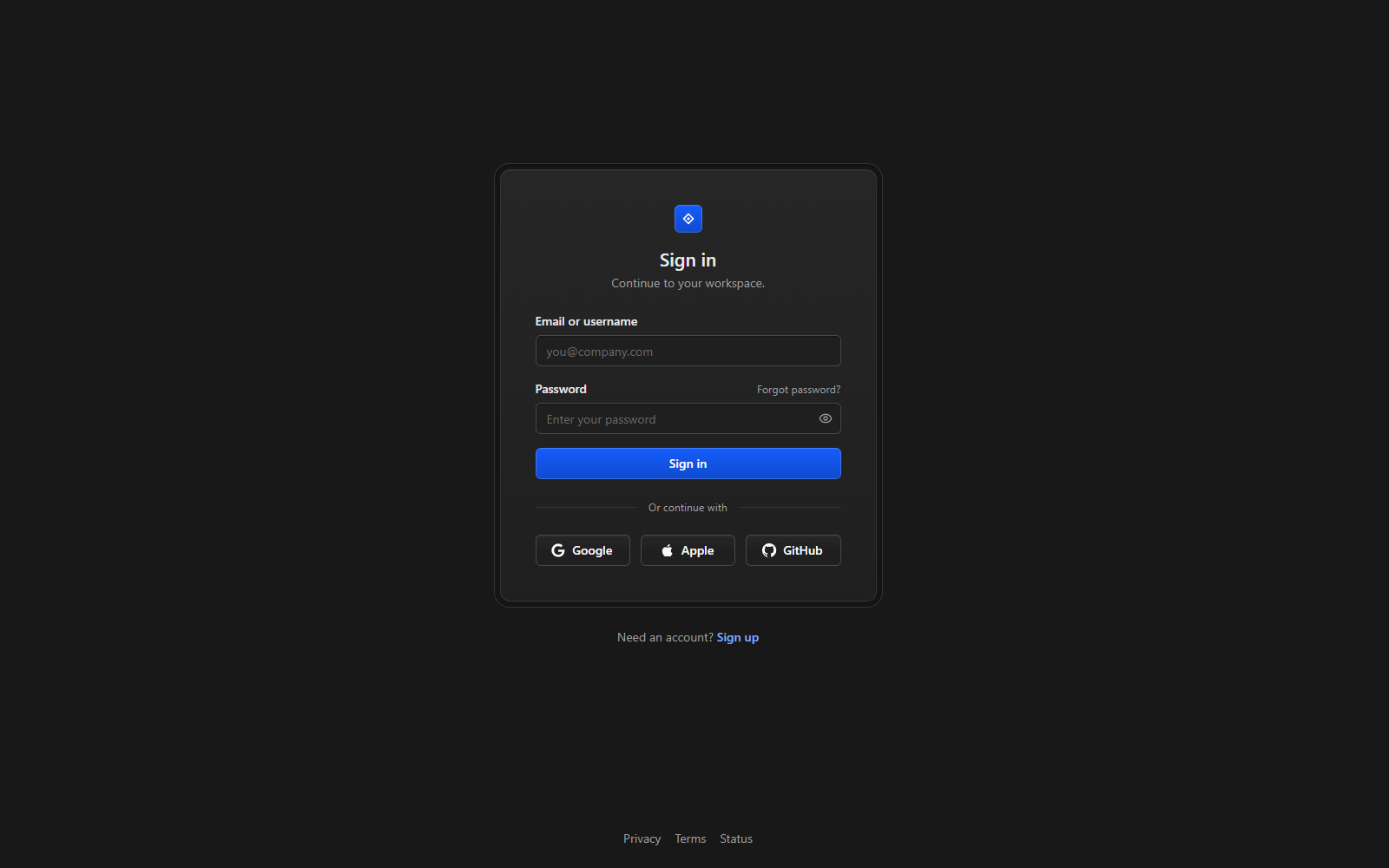 Pro
Sign in, card in a tray
The classic centred sign-in card, seated in a sunken tray so the two corners share a centre. Email or username, a password with a forgot link, three providers, and a footer of links.
authentication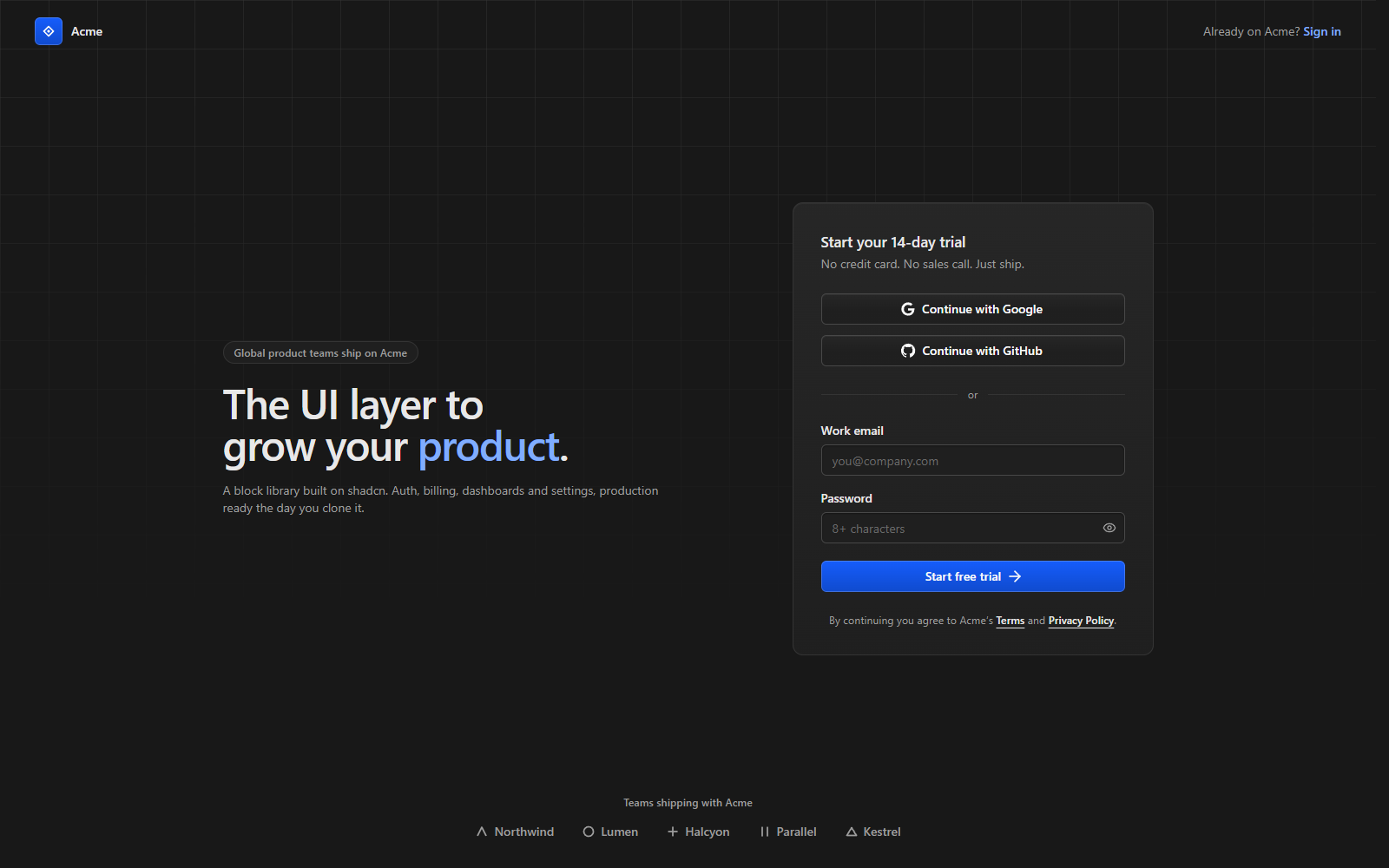 Pro
Trial sign up with pitch
A trial sign-up page that still sells: a headline and pitch on the left, Google, GitHub and an email-and-password form in a card on the right, and the customers along the bottom.
authentication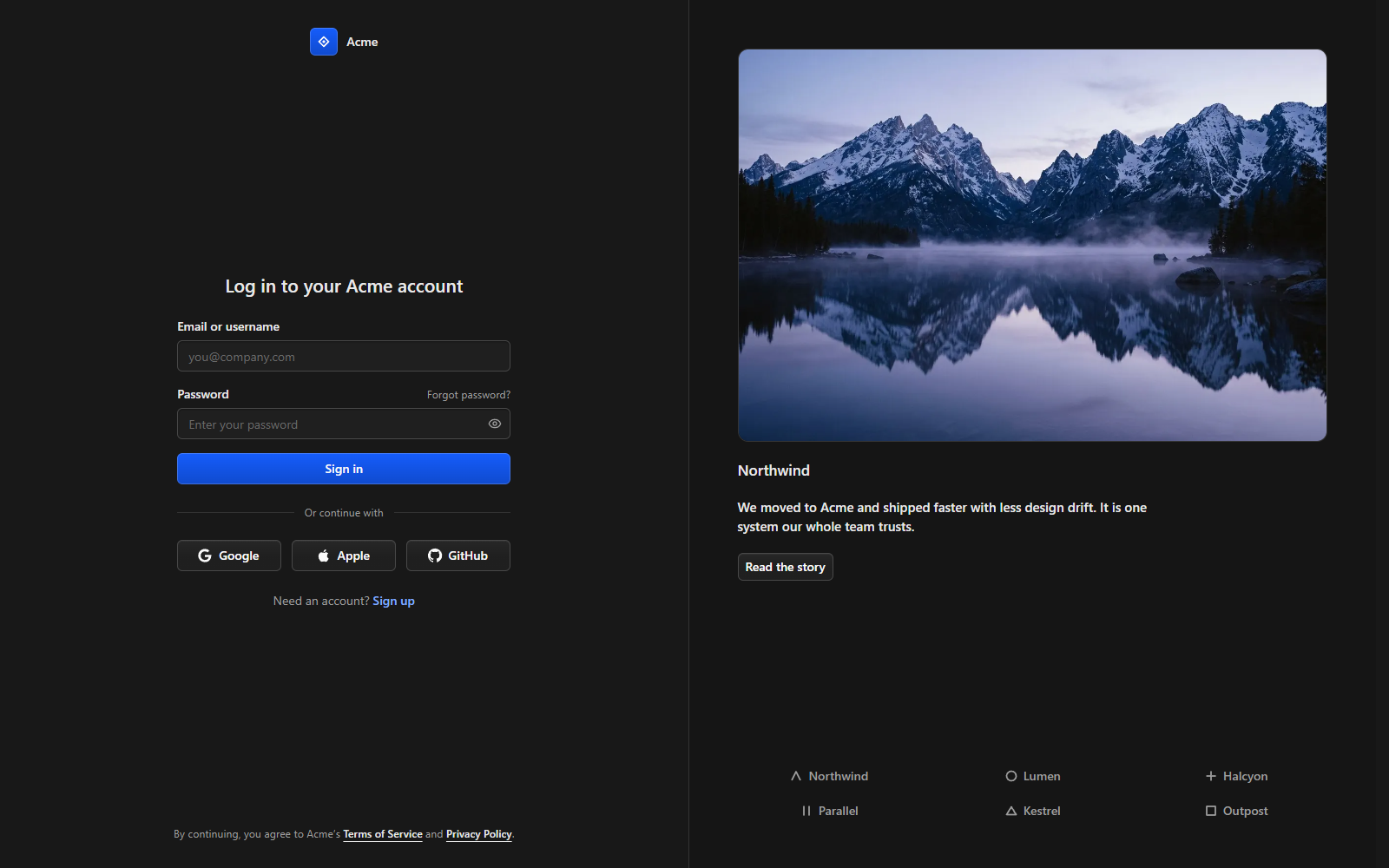 Pro
Sign in, split with customer story
Sign in beside a customer story: a photo, the customer's name, one line of what changed and a link to the rest, over a grid of other customers.
authentication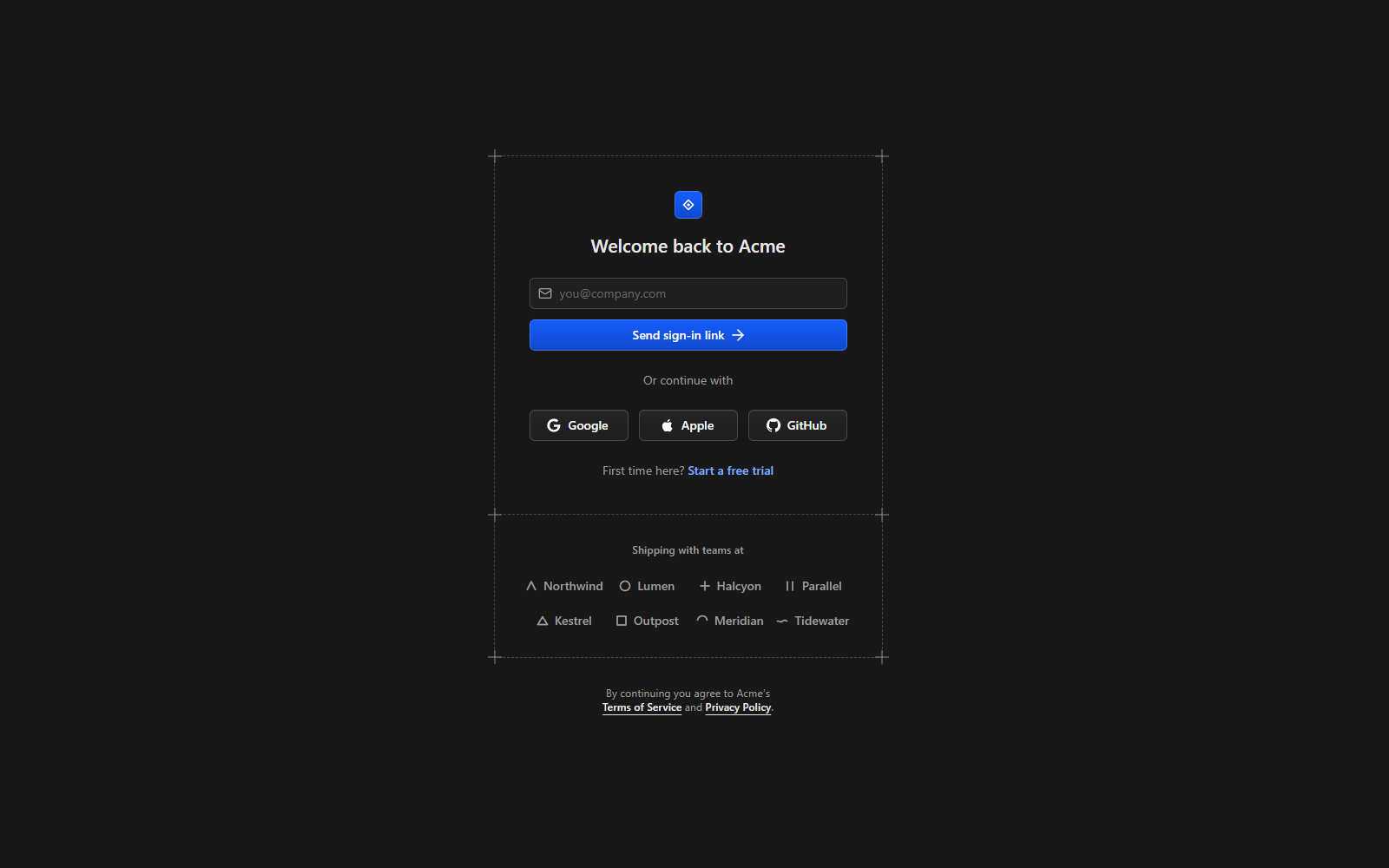 Pro
Magic link in a proof frame
Passwordless sign in inside a dashed frame with registration marks: a sign-in link, three providers and a trial link, with a grid of customers in the frame's second panel.
authentication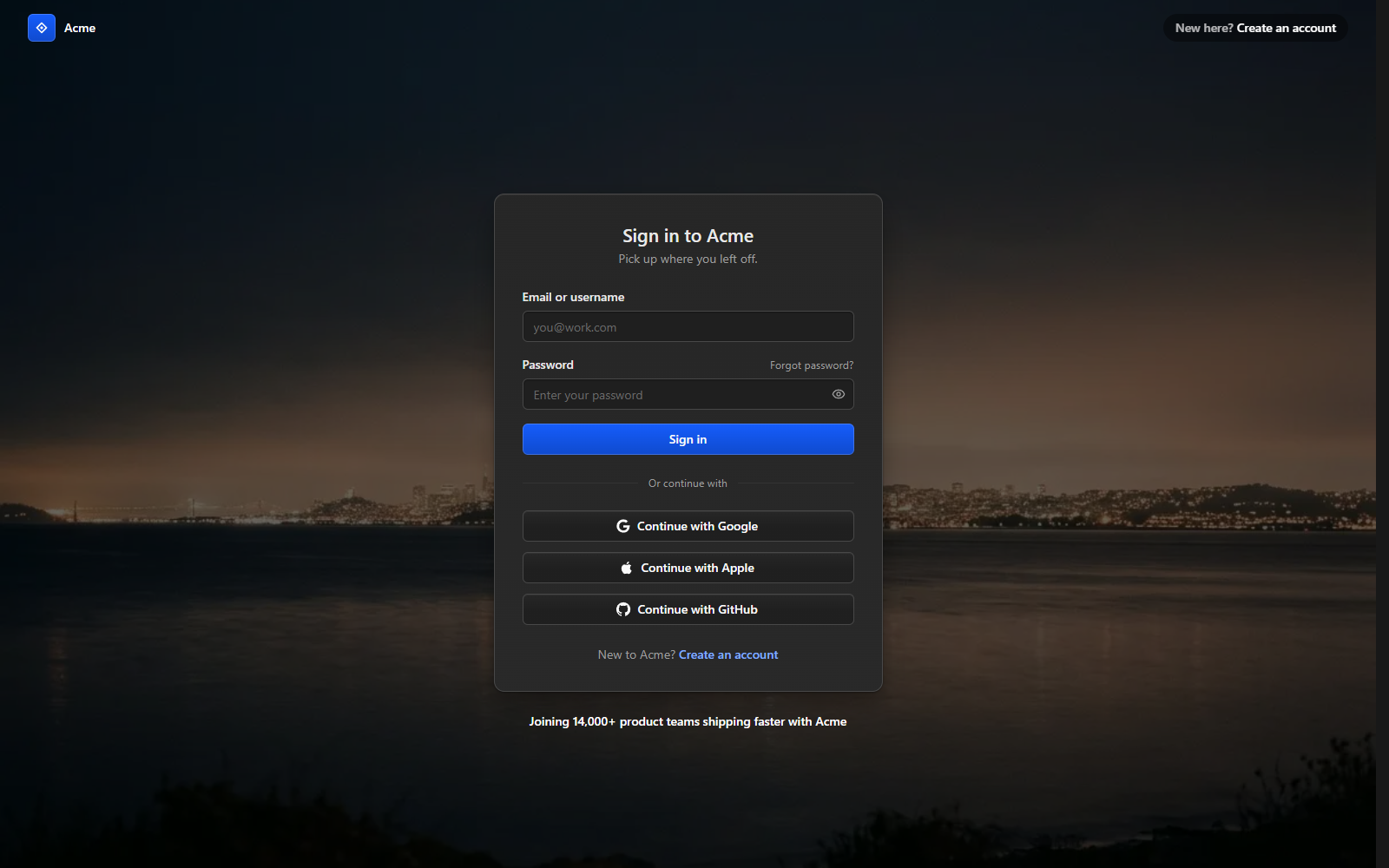 Pro
Sign in over a photo
A floating sign-in card over a full-bleed photo with a scrim. The wordmark, the create-account pill and the line under the card are fixed white because they sit on the image.
authentication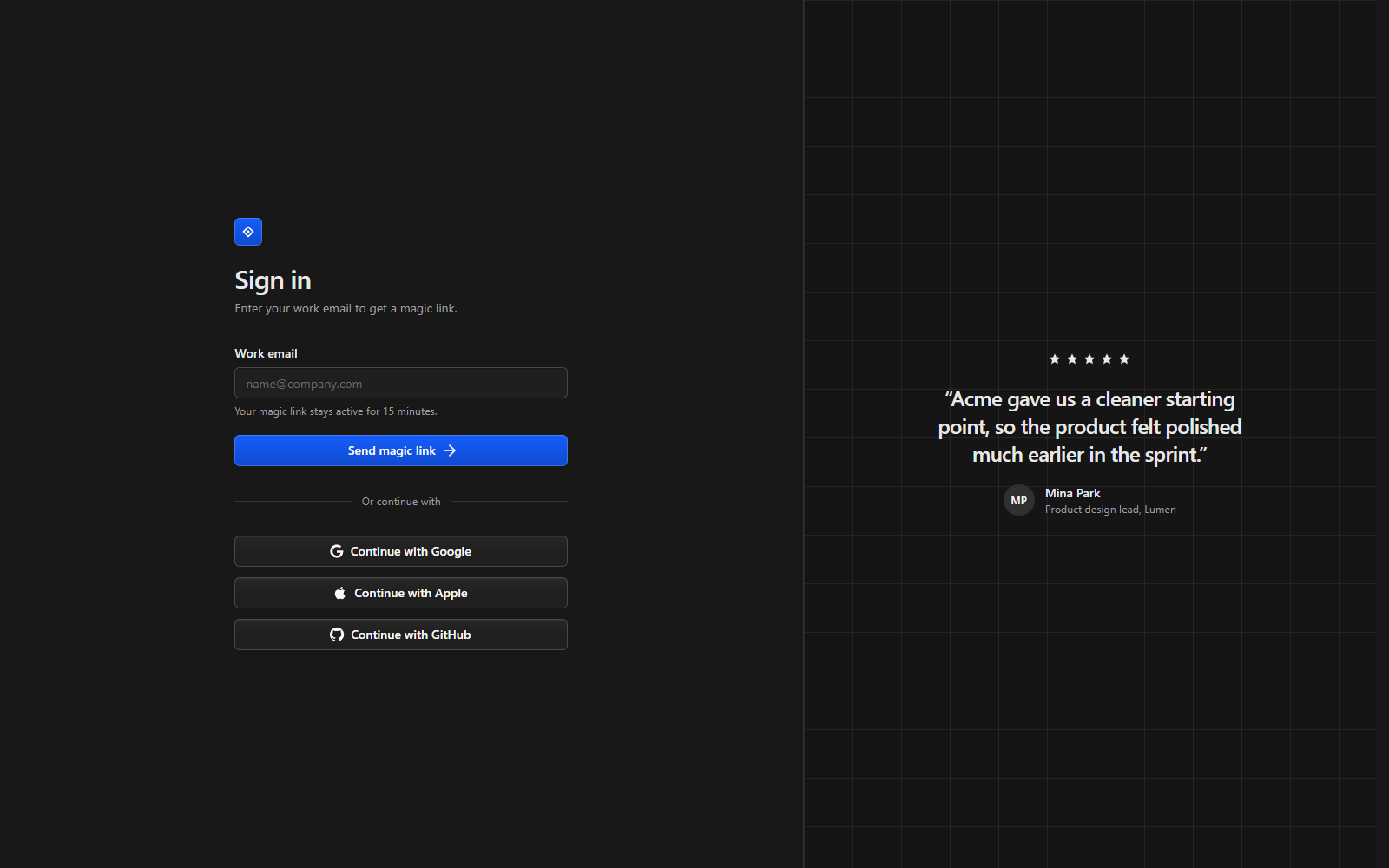 Pro
Magic link, split with grid
Passwordless sign in beside a single customer quote on a ruled grid panel. One email field, a magic link, and three providers.
authentication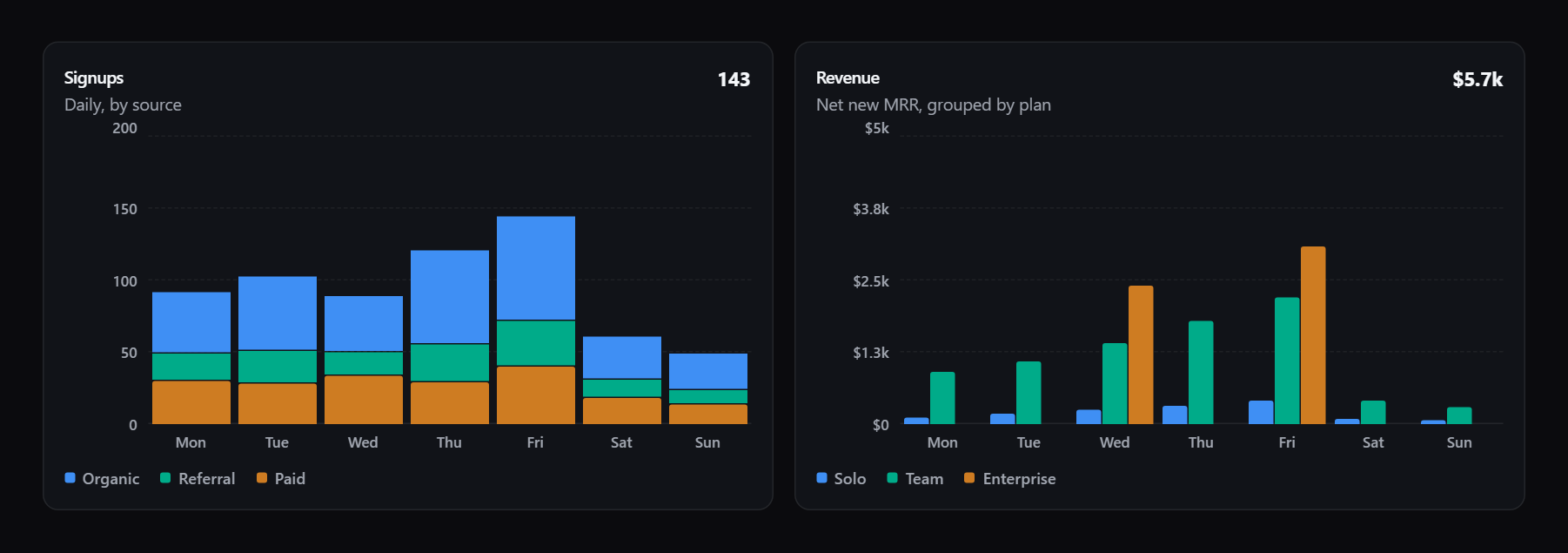 Pro
Bar Chart Card
A chart card that takes data instead of a hard-coded path. The axis rounds up to a readable maximum, hovering a column isolates it, the legend cycles the series palette by index, and the numbers are also a real table for screen readers.
dashboard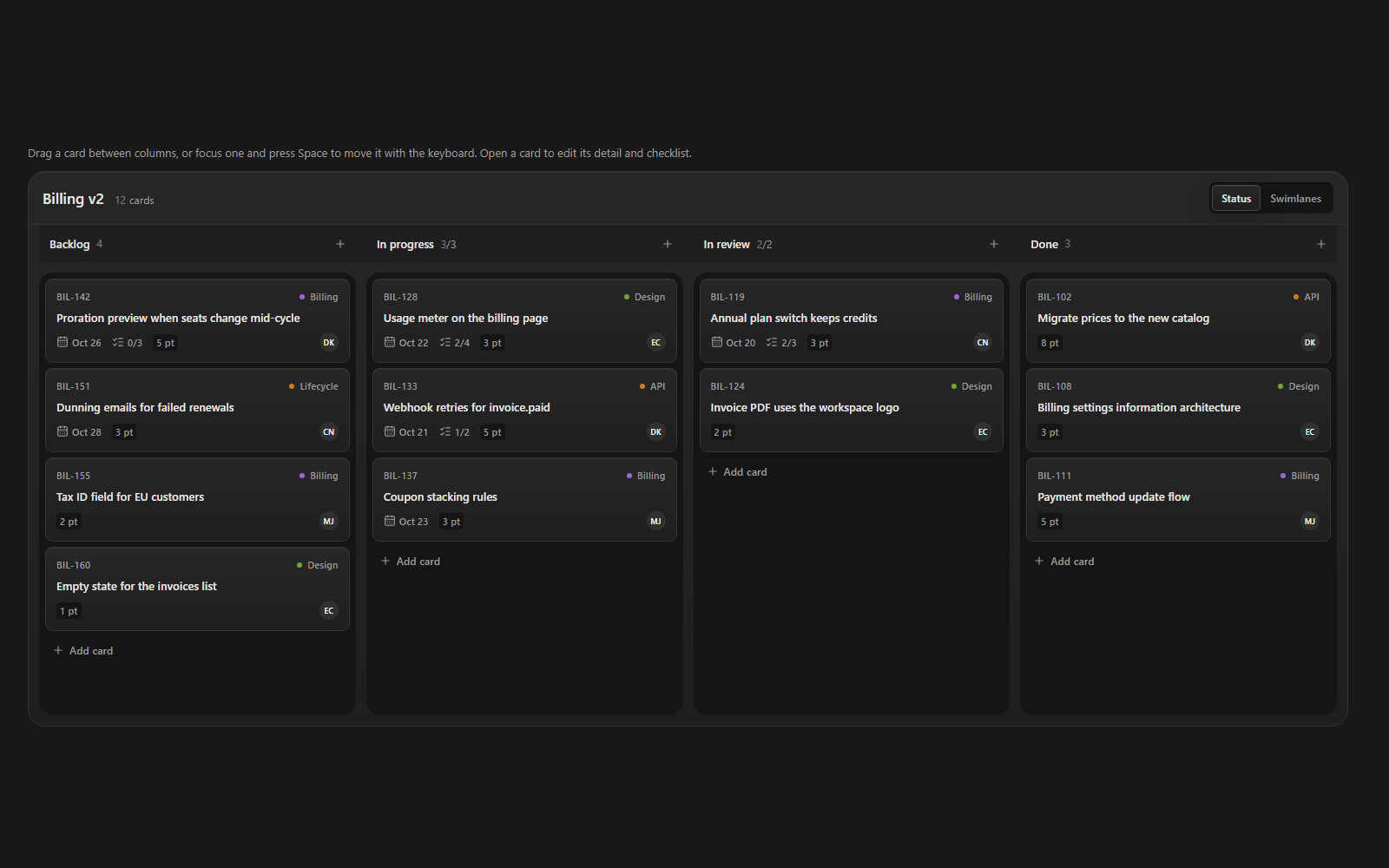 Pro
Kanban Board
A project board with pointer drag and drop, a full keyboard path, status or assignee swimlanes, live WIP limits, inline card capture, and a detail drawer for descriptions and checklists.
application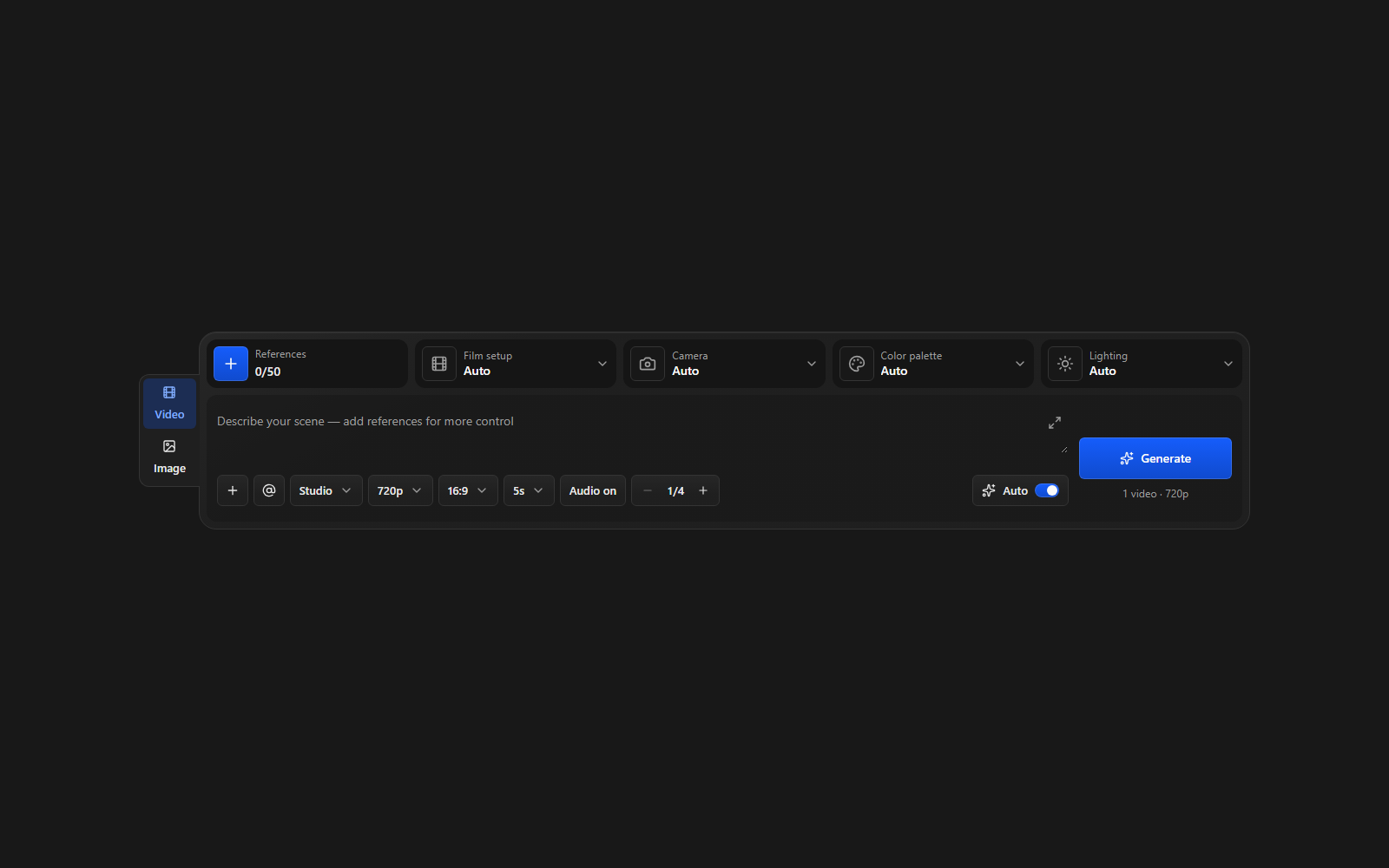 Pro
Media Generator
An image and video composer with reference uploads, scene presets and mode-specific generation settings. Connect an async callback to submit scenes to your media API.
ai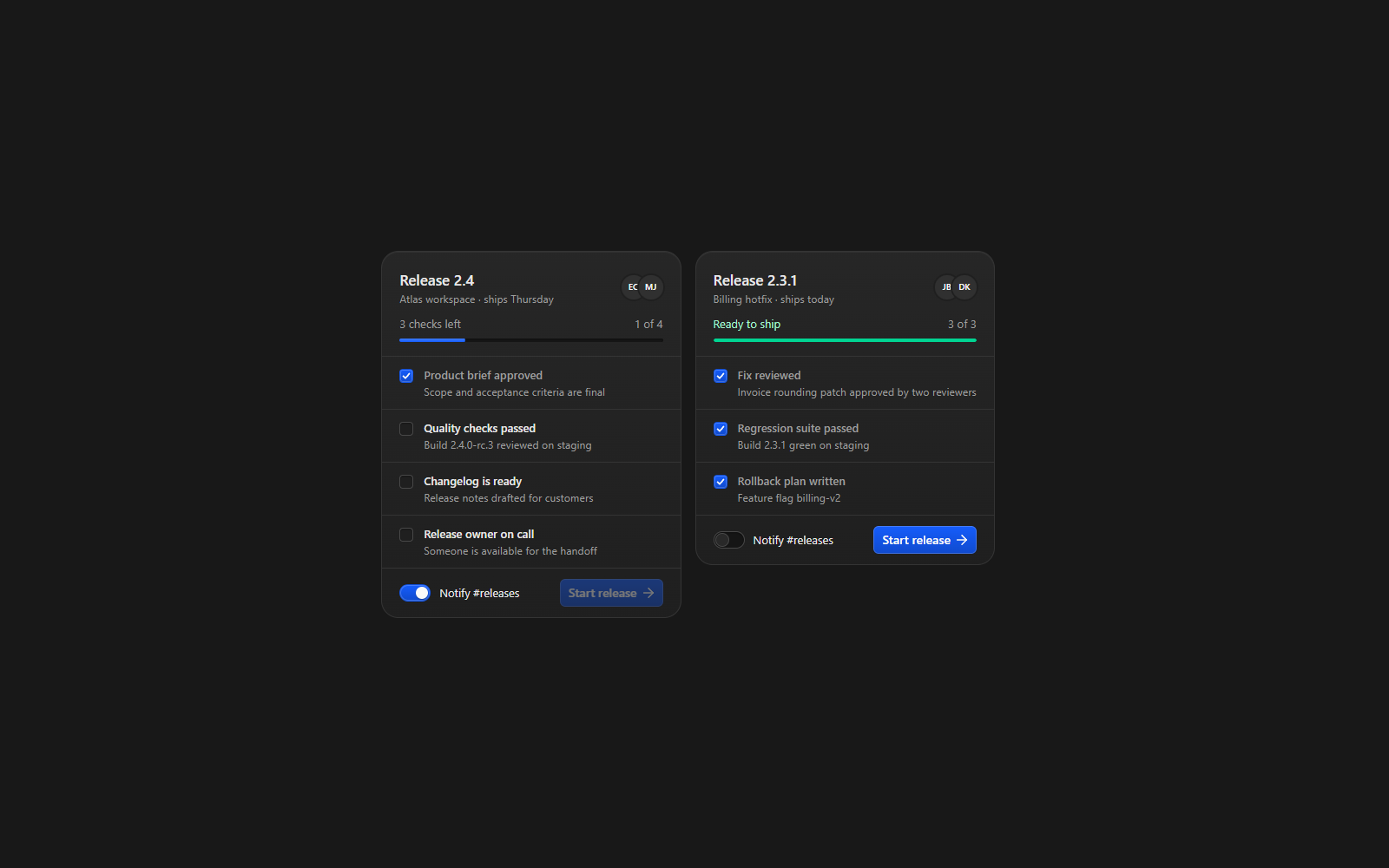 Pro
Release Readiness
A release gate: a checked checklist with live progress, owner faces, a notification switch, and an async start action with loading, success and error states.
application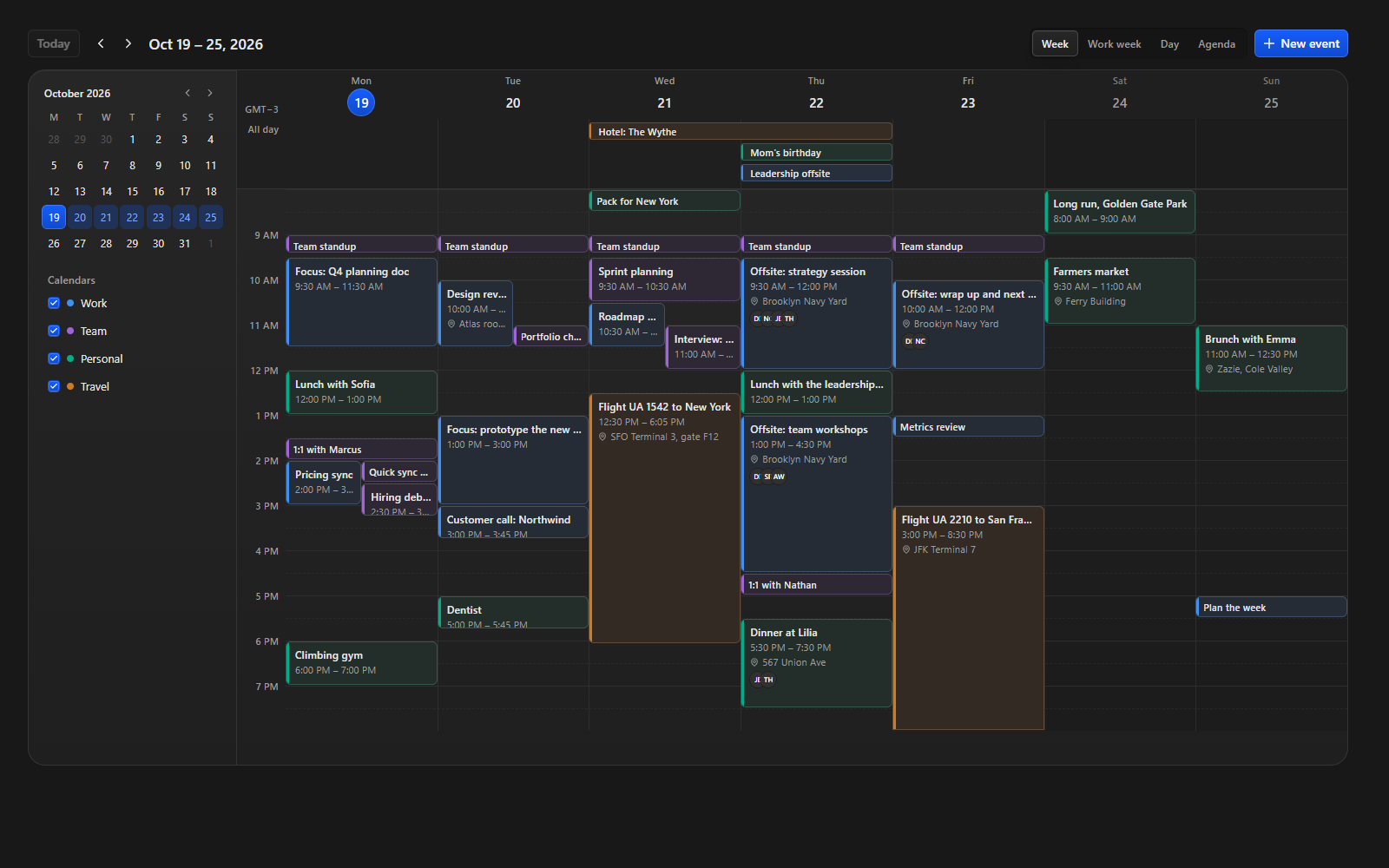 Pro
Week Calendar
A complete week calendar: week, work week, day and agenda views; timed and all-day events; drag to create, move and resize; calendar visibility; event editing; keyboard movement; and undo.
application