Image Generation
image-generationAn image an assistant is making: the frame keeps the image's shape from the start, a field of dots ripples while it generates, the image sharpens in through refining, and a failure offers to try again.
"use client";

import { useEffect, useState } from "react";

import { Button } from "@/components/forme/button/button";
import { ImageGeneration } from "@/components/forme/image-generation/image-generation";
import type { ImageGenerationStatus } from "@/components/forme/image-generation/image-generation";

/** A stand-in for the generated image, drawn from the chart tokens so it follows the theme. */
function Artwork() {
  return (
    <svg viewBox="0 0 400 400" preserveAspectRatio="xMidYMid slice" aria-hidden>
      <rect width="400" height="400" fill="var(--chart-6)" />
      <circle cx="290" cy="120" r="54" fill="var(--chart-3)" />
      <path d="M0 270 Q110 170 210 250 T400 220 V400 H0Z" fill="var(--chart-1)" />
      <path d="M0 320 Q140 250 260 310 T400 300 V400 H0Z" fill="var(--chart-4)" />
      <path d="M0 360 Q120 330 230 360 T400 350 V400 H0Z" fill="var(--chart-2)" />
    </svg>
  );
}

const ORDER: ImageGenerationStatus[] = ["queued", "generating", "refining", "complete"];

export function ImageGenerationDemo() {
  const [tick, setTick] = useState(0);
  const [failed, setFailed] = useState(false);

  // 0–1 queued, 2–9 generating with progress, 10–13 refining, then complete.
  const status: ImageGenerationStatus = failed
    ? "error"
    : tick < 2
      ? ORDER[0]!
      : tick < 10
        ? ORDER[1]!
        : tick < 14
          ? ORDER[2]!
          : ORDER[3]!;
  const working = status !== "complete" && status !== "error";

  useEffect(() => {
    if (!working) return;
    const timer = setInterval(() => setTick((current) => current + 1), 350);
    return () => clearInterval(timer);
  }, [working]);

  return (
    <div className="flex w-full max-w-sm flex-col gap-4">
      <ImageGeneration
        status={status}
        prompt="A quiet valley at dusk, layered hills, a low sun"
        resolution="1024 × 1024"
        progress={status === "generating" ? ((tick - 1) / 9) * 100 : undefined}
        onRetry={() => {
          setFailed(false);
          setTick(0);
        }}
      >
        <Artwork />
      </ImageGeneration>
      <div className="flex gap-2">
        <Button
          variant="secondary"
          size="small"
          onClick={() => {
            setFailed(false);
            setTick(0);
          }}
        >
          Generate again
        </Button>
        <Button variant="ghost" size="small" onClick={() => setFailed(true)}>
          Fail it
        </Button>
      </div>
    </div>
  );
}
Install
Adds the component, its registry dependencies, and the token stylesheet you import once.
API reference
Read from the source, so it is the API of the file you install. A prop marked * is required.
ImageGeneration
An image an assistant is making, from the moment it is asked for.
| Prop | Type | Default | Description |
|---|---|---|---|
children | ReactNode | — | The image once there is one: an img, Next's Image, a video. Shown blurred while refining. |
status | 'error' | 'queued' | 'generating' | 'refining' | 'complete' | "generating" | |
prompt | string | — | What was asked for. Shown under the frame and used in the accessible name. |
resolution | string | — | A chip in the corner: "1024 × 1024". |
aspectRatio | CSSProperties["aspectRatio"] | "1 / 1" | Reserved before the image exists, so nothing below moves when it arrives. |
progress | number | — | 0–100, drawn as a thin bar along the bottom while working. |
statusText | string | — | Replaces the status line's words. |
onRetry | () => void | — | |
className | string | — |
Related
Area Chart
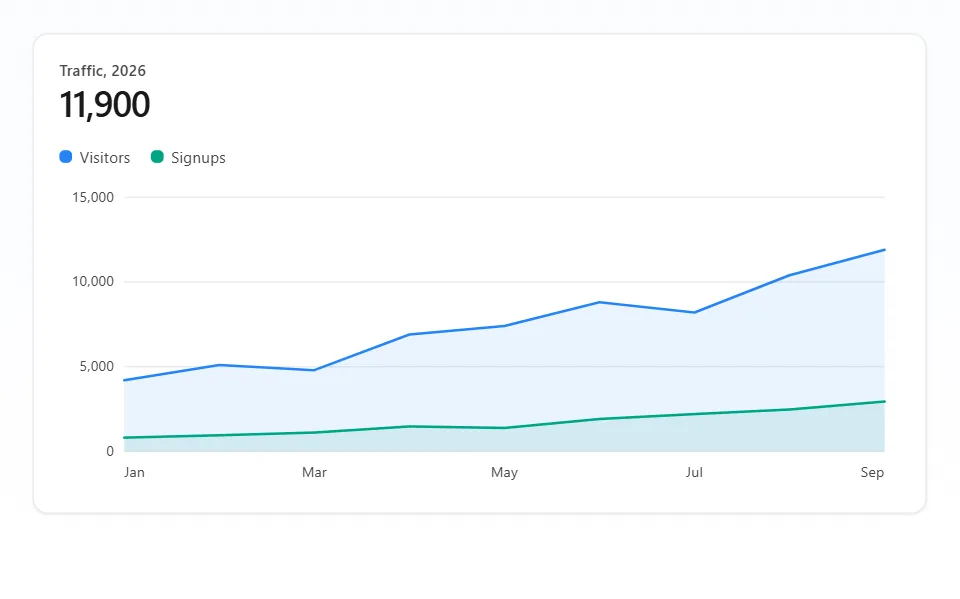
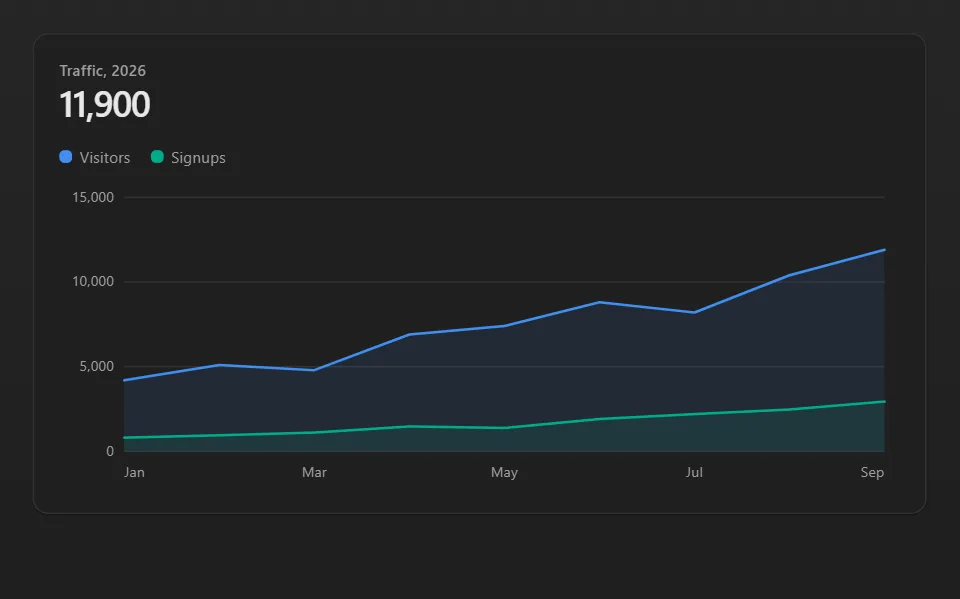
A line or area chart in plain SVG with no chart library. A crosshair snaps to the nearest point and lists every series, arrow keys walk it, round tick values, a legend from two series up, and a hidden table so screen readers get the numbers.
data display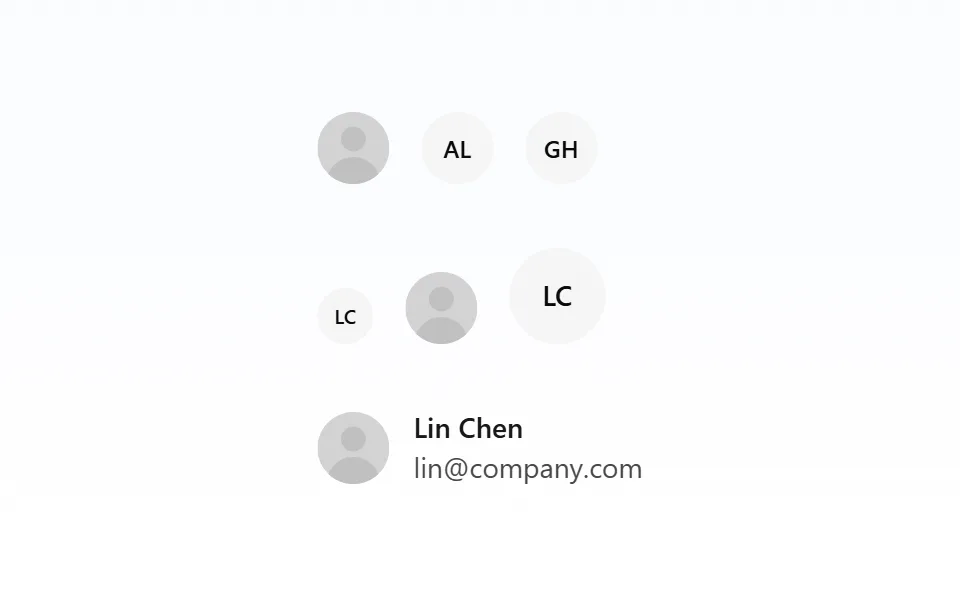
Avatar
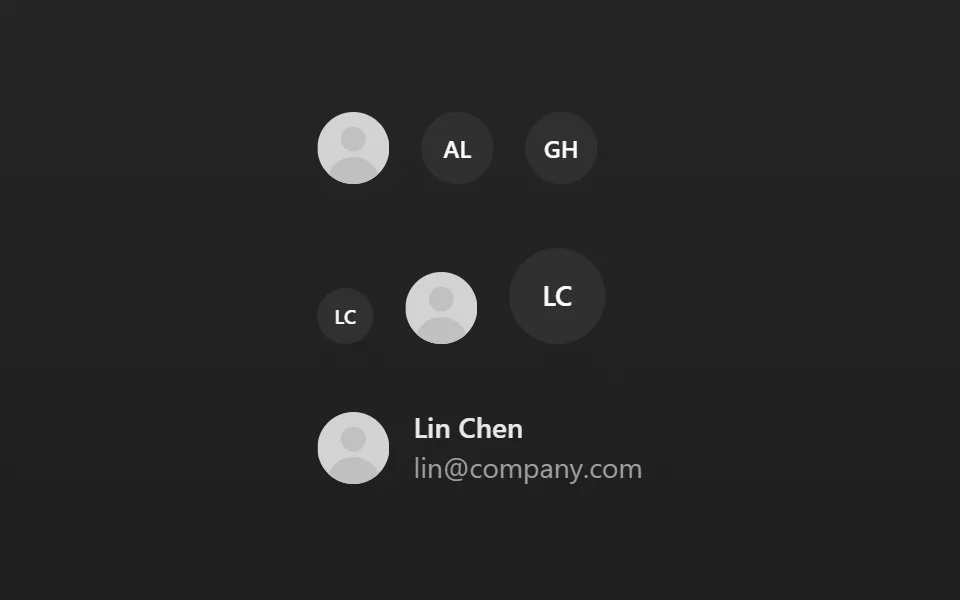
A user image with a fallback that shows initials while the image loads, and when it never arrives at all. Built on the Base UI avatar primitive, so the image and the fallback swap without a flash of empty space.
data display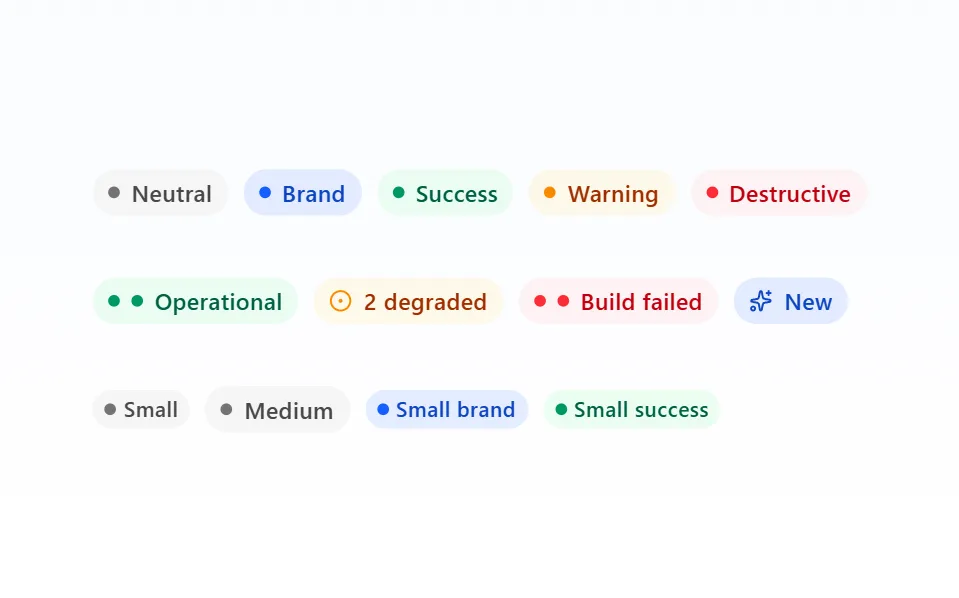
Badge
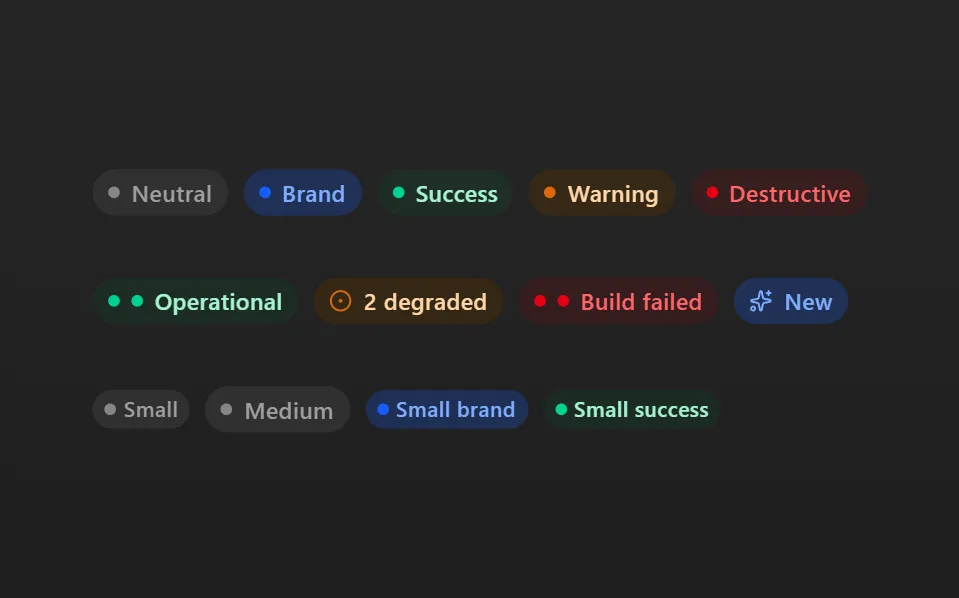
A small label for status, counts and metadata, in five quiet variants and two sizes. The colour lives in the tint so the text stays readable at eleven pixels, and an icon or a dot inside the badge carries the state at a glance.
data display