Voice Picker
voice-pickerChoose a text-to-speech voice by ear: grouped voice cards in one radio group, each with a play button for a sample beside the radio, and a waveform on the one that is playing.
"use client";

import { useEffect, useState } from "react";

import { VoicePicker } from "@/components/forme/voice-picker/voice-picker";
import type { Voice } from "@/components/forme/voice-picker/voice-picker";

const voices: (Voice & { pitch: number; rate: number })[] = [
  {
    id: "aria",
    name: "Aria",
    description: "Bright and quick, for notifications.",
    group: "English",
    tags: ["US"],
    pitch: 1.3,
    rate: 1.1,
  },
  {
    id: "rowan",
    name: "Rowan",
    description: "Low, unhurried, good for long reads.",
    group: "English",
    tags: ["UK"],
    pitch: 0.75,
    rate: 0.9,
  },
  {
    id: "mei",
    name: "Mei",
    description: "Warm mid-range with a clear finish.",
    group: "English",
    tags: ["AU", "New"],
    pitch: 1.1,
    rate: 1,
  },
  {
    id: "theo",
    name: "Theo",
    description: "Even and neutral, for product tours.",
    group: "English",
    tags: ["US"],
    pitch: 0.95,
    rate: 1,
  },
  {
    id: "lucia",
    name: "Lucía",
    description: "Calm and close, like a podcast host.",
    group: "Spanish",
    tags: ["ES"],
    pitch: 1.05,
    rate: 0.95,
  },
  {
    id: "mateo",
    name: "Mateo",
    description: "Energetic and crisp.",
    group: "Spanish",
    tags: ["MX"],
    pitch: 0.85,
    rate: 1.1,
  },
];

export function VoicePickerDemo() {
  const [voice, setVoice] = useState("mei");
  const [previewing, setPreviewing] = useState<string | null>(null);

  useEffect(() => () => window.speechSynthesis?.cancel(), []);

  // The browser's own speech engine stands in for a TTS model: each voice is
  // the same sentence at its own pitch and pace.
  function preview(next: Voice) {
    const synth = window.speechSynthesis;
    synth?.cancel();
    if (previewing === next.id || !synth) {
      setPreviewing(null);
      return;
    }
    const settings = voices.find((v) => v.id === next.id)!;
    const utterance = new SpeechSynthesisUtterance(
      next.group === "Spanish"
        ? `Hola, soy ${next.name}.`
        : `Hi, I'm ${next.name}. How can I help today?`,
    );
    utterance.lang = next.group === "Spanish" ? "es-ES" : "en-US";
    utterance.pitch = settings.pitch;
    utterance.rate = settings.rate;
    utterance.onend = () => setPreviewing((current) => (current === next.id ? null : current));
    setPreviewing(next.id);
    synth.speak(utterance);
  }

  return (
    <VoicePicker
      className="max-w-xl"
      voices={voices}
      value={voice}
      onValueChange={setVoice}
      onPreview={preview}
      previewing={previewing}
    />
  );
}
Install
Adds the component, its registry dependencies, and the token stylesheet you import once.
API reference
Read from the source, so it is the API of the file you install. A prop marked * is required.
VoicePicker
Choosing a text-to-speech voice is choosing by ear, so every option can be heard before it is picked. It is one radio group — arrow keys move through every voice, across groups — and each card carries a play button beside the radio rather than inside it, so the two never fight over a click.
| Prop | Type | Default | Description |
|---|---|---|---|
voices* | readonly Voice[] | — | |
value | string | null | — | |
defaultValue | string | — | |
onValueChange | (id: string) => void | — | |
onPreview | (voice: Voice) => void | — | Called to play or stop a sample. Without it there is no preview button. Synthesise or fetch the sample here; the picker only shows which is playing. |
previewing | string | null | null | The id of the voice whose sample is playing, if any. |
label | string | "Voice" | |
className | string | — |
Related
Audio Player
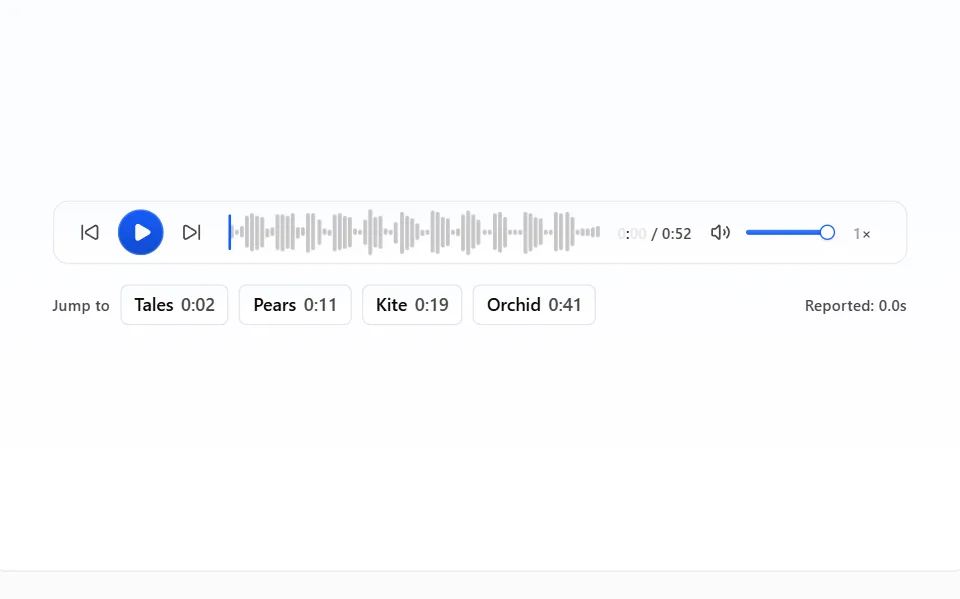
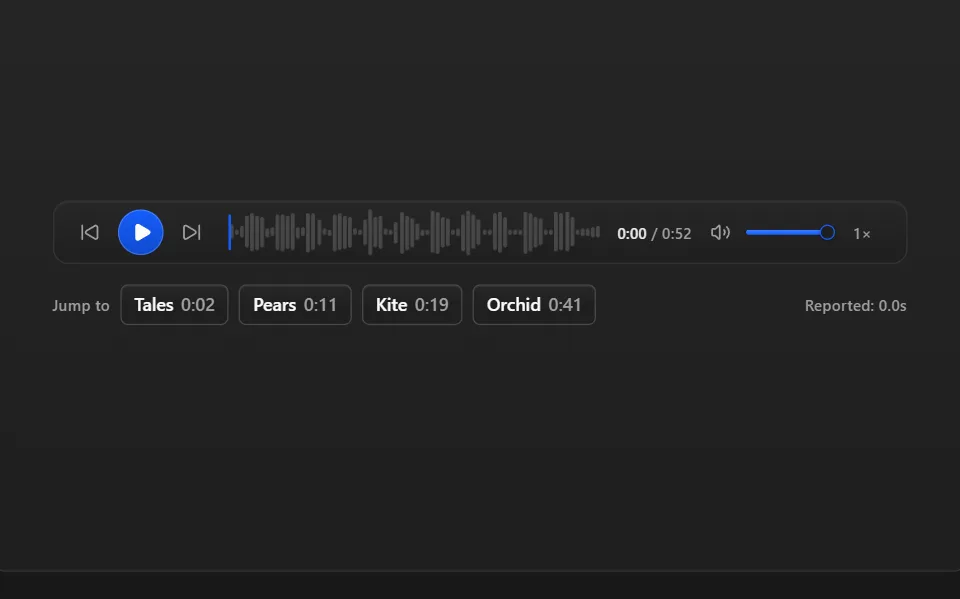
A transport bar for one recording: skip back and forward, play, a seek bar, time, volume and speed. Its ref is a small handle, so a transcript or a chapter list can seek and play it from outside.
audio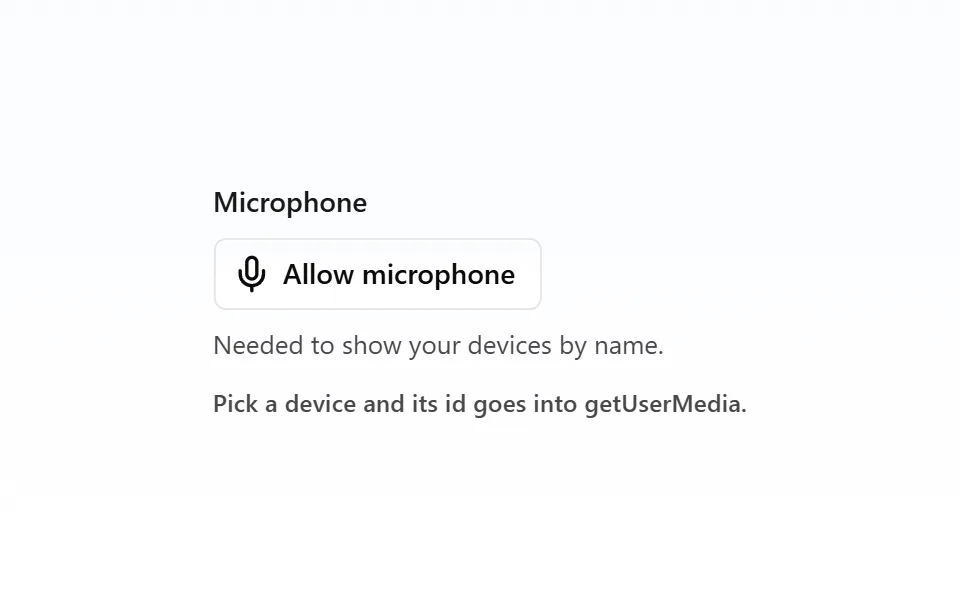
Mic Selector
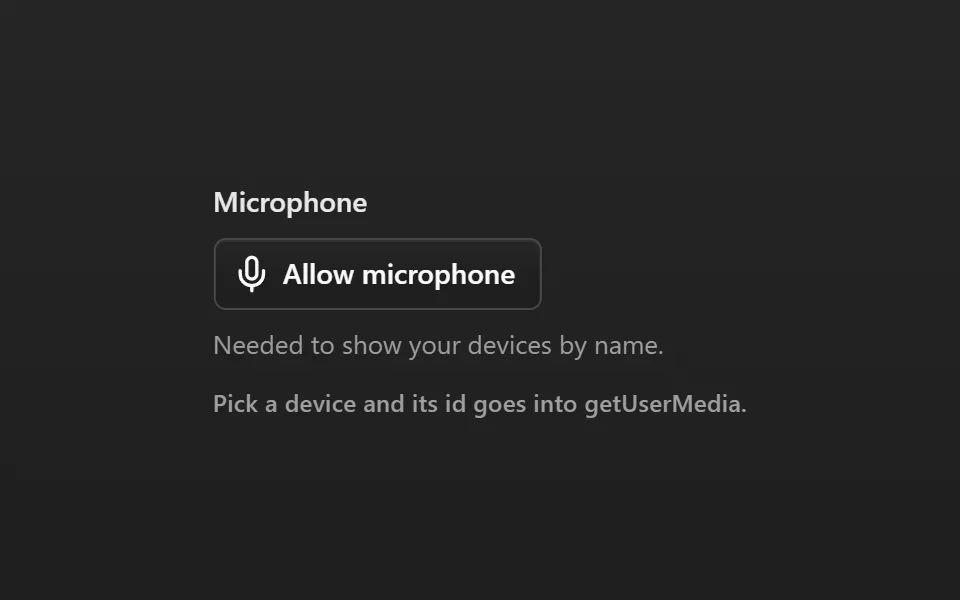
A microphone picker that asks for permission first, so devices show by name rather than as blanks, then stays current as headsets are plugged in and out. Hands back a deviceId for getUserMedia.
audio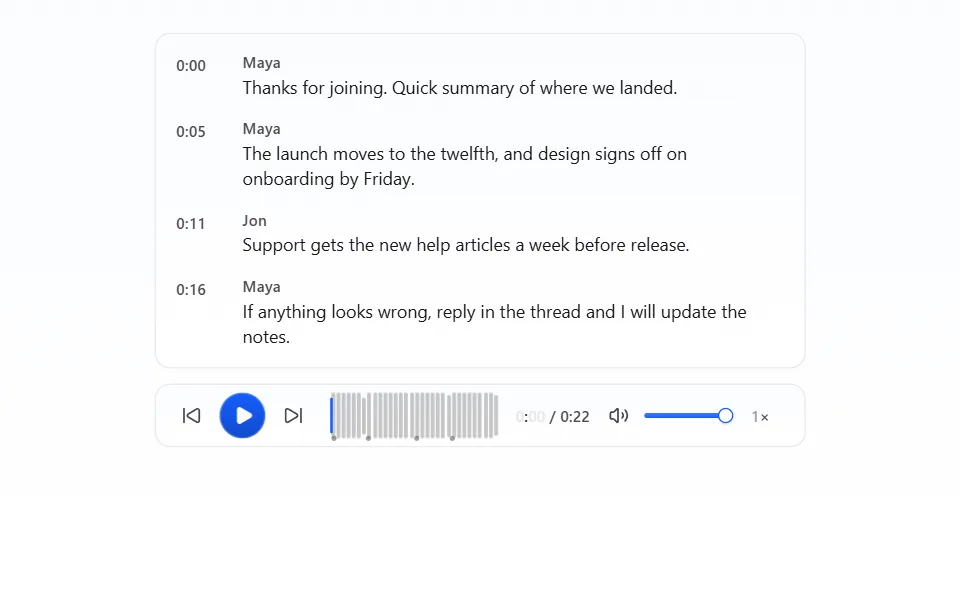
Transcript
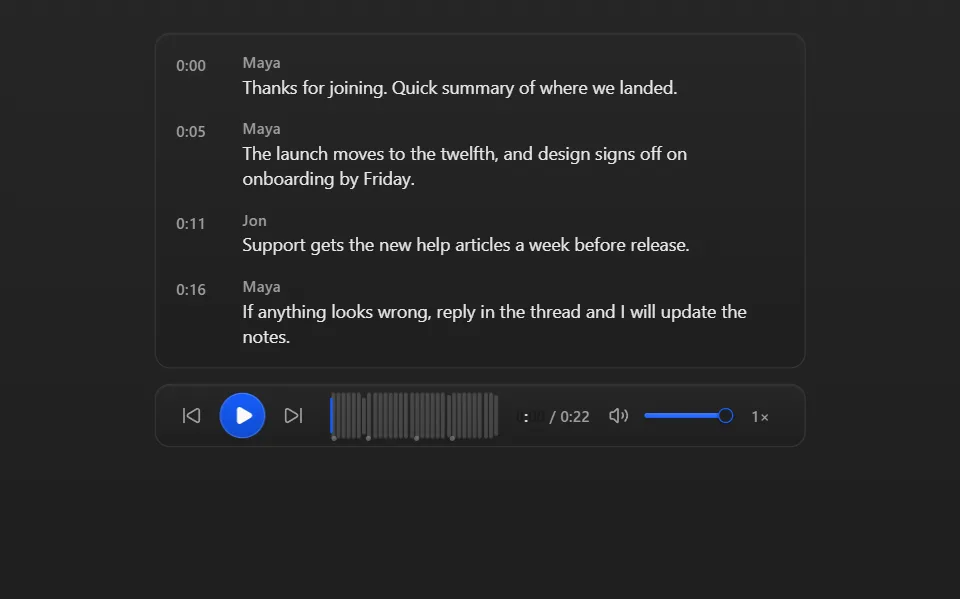
A transcript that follows the audio: the current line is marked and kept in view, the word being said lights within it, and any line or word seeks back to where it was spoken. One tab stop, arrow keys between lines.
audio