How do I let people pick a weekday-only date range?
Chat Message
chat-messageOne turn of an AI conversation: a compact bubble for the person, full-width prose for the assistant, a streaming caret, and copy, regenerate and feedback actions that keyboard and touch can always reach.
chat-message.demo.tsx
"use client";

import { Sparkles } from "lucide-react";
import { useEffect, useState } from "react";

import { ChatMessage } from "@/components/forme/chat-message/chat-message";

const answer =
  "Use the calendar in range mode and pass isDisabled to block weekends. The grid keeps six weeks at every month, so the footer under it never jumps when someone pages through.";

export function ChatMessageDemo() {
  const [shown, setShown] = useState(0);

  // Reveal the reply a few characters at a time, the way a stream arrives.
  useEffect(() => {
    if (shown >= answer.length) return;
    const timer = setTimeout(() => setShown((count) => Math.min(answer.length, count + 3)), 18);
    return () => clearTimeout(timer);
  }, [shown]);

  return (
    <div className="flex w-full max-w-xl flex-col gap-5">
      <ChatMessage from="user">How do I let people pick a weekday-only date range?</ChatMessage>
      <ChatMessage
        from="assistant"
        name="Forme"
        avatar={<Sparkles />}
        streaming={shown < answer.length}
        copyText={answer}
        onRetry={() => setShown(0)}
        onFeedback={() => {}}
      >
        <p>{answer.slice(0, shown)}</p>
      </ChatMessage>
    </div>
  );
}
Install
$npxshadcnadd@forme/chat-message
Adds the component, its registry dependencies, and the token stylesheet you import once.
Usage
import { ChatMessage } from "@/components/forme/chat-message/chat-message";

<ChatMessage from="user">Summarise this thread.</ChatMessage>
<ChatMessage from="assistant" name="Forme" copyText={answer} onRetry={retry}>
  {answer}
</ChatMessage>
When to use
Reach for it
- Each turn of a conversation with an assistant: a compact bubble for the person, full-width prose for the reply.
Use something else
- Chat between people, where both sides are equal; a symmetric message list reads better.
API reference
Read from the source, so it is the API of the file you install. A prop marked * is required.
ChatMessage
One turn of a conversation.
| Prop | Type | Default | Description |
|---|---|---|---|
from* | "user" | "assistant" | — | |
avatar | ReactNode | — | Shown beside an assistant message. An avatar, a logo. |
name | string | — | Who is speaking, for screen readers and the visible name. |
streaming | boolean | — | Draws a caret after the content while a reply is still arriving. |
copyText | string | — | The plain text to copy. The copy action appears only when this is set. |
onRetry | () => void | — | |
onFeedback | (value: "up" | "down") => void | — | Called with the reader's verdict. The thumbs appear only when this is set. |
Also takes every prop of <article> attributes.
Accessibility
- Each turn is an
<article>named by who said it. - The copy, retry and feedback actions are always present at low contrast, so touch and keyboard reach them without hover.
- Copying and feedback are confirmed through a polite live region.
Motion
- While
streaming, a caret blinks after the content.
Related
Message
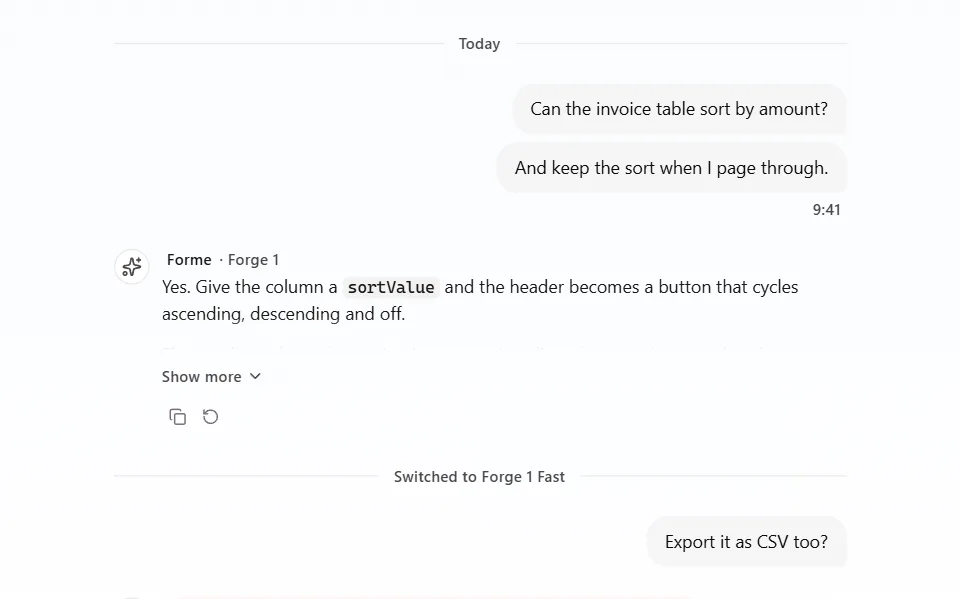
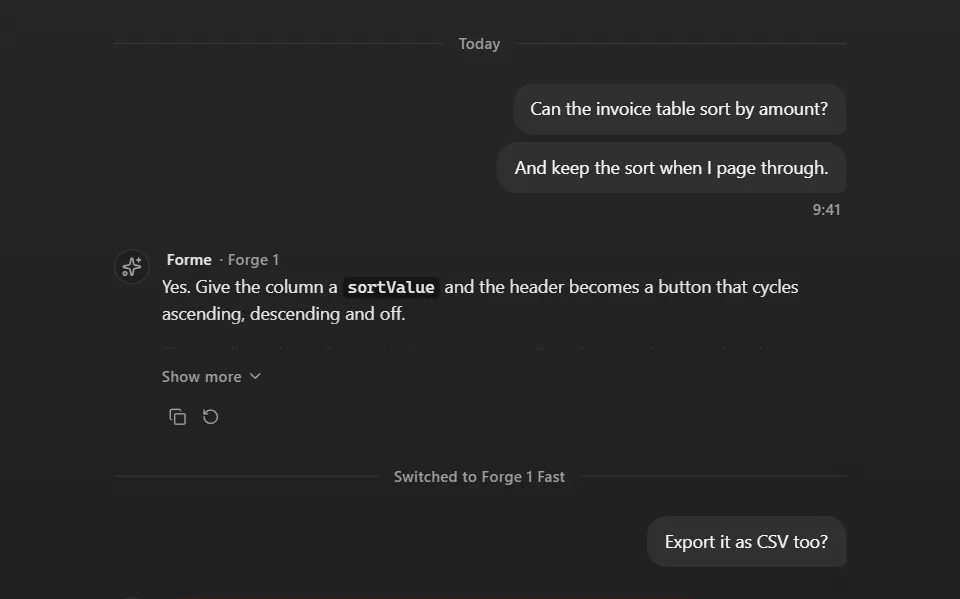
Chat messages assembled from parts: avatar, header, bubble, footer, groups, markers, a typing indicator and a measured Show more. The side is set once and every part follows it, with no provider.
data display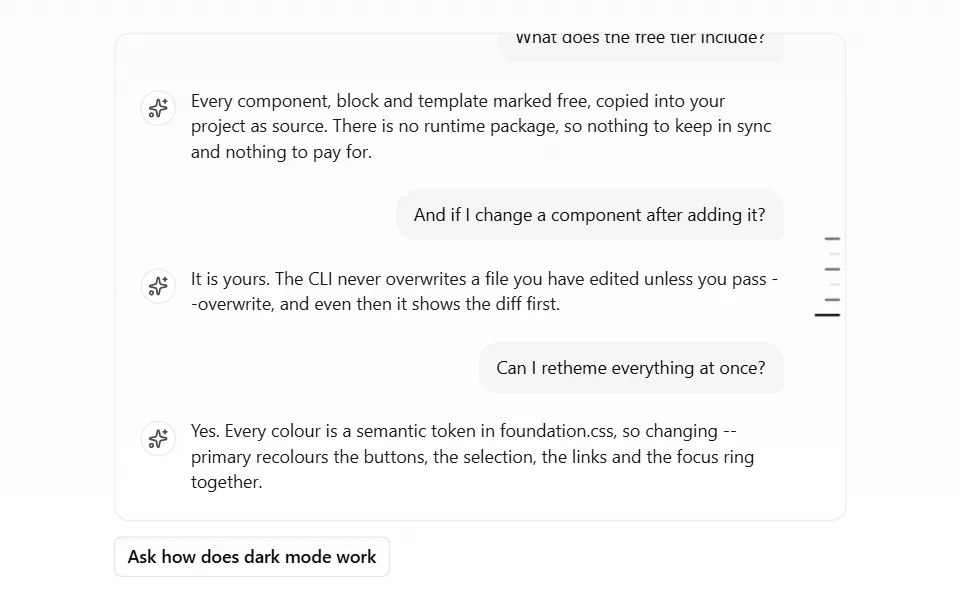
Message Scroller
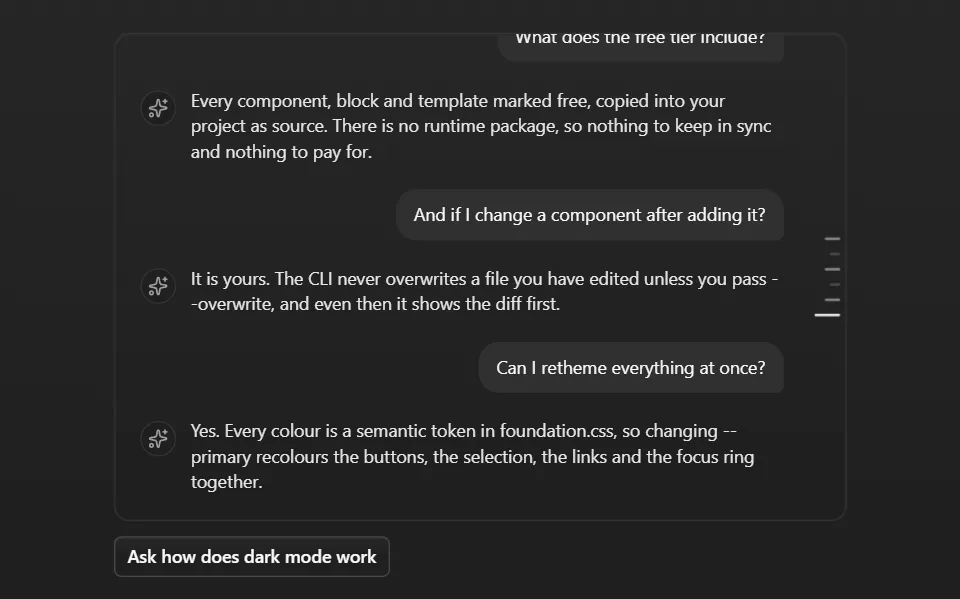
The scrolling transcript of a chat: it follows a streaming reply, lets go the moment you scroll up, and brings you back with a Jump to latest pill. An optional rail of ticks previews and jumps to any message.
data display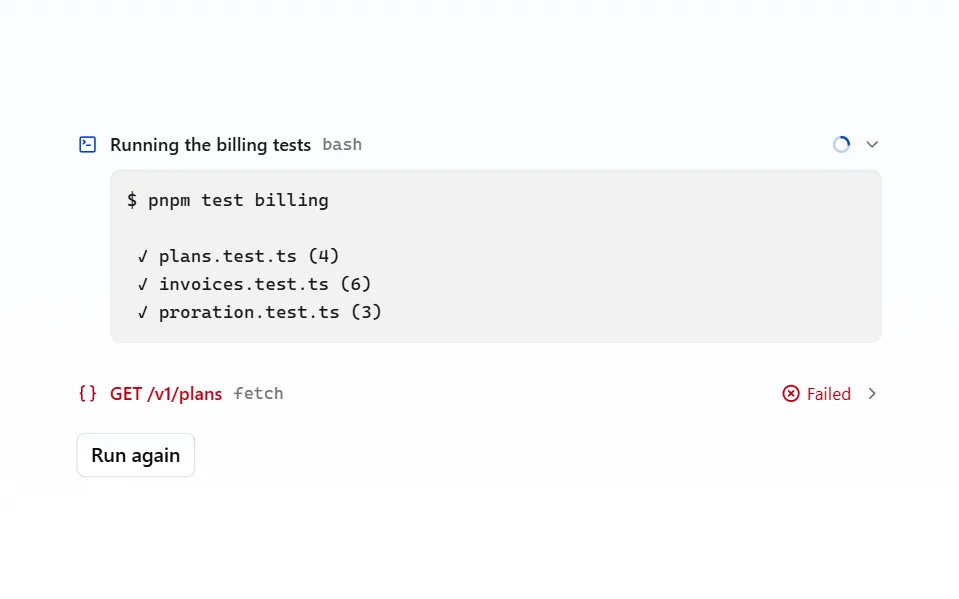
Tool Result
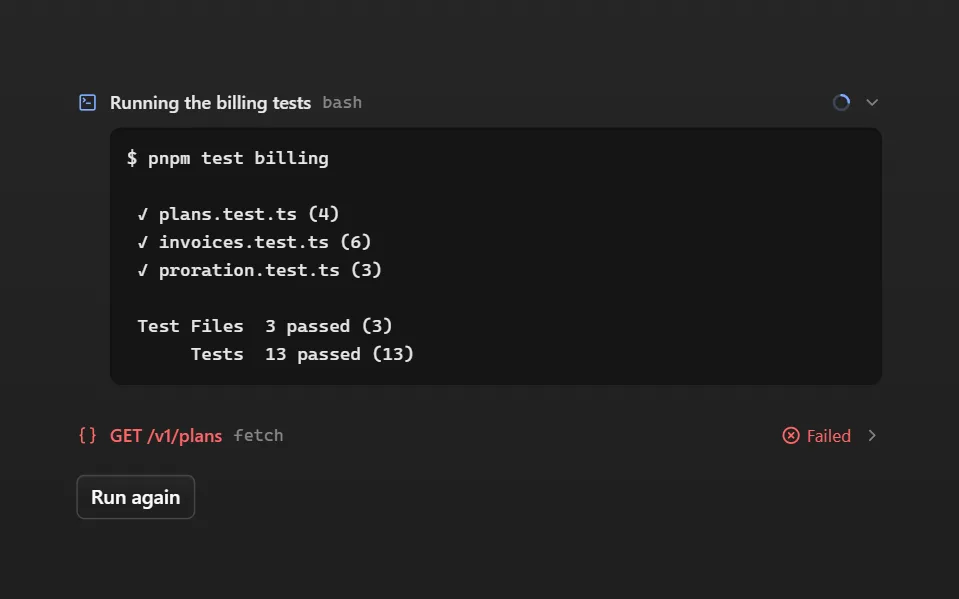
One agent tool call and its output: a Trace line that summarises what ran and how it went, over output that follows a running call and folds away when it finishes, with copy and run again.
data display