Voice Orb
voice-orbThe presence of a voice assistant: a liquid WebGL sphere that drifts while idle, gathers light as you speak, stirs while thinking and ripples as it speaks. Painted from your theme tokens, and fed by a level or an AnalyserNode.
"use client";

import { useEffect, useRef, useState } from "react";

import { Button } from "@/components/forme/button/button";
import { SegmentedControl } from "@/components/forme/segmented-control/segmented-control";
import { VoiceOrb } from "@/components/forme/voice-orb/voice-orb";
import type { VoiceOrbState } from "@/components/forme/voice-orb/voice-orb";

const captions: Record<VoiceOrbState, string> = {
  idle: "Say “Hey Forme” to start.",
  listening: "Listening…",
  thinking: "Looking up your calendar…",
  speaking: "You have two meetings before noon.",
};

export function VoiceOrbDemo() {
  const [state, setState] = useState<VoiceOrbState>("listening");
  const [level, setLevel] = useState(0);
  const [analyser, setAnalyser] = useState<AnalyserNode | null>(null);
  const [micError, setMicError] = useState(false);
  const stopMic = useRef<() => void>(null);

  // A stand-in for a TTS stream when no microphone is connected: a wandering
  // loudness value. The orb smooths it, so a jumpy source is fine.
  useEffect(() => {
    if (analyser || (state !== "listening" && state !== "speaking")) return;
    let frame = 0;
    let t = 0;
    const tick = () => {
      t += 0.06;
      setLevel(
        Math.abs(Math.sin(t) * 0.6 + Math.sin(t * 2.7) * 0.3 + (Math.random() - 0.5) * 0.25),
      );
      frame = requestAnimationFrame(tick);
    };
    frame = requestAnimationFrame(tick);
    return () => cancelAnimationFrame(frame);
  }, [state, analyser]);

  useEffect(() => () => stopMic.current?.(), []);

  async function toggleMic() {
    if (stopMic.current) {
      stopMic.current();
      stopMic.current = null;
      setAnalyser(null);
      return;
    }
    try {
      const stream = await navigator.mediaDevices.getUserMedia({ audio: true });
      const context = new AudioContext();
      const node = context.createAnalyser();
      node.fftSize = 1024;
      context.createMediaStreamSource(stream).connect(node);
      stopMic.current = () => {
        for (const track of stream.getTracks()) track.stop();
        void context.close();
      };
      setMicError(false);
      setAnalyser(node);
      setState("listening");
    } catch {
      setMicError(true);
    }
  }

  return (
    <div className="flex w-full flex-col items-center gap-8 py-6">
      <VoiceOrb state={state} level={level} analyser={analyser} size={176} />
      <p aria-live="polite" className="h-5 text-body-2-regular text-muted-foreground">
        {micError
          ? "Microphone unavailable."
          : analyser && state === "listening"
            ? "Listening to your microphone…"
            : captions[state]}
      </p>
      <div className="flex flex-wrap items-center justify-center gap-3">
        <SegmentedControl
          label="Assistant state"
          size="sm"
          value={state}
          onValueChange={(value) => setState(value as VoiceOrbState)}
          options={[
            { value: "idle", label: "Idle" },
            { value: "listening", label: "Listening" },
            { value: "thinking", label: "Thinking" },
            { value: "speaking", label: "Speaking" },
          ]}
        />
        <Button variant="secondary" size="small" aria-pressed={!!analyser} onClick={toggleMic}>
          {analyser ? "Stop microphone" : "Use microphone"}
        </Button>
      </div>
    </div>
  );
}
Install
Adds the component, its registry dependencies, and the token stylesheet you import once.
Usage
import { VoiceOrb } from "@/components/forme/voice-orb/voice-orb";

<VoiceOrb state={state} analyser={analyser} size={160} />
When to use
Reach for it
- The presence of a voice assistant: idle, listening, thinking and speaking in one visual.
Use something else
- Showing loudness precisely — use a meter or a waveform for that.
- Several on screen at once. Each runs its own WebGL loop.
API reference
Read from the source, so it is the API of the file you install. A prop marked * is required.
VoiceOrb
The presence of a voice assistant: a liquid sphere that drifts while idle, draws light into its core as you speak, stirs while it thinks, and ripples its rim with its own voice.
| Prop | Type | Default | Description |
|---|---|---|---|
state* | 'idle' | 'listening' | 'thinking' | 'speaking' | — | |
level | number | 0 | Input or output loudness, 0–1. The orb swells with it while listening or speaking. |
analyser | AnalyserNode | null | null | A caller-owned analyser to read loudness from instead of level. The orb samples it once per frame and never opens a microphone itself. |
size | number | 160 | Diameter in pixels. |
className | string | — |
Accessibility
- It is an image whose label names the current state, so a screen reader hears “listening” or “thinking”.
Motion
- Each state eases toward its own flow, swirl and glow, so switching state is a glide, never a cut.
- The render loop sleeps offscreen and in background tabs.
- Reduced motion draws one still frame per state; without WebGL a static gradient sphere stands in.
Related
Confirm Button
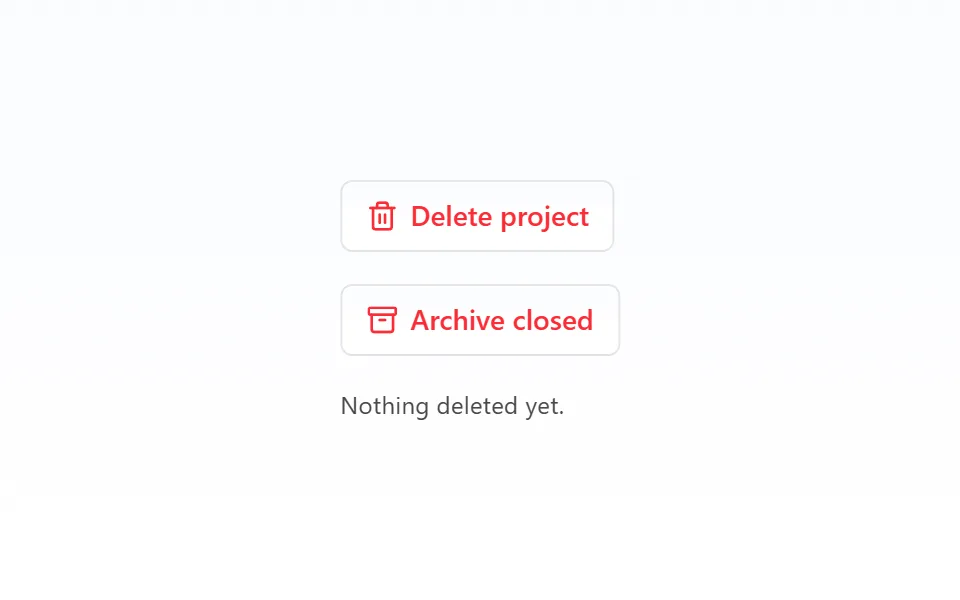
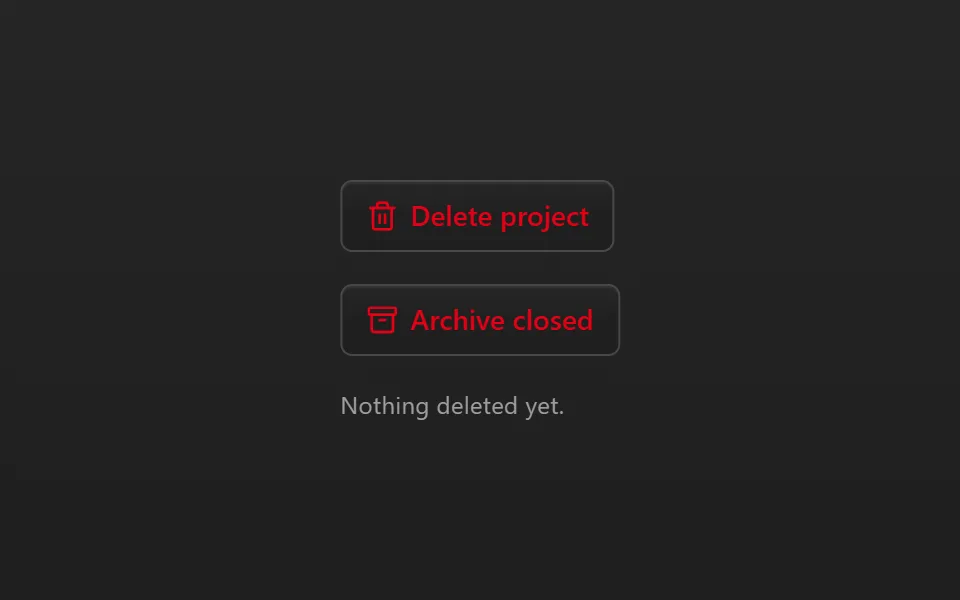
A destructive button that grows into its own confirmation on a spring, so the question appears where you are looking. Focus lands on Cancel, Esc or clicking away disarms it, and the confirm button shows a spinner while the action runs.
motion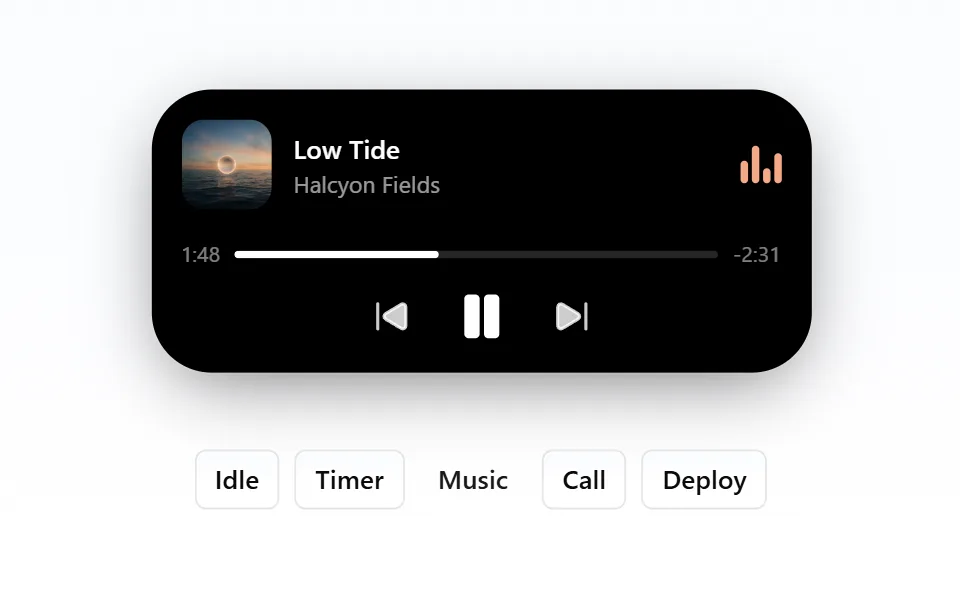
Dynamic Island
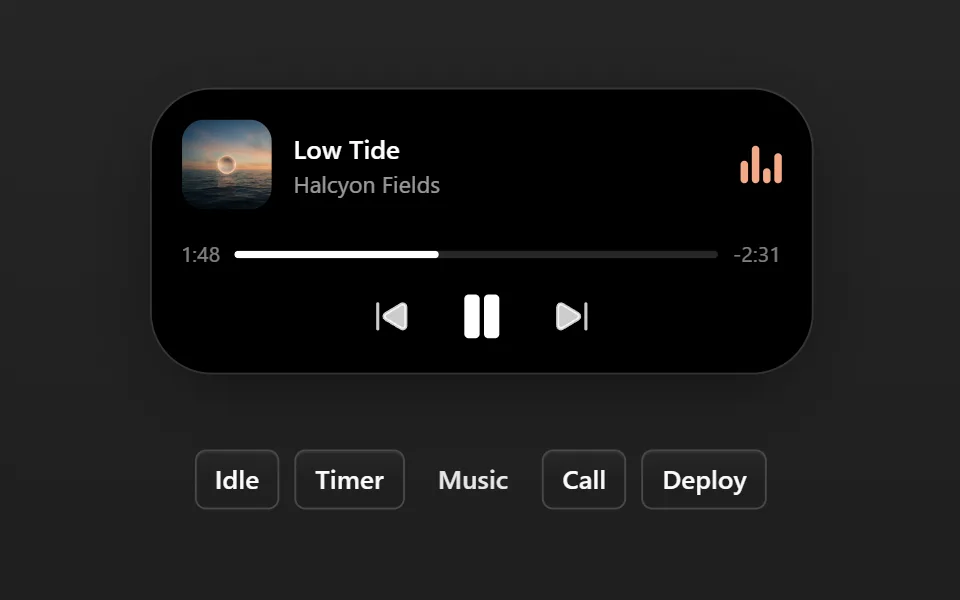
A black pill that morphs on a spring to fit whatever it is showing: a timer, a call, a song or a notification. Content swaps through a short blur crossfade, the corners never stretch mid-morph, and each change is announced politely.
motion
Marquee
A seamless, endlessly scrolling row for logos, photos or testimonials. It pauses on hover and focus, screen readers hear the content once, and reduced motion turns it into a row you scroll by hand. Pure CSS.
motion