Tool Approval
tool-approvalAn agent asking before it acts: the question first, its arguments one click below, and Allow once, Always allow and Deny in a footer that folds away once answered, leaving a record of the outcome.
"use client";

import { useEffect, useState } from "react";

import { Button } from "@/components/forme/button/button";
import { ToolApproval } from "@/components/forme/tool-approval/tool-approval";
import type { ToolApprovalStatus } from "@/components/forme/tool-approval/tool-approval";

export function ToolApprovalDemo() {
  const [status, setStatus] = useState<ToolApprovalStatus>("pending");

  // Once allowed, the call runs for a moment and finishes.
  useEffect(() => {
    if (status !== "approved") return;
    const run = setTimeout(() => setStatus("running"), 500);
    return () => clearTimeout(run);
  }, [status]);
  useEffect(() => {
    if (status !== "running") return;
    const finish = setTimeout(() => setStatus("complete"), 1600);
    return () => clearTimeout(finish);
  }, [status]);

  return (
    <div className="flex w-full max-w-xl flex-col gap-3">
      <ToolApproval
        tool="delete_branch"
        title="Delete the branch fix/proration?"
        description="It was merged into main two days ago. Nothing on it is unmerged."
        parameters={[
          { label: "repository", value: "acme/billing" },
          { label: "branch", value: "fix/proration" },
          { label: "force", value: "false" },
        ]}
        status={status}
        onApprove={() => setStatus("approved")}
        onAlwaysAllow={() => setStatus("approved")}
        onDeny={() => setStatus("denied")}
      />
      <Button
        variant="secondary"
        size="small"
        className="self-start"
        onClick={() => setStatus("pending")}
      >
        Ask again
      </Button>
    </div>
  );
}
Install
Adds the component, its registry dependencies, and the token stylesheet you import once.
API reference
Read from the source, so it is the API of the file you install. A prop marked * is required.
ToolApproval
An agent asking before it acts.
| Prop | Type | Default | Description |
|---|---|---|---|
tool* | ReactNode | — | The tool's name, in mono: delete_branch, send_email. |
title | ReactNode | "Allow this tool to run?" | |
description | ReactNode | — | What will happen, in a sentence the reader can say yes or no to. |
parameters | readonly ToolApprovalParameter[] | [] | The arguments the agent wants to call it with. |
status | 'running' | 'error' | 'complete' | 'pending' | 'approved' | 'denied' | "pending" | |
defaultOpen | boolean | false | Opens the parameters. Closed by default, so the question is read before the details. |
onApprove | () => void | — | |
onAlwaysAllow | () => void | — | Shows "Always allow" when set. |
onDeny | () => void | — | |
className | string | — |
Related
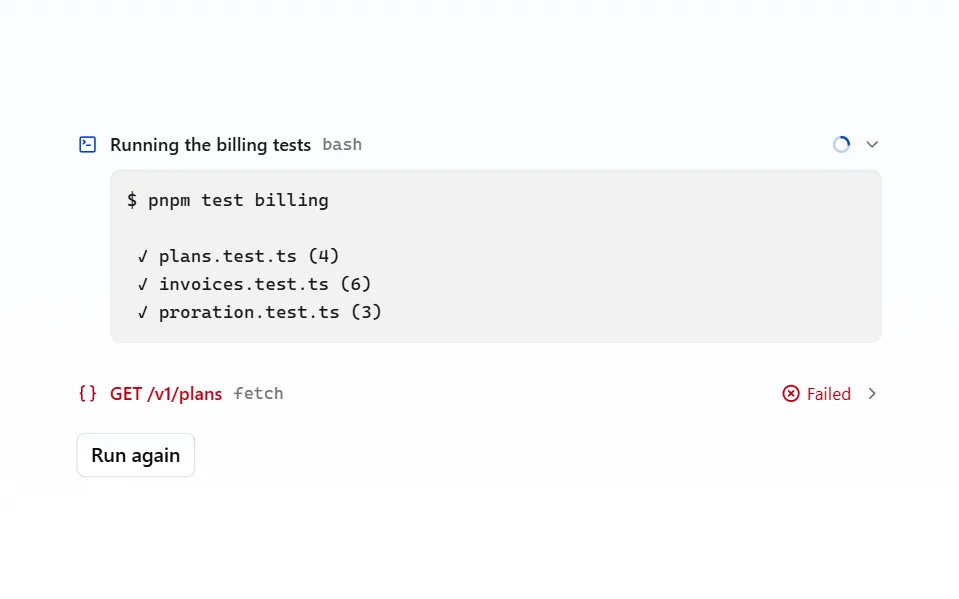
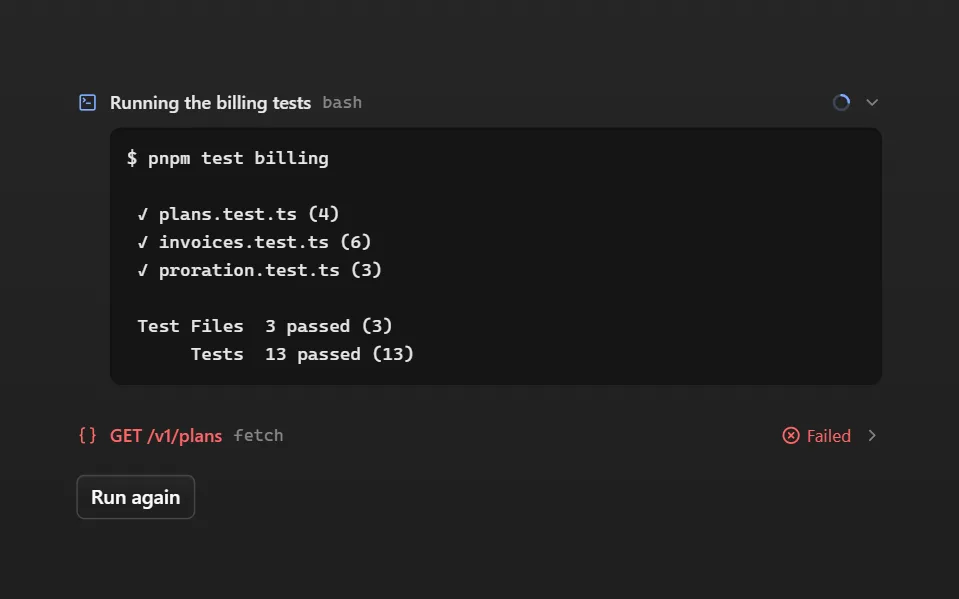
Tool Result
One agent tool call and its output: a Trace line that summarises what ran and how it went, over output that follows a running call and folds away when it finishes, with copy and run again.
data display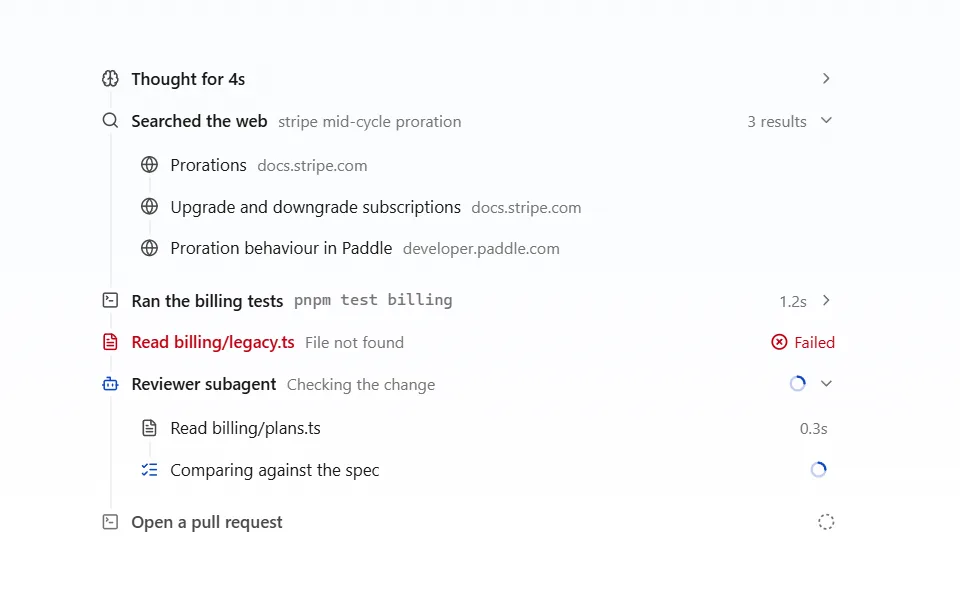
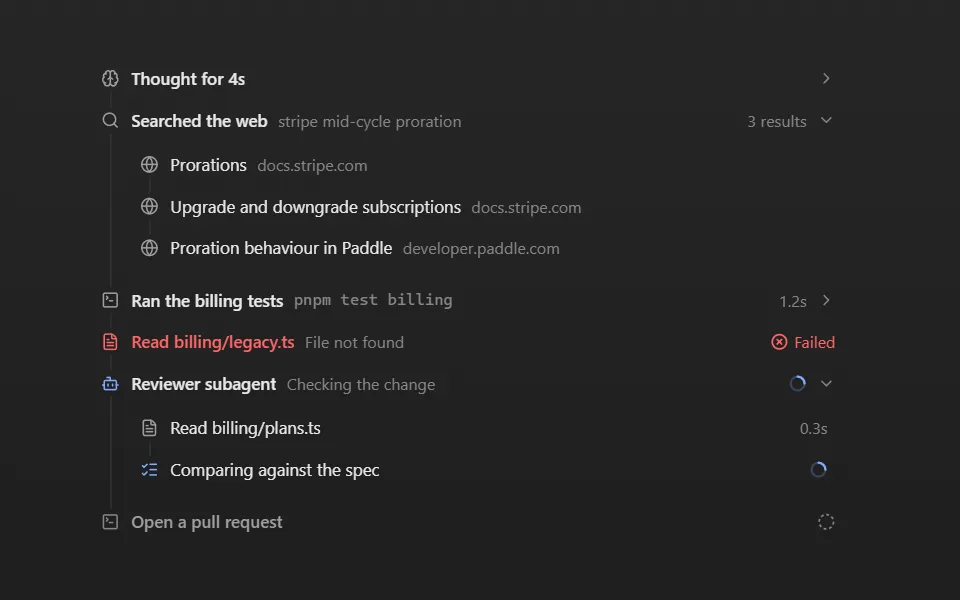
Trace
The steps an agent takes, one line each: reasoning, tool calls, sources, plans and subagent runs. Every line has an icon, a title, a description and a status, sweeps while running, and can open its output, link away, open a dialog, or nest a whole Trace.
data display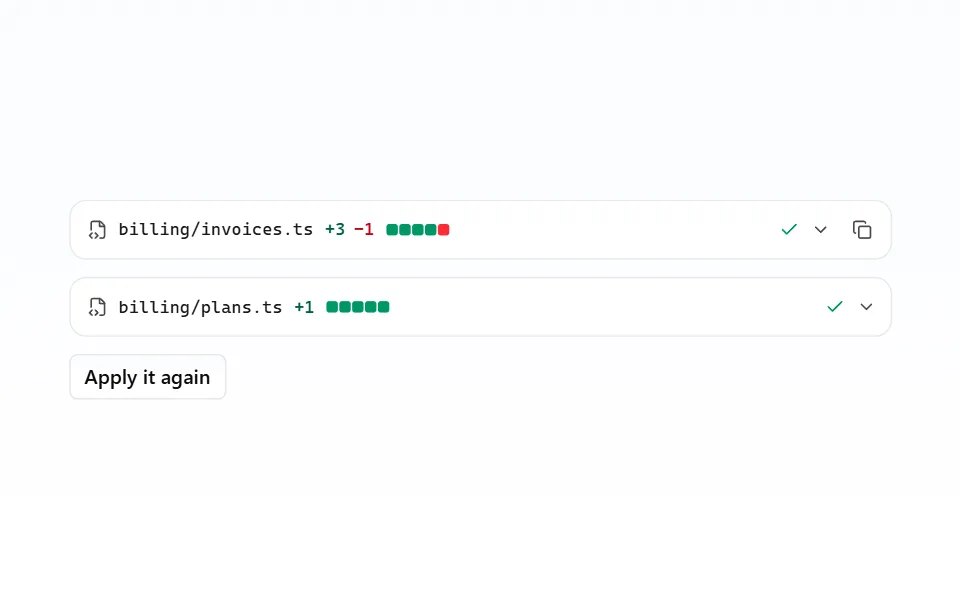
File Diff
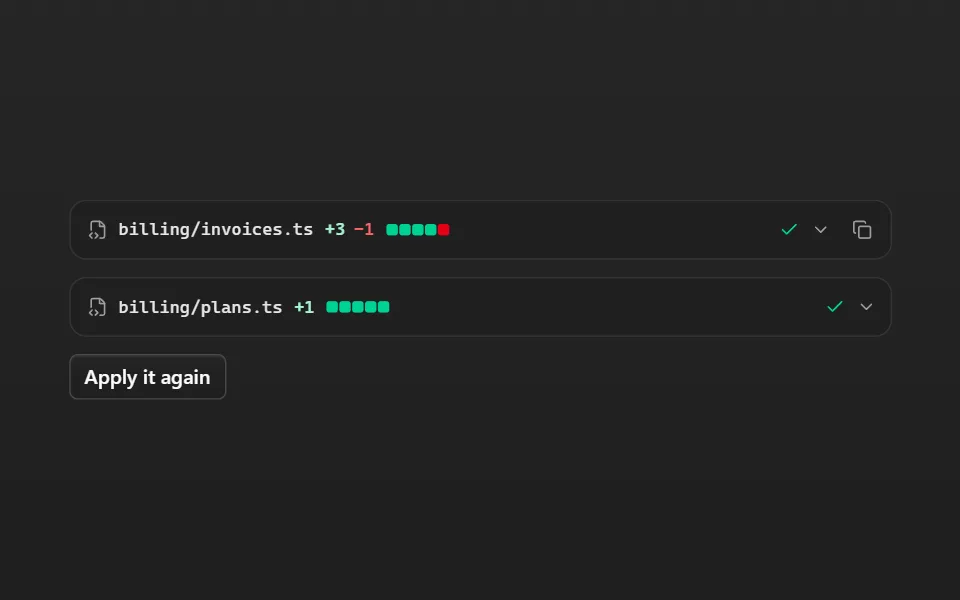
A change to one file as an agent applies it: path, counts and a proportion bar in the header, highlighted added and removed lines below, following the newest line while it streams and folding away when done.
data display