Can the invoice table sort by amount?
Message
messageChat messages assembled from parts: avatar, header, bubble, footer, groups, markers, a typing indicator and a measured Show more. The side is set once and every part follows it, with no provider.
message.demo.tsx
import { Copy, RotateCcw, Sparkles } from "lucide-react";

import { Button } from "@/components/forme/button/button";
import {
  Message,
  MessageAvatar,
  MessageBubble,
  MessageCollapsible,
  MessageContent,
  MessageFooter,
  MessageGroup,
  MessageHeader,
  MessageMarker,
  MessageTyping,
} from "@/components/forme/message/message";

export function MessageDemo() {
  return (
    <div className="flex w-full max-w-xl flex-col gap-6">
      <MessageMarker>Today</MessageMarker>

      <MessageGroup>
        <Message from="user">
          <MessageContent>
            <MessageBubble>Can the invoice table sort by amount?</MessageBubble>
          </MessageContent>
        </Message>
        <Message from="user">
          <MessageContent>
            <MessageBubble>And keep the sort when I page through.</MessageBubble>
            <MessageHeader>9:41</MessageHeader>
          </MessageContent>
        </Message>
      </MessageGroup>

      <Message from="assistant">
        <MessageAvatar>
          <Sparkles />
        </MessageAvatar>
        <MessageContent>
          <MessageHeader>
            <span className="text-foreground">Forme</span> · Forge 1
          </MessageHeader>
          <MessageBubble>
            <MessageCollapsible lines={3}>
              <p>
                Yes. Give the column a <code>sortValue</code> and the header becomes a button that
                cycles ascending, descending and off.
              </p>
              <p>
                The sort lives above the pagination, so paging slices the sorted rows rather than
                sorting each page on its own. That is what keeps the order stable as you move
                through it, and why the page count never changes when you sort.
              </p>
              <p>
                If the table is server-paginated, pass the sort to your query instead and render the
                rows you get back in order.
              </p>
            </MessageCollapsible>
          </MessageBubble>
          <MessageFooter>
            <Button variant="ghost" size="xs" iconOnly leadingIcon={Copy} aria-label="Copy" />
            <Button
              variant="ghost"
              size="xs"
              iconOnly
              leadingIcon={RotateCcw}
              aria-label="Regenerate"
            />
          </MessageFooter>
        </MessageContent>
      </Message>

      <MessageMarker>Switched to Forge 1 Fast</MessageMarker>

      <Message from="user">
        <MessageContent>
          <MessageBubble>Export it as CSV too?</MessageBubble>
        </MessageContent>
      </Message>

      <Message from="assistant">
        <MessageAvatar>
          <Sparkles />
        </MessageAvatar>
        <MessageContent>
          <MessageBubble variant="danger">
            The export tool timed out after 30 seconds. Nothing was written.
          </MessageBubble>
          <MessageBubble variant="soft">
            <MessageTyping />
          </MessageBubble>
        </MessageContent>
      </Message>
    </div>
  );
}
Install
$npxshadcnadd@forme/message
Adds the component, its registry dependencies, and the token stylesheet you import once.
API reference
Read from the source, so it is the API of the file you install. A prop marked * is required.
Message
One turn of a conversation, assembled from parts:
| Prop | Type | Default | Description |
|---|---|---|---|
from* | 'user' | 'assistant' | — | |
animate | boolean | — | Rises into place when it mounts. Set it on messages that arrive, not on loaded history. |
Also takes every prop of <article> attributes.
MessageAvatar
An image, initials or an icon.
| Prop | Type | Default | Description |
|---|---|---|---|
placeholder | boolean | — | Keeps the avatar's space but draws nothing, so a group's bubbles stay aligned. |
Also takes every prop of <div> attributes.
MessageBubble
The words. Bubbles take a tail corner on the speaker's side, so a run of them reads as one voice.
| Prop | Type | Default | Description |
|---|---|---|---|
variant | 'danger' | 'auto' | 'soft' | 'outline' | 'plain' | "auto" |
Also takes every prop of <div> attributes.
MessageTyping
The assistant is composing. Put it inside a bubble so it takes that bubble's shape.
| Prop | Type | Default | Description |
|---|---|---|---|
label | string | "Responding" | What a screen reader hears. |
className | string | — |
The other parts
MessageGroupTakes<div>attributesMessageContentTakes<div>attributesMessageHeaderTakes<div>attributesMessageFooterTakes<div>attributesMessageMarkerTakes<div>attributes
Related
Chat Message
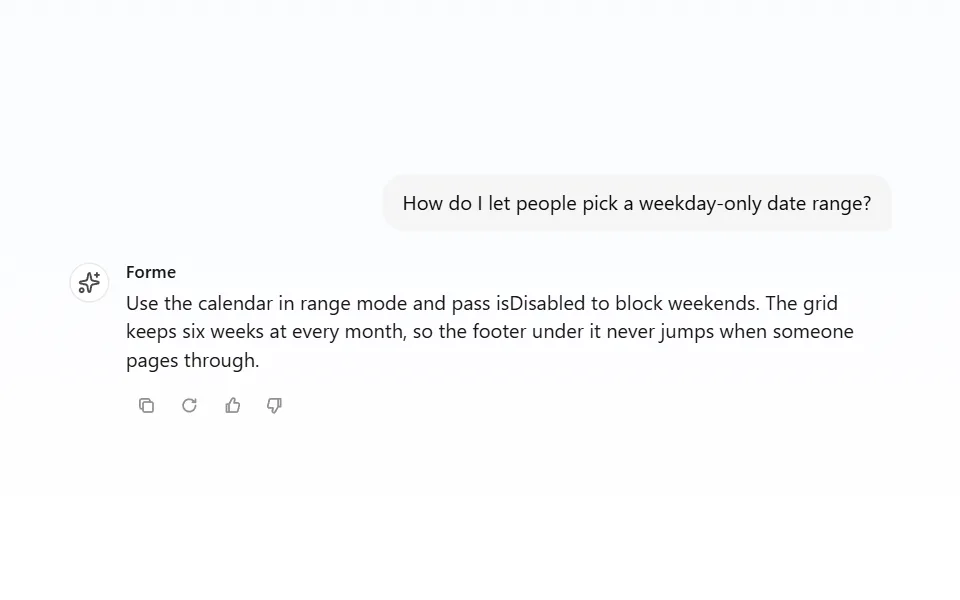
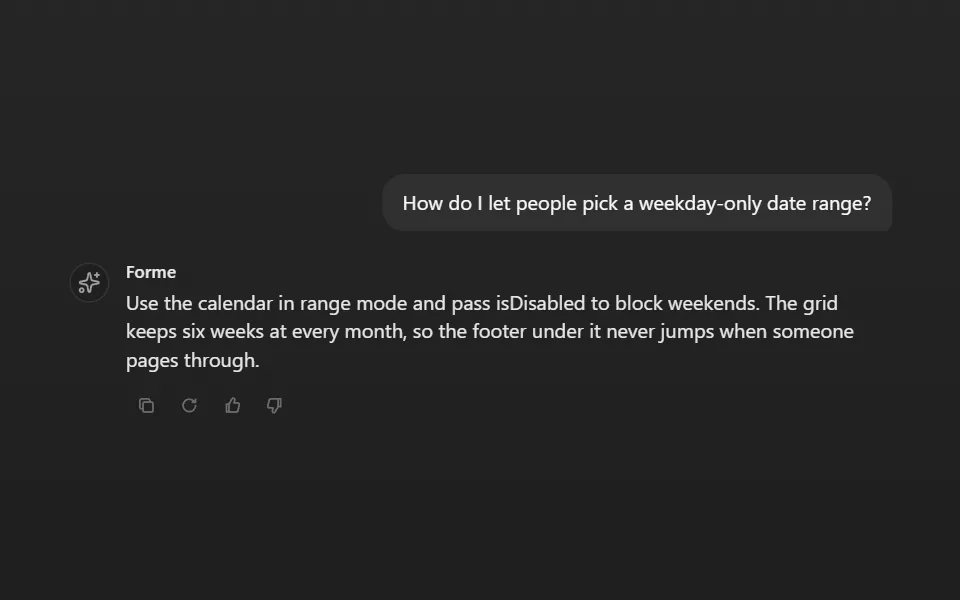
One turn of an AI conversation: a compact bubble for the person, full-width prose for the assistant, a streaming caret, and copy, regenerate and feedback actions that keyboard and touch can always reach.
data display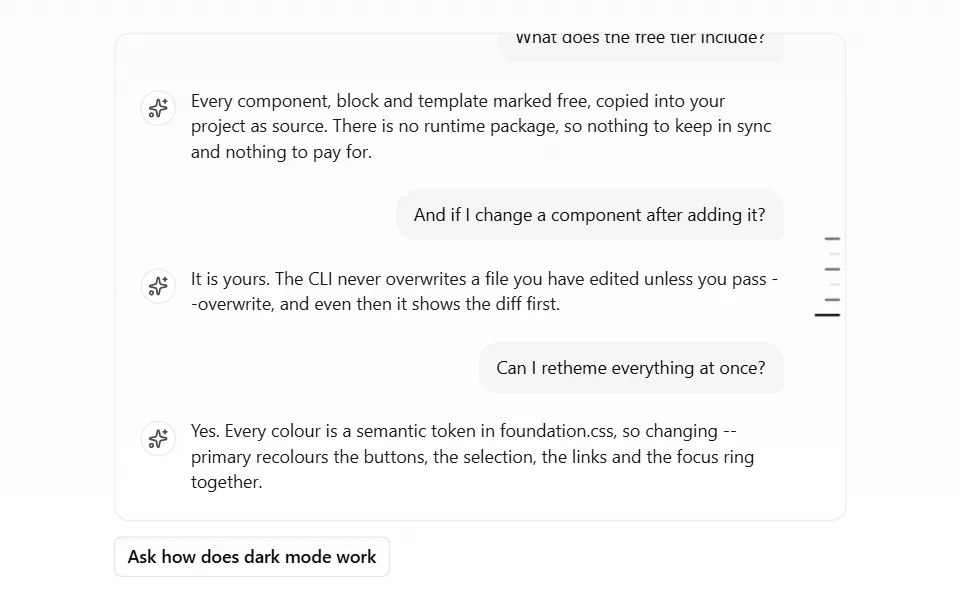
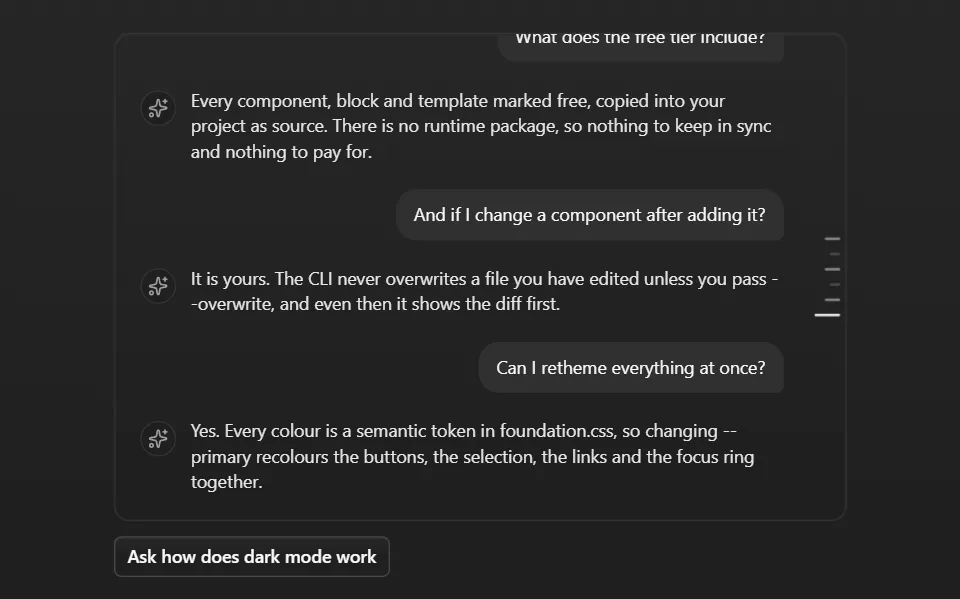
Message Scroller
The scrolling transcript of a chat: it follows a streaming reply, lets go the moment you scroll up, and brings you back with a Jump to latest pill. An optional rail of ticks previews and jumps to any message.
data display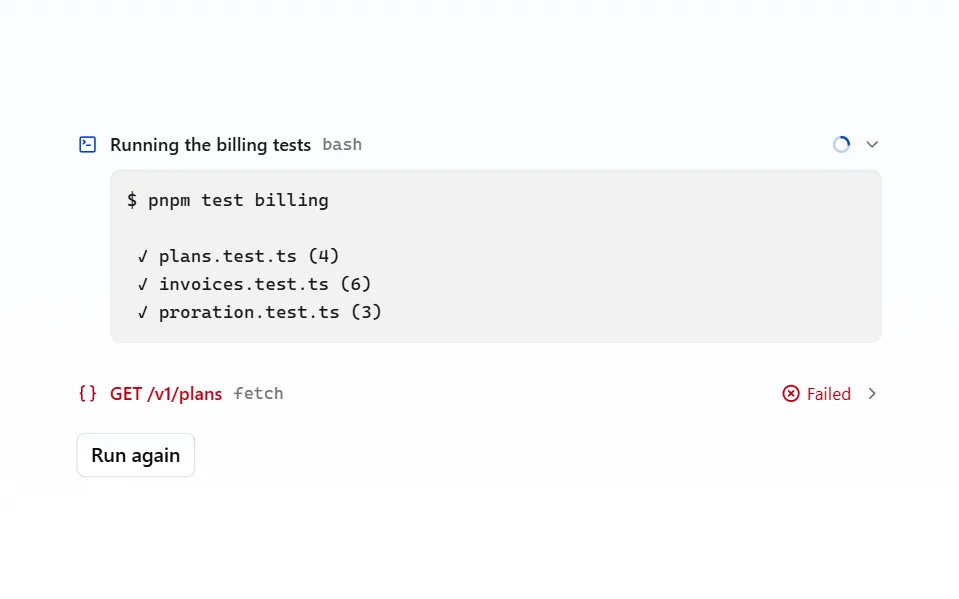
Tool Result
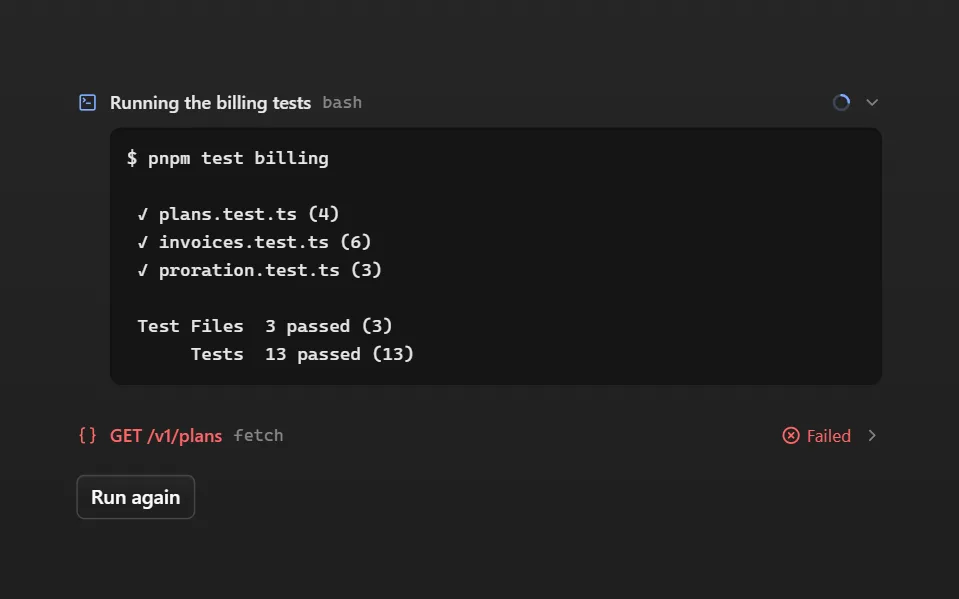
One agent tool call and its output: a Trace line that summarises what ran and how it went, over output that follows a running call and folds away when it finishes, with copy and run again.
data display