File Diff
file-diffA change to one file as an agent applies it: path, counts and a proportion bar in the header, highlighted added and removed lines below, following the newest line while it streams and folding away when done.
"use client";

import { useEffect, useState } from "react";

import { Button } from "@/components/forme/button/button";
import { FileDiff } from "@/components/forme/file-diff/file-diff";
import type { FileDiffLine } from "@/components/forme/file-diff/file-diff";

const change: FileDiffLine[] = [
  { oldLine: 12, newLine: 12, content: "export function invoiceTotal(plan: Plan, days: number) {" },
  { type: "removed", oldLine: 13, content: "  return plan.price;" },
  { type: "added", newLine: 13, content: "  // Bill only the part of the cycle that is left." },
  { type: "added", newLine: 14, content: "  const share = days / plan.cycleDays;" },
  { type: "added", newLine: 15, content: "  return Math.round(plan.price * share * 100) / 100;" },
  { oldLine: 14, newLine: 16, content: "}" },
];

export function FileDiffDemo() {
  const [shown, setShown] = useState(0);
  const streaming = shown < change.length;

  useEffect(() => {
    if (!streaming) return;
    const timer = setInterval(() => setShown((count) => count + 1), 450);
    return () => clearInterval(timer);
  }, [streaming]);

  return (
    <div className="flex w-full max-w-xl flex-col gap-3">
      <FileDiff
        file="billing/invoices.ts"
        language="ts"
        lines={change.slice(0, shown)}
        streaming={streaming}
        copyText={change.map((line) => line.content).join("\n")}
      />
      <FileDiff
        file="billing/plans.ts"
        language="ts"
        defaultOpen={false}
        lines={[
          { oldLine: 3, newLine: 3, content: "export interface Plan {" },
          { type: "added", newLine: 4, content: "  cycleDays: number;" },
          { oldLine: 4, newLine: 5, content: "}" },
        ]}
      />
      <Button variant="secondary" size="small" className="self-start" onClick={() => setShown(0)}>
        Apply it again
      </Button>
    </div>
  );
}
Install
Adds the component, its registry dependencies, and the token stylesheet you import once.
Usage
import { FileDiff } from "@/components/forme/file-diff/file-diff";

<FileDiff
  file="billing/invoices.ts"
  language="ts"
  lines={[
    { type: "removed", oldLine: 13, content: "  return plan.price;" },
    { type: "added", newLine: 13, content: "  return prorate(plan, days);" },
  ]}
/>
When to use
Reach for it
- A change an agent made, or is making, to one file.
Use something else
- New files with no previous version; a
CodeBlocksays the same thing with less chrome.
Examples
3 more ways to put it to work. Install one by name and it lands beside the component, or copy it from the Code tab into your app.
Changeset to review
An agent's change across several files with the totals up top, the first file open, and keep or discard for the lot.
"use client";

import { Check, X } from "lucide-react";
import { useState } from "react";

import { Badge } from "@/components/forme/badge/badge";
import { Button } from "@/components/forme/button/button";
import { FileDiff } from "@/components/forme/file-diff/file-diff";
import type { FileDiffLine } from "@/components/forme/file-diff/file-diff";

// An agent's change across three files, as it would hand it over for review.
const files: { path: string; lines: FileDiffLine[] }[] = [
  {
    path: "billing/invoices.ts",
    lines: [
      {
        oldLine: 12,
        newLine: 12,
        content: "export function invoiceTotal(plan: Plan, days: number) {",
      },
      { type: "removed", oldLine: 13, content: "  return plan.price;" },
      { type: "added", newLine: 13, content: "  const share = days / plan.cycleDays;" },
      {
        type: "added",
        newLine: 14,
        content: "  return Math.round(plan.price * share * 100) / 100;",
      },
      { oldLine: 14, newLine: 15, content: "}" },
    ],
  },
  {
    path: "billing/plans.ts",
    lines: [
      { oldLine: 3, newLine: 3, content: "export interface Plan {" },
      { oldLine: 4, newLine: 4, content: "  price: number;" },
      { type: "added", newLine: 5, content: "  cycleDays: number;" },
      { oldLine: 5, newLine: 6, content: "}" },
    ],
  },
  {
    path: "billing/invoices.test.ts",
    lines: [
      { type: "added", newLine: 21, content: 'it("prorates an upgrade on day 10 of 30", () => {' },
      { type: "added", newLine: 22, content: "  expect(invoiceTotal(pro, 20)).toBe(13.33);" },
      { type: "added", newLine: 23, content: "});" },
    ],
  },
];

const count = (type: "added" | "removed") =>
  files.reduce((sum, file) => sum + file.lines.filter((line) => line.type === type).length, 0);

export function ChangesetExample() {
  const [decision, setDecision] = useState<"pending" | "kept" | "discarded">("pending");

  return (
    <section
      aria-label="Proposed changes"
      className="flex w-full max-w-2xl flex-col gap-3 rounded-3xl border border-border bg-card p-4 lit edge"
    >
      <header className="flex flex-wrap items-center justify-between gap-3">
        <div className="min-w-0">
          <p className="text-body-medium text-foreground">Prorate the first invoice</p>
          <p className="text-caption-1-medium text-muted-foreground tnum">
            {files.length} files · <span className="text-success-strong">+{count("added")}</span>{" "}
            <span className="text-destructive-strong">−{count("removed")}</span>
          </p>
        </div>
        {decision === "pending" ? (
          <div className="flex items-center gap-2">
            <Button
              variant="secondary"
              size="small"
              leadingIcon={X}
              onClick={() => setDecision("discarded")}
            >
              Discard
            </Button>
            <Button size="small" leadingIcon={Check} onClick={() => setDecision("kept")}>
              Keep all
            </Button>
          </div>
        ) : (
          <Badge variant={decision === "kept" ? "success" : "neutral"} className="animate-enter">
            {decision === "kept" ? "Changes kept" : "Changes discarded"}
          </Badge>
        )}
      </header>

      {/* The first file is open; the rest are summaries you can open in turn. */}
      <div className="flex flex-col gap-2">
        {files.map((file, index) => (
          <FileDiff
            key={file.path}
            file={file.path}
            language="ts"
            lines={file.lines}
            defaultOpen={index === 0}
            copyText={file.lines
              .filter((line) => line.type !== "removed")
              .map((line) => line.content)
              .join("\n")}
          />
        ))}
      </div>
    </section>
  );
}
New file
A file written from nothing: every line added as it streams in, then folded to its header once it is done.
"use client";

import { RotateCcw } from "lucide-react";
import { useEffect, useState } from "react";

import { Button } from "@/components/forme/button/button";
import { FileDiff } from "@/components/forme/file-diff/file-diff";
import type { FileDiffLine } from "@/components/forme/file-diff/file-diff";

// A file that did not exist before: every line is added, numbered from 1.
const source = [
  'import { describe, expect, it } from "vitest";',
  "",
  'import { slugify } from "./slugify";',
  "",
  'describe("slugify", () => {',
  '  it("lowercases and joins words with dashes", () => {',
  '    expect(slugify("Hello World")).toBe("hello-world");',
  "  });",
  "",
  '  it("drops characters a URL cannot hold", () => {',
  '    expect(slugify("Q3: revenue & costs")).toBe("q3-revenue-costs");',
  "  });",
  "});",
];
const lines: FileDiffLine[] = source.map((content, index) => ({
  type: "added",
  newLine: index + 1,
  content,
}));

export function NewFileExample() {
  const [shown, setShown] = useState(0);
  const streaming = shown < lines.length;

  // Lines arrive as the agent writes them; when it is done the diff folds to
  // its header, which is all a finished file needs to say in a transcript.
  useEffect(() => {
    if (!streaming) return;
    const timer = setInterval(() => setShown((count) => count + 1), 220);
    return () => clearInterval(timer);
  }, [streaming]);

  return (
    <div className="flex w-full max-w-xl flex-col gap-3">
      <FileDiff
        file="lib/slugify.test.ts"
        language="ts"
        lines={lines.slice(0, shown)}
        streaming={streaming}
        collapseOnComplete
        copyText={source.join("\n")}
      />
      <Button
        variant="secondary"
        size="small"
        leadingIcon={RotateCcw}
        className="self-start"
        disabled={streaming}
        onClick={() => setShown(0)}
      >
        Write it again
      </Button>
    </div>
  );
}
Deleted file
A file removed outright, every line on the old side, with a sentence above saying why.
import { FileDiff } from "@/components/forme/file-diff/file-diff";
import type { FileDiffLine } from "@/components/forme/file-diff/file-diff";

// A file removed outright: every line is removed, numbered on the old side only.
const removed: FileDiffLine[] = [
  "/** @deprecated Use invoiceTotal, which prorates. */",
  "export function legacyTotal(plan: Plan) {",
  "  return plan.price;",
  "}",
].map((content, index) => ({ type: "removed", oldLine: index + 1, content }));

export function DeletedFileExample() {
  return (
    <div className="flex w-full max-w-xl flex-col gap-2">
      <p className="text-body-2-regular text-muted-foreground">
        Nothing imports <code className="rounded-sm bg-muted px-1">legacyTotal</code> any more, so I
        removed the file.
      </p>
      <FileDiff file="billing/legacy-total.ts" language="ts" lines={removed} />
    </div>
  );
}
API reference
Read from the source, so it is the API of the file you install. A prop marked * is required.
FileDiff
A change to one file, the way an agent applies it: a header that summarises it, over the lines it touched.
| Prop | Type | Default | Description |
|---|---|---|---|
file* | ReactNode | — | The path, shown in the header. |
lines* | readonly FileDiffLine[] | — | |
language | 'html' | 'text' | 'ts' | 'tsx' | 'js' | 'jsx' | 'json' | 'css' | 'bash' | "text" | |
streaming | boolean | false | While true the diff is still being written: it stays open and follows the newest line. |
defaultOpen | boolean | true | |
collapseOnComplete | boolean | true | Folds the diff away when streaming finishes, leaving the header as a summary. |
maxHeight | number | 280 | The tallest the lines get before they scroll, in pixels. |
copyText | string | — | Text for the copy button. No button without it. |
className | string | — |
Accessibility
- Added and removed lines carry a real + or − character, so the change survives without colour.
Motion
- While
streamingit opens, follows the newest line and fades new lines in. - When it finishes it folds itself away (
collapseOnComplete), because a finished diff in a transcript is a receipt.
Responsive behaviour
- The five-square size bar in the header is hidden below
sm; the counts stay.
Related
Code Block
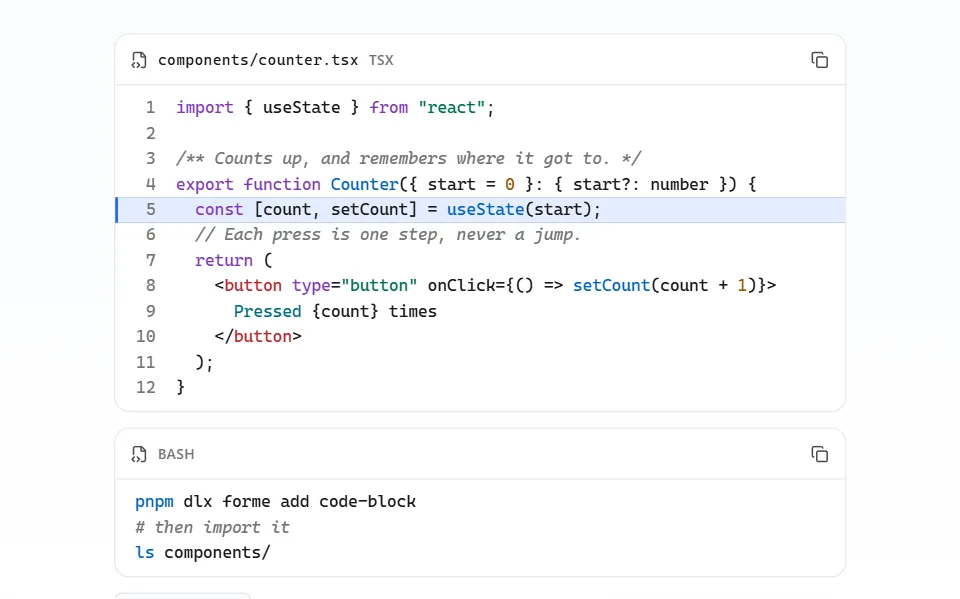
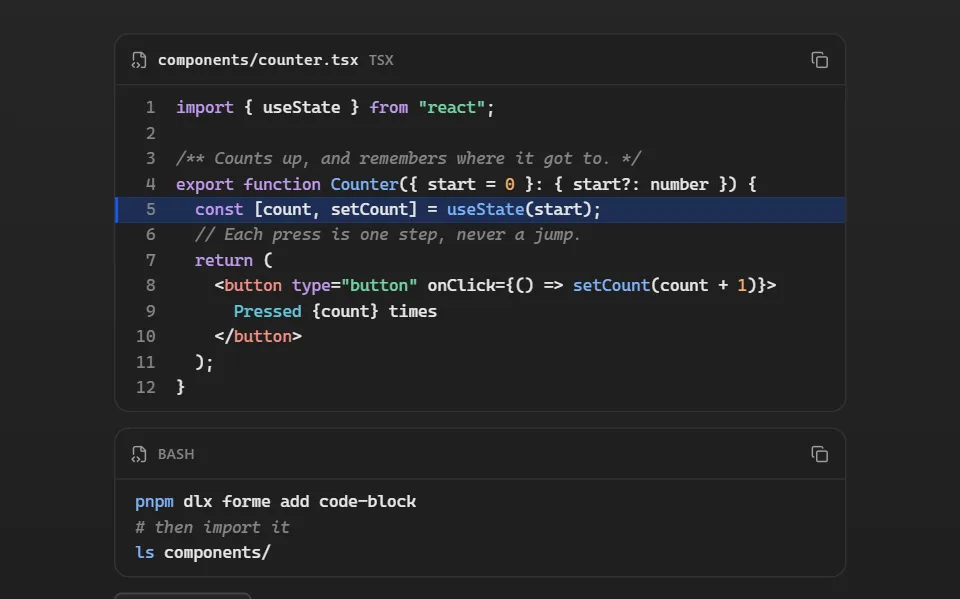
Code an agent wrote or is writing: highlighted by a small built-in tokenizer in the theme's syntax colours, with line numbers, marked and diff lines, wrapping, a header with a title and actions, a small size for tool output, copy, and a view that follows streamed code until you scroll away.
data display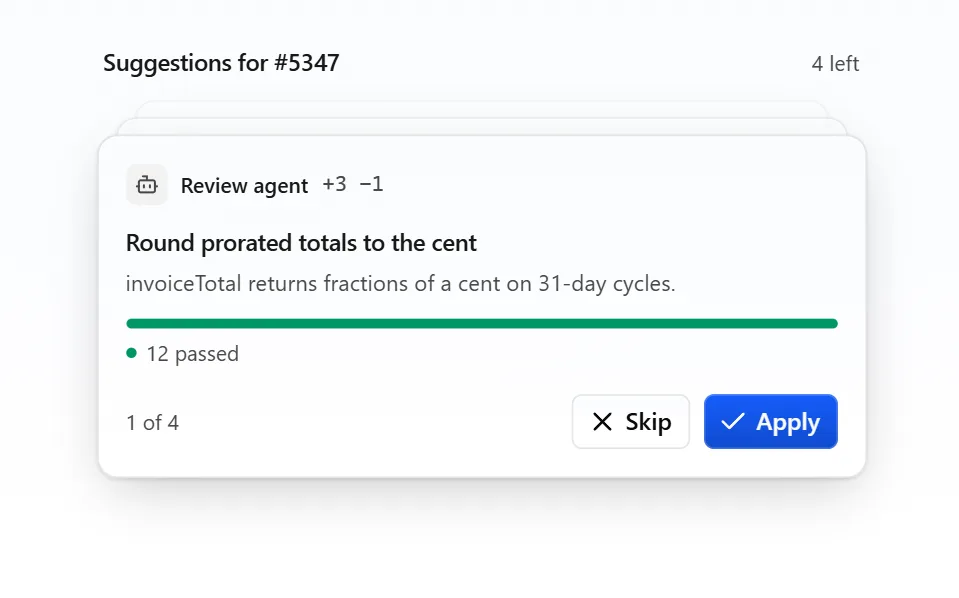
Suggestion Stack
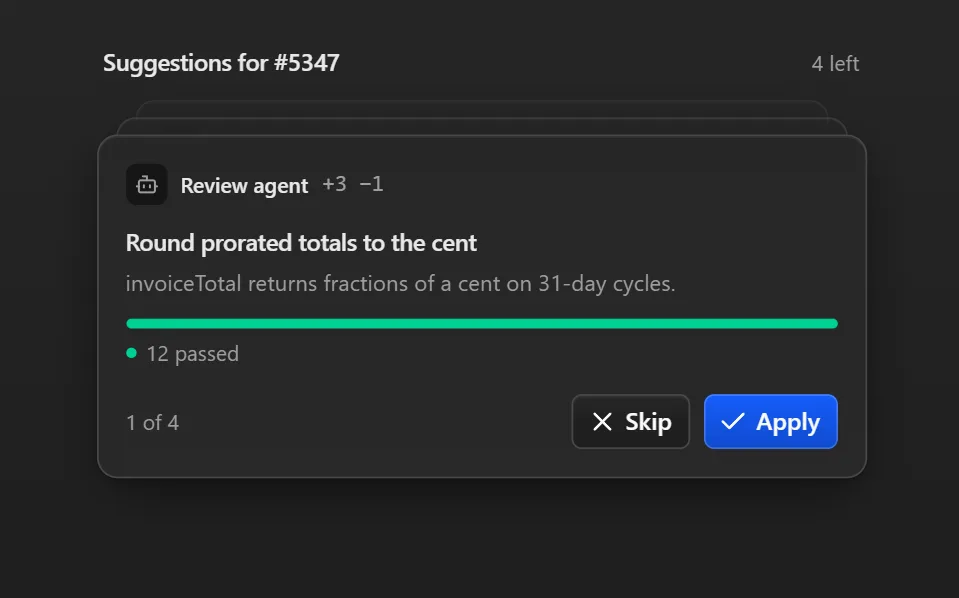
An agent's suggestions as a stack of cards, decided one at a time: apply or skip, or drag the card either way. The next ones peek out behind, and checks show as a split bar.
data display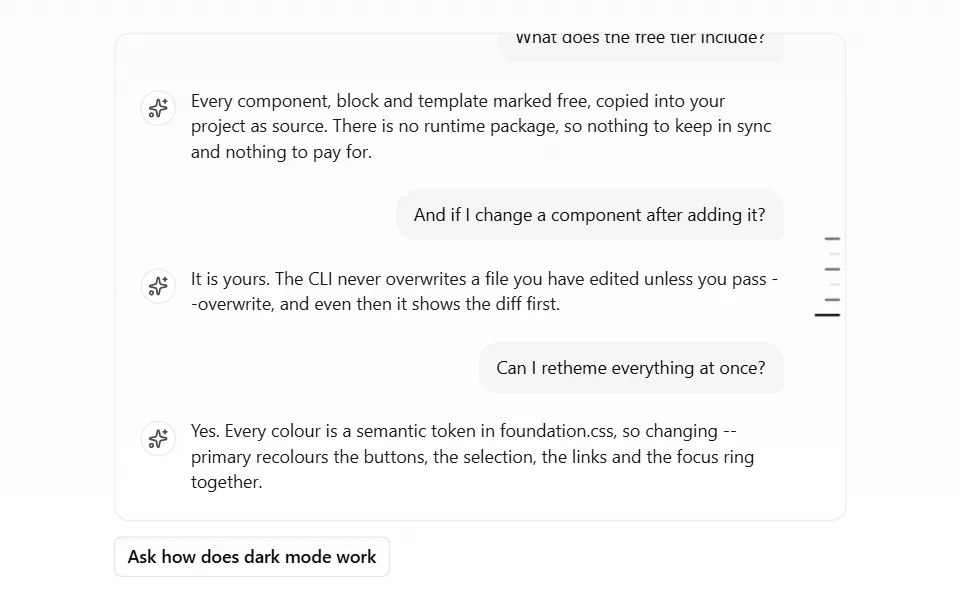
Message Scroller
The scrolling transcript of a chat: it follows a streaming reply, lets go the moment you scroll up, and brings you back with a Jump to latest pill. An optional rail of ticks previews and jumps to any message.
data display