Waveform
waveformA row of bars for anything that makes or hears sound. Loops on its own while listening or speaking, follows a level or an AnalyserNode's spectrum when given one, and sends a pulse across while thinking.
"use client";

import { useEffect, useRef, useState } from "react";

import { Button } from "@/components/forme/button/button";
import { Waveform } from "@/components/forme/waveform/waveform";
import type { WaveformState } from "@/components/forme/waveform/waveform";

const states: { state: WaveformState; caption: string }[] = [
  { state: "idle", caption: "Idle" },
  { state: "listening", caption: "Listening" },
  { state: "thinking", caption: "Thinking" },
  { state: "speaking", caption: "Speaking" },
];

export function WaveformDemo() {
  const [analyser, setAnalyser] = useState<AnalyserNode | null>(null);
  const [micError, setMicError] = useState(false);
  const stopMic = useRef<() => void>(null);

  useEffect(() => () => stopMic.current?.(), []);

  async function toggleMic() {
    if (stopMic.current) {
      stopMic.current();
      stopMic.current = null;
      setAnalyser(null);
      return;
    }
    try {
      const stream = await navigator.mediaDevices.getUserMedia({ audio: true });
      const context = new AudioContext();
      const node = context.createAnalyser();
      node.fftSize = 512;
      node.smoothingTimeConstant = 0.6;
      context.createMediaStreamSource(stream).connect(node);
      stopMic.current = () => {
        for (const track of stream.getTracks()) track.stop();
        void context.close();
      };
      setMicError(false);
      setAnalyser(node);
    } catch {
      setMicError(true);
    }
  }

  return (
    <div className="flex w-full max-w-md flex-col items-center gap-8 py-4">
      <div className="grid w-full grid-cols-2 gap-3 sm:grid-cols-4">
        {states.map(({ state, caption }) => (
          <div
            key={state}
            className="flex flex-col items-center gap-3 rounded-xl border border-border bg-card px-3 py-4 lit edge"
          >
            <Waveform state={state} bars={7} />
            <span className="text-caption-1-medium text-muted-foreground">{caption}</span>
          </div>
        ))}
      </div>

      <div className="flex flex-col items-center gap-3">
        <Waveform
          state={analyser ? "listening" : "idle"}
          analyser={analyser}
          bars={21}
          className="h-14 gap-1 [&>span]:w-1"
          aria-label={analyser ? "Microphone level" : "Microphone off"}
        />
        <Button variant="secondary" size="small" aria-pressed={!!analyser} onClick={toggleMic}>
          {analyser ? "Stop microphone" : "Use microphone"}
        </Button>
        <p aria-live="polite" className="h-5 text-body-2-regular text-muted-foreground">
          {micError
            ? "Microphone unavailable."
            : analyser
              ? "Speak — each bar is a band of your voice."
              : ""}
        </p>
      </div>
    </div>
  );
}
Install
Adds the component, its registry dependencies, and the token stylesheet you import once.
API reference
Read from the source, so it is the API of the file you install. A prop marked * is required.
Waveform
A row of bars for anything that makes or hears sound: a recording, a reply being spoken, a model thinking. Idle is a still, low row; listening and speaking loop on their own, or follow level or an AnalyserNode when given one; thinking is a pulse travelling across. Colour is currentColor, so a text class recolours it — text-primary-foreground inside a filled button.
| Prop | Type | Default | Description |
|---|---|---|---|
state | 'idle' | 'listening' | 'thinking' | 'speaking' | "listening" | |
level | number | — | Loudness, 0–1. While listening or speaking, the bars follow it instead of looping. |
analyser | AnalyserNode | null | null | A caller-owned analyser. While listening or speaking each bar reads its own slice of the spectrum, so the row is a real equaliser. Never opens a microphone itself. |
bars | number | 5 | How many bars. Odd counts keep a centre bar, which reads as the loudest. |
className | string | — | |
aria-label | string | — | Pass "" when a visible caption already says what the bars show. |
Related
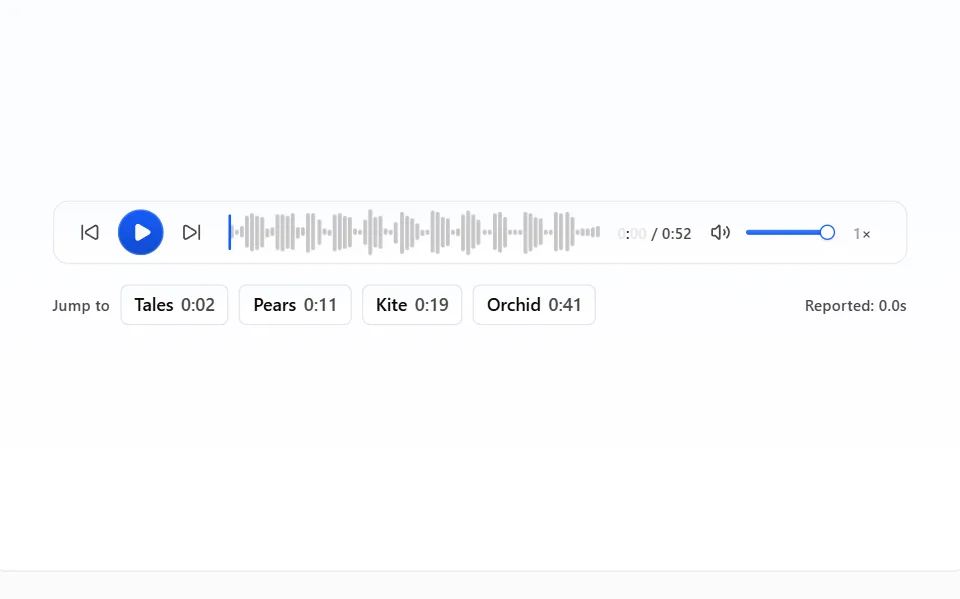
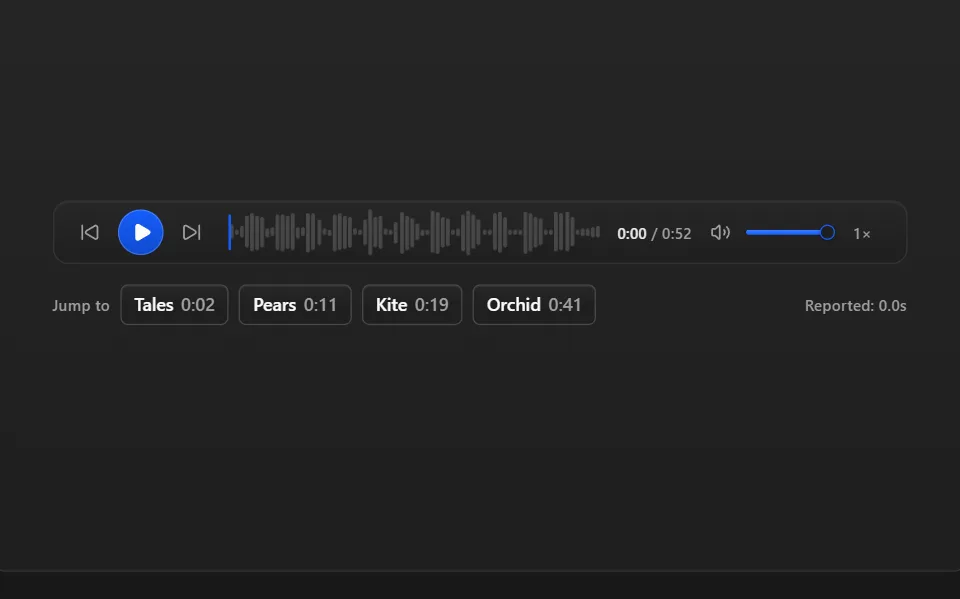
Audio Player
A transport bar for one recording: skip back and forward, play, a seek bar, time, volume and speed. Its ref is a small handle, so a transcript or a chapter list can seek and play it from outside.
audio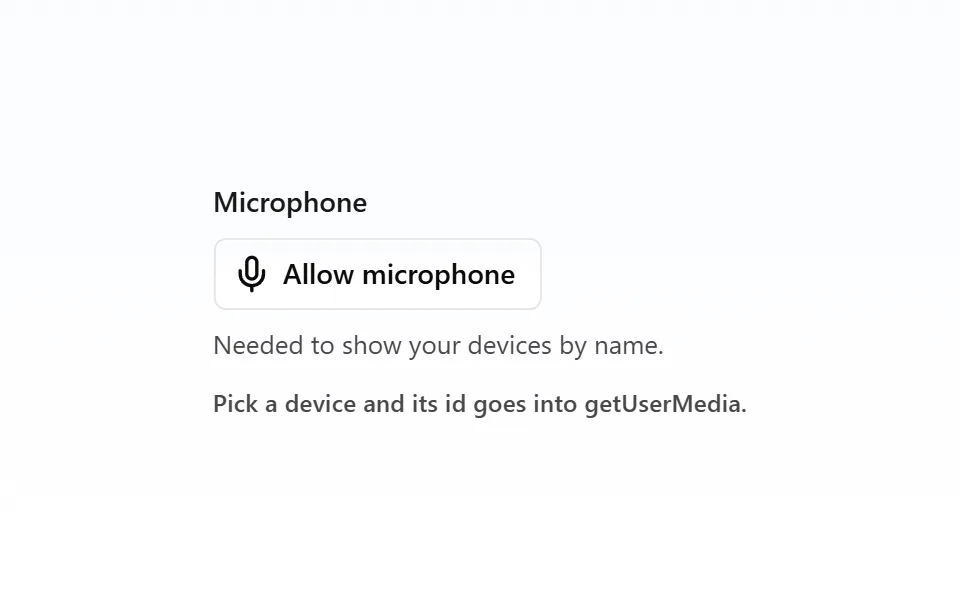
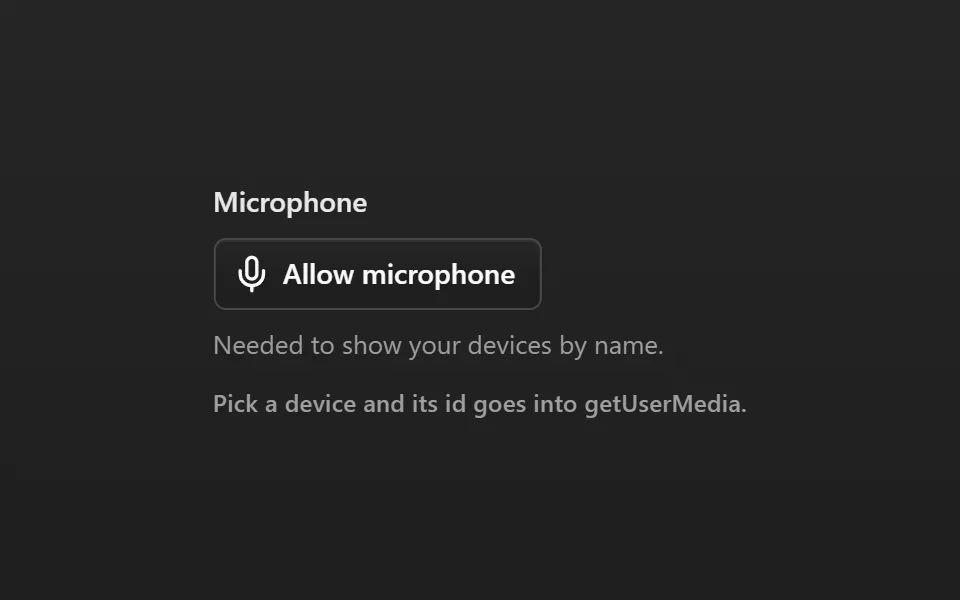
Mic Selector
A microphone picker that asks for permission first, so devices show by name rather than as blanks, then stays current as headsets are plugged in and out. Hands back a deviceId for getUserMedia.
audio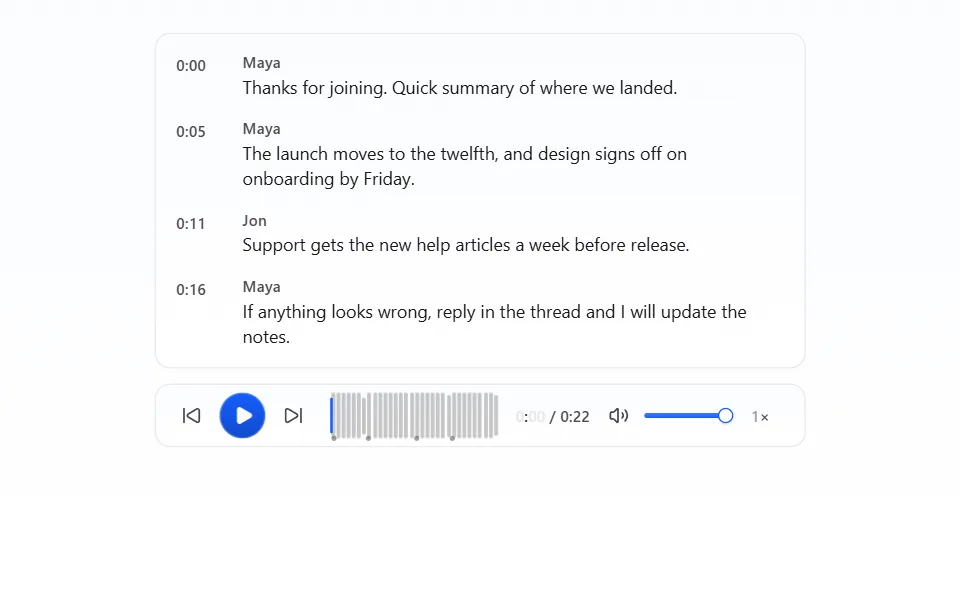
Transcript
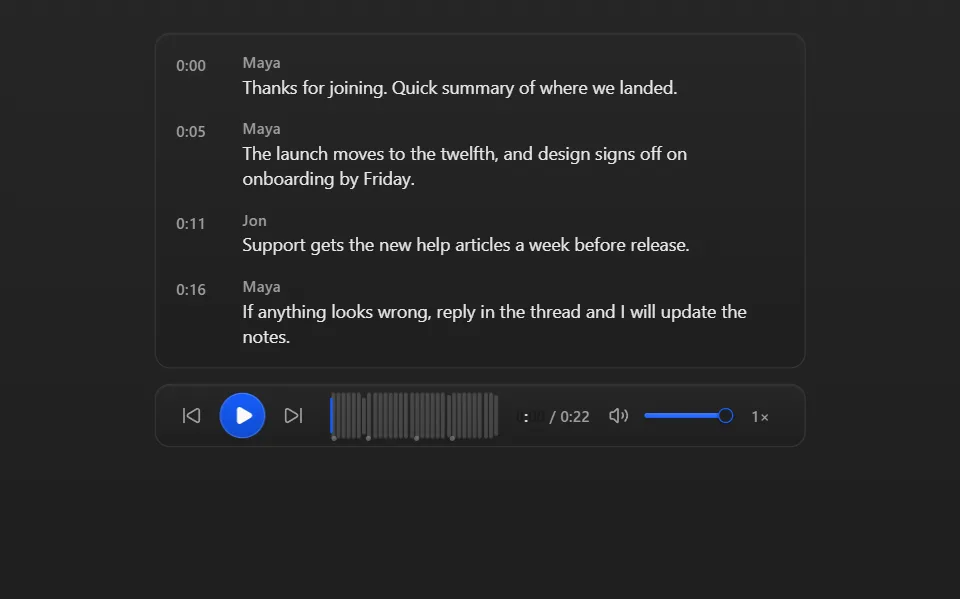
A transcript that follows the audio: the current line is marked and kept in view, the word being said lights within it, and any line or word seeks back to where it was spoken. One tab stop, arrow keys between lines.
audio