Voice Button
voice-buttonThe record button of a voice interface: push to talk or tap to toggle, a live waveform and a running clock while recording, then transcribing, done or try again. You drive the state; it records nothing itself.
"use client";

import { useEffect, useRef, useState } from "react";

import { SegmentedControl } from "@/components/forme/segmented-control/segmented-control";
import { VoiceButton } from "@/components/forme/voice-button/voice-button";
import type { VoiceButtonState } from "@/components/forme/voice-button/voice-button";

const replies = [
  "Move the design review to Thursday afternoon.",
  "Add oat milk and coffee filters to the shopping list.",
  "Remind me to call the venue at four.",
];

export function VoiceButtonDemo() {
  const [mode, setMode] = useState<"hold" | "toggle">("hold");
  const [state, setState] = useState<VoiceButtonState>("idle");
  const [level, setLevel] = useState(0);
  const [transcript, setTranscript] = useState("");
  const turn = useRef(0);
  const timer = useRef<ReturnType<typeof setTimeout>>(undefined);

  // A stand-in for a microphone: a wandering loudness while "recording".
  useEffect(() => {
    if (state !== "recording") return;
    let frame = 0;
    let t = 0;
    const tick = () => {
      t += 0.07;
      setLevel(
        Math.abs(Math.sin(t) * 0.55 + Math.sin(t * 2.3) * 0.3 + (Math.random() - 0.5) * 0.3),
      );
      frame = requestAnimationFrame(tick);
    };
    frame = requestAnimationFrame(tick);
    return () => cancelAnimationFrame(frame);
  }, [state]);

  useEffect(() => () => clearTimeout(timer.current), []);

  function stop() {
    setState("processing");
    timer.current = setTimeout(() => {
      // Every third take fails, so the error state is one click away.
      const failed = ++turn.current % 3 === 0;
      setState(failed ? "error" : "success");
      setTranscript(failed ? "" : replies[turn.current % replies.length]!);
    }, 1200);
  }

  return (
    <div className="flex w-full max-w-sm flex-col items-center gap-6 py-6">
      <SegmentedControl
        label="Recording mode"
        size="sm"
        value={mode}
        onValueChange={(value) => setMode(value as "hold" | "toggle")}
        options={[
          { value: "hold", label: "Push to talk" },
          { value: "toggle", label: "Tap to toggle" },
        ]}
      />
      <VoiceButton
        state={state}
        mode={mode}
        level={level}
        onStart={() => {
          clearTimeout(timer.current);
          setTranscript("");
          setState("recording");
        }}
        onStop={stop}
      />
      <p className="min-h-10 text-center text-body-regular text-muted-foreground">
        {transcript ? `“${transcript}”` : state === "error" ? "Couldn’t hear that. Try again." : ""}
      </p>
    </div>
  );
}
Install
Adds the component, its registry dependencies, and the token stylesheet you import once.
API reference
Read from the source, so it is the API of the file you install. A prop marked * is required.
VoiceButton
The record button of a voice interface, as a state machine you drive: idle → recording (a live waveform and a running clock) → processing → success or error, which both accept another press. It records nothing itself; onStart and onStop are where the MediaRecorder goes.
| Prop | Type | Default | Description |
|---|---|---|---|
state* | 'error' | 'success' | 'idle' | 'recording' | 'processing' | — | Controlled: the app moves it on, because only the app knows when transcription ends. |
onStart | () => void | — | Fires on press (hold) or first click (toggle). Start the recorder here. |
onStop | () => void | — | Fires on release (hold) or second click (toggle). Stop and transcribe here. |
mode | "hold" | "toggle" | "hold" | hold is push-to-talk: press, speak, release — Space or Enter held down does the same. toggle is click to start, click to stop. |
level | number | — | Microphone loudness, 0–1, for the waveform while recording. |
analyser | AnalyserNode | null | null | Or the recorder's analyser, for a spectrum instead of a level. |
label | string | — | Replaces the default label for the current state. |
className | string | — |
Related
Voice Note
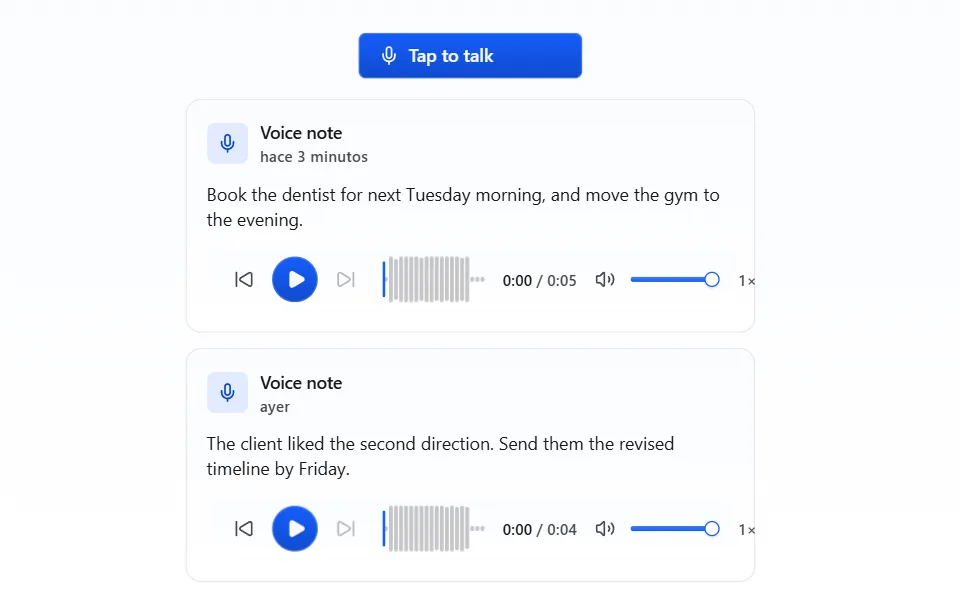
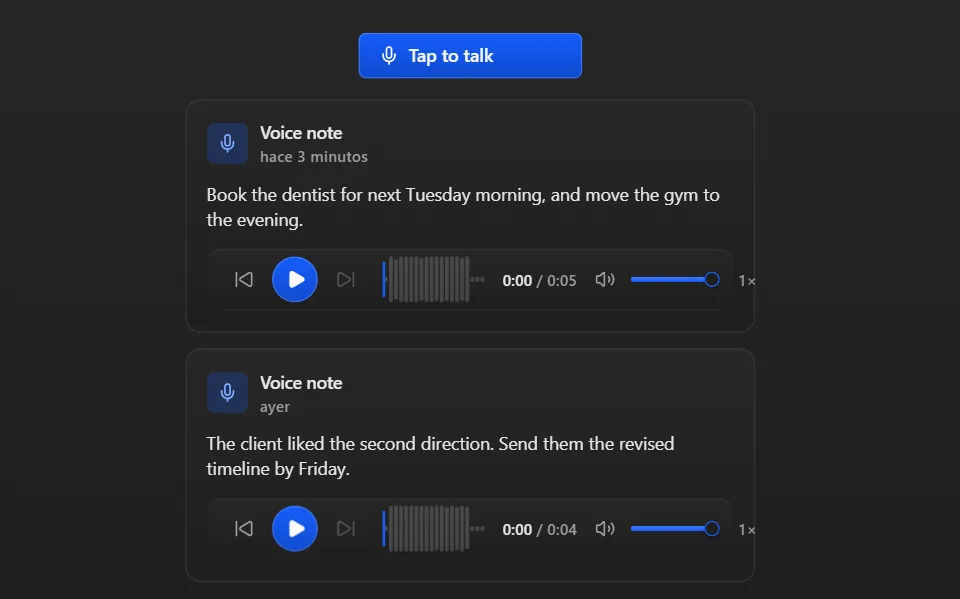
One entry in a list of voice notes: when it was recorded, what was said and the recording to check it against. While transcription runs it holds its place with a waveform and placeholder lines.
audio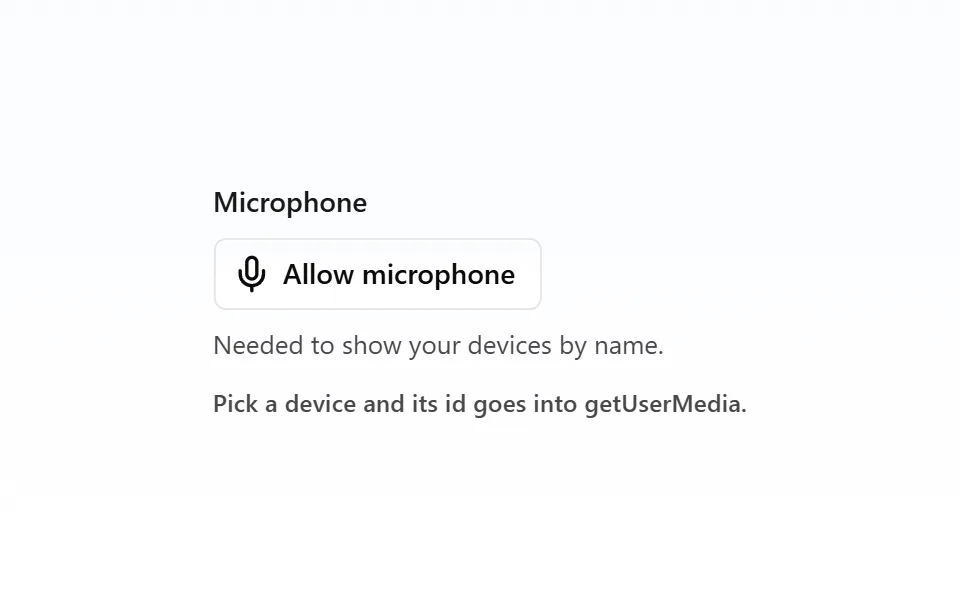
Mic Selector
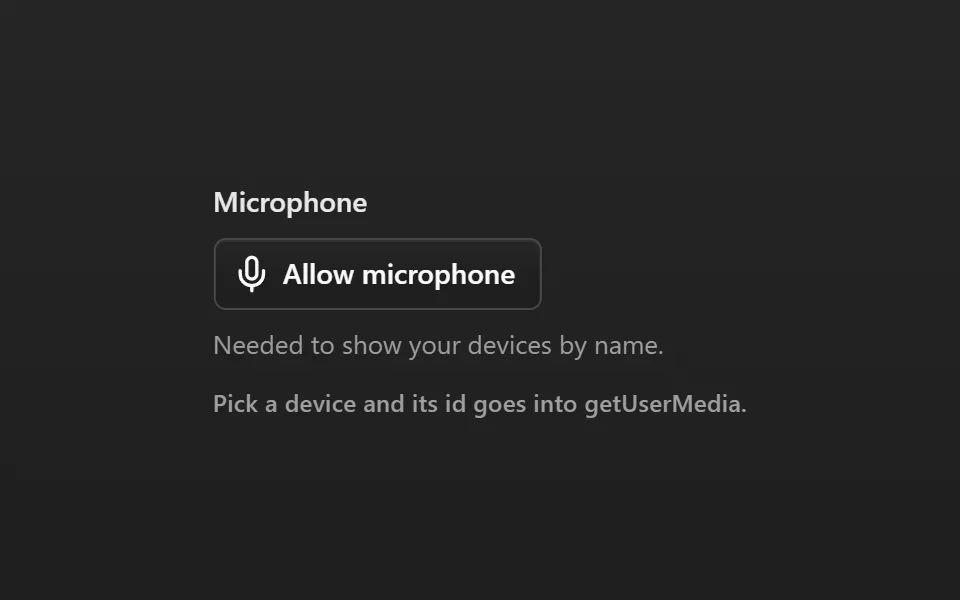
A microphone picker that asks for permission first, so devices show by name rather than as blanks, then stays current as headsets are plugged in and out. Hands back a deviceId for getUserMedia.
audio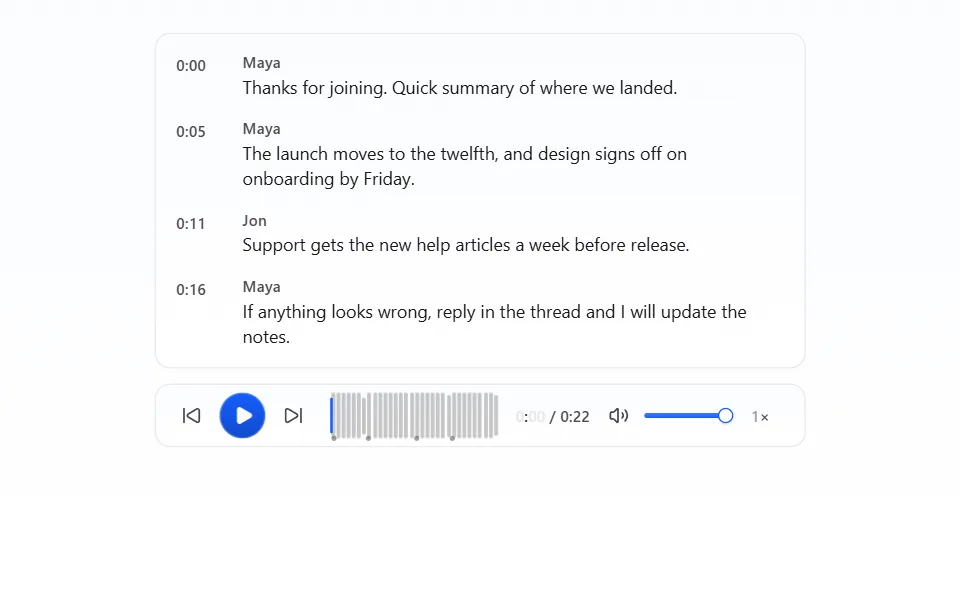
Transcript
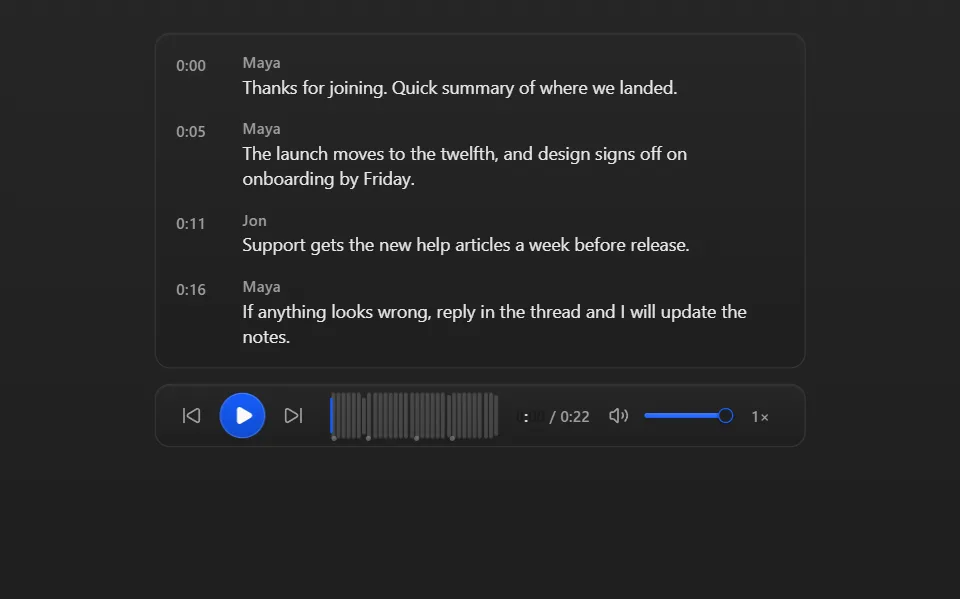
A transcript that follows the audio: the current line is marked and kept in view, the word being said lights within it, and any line or word seeks back to where it was spoken. One tab stop, arrow keys between lines.
audio