Code Block
code-blockCode an agent wrote or is writing: highlighted by a small built-in tokenizer in the theme's syntax colours, with line numbers, marked and diff lines, wrapping, a header with a title and actions, a small size for tool output, copy, and a view that follows streamed code until you scroll away.
"use client";

import { useEffect, useState } from "react";

import { Button } from "@/components/forme/button/button";
import { CodeBlock } from "@/components/forme/code-block/code-block";

const source = `import { useState } from "react";

/** Counts up, and remembers where it got to. */
export function Counter({ start = 0 }: { start?: number }) {
  const [count, setCount] = useState(start);
  // Each press is one step, never a jump.
  return (
    <button type="button" onClick={() => setCount(count + 1)}>
      Pressed {count} times
    </button>
  );
}`;

/** The block writes itself the way an agent streams a file. */
export function CodeBlockDemo() {
  const [shown, setShown] = useState(0);
  const streaming = shown < source.length;

  useEffect(() => {
    if (!streaming) return;
    const timer = setInterval(() => setShown((count) => Math.min(source.length, count + 6)), 30);
    return () => clearInterval(timer);
  }, [streaming]);

  return (
    <div className="flex w-full max-w-xl flex-col gap-3">
      <CodeBlock
        code={source.slice(0, shown)}
        language="tsx"
        filename="components/counter.tsx"
        streaming={streaming}
        highlightLines={[5]}
        maxHeight={260}
      />
      <CodeBlock
        code={"pnpm dlx @formeui/cli add code-block\n# then import it\nls components/"}
        language="bash"
        lineNumbers={false}
      />
      <Button variant="secondary" size="small" className="self-start" onClick={() => setShown(0)}>
        Write it again
      </Button>
    </div>
  );
}
Install
Adds the component, its registry dependencies, and the token stylesheet you import once.
Usage
import { CodeBlock } from "@/components/forme/code-block/code-block";

<CodeBlock filename="server.ts" language="ts" code={source} lineNumbers />
When to use
Reach for it
- Code an assistant wrote or is writing, and code samples in docs.
- Streaming output with
streaming, which keeps the newest line in view.
Use something else
- Changes to an existing file — show those as a
FileDiff. - Inline code inside a sentence; use a
<code>element.
Examples
4 more ways to put it to work. Install one by name and it lands beside the component, or copy it from the Code tab into your app.
Wrapped lines
wrap: a long command with flags reads whole instead of scrolling sideways.
import { CodeBlock } from "@/components/forme/code-block/code-block";

// Long lines a reader needs to see whole — a command with flags, a signed
// URL — read better wrapped than scrolled sideways.
const command = `curl -X POST https://api.example.com/v1/invoices \\
  -H "Authorization: Bearer $EXAMPLE_API_KEY" \\
  -H "Content-Type: application/json" \\
  -d '{"customer":"cus_8f2k","plan":"business","prorate":true,"metadata":{"source":"upgrade-flow","campaign":"q3-annual-launch"}}'`;

export function WrappedExample() {
  return (
    <CodeBlock
      code={command}
      language="bash"
      filename="Create an invoice"
      wrap
      className="w-full max-w-xl"
    />
  );
}
Explained line by line
Notes beside the code; choosing one marks the lines it explains with highlightLines.
"use client";

import { useState } from "react";

import { cn } from "@/components/forme/lib/cn";
import { CodeBlock } from "@/components/forme/code-block/code-block";

const code = `export function invoiceTotal(plan: Plan, days: number) {
  if (days <= 0) return 0;
  const share = days / plan.cycleDays;
  const amount = plan.price * share;
  return Math.round(amount * 100) / 100;
}`;

// Each note points at the lines it explains; choosing one marks them.
const notes = [
  {
    lines: [2],
    text: "A cycle that has already ended costs nothing, so there is no negative invoice.",
  },
  {
    lines: [3, 4],
    text: "The share of the cycle left, times the price: what the customer actually uses.",
  },
  {
    lines: [5],
    text: "Rounded to the cent last, so the rounding happens once, not at every step.",
  },
];

export function ExplainedExample() {
  const [active, setActive] = useState(1);

  return (
    <div className="grid w-full max-w-3xl gap-3 md:grid-cols-[minmax(0,1.4fr)_minmax(0,1fr)]">
      <CodeBlock
        code={code}
        language="ts"
        filename="billing/invoices.ts"
        lineNumbers
        highlightLines={notes[active]!.lines}
      />
      <ol className="flex flex-col gap-1.5">
        {notes.map((note, index) => (
          <li key={note.text}>
            <button
              type="button"
              aria-pressed={index === active}
              onClick={() => setActive(index)}
              className={cn(
                "flex w-full cursor-pointer gap-2.5 rounded-xl border p-3 text-left outline-none focus-visible:ring-2 focus-visible:ring-ring",
                index === active
                  ? "border-primary bg-brand-subtle"
                  : "border-border bg-card hover:border-control-border-hover",
              )}
            >
              <span
                className={cn(
                  "shrink-0 font-mono text-caption-1-medium tnum",
                  index === active ? "text-brand-strong" : "text-muted-foreground",
                )}
              >
                L{note.lines.join("–")}
              </span>
              <span className="text-body-2-regular text-foreground">{note.text}</span>
            </button>
          </li>
        ))}
      </ol>
    </div>
  );
}
Diff lines
diff reads the + and - markers into the gutter and tints added and removed lines.
import { CodeBlock } from "@/components/forme/code-block/code-block";

// A diff is code with a marker in front of each line: `diff` moves the marker
// into the gutter and tints the line, and the rest still highlights as ts.
const change = `export function prorate(plan: Plan, days: number) {
-  return plan.price;
+  const share = days / plan.cycleDays;
+  return Math.round(plan.price * share);
 }`;

export function DiffExample() {
  return (
    <CodeBlock
      code={change}
      language="ts"
      filename="billing/plans.ts"
      diff
      className="w-full max-w-xl"
    />
  );
}
Terminal output
A title and icon instead of a file name, and a Run again action beside copy.
import { RotateCcw, SquareTerminal } from "lucide-react";

import { CodeBlock } from "@/components/forme/code-block/code-block";

const log = `$ pnpm build
▲ Next.js 16.3.8
  Creating an optimized production build ...
✓ Compiled successfully in 8.2s
✓ Generating static pages (42/42)`;

// A terminal is a code block with a title instead of a file name, an icon of
// its own, and an action in the header beside copy.
export function TerminalExample() {
  return (
    <CodeBlock
      code={log}
      language="bash"
      title="Terminal"
      icon={<SquareTerminal />}
      lineNumbers={false}
      actions={
        <button
          type="button"
          aria-label="Run again"
          className="grid size-7 cursor-pointer place-items-center rounded-md text-muted-foreground hover:bg-accent hover:text-foreground"
        >
          <RotateCcw aria-hidden className="size-3.5" />
        </button>
      }
      className="w-full max-w-xl"
    />
  );
}
API reference
Read from the source, so it is the API of the file you install. A prop marked * is required.
CodeTokens
A line's tokens, coloured from the --syntax-* tokens.
| Prop | Type | Default | Description |
|---|---|---|---|
tokens* | readonly Token[] | — |
CodeBlock
Code an agent wrote, or is writing.
| Prop | Type | Default | Description |
|---|---|---|---|
code* | string | — | |
language | 'html' | 'text' | 'ts' | 'tsx' | 'js' | 'jsx' | 'json' | 'css' | 'bash' | "text" | |
filename | ReactNode | — | Shown in the header: a path, a file name. |
title | ReactNode | — | The header's title when it is not a file: "Output", "Terminal". Overrides filename. |
icon | ReactNode | — | Replaces the file icon in the header: a terminal, a log. |
actions | ReactNode | — | Extra buttons in the header, before copy. |
header | boolean | true | false drops the header, for output that is already labelled, like a tool's in a Trace. |
size | "default" | "small" | "default" | small is for code inside something else: a Trace step, a tool's output. |
diff | boolean | false | Reads each line's first character as a diff marker: + added, - removed, anything else context. The marker leaves the code and takes the gutter. |
streaming | boolean | false | While true the code is still arriving: the view follows it and a caret marks the end. |
lineNumbers | boolean | true | |
highlightLines | readonly number[] | [] | One-based line numbers to mark. |
maxHeight | number | 320 | The tallest the code gets before it scrolls, in pixels. |
wrap | boolean | false | Wrap long lines instead of scrolling sideways. |
copyable | boolean | true | |
className | string | — |
Accessibility
- Line numbers sit in their own column and are never selected or copied with the code.
Motion
- While
streaming, the view follows the newest line until the reader scrolls up, and a caret blinks at the end.
Related
File Diff
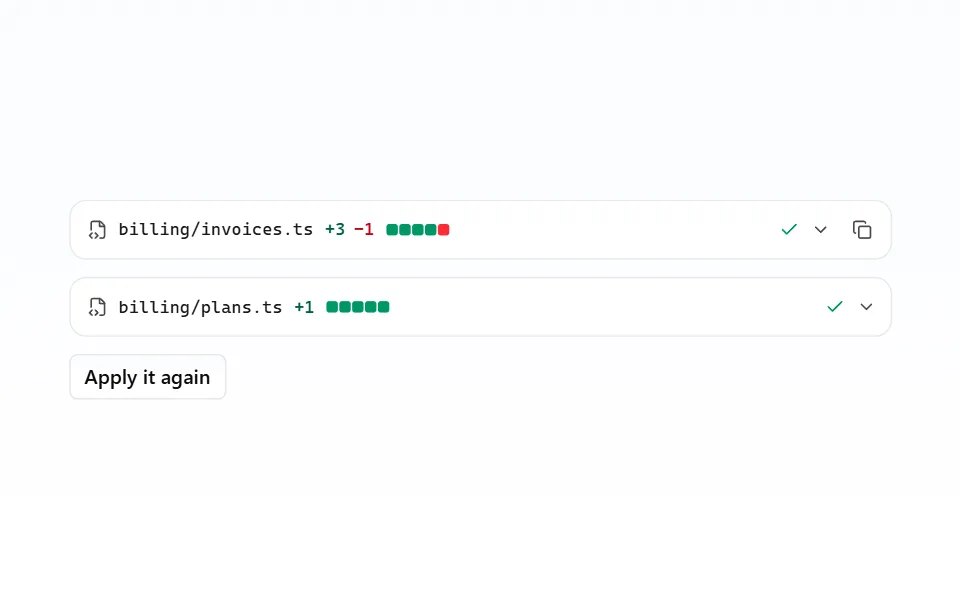
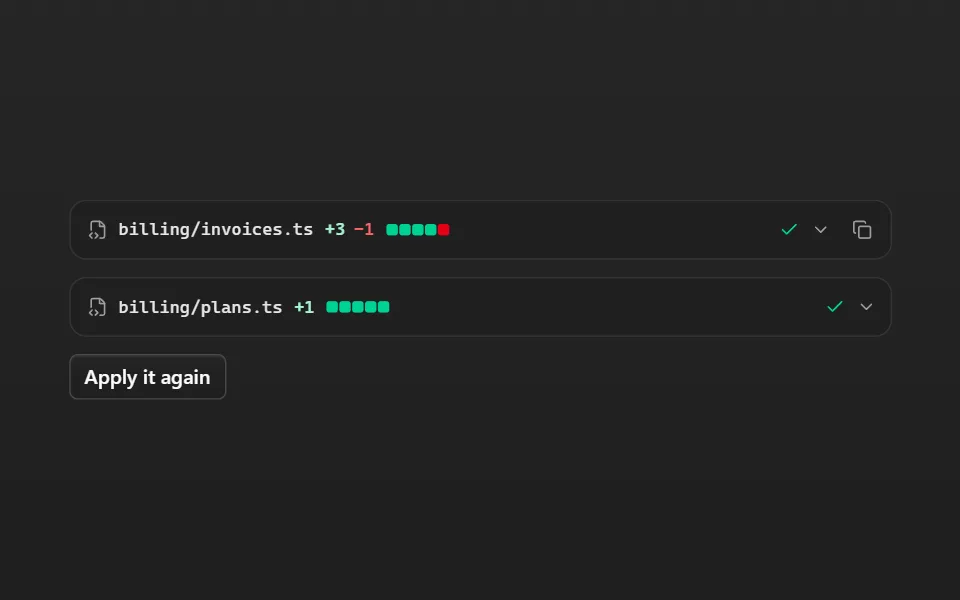
A change to one file as an agent applies it: path, counts and a proportion bar in the header, highlighted added and removed lines below, following the newest line while it streams and folding away when done.
data display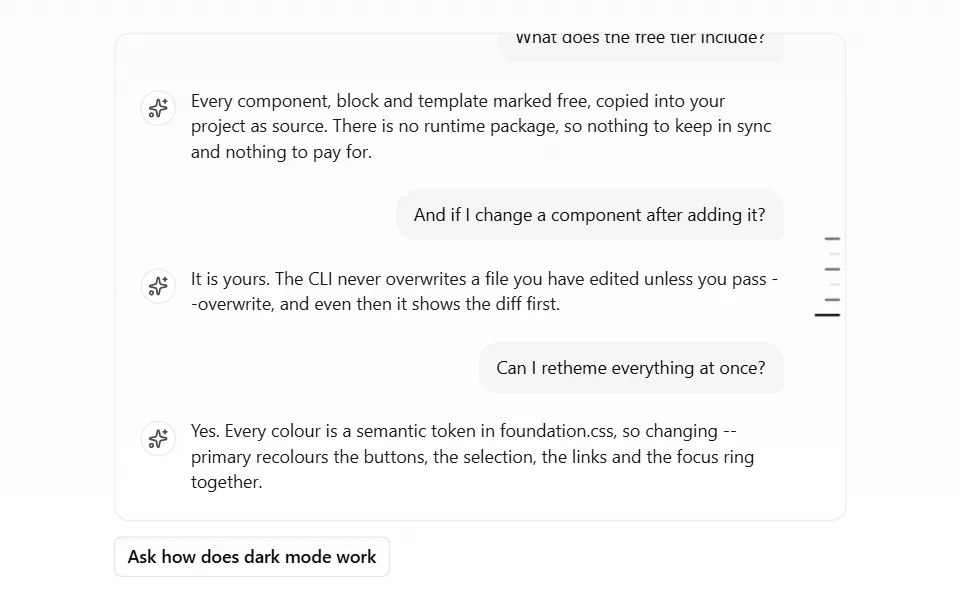
Message Scroller
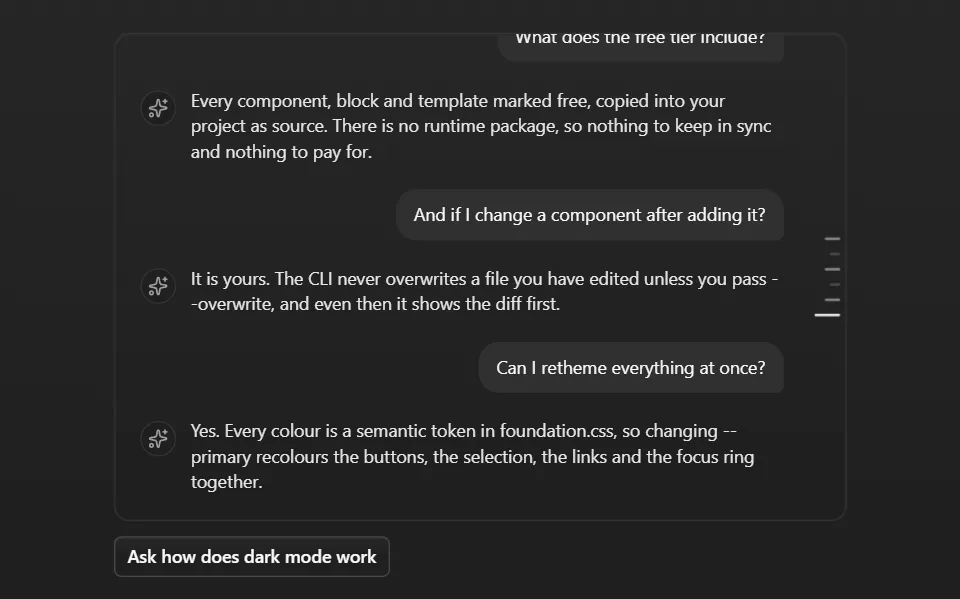
The scrolling transcript of a chat: it follows a streaming reply, lets go the moment you scroll up, and brings you back with a Jump to latest pill. An optional rail of ticks previews and jumps to any message.
data display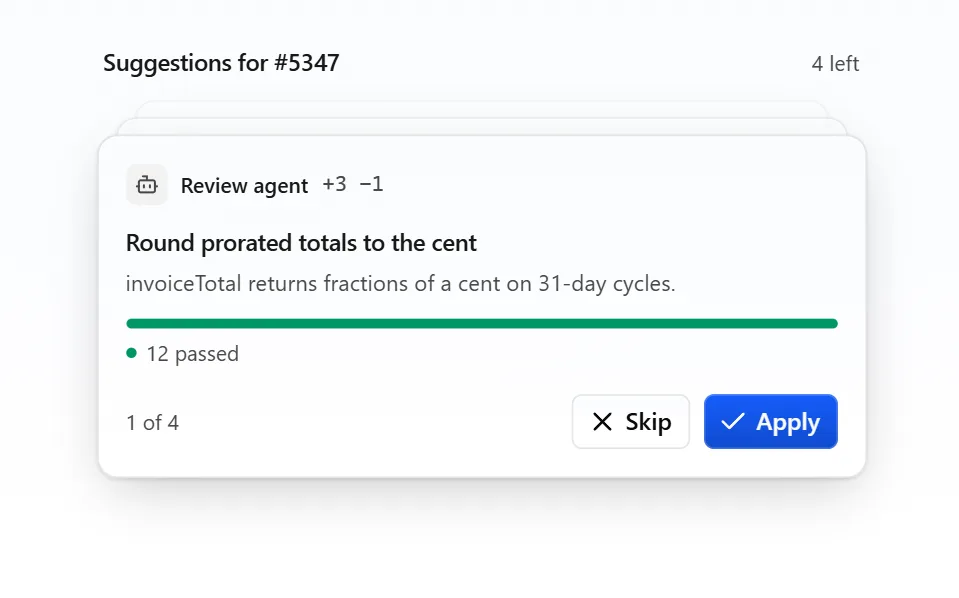
Suggestion Stack
An agent's suggestions as a stack of cards, decided one at a time: apply or skip, or drag the card either way. The next ones peek out behind, and checks show as a split bar.
data display