Timeline
timelineAn activity feed of events with a time, a status dot or a custom marker, and a rail that stops at the last item. For audit logs, deploy histories and notifications.
import { GitCommitHorizontal, Rocket } from "lucide-react";

import { Timeline, TimelineItem } from "@/components/forme/timeline/timeline";

export function TimelineDemo() {
  return (
    <Timeline className="w-full max-w-md">
      <TimelineItem title="Deployed to production" time="2m ago" marker={<Rocket />}>
        <span className="font-mono">forme-web@a41c9e2</span> is serving 100% of traffic.
      </TimelineItem>
      <TimelineItem title="Checks passed" time="6m ago" tone="success">
        Lint, types, registry and leak guard.
      </TimelineItem>
      <TimelineItem title="Lin pushed 3 commits" time="9m ago" marker={<GitCommitHorizontal />}>
        Add the calendar and the data table.
      </TimelineItem>
      <TimelineItem title="Preview build failed" time="1h ago" tone="destructive">
        Type error in <span className="font-mono">stat.tsx</span>, fixed in the next push.
      </TimelineItem>
    </Timeline>
  );
}
Install
Adds the component, its registry dependencies, and the token stylesheet you import once.
API reference
Read from the source, so it is the API of the file you install. A prop marked * is required.
TimelineItem
One event in an activity feed.
| Prop | Type | Default | Description |
|---|---|---|---|
title* | ReactNode | — | |
time | ReactNode | — | A preformatted time. Wrap it in <time dateTime> if you have the ISO value. |
marker | ReactNode | — | Replaces the dot: an avatar, an icon. Sized to 24px. |
tone | 'success' | 'warning' | 'destructive' | 'neutral' | 'brand' | "neutral" |
Also takes every prop of <li> attributes.
The other parts
TimelineTakes<ol>attributes
Related
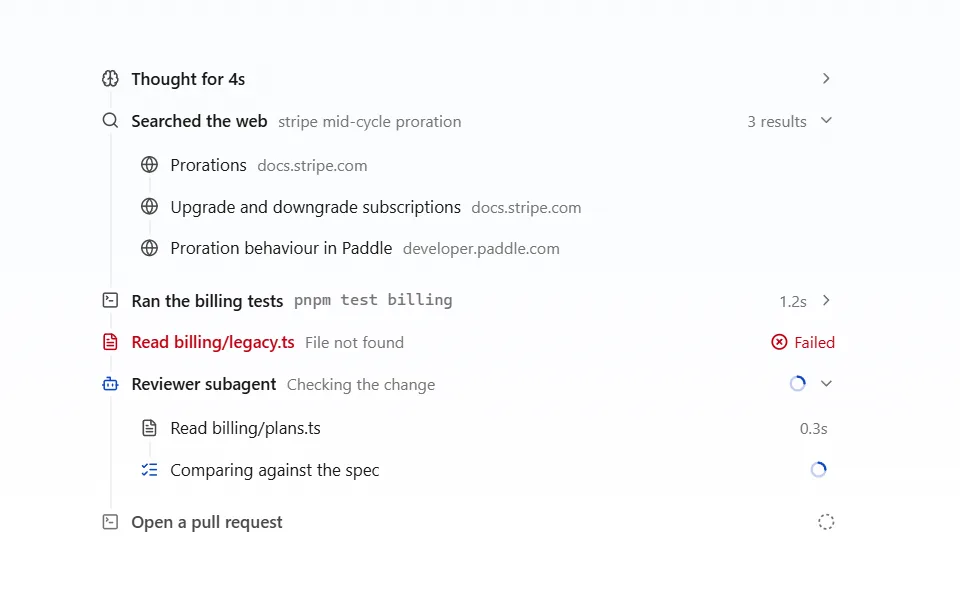
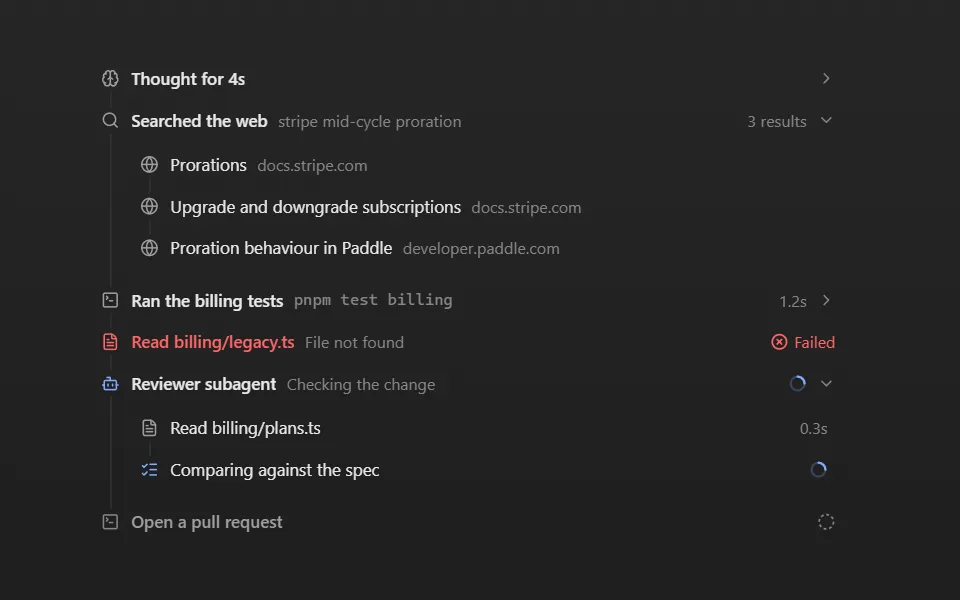
Trace
The steps an agent takes, one line each: reasoning, tool calls, sources, plans and subagent runs. Every line has an icon, a title, a description and a status, sweeps while running, and can open its output, link away, open a dialog, or nest a whole Trace.
data display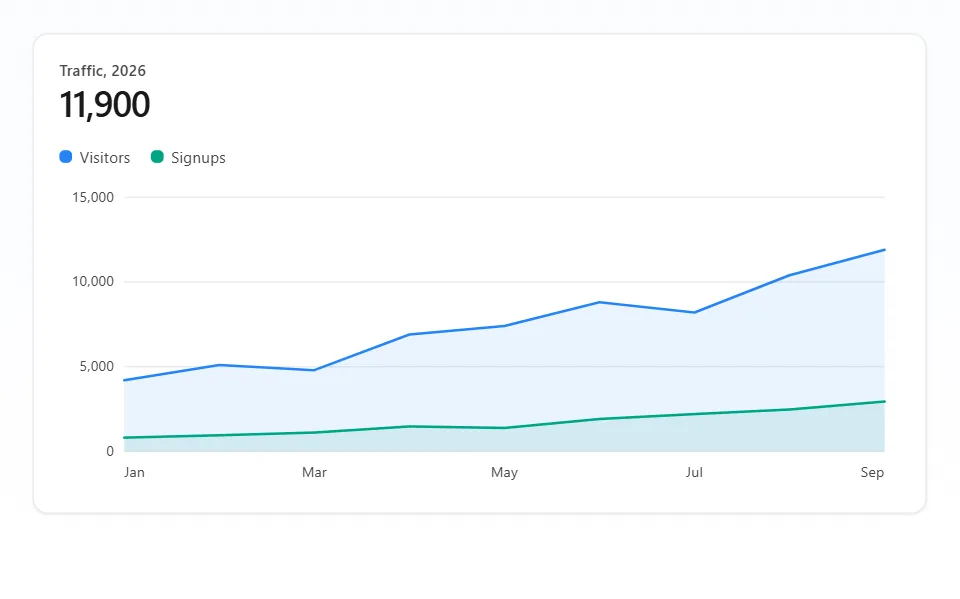
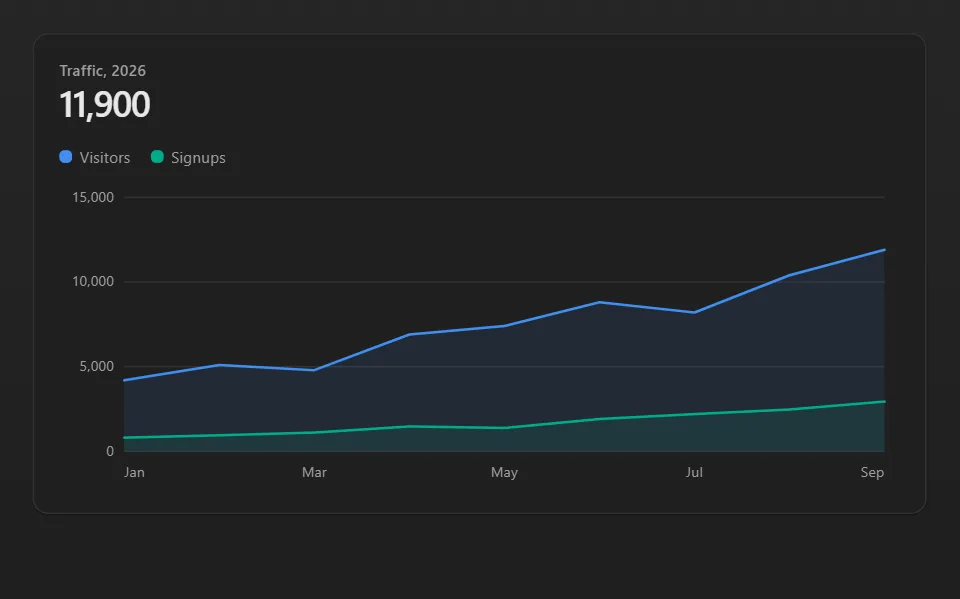
Area Chart
A line or area chart in plain SVG with no chart library. A crosshair snaps to the nearest point and lists every series, arrow keys walk it, round tick values, a legend from two series up, and a hidden table so screen readers get the numbers.
data display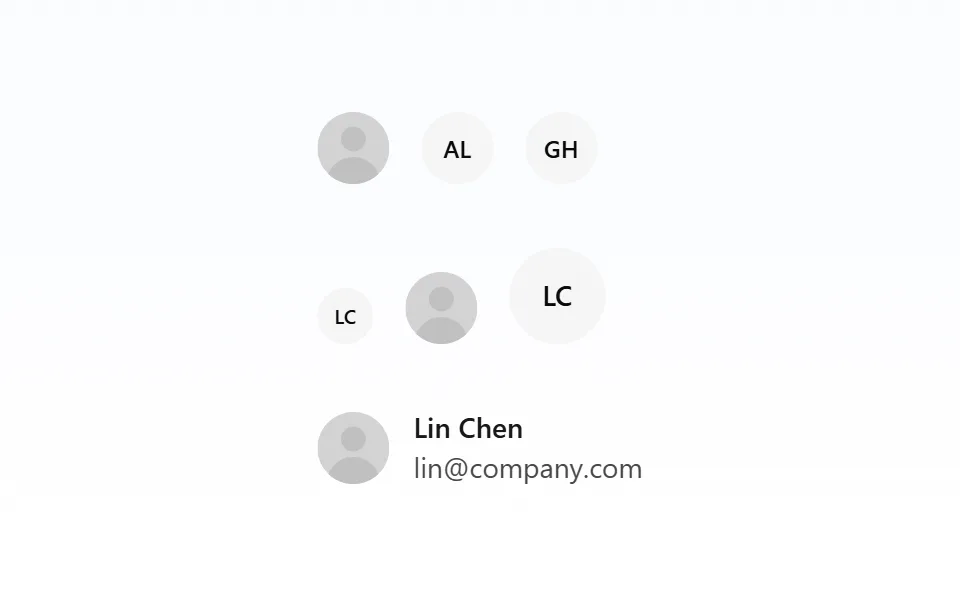
Avatar
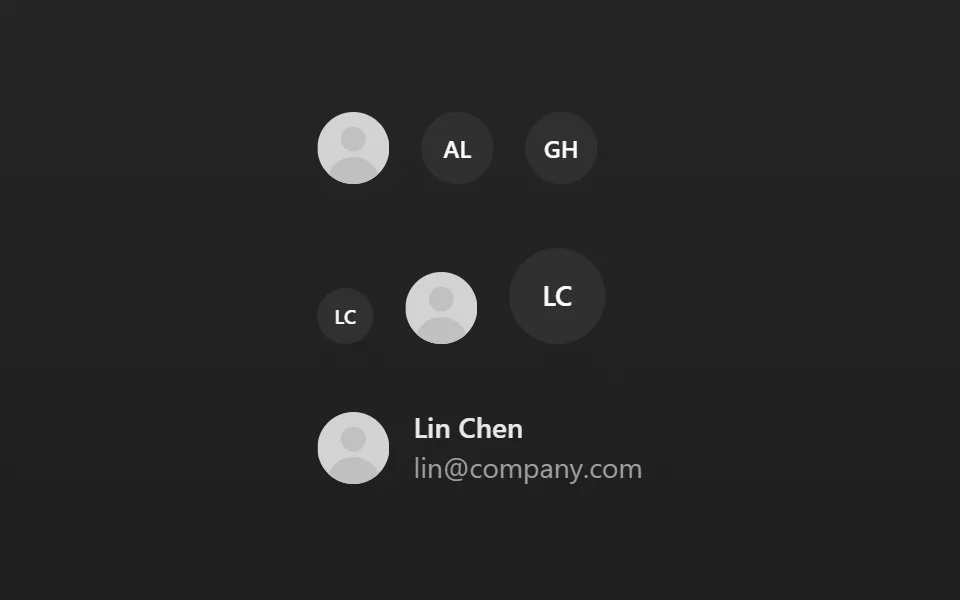
A user image with a fallback that shows initials while the image loads, and when it never arrives at all. Built on the Base UI avatar primitive, so the image and the fallback swap without a flash of empty space.
data display