What does the free tier include?
Message Scroller
message-scrollerThe scrolling transcript of a chat: it follows a streaming reply, lets go the moment you scroll up, and brings you back with a Jump to latest pill. An optional rail of ticks previews and jumps to any message.
message-scroller.demo.tsx
"use client";

import { Sparkles } from "lucide-react";
import { useEffect, useState } from "react";

import { Button } from "@/components/forme/button/button";
import { ChatMessage } from "@/components/forme/chat-message/chat-message";
import { MessageScroller } from "@/components/forme/message-scroller/message-scroller";

interface Turn {
  from: "user" | "assistant";
  text: string;
}

const history: Turn[] = [
  { from: "user", text: "What does the free tier include?" },
  {
    from: "assistant",
    text: "Every component, block and template marked free, copied into your project as source. There is no runtime package, so nothing to keep in sync and nothing to pay for.",
  },
  { from: "user", text: "And if I change a component after adding it?" },
  {
    from: "assistant",
    text: "It is yours. The CLI never overwrites a file you have edited unless you pass --overwrite, and even then it shows the diff first.",
  },
  { from: "user", text: "Can I retheme everything at once?" },
  {
    from: "assistant",
    text: "Yes. Every colour is a semantic token in foundation.css, so changing --primary recolours the buttons, the selection, the links and the focus ring together.",
  },
];

const questions = [
  {
    ask: "How does dark mode work?",
    answer:
      "Each token is a single light-dark() declaration, switched by a .dark class on the root. There are no dark: variants to keep in step, so a component cannot be right in one theme and wrong in the other. The theme toggle sets the class and remembers the choice, and a small script in the head applies it before the first paint so nothing flashes.",
  },
  {
    ask: "Do the components work without JavaScript?",
    answer:
      "The static ones do: they are server components by default. Anything with state, like a menu or a dialog, is a client component, but the boundary sits as low as it can so the rest of the page stays on the server.",
  },
];

/** Scroll up while a reply streams: the transcript lets go, and the pill brings you back. */
export function MessageScrollerDemo() {
  const [turns, setTurns] = useState(history);
  const [asked, setAsked] = useState(0);
  const [streamed, setStreamed] = useState<number | null>(null);

  const answer = asked > 0 ? questions[(asked - 1) % questions.length]!.answer : "";
  const streaming = streamed !== null && streamed < answer.length;

  useEffect(() => {
    if (!streaming) return;
    const timer = setInterval(() => setStreamed((count) => (count ?? 0) + 4), 30);
    return () => clearInterval(timer);
  }, [streaming]);

  function ask() {
    const question = questions[asked % questions.length]!;
    setTurns((current) => [
      ...current,
      ...(streamed === null ? [] : [{ from: "assistant" as const, text: answer }]),
      { from: "user", text: question.ask },
    ]);
    setAsked((count) => count + 1);
    setStreamed(0);
  }

  return (
    <div className="flex w-full max-w-xl flex-col gap-3">
      <MessageScroller
        rail
        busy={streaming}
        className="h-96 rounded-xl border border-border bg-card lit edge"
        contentClassName="flex flex-col gap-5 p-5"
      >
        {turns.map((turn, index) => (
          <ChatMessage key={index} from={turn.from} avatar={<Sparkles />}>
            {turn.text}
          </ChatMessage>
        ))}
        {streamed === null ? null : (
          <ChatMessage from="assistant" avatar={<Sparkles />} streaming={streaming}>
            {answer.slice(0, streamed)}
          </ChatMessage>
        )}
      </MessageScroller>
      <Button
        variant="secondary"
        size="small"
        className="self-start"
        onClick={ask}
        disabled={streaming}
      >
        Ask {questions[asked % questions.length]!.ask.toLowerCase().replace("?", "")}
      </Button>
    </div>
  );
}
Install
$npxshadcnadd@forme/message-scroller
Adds the component, its registry dependencies, and the token stylesheet you import once.
Usage
import { MessageScroller } from "@/components/forme/message-scroller/message-scroller";

<MessageScroller busy={streaming} rail className="h-[32rem]">
  {messages.map((message) => (
    <ChatMessage key={message.id} from={message.from}>{message.text}</ChatMessage>
  ))}
</MessageScroller>
When to use
Reach for it
- The transcript of a chat or a log that grows while it is read.
Use something else
- Static lists that never grow while they are on screen — an ordinary scroll area is enough.
API reference
Read from the source, so it is the API of the file you install. A prop marked * is required.
MessageScroller
The scrolling transcript of a conversation. It keeps a streaming reply in view, lets go the moment the reader scrolls up to read something older, and offers a way back.
| Prop | Type | Default | Description |
|---|---|---|---|
label | string | "Conversation" | Names the transcript for screen readers. |
follow | boolean | true | Keep new output in view while the reader is at the end. On by default. |
threshold | number | 48 | How close to the end, in pixels, still counts as being at it. |
rail | boolean | false | A column of ticks beside the transcript, one per message, to jump between them. |
busy | boolean | — | True while a reply streams, so screen readers wait for it to settle before reading it. |
onFollowChange | (following: boolean) => void | — | Called when the reader leaves the live end, and when they return to it. |
contentClassName | string | — |
Also takes every prop of <div> attributes.
Accessibility
- The transcript is a labelled
log, andbusytells screen readers to wait while a reply streams. - A “Jump to latest” pill appears when the reader has scrolled away, and says “New messages” when something arrives.
Motion
- It follows a stream instantly rather than smoothly, because a smooth scroll chasing growth lags a line behind.
- Any scroll up lets go of the live end; reaching the end again, or sending a message, rejoins it.
- Jumping back is smooth, and instant with reduced motion.
Related
Message
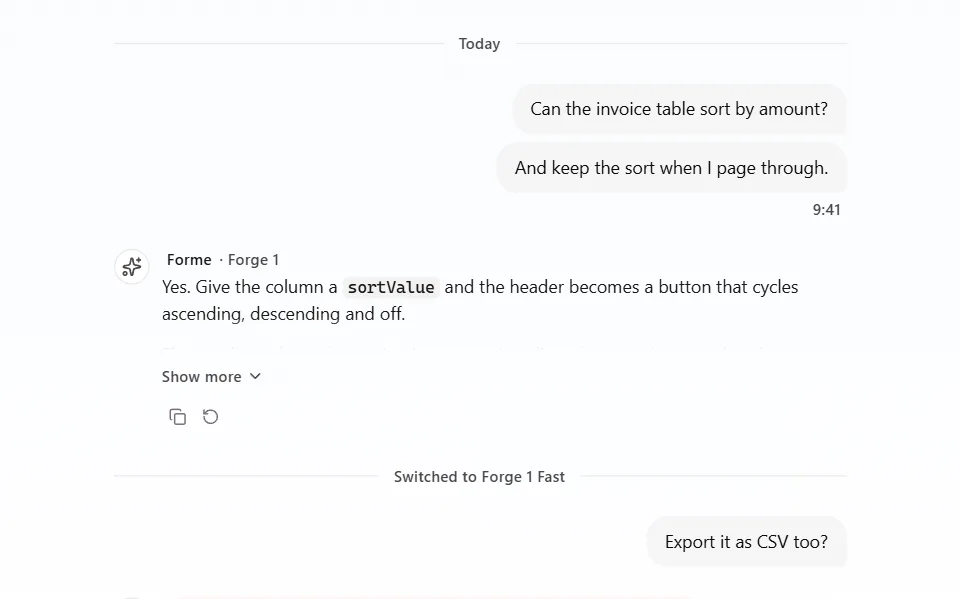
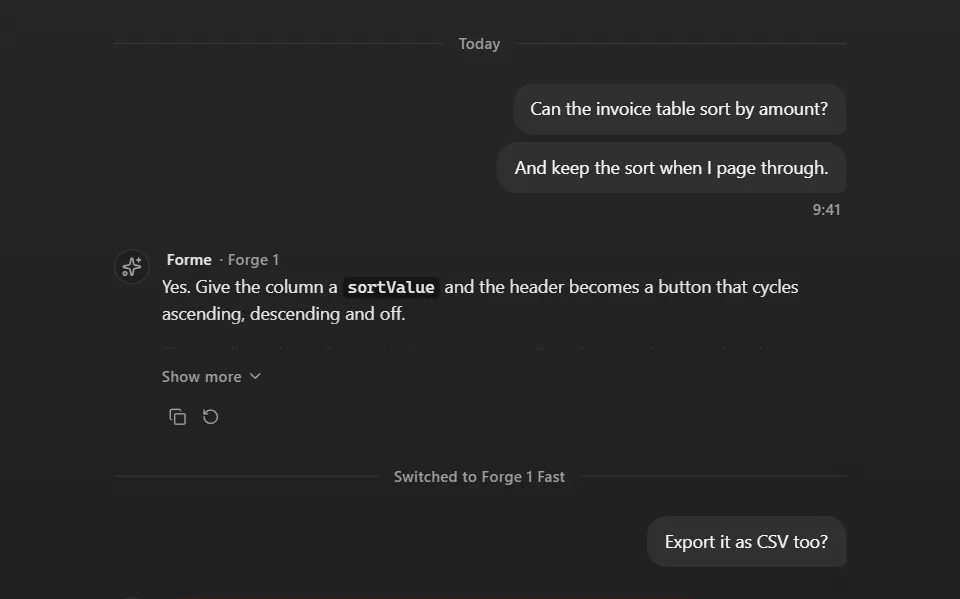
Chat messages assembled from parts: avatar, header, bubble, footer, groups, markers, a typing indicator and a measured Show more. The side is set once and every part follows it, with no provider.
data display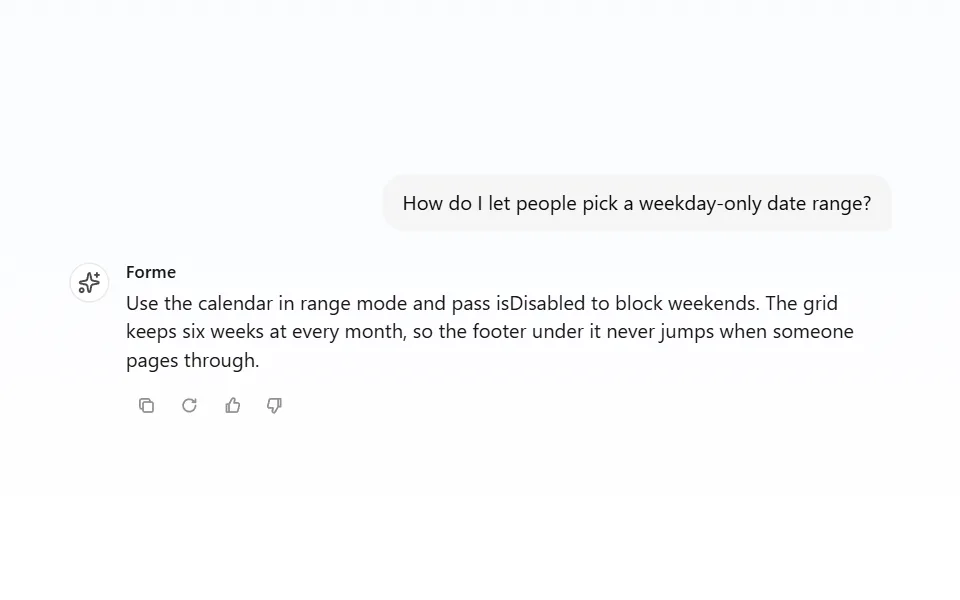
Chat Message
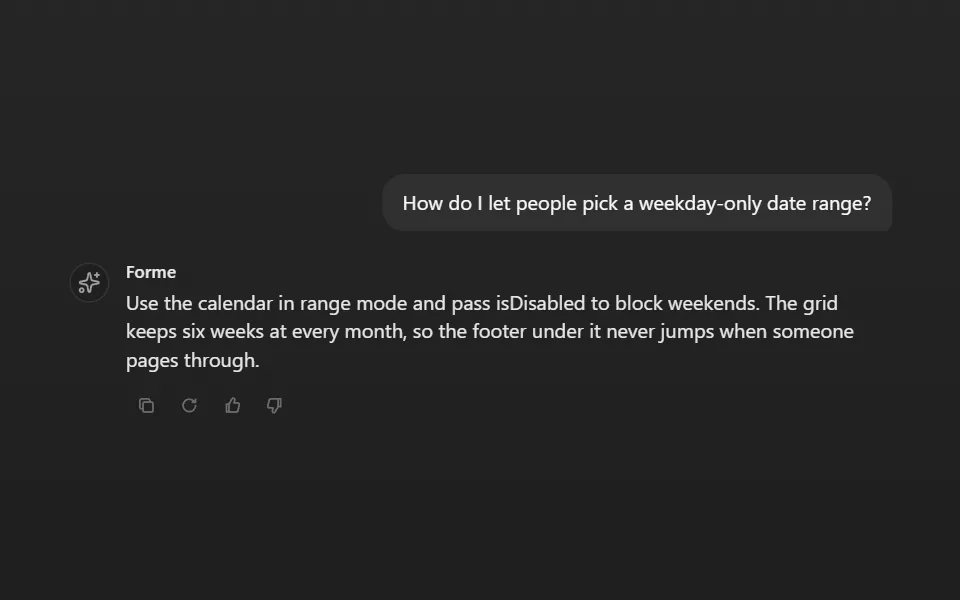
One turn of an AI conversation: a compact bubble for the person, full-width prose for the assistant, a streaming caret, and copy, regenerate and feedback actions that keyboard and touch can always reach.
data display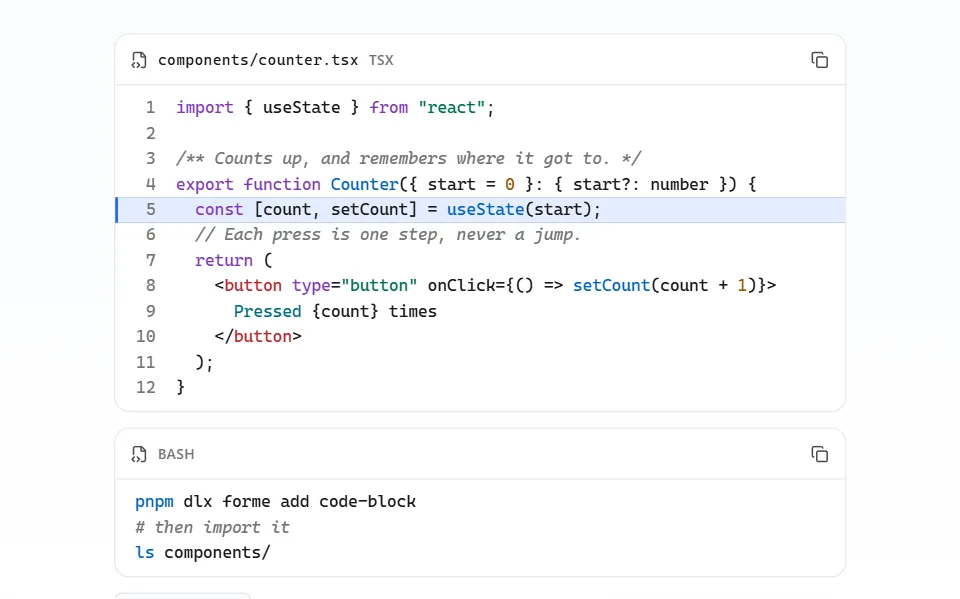
Code Block
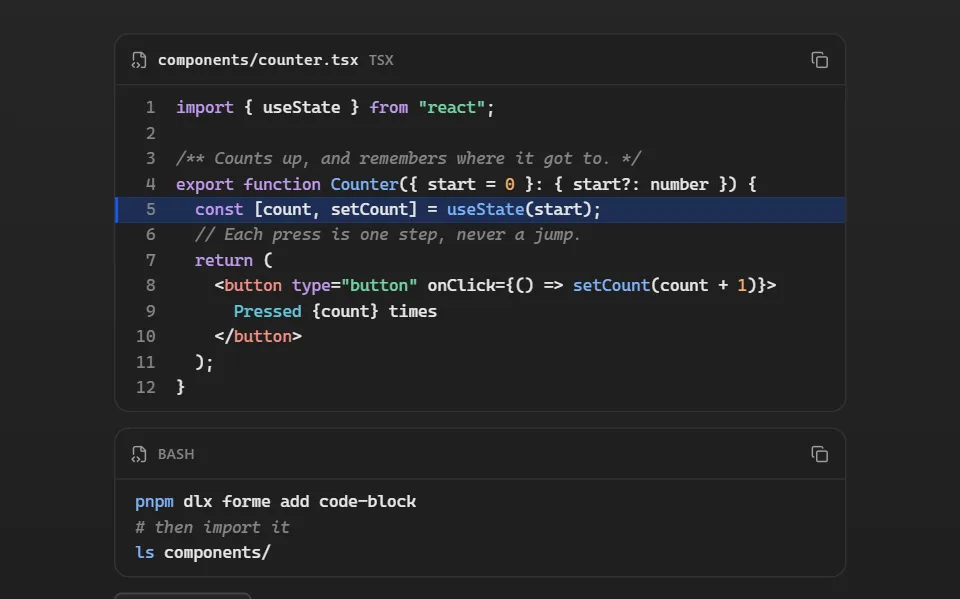
Code an agent wrote or is writing: highlighted by a small built-in tokenizer in the theme's syntax colours, with line numbers, marked and diff lines, wrapping, a header with a title and actions, a small size for tool output, copy, and a view that follows streamed code until you scroll away.
data display