Reasoning
reasoningA model's visible thinking that opens while it thinks and folds away when the answer arrives, with a live timer and a 'Thought for 4s' summary. Once the reader opens or closes it, it stays where they left it.
"use client";

import { useState } from "react";

import { Button } from "@/components/forme/button/button";
import { Reasoning } from "@/components/forme/reasoning/reasoning";

export function ReasoningDemo() {
  const [streaming, setStreaming] = useState(false);
  const [duration, setDuration] = useState(4);

  return (
    <div className="flex w-full max-w-xl flex-col gap-4">
      <Reasoning streaming={streaming} duration={streaming ? undefined : duration}>
        <p>
          The person wants weekdays only, so weekends have to be unselectable rather than hidden.
        </p>
        <p>
          The calendar takes an isDisabled predicate. Returning true for Saturday and Sunday blocks
          them, and the keyboard skips nothing — disabled days stay focusable but cannot be picked.
        </p>
      </Reasoning>
      <Button
        size="small"
        variant="secondary"
        className="self-start"
        disabled={streaming}
        onClick={() => {
          const started = Date.now();
          setStreaming(true);
          setTimeout(() => {
            setDuration(Math.round((Date.now() - started) / 1000));
            setStreaming(false);
          }, 3200);
        }}
      >
        {streaming ? "Thinking…" : "Think again"}
      </Button>
    </div>
  );
}
Install
Adds the component, its registry dependencies, and the token stylesheet you import once.
API reference
Read from the source, so it is the API of the file you install. A prop marked * is required.
Reasoning
A model's visible thinking, folded away once the answer arrives.
| Prop | Type | Default | Description |
|---|---|---|---|
streaming* | boolean | — | True while the model is still thinking. |
children* | ReactNode | — | |
duration | number | — | Seconds spent thinking, for the summary once it is done. |
className | string | — |
Related
Loader
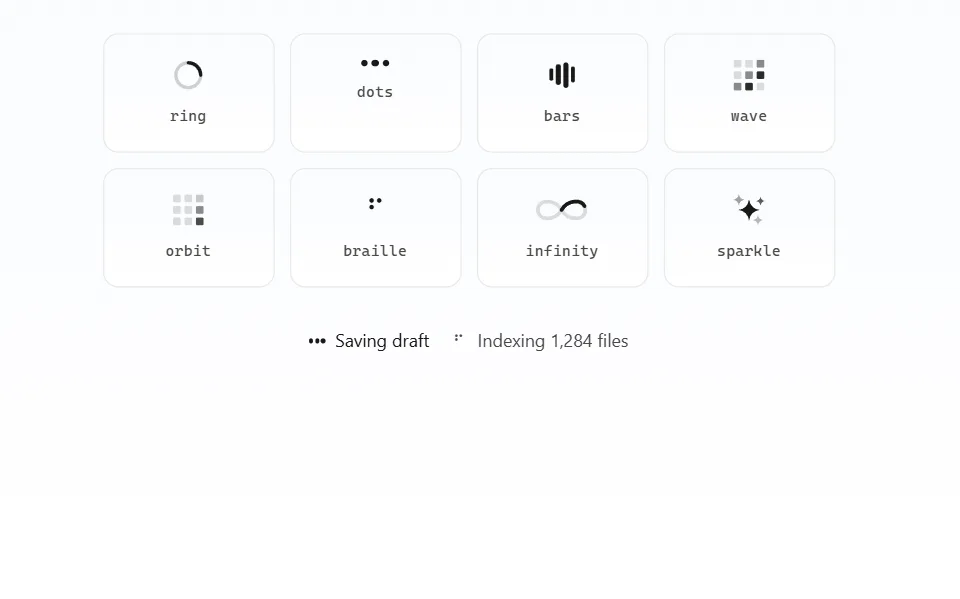
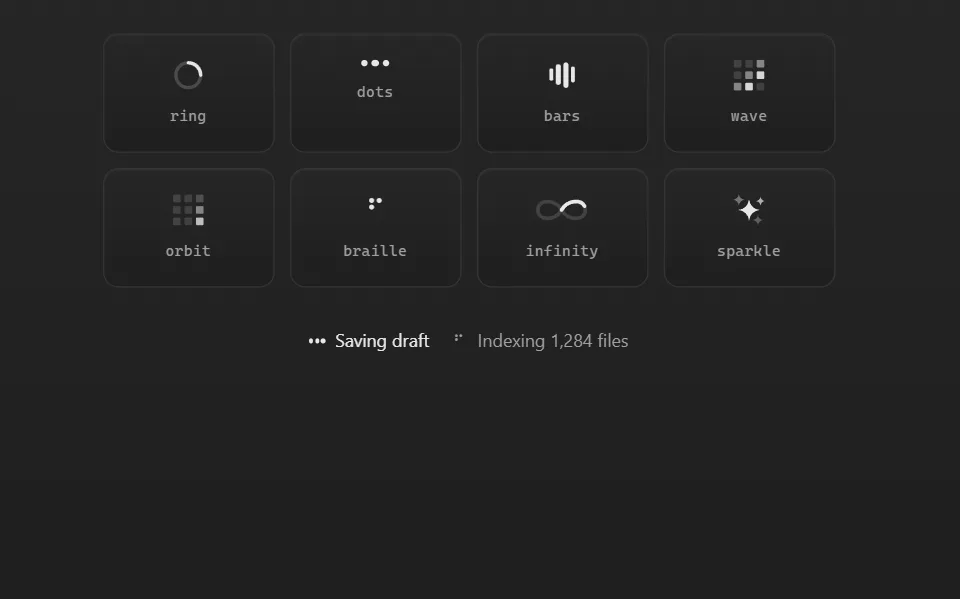
Eight loading indicators — ring, dots, bars, a dot-grid wave and orbit, a terminal braille spinner, a figure-eight comet and sparkles. Pure CSS in a server component, sized in em and coloured by currentColor, with a still frame under reduced motion.
feedback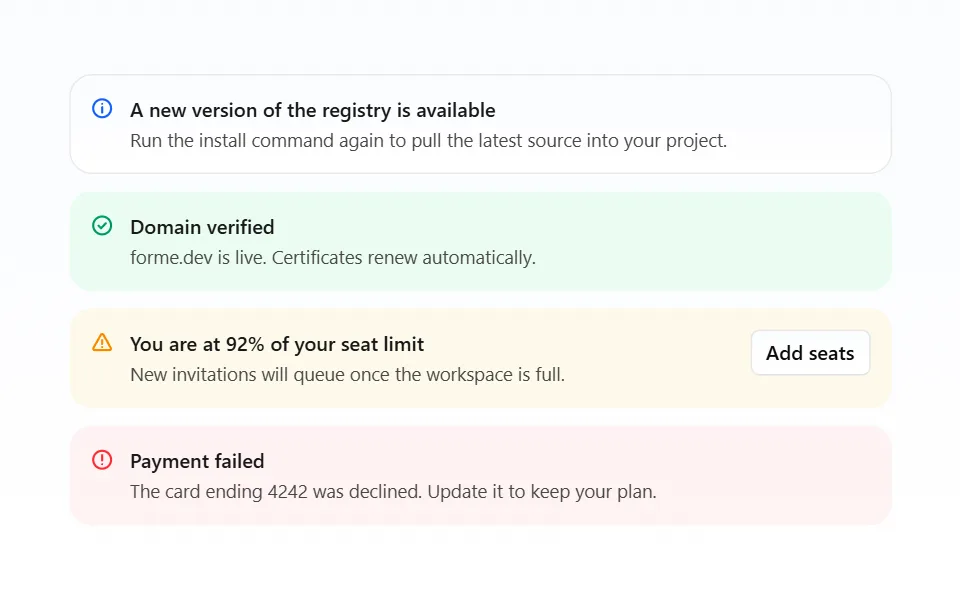
Alert
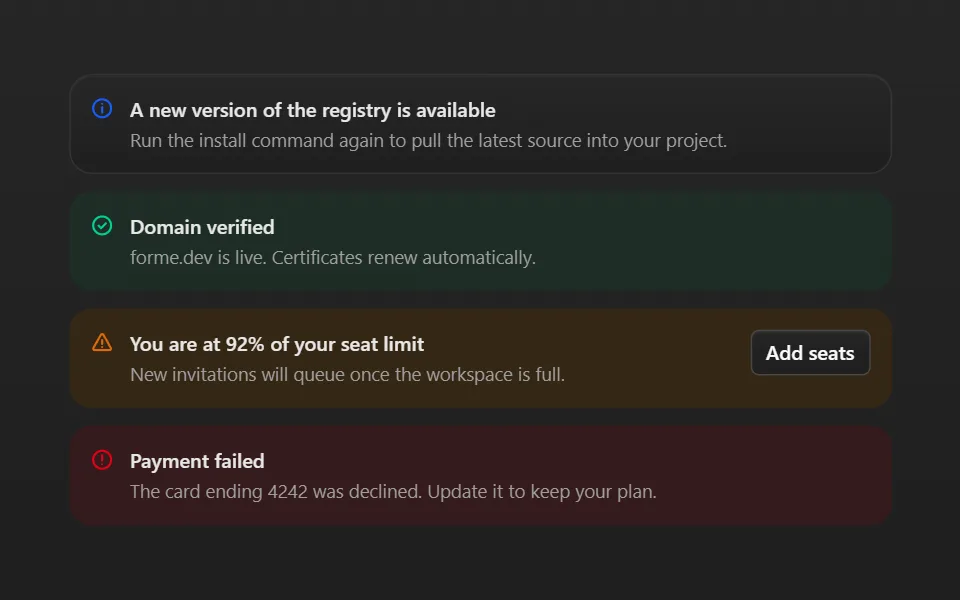
An inline message in four states, with a matching icon, an optional title and room for an action. Only the destructive state interrupts a screen reader; the rest wait their turn.
feedback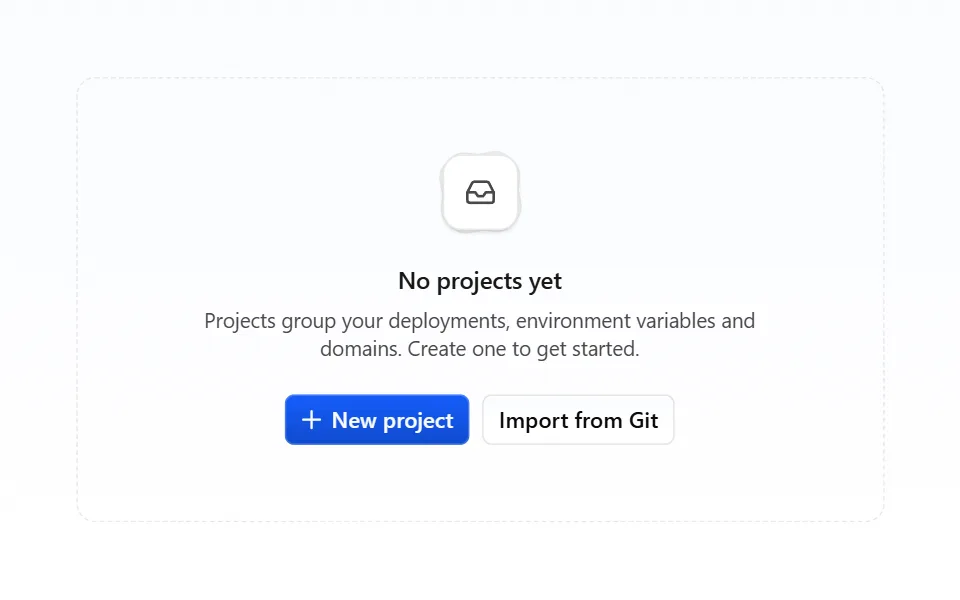
Empty State
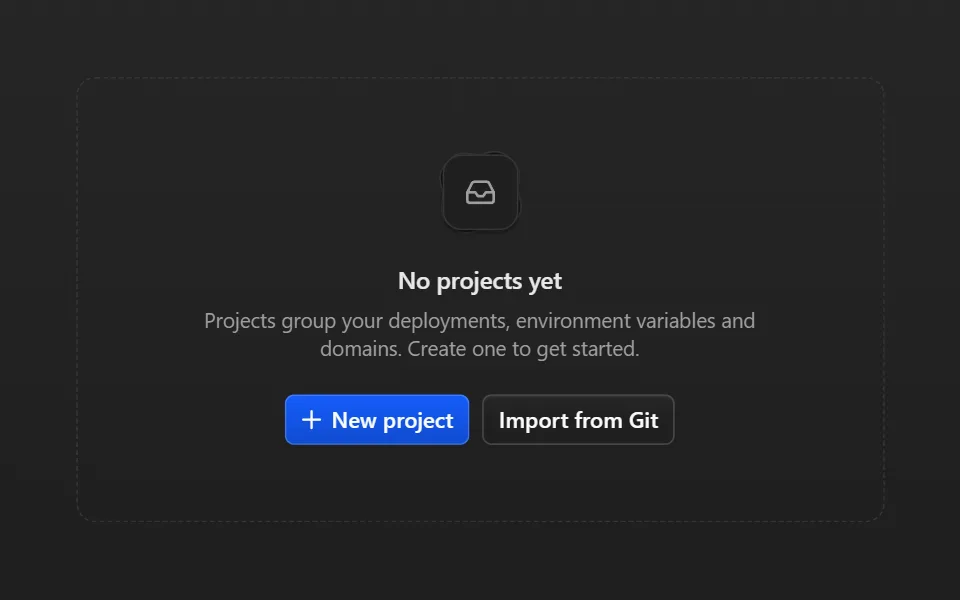
What a list, table or page shows before it has anything in it: a stacked icon, a title, one sentence and the next action. So an empty screen reads as a start rather than an error.
feedback