Tool Result
tool-resultOne agent tool call and its output: a Trace line that summarises what ran and how it went, over output that follows a running call and folds away when it finishes, with copy and run again.
"use client";

import { useEffect, useState } from "react";

import { Button } from "@/components/forme/button/button";
import { ToolOutput, ToolResult } from "@/components/forme/tool-result/tool-result";

const log = [
  "$ pnpm test billing",
  "",
  " ✓ plans.test.ts (4)",
  " ✓ invoices.test.ts (6)",
  " ✓ proration.test.ts (3)",
  "",
  " Test Files  3 passed (3)",
  "      Tests  13 passed (13)",
  "   Duration  1.24s",
];

export function ToolResultDemo() {
  const [shown, setShown] = useState(1);
  const running = shown < log.length;

  useEffect(() => {
    if (!running) return;
    const timer = setInterval(() => setShown((count) => count + 1), 350);
    return () => clearInterval(timer);
  }, [running]);

  const output = log.slice(0, shown).join("\n");

  return (
    <div className="flex w-full max-w-xl flex-col gap-3">
      <ToolResult
        tool="bash"
        kind="terminal"
        title={running ? "Running the billing tests" : "Ran the billing tests"}
        meta={running ? undefined : "1.24s"}
        status={running ? "running" : "success"}
        copyText={output}
        onRetry={() => setShown(1)}
      >
        <ToolOutput>{output}</ToolOutput>
      </ToolResult>
      <ToolResult
        tool="fetch"
        kind="request"
        title="GET /v1/plans"
        meta="404"
        status="error"
        defaultOpen={false}
      >
        <ToolOutput language="json">{`{\n  "error": "not_found",\n  "message": "No plan called \\"team-annual\\""\n}`}</ToolOutput>
      </ToolResult>
      <Button variant="secondary" size="small" className="self-start" onClick={() => setShown(1)}>
        Run again
      </Button>
    </div>
  );
}
Install
Adds the component, its registry dependencies, and the token stylesheet you import once.
Examples
2 more ways to put it to work. Install one by name and it lands beside the component, or copy it from the Code tab into your app.
Failed, then retried
A request that times out shows its error and status, and Run again makes a second call that succeeds.
"use client";

import { useEffect, useState } from "react";

import { ToolOutput, ToolResult } from "@/components/forme/tool-result/tool-result";
import type { ToolResultStatus } from "@/components/forme/tool-result/tool-result";

export function RetryExample() {
  const [attempt, setAttempt] = useState(1);
  const [status, setStatus] = useState<ToolResultStatus>("running");

  // The first call times out; "Run again" makes a second one that succeeds.
  useEffect(() => {
    if (status !== "running") return;
    const timer = setTimeout(() => setStatus(attempt === 1 ? "error" : "success"), 1400);
    return () => clearTimeout(timer);
  }, [status, attempt]);

  return (
    <ToolResult
      kind="request"
      tool="fetch"
      title="GET /v1/customers?plan=business"
      status={status}
      meta={
        status === "error" ? "504 · 30.0s" : status === "success" ? "200 OK · 412ms" : undefined
      }
      defaultOpen
      onRetry={() => {
        setAttempt((count) => count + 1);
        setStatus("running");
      }}
      className="w-full max-w-xl"
    >
      {status === "error" ? (
        <ToolOutput language="json">{`{\n  "error": "upstream_timeout",\n  "message": "The billing service did not answer within 30s."\n}`}</ToolOutput>
      ) : status === "success" ? (
        <ToolOutput language="json">{`{\n  "data": [\n    { "id": "cus_8f2k", "name": "Northwind", "seats": 48 },\n    { "id": "cus_1a9x", "name": "Globex", "seats": 120 }\n  ],\n  "has_more": false\n}`}</ToolOutput>
      ) : null}
    </ToolResult>
  );
}
Custom result
A custom kind with its own icon and children: the documents a docs search returned, as links.
import { FileText, Search } from "lucide-react";

import { ToolResult } from "@/components/forme/tool-result/tool-result";

// A tool whose output is not text: a custom kind takes its own icon and any
// children, here the documents a docs search returned.
const hits = [
  { title: "Proration on plan changes", path: "billing/proration.md", line: 14 },
  { title: "Invoice lifecycle", path: "billing/invoices.md", line: 3 },
  { title: "Annual plans and cycles", path: "billing/plans.md", line: 41 },
];

export function SearchResultsExample() {
  return (
    <ToolResult
      kind="custom"
      icon={<Search />}
      tool="search_docs"
      title="Searched the docs for “proration”"
      meta={`${hits.length} results`}
      status="success"
      defaultOpen
      className="w-full max-w-xl"
    >
      <ul className="flex flex-col gap-0.5 p-1.5">
        {hits.map((hit) => (
          <li key={hit.path}>
            <a
              href={`https://docs.example.com/${hit.path.replace(/\.md$/, "")}#L${hit.line}`}
              className="flex items-center gap-2.5 rounded-md px-2 py-1.5 no-underline outline-none hover:bg-accent focus-visible:ring-2 focus-visible:ring-ring"
            >
              <FileText aria-hidden className="size-4 shrink-0 text-muted-foreground" />
              <span className="min-w-0 flex-1 truncate text-body-2-medium text-foreground">
                {hit.title}
              </span>
              <span className="shrink-0 font-mono text-caption-1-regular text-muted-foreground">
                {hit.path}:{hit.line}
              </span>
            </a>
          </li>
        ))}
      </ul>
    </ToolResult>
  );
}
API reference
Read from the source, so it is the API of the file you install. A prop marked * is required.
ToolResult
One tool call and what came back.
| Prop | Type | Default | Description |
|---|---|---|---|
tool* | ReactNode | — | The tool's name, in mono: bash, fetch, search_docs. |
title* | ReactNode | — | What it did, in words: "Ran the test suite". |
status | 'running' | 'error' | 'success' | 'cancelled' | "running" | |
kind | "terminal" | "request" | "custom" | "custom" | terminal and request draw their own icon; pass icon for anything else. |
icon | ReactNode | — | |
meta | ReactNode | — | Quiet text after the title: "1.2s", "200 OK". |
children | ReactNode | — | The output. ToolOutput for text, or anything else. |
defaultOpen | boolean | true | |
collapseOnComplete | boolean | true | Folds the output away when the call finishes, leaving the header as a summary. |
maxHeight | number | 240 | The tallest the output gets before it scrolls, in pixels. |
copyText | string | — | Text for the copy button. No button without it. |
onRetry | () => void | — | Shows "Run again" once the call has finished. |
className | string | — |
ToolOutput
Text a tool printed: mono, wrapped rather than scrolled sideways.
| Prop | Type | Default | Description |
|---|---|---|---|
children* | string | — | |
language | 'html' | 'text' | 'ts' | 'tsx' | 'js' | 'jsx' | 'json' | 'css' | 'bash' | "text" | Highlights the output; plain text by default. |
className | string | — |
Related
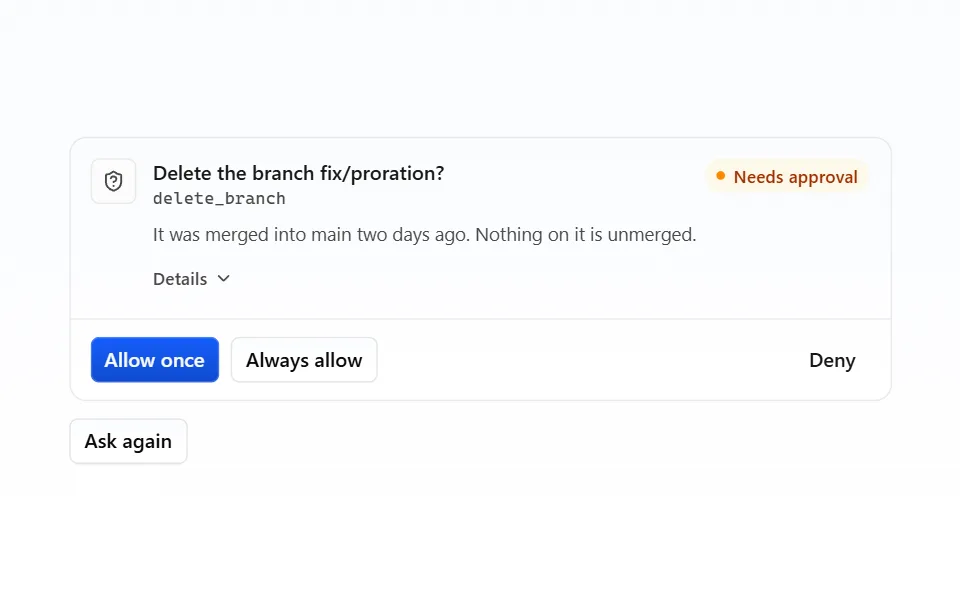
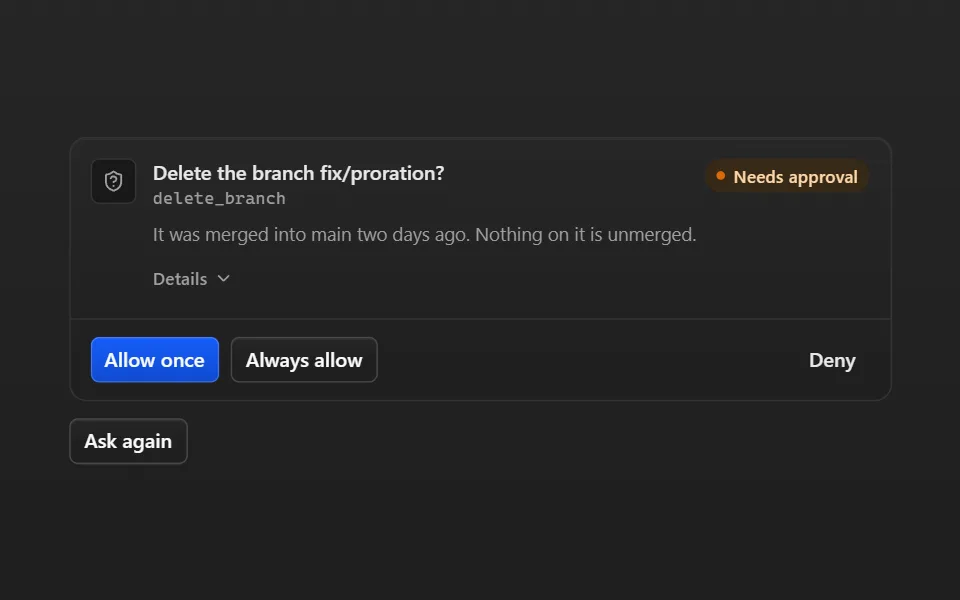
Tool Approval
An agent asking before it acts: the question first, its arguments one click below, and Allow once, Always allow and Deny in a footer that folds away once answered, leaving a record of the outcome.
data display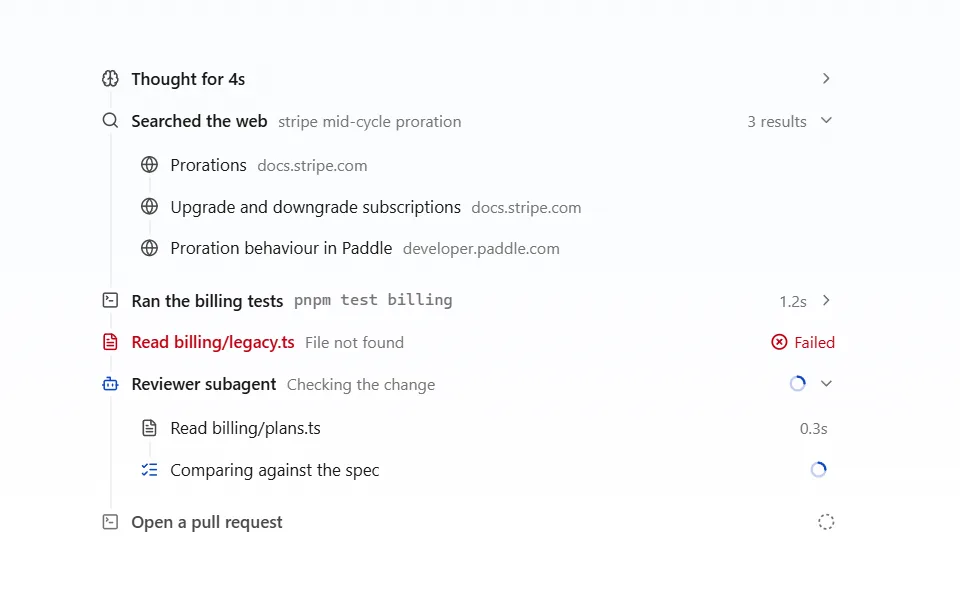
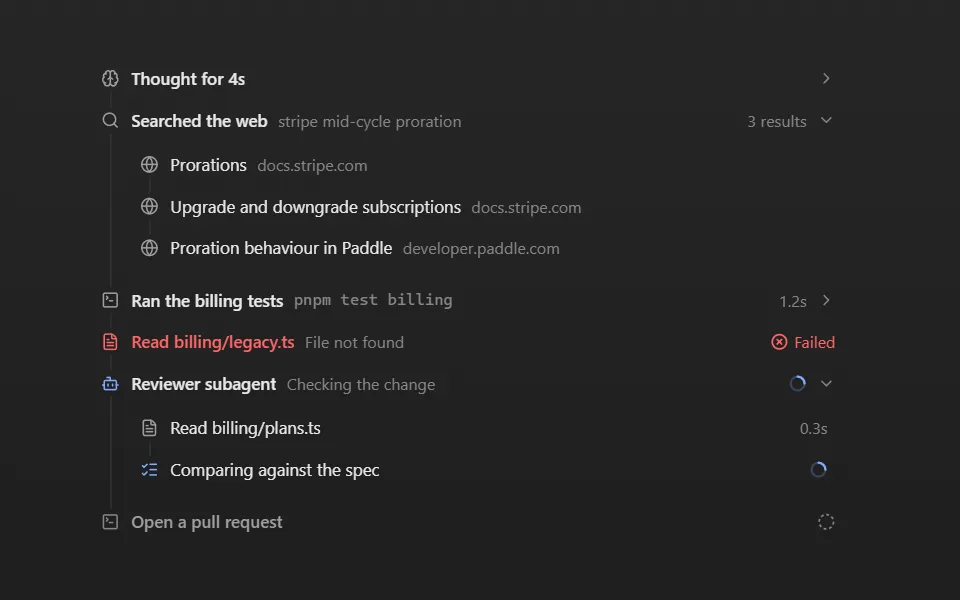
Trace
The steps an agent takes, one line each: reasoning, tool calls, sources, plans and subagent runs. Every line has an icon, a title, a description and a status, sweeps while running, and can open its output, link away, open a dialog, or nest a whole Trace.
data display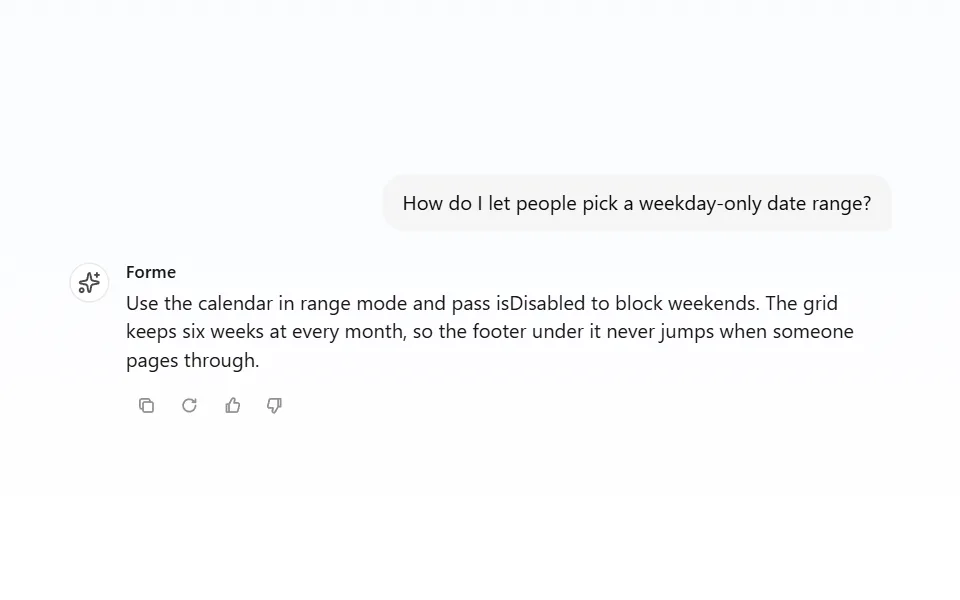
Chat Message
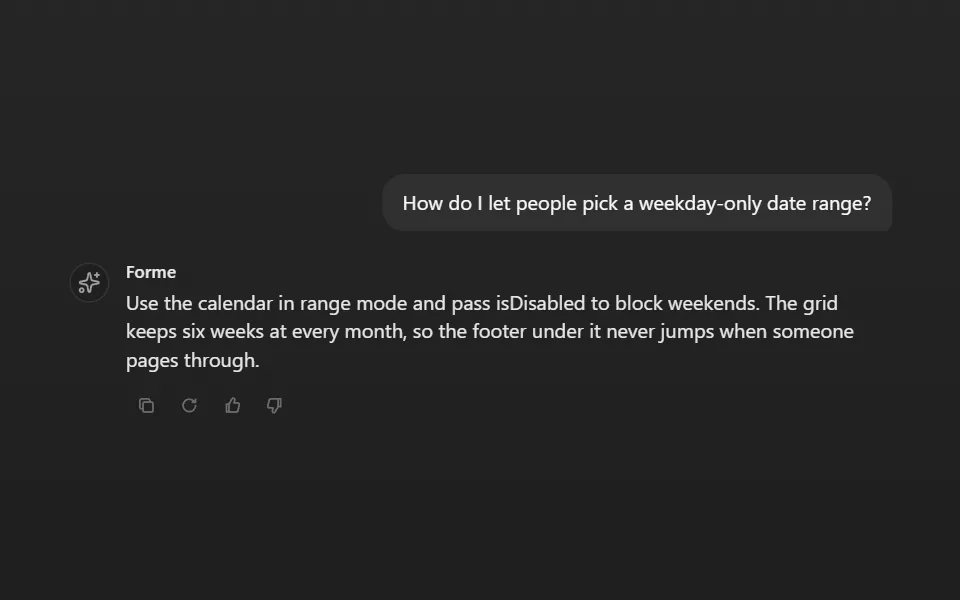
One turn of an AI conversation: a compact bubble for the person, full-width prose for the assistant, a streaming caret, and copy, regenerate and feedback actions that keyboard and touch can always reach.
data display