Number Flow
number-flowA number whose digits roll like an odometer when it changes, so only the digits that changed move. Formatting comes from Intl, so currency signs and separators stay put, and screen readers hear the value once.
"use client";

import { Minus, Plus } from "lucide-react";
import { useState } from "react";

import { Button } from "@/components/forme/button/button";
import { NumberFlow } from "@/components/forme/number-flow/number-flow";

const usd = { style: "currency", currency: "USD" } as const;

export function NumberFlowDemo() {
  const [seats, setSeats] = useState(12);
  const price = 24;

  return (
    <div className="flex w-full max-w-sm flex-col gap-5 rounded-xl border border-border bg-card p-6 shadow-xs">
      <div className="flex items-center justify-between">
        <div>
          <p className="text-body-medium">Seats</p>
          <p className="text-caption-1-regular text-muted-foreground">$24 per seat, monthly</p>
        </div>
        <div className="flex items-center gap-2">
          <Button
            size="small"
            variant="secondary"
            iconOnly
            leadingIcon={Minus}
            aria-label="Remove a seat"
            disabled={seats <= 1}
            onClick={() => setSeats((count) => count - 1)}
          />
          <NumberFlow value={seats} className="w-8 justify-center text-title-1-semibold" />
          <Button
            size="small"
            variant="secondary"
            iconOnly
            leadingIcon={Plus}
            aria-label="Add a seat"
            onClick={() => setSeats((count) => count + 1)}
          />
        </div>
      </div>
      <div className="flex items-baseline justify-between border-t border-border pt-4">
        <p className="text-body-2-regular text-muted-foreground">Total</p>
        <NumberFlow
          value={seats * price}
          format={usd}
          aria-live="polite"
          className="text-[2rem] leading-none font-semibold tracking-[-0.03em]"
        />
      </div>
      <Button
        variant="ghost"
        size="small"
        onClick={() => setSeats(Math.round(Math.random() * 400))}
      >
        Surprise me
      </Button>
    </div>
  );
}
Install
Adds the component, its registry dependencies, and the token stylesheet you import once.
Usage
import { NumberFlow } from "@/components/forme/number-flow/number-flow";

<NumberFlow value={total} format={{ style: "currency", currency: "USD" }} />
When to use
Reach for it
- Live figures that change in place — a price as the plan changes, a running total, a counter.
- Places where seeing which digits changed is the point.
Use something else
- A number that changes many times a second; it would roll constantly and read as noise.
- A figure that only appears once.
NumberTickercounts up on first view instead.
API reference
Read from the source, so it is the API of the file you install. A prop marked * is required.
NumberFlow
A number whose digits roll like an odometer when it changes.
| Prop | Type | Default | Description |
|---|---|---|---|
value* | number | — | |
format | Intl.NumberFormatOptions | — | |
locale | Intl.LocalesArgument | "en-US" |
Also takes every prop of <span> attributes.
Accessibility
- The rolling digits are hidden from assistive technology, and the formatted value is rendered once for it.
Motion
- Each digit is a column that slides to its value, so only the digits that changed move.
- Separators, currency signs and suffixes come from
Intl.formatToPartsand stay in place. - Reduced motion turns the roll into a cut.
Related
Number Ticker
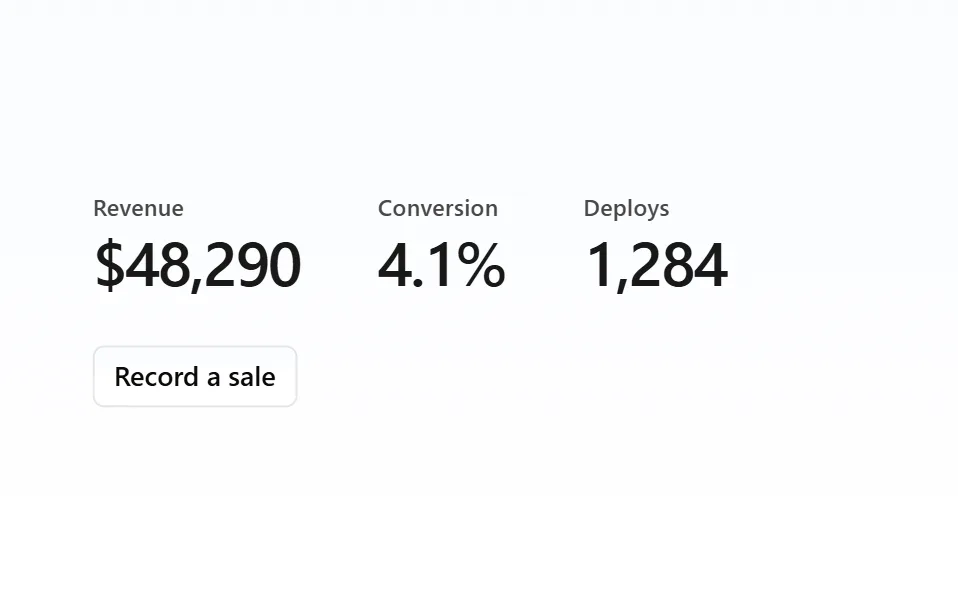
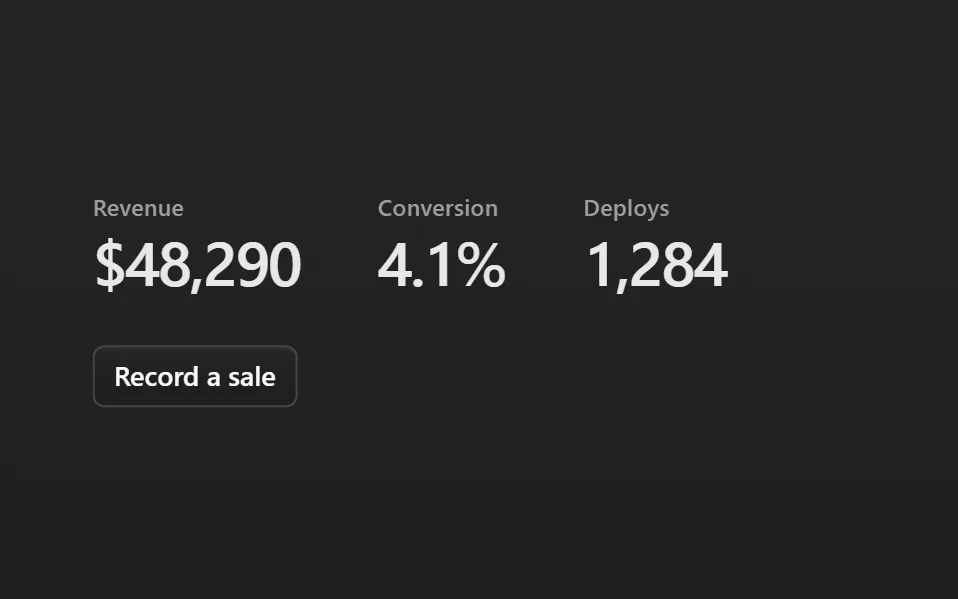
A number that counts up when it scrolls into view and counts between values when it changes, formatted with Intl. Screen readers hear the final value once, and reduced motion skips the count.
motion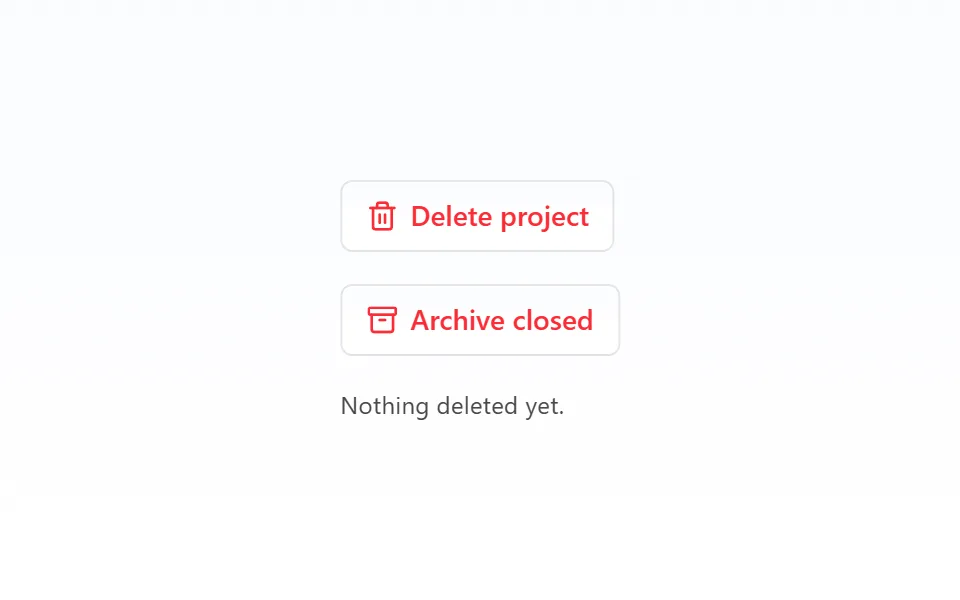
Confirm Button
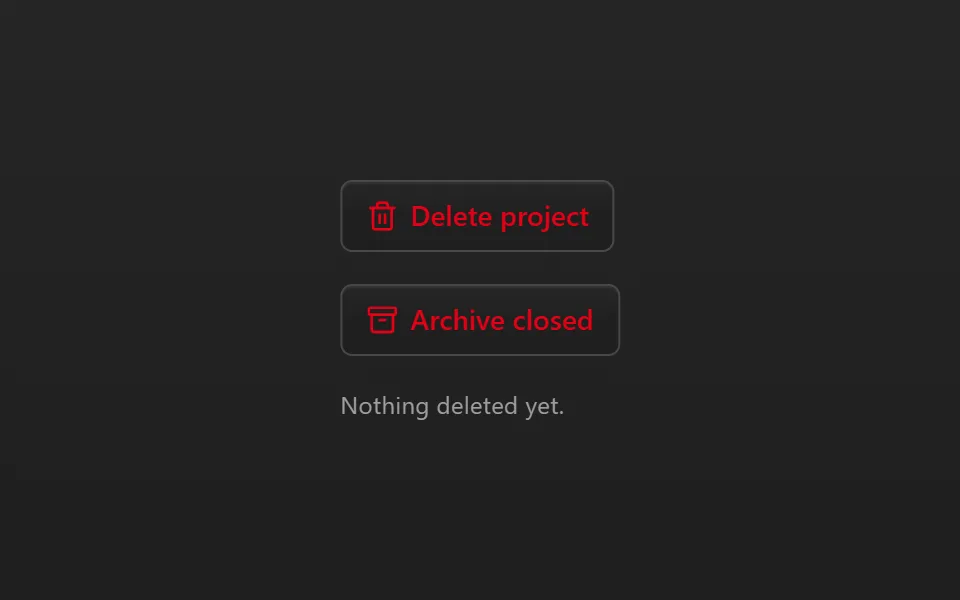
A destructive button that grows into its own confirmation on a spring, so the question appears where you are looking. Focus lands on Cancel, Esc or clicking away disarms it, and the confirm button shows a spinner while the action runs.
motion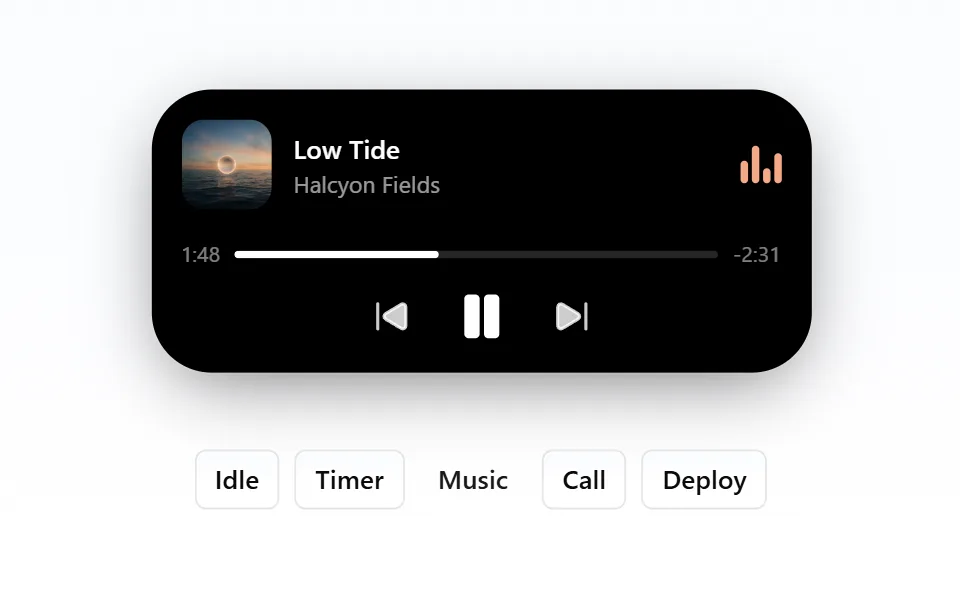
Dynamic Island
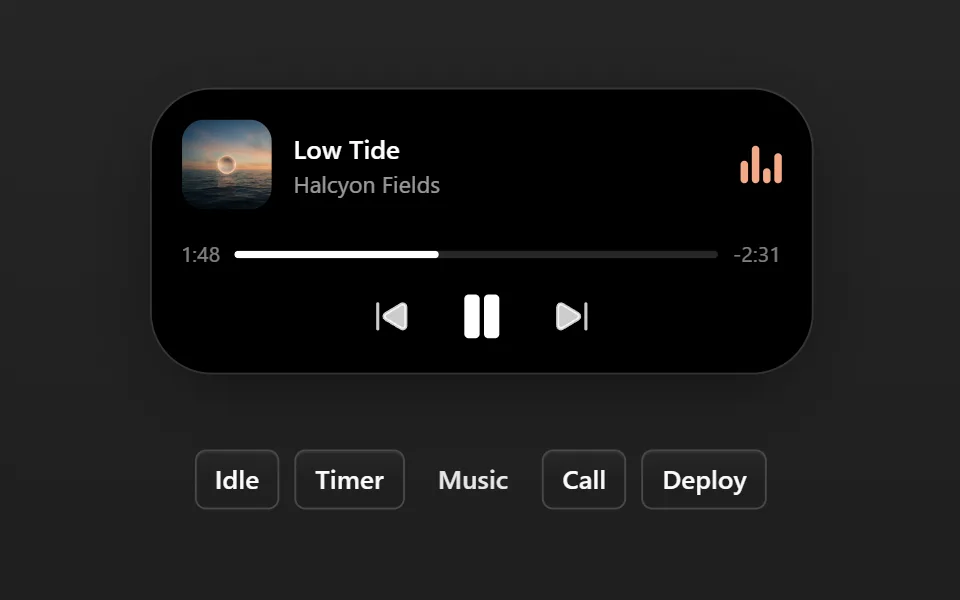
A black pill that morphs on a spring to fit whatever it is showing: a timer, a call, a song or a notification. Content swaps through a short blur crossfade, the corners never stretch mid-morph, and each change is announced politely.
motion