Number Ticker
number-tickerA number that counts up when it scrolls into view and counts between values when it changes, formatted with Intl. Screen readers hear the final value once, and reduced motion skips the count.
"use client";

import { useState } from "react";

import { Button } from "@/components/forme/button/button";
import { NumberTicker } from "@/components/forme/number-ticker/number-ticker";

const currency = { style: "currency", currency: "USD", maximumFractionDigits: 0 } as const;
const percent = { style: "percent", maximumFractionDigits: 1 } as const;

export function NumberTickerDemo() {
  const [revenue, setRevenue] = useState(48_290);

  return (
    <div className="flex flex-col gap-6">
      <div className="flex flex-wrap gap-10">
        <div>
          <p className="text-caption-1-medium text-muted-foreground">Revenue</p>
          <NumberTicker
            value={revenue}
            format={currency}
            className="text-[2rem] leading-tight font-semibold tracking-[-0.03em]"
          />
        </div>
        <div>
          <p className="text-caption-1-medium text-muted-foreground">Conversion</p>
          <NumberTicker
            value={0.0412}
            format={percent}
            className="text-[2rem] leading-tight font-semibold tracking-[-0.03em]"
          />
        </div>
        <div>
          <p className="text-caption-1-medium text-muted-foreground">Deploys</p>
          <NumberTicker
            value={1284}
            className="text-[2rem] leading-tight font-semibold tracking-[-0.03em]"
          />
        </div>
      </div>
      <Button
        size="small"
        variant="secondary"
        className="self-start"
        onClick={() => setRevenue((value) => value + Math.round(800 + Math.random() * 4200))}
      >
        Record a sale
      </Button>
    </div>
  );
}
Install
Adds the component, its registry dependencies, and the token stylesheet you import once.
Usage
import { NumberTicker } from "@/components/forme/number-ticker/number-ticker";

<NumberTicker value={12480} format={{ notation: "compact" }} />
When to use
Reach for it
- A headline figure that should draw the eye once, like a stat on a landing page or a KPI that just updated.
Use something else
- Tables and dense dashboards, where a dozen counting numbers would compete with each other.
- Values that change every second; use
NumberFlow, which only rolls the digits that changed.
API reference
Read from the source, so it is the API of the file you install. A prop marked * is required.
NumberTicker
A number that counts to its value the first time it scrolls into view, and from its old value to its new one on every change after that.
| Prop | Type | Default | Description |
|---|---|---|---|
value* | number | — | |
from | number | 0 | Where the first count starts. Later changes count from the previous value. |
duration | number | 1200 | Milliseconds. Long enough to be read as counting, short enough not to wait for. |
format | Intl.NumberFormatOptions | — | |
locale | Intl.LocalesArgument | "en-US" |
Also takes every prop of <span> attributes.
Accessibility
- The counting digits are
aria-hiddenand the final value is rendered once for screen readers, so nobody hears thirty intermediate numbers.
Motion
- It counts the first time it scrolls into view, and from the old value to the new one on every change after that.
- Plain
requestAnimationFrameoverduration, 1200ms by default; reduced motion skips straight to the value.
Related
Number Flow
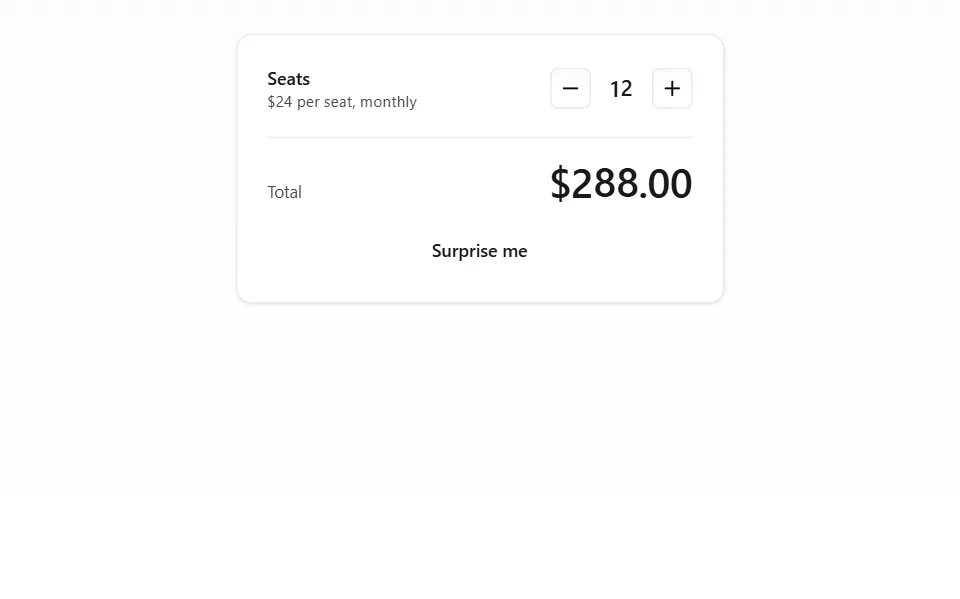
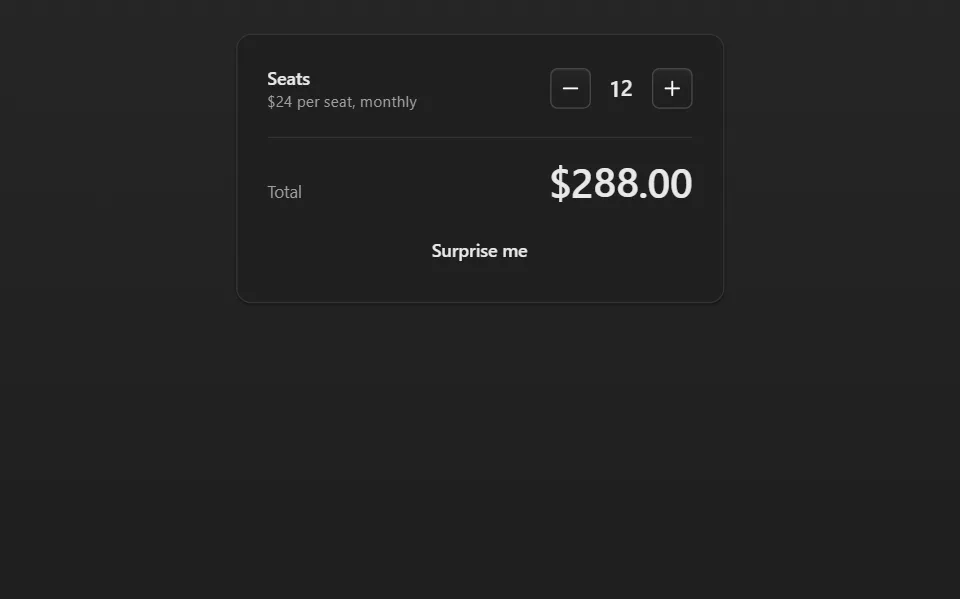
A number whose digits roll like an odometer when it changes, so only the digits that changed move. Formatting comes from Intl, so currency signs and separators stay put, and screen readers hear the value once.
motion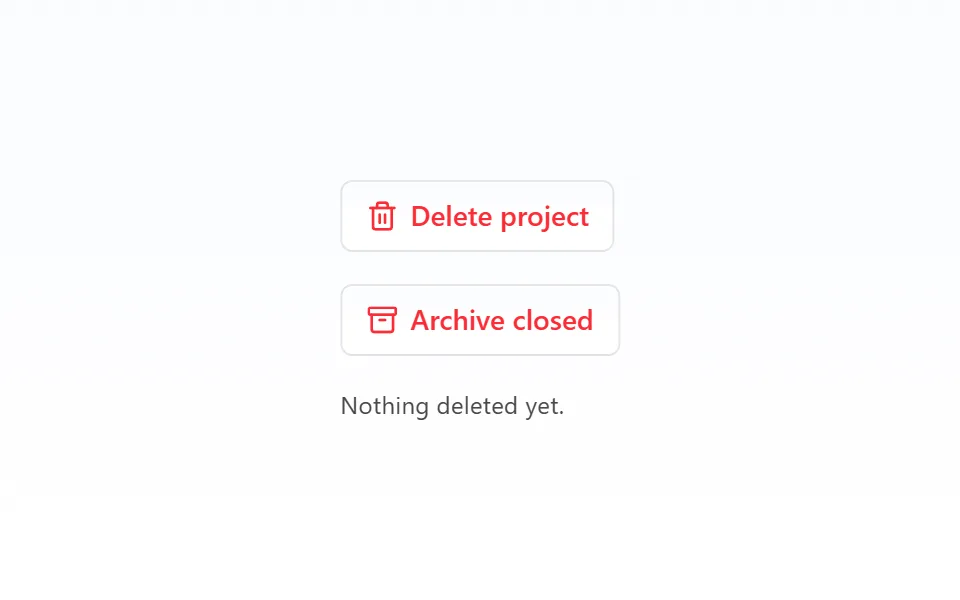
Confirm Button
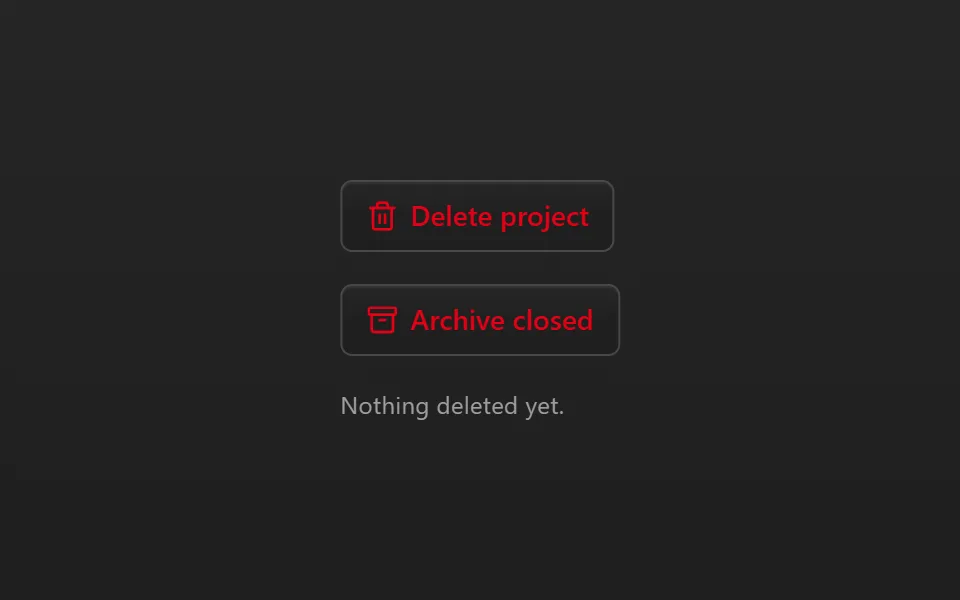
A destructive button that grows into its own confirmation on a spring, so the question appears where you are looking. Focus lands on Cancel, Esc or clicking away disarms it, and the confirm button shows a spinner while the action runs.
motion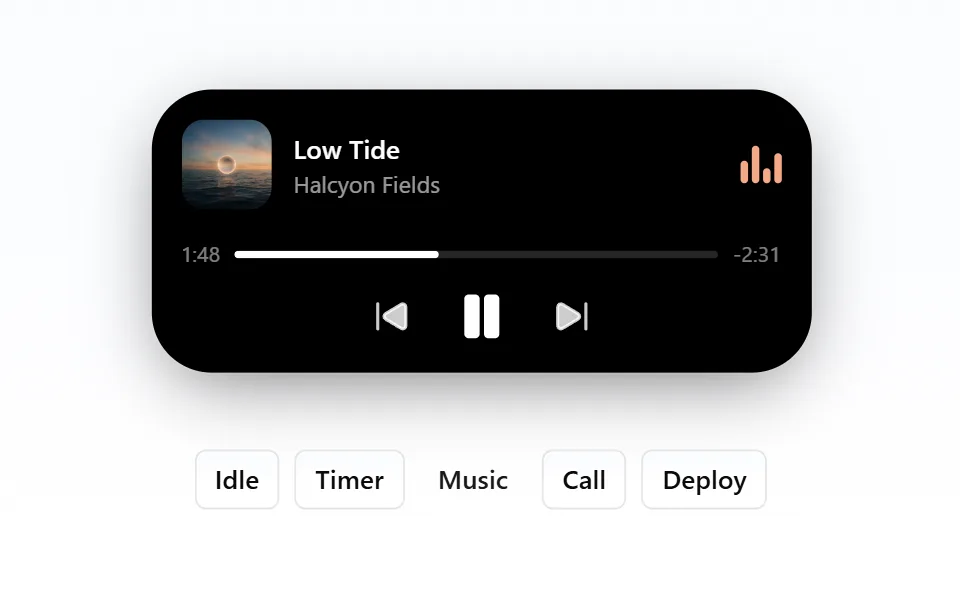
Dynamic Island
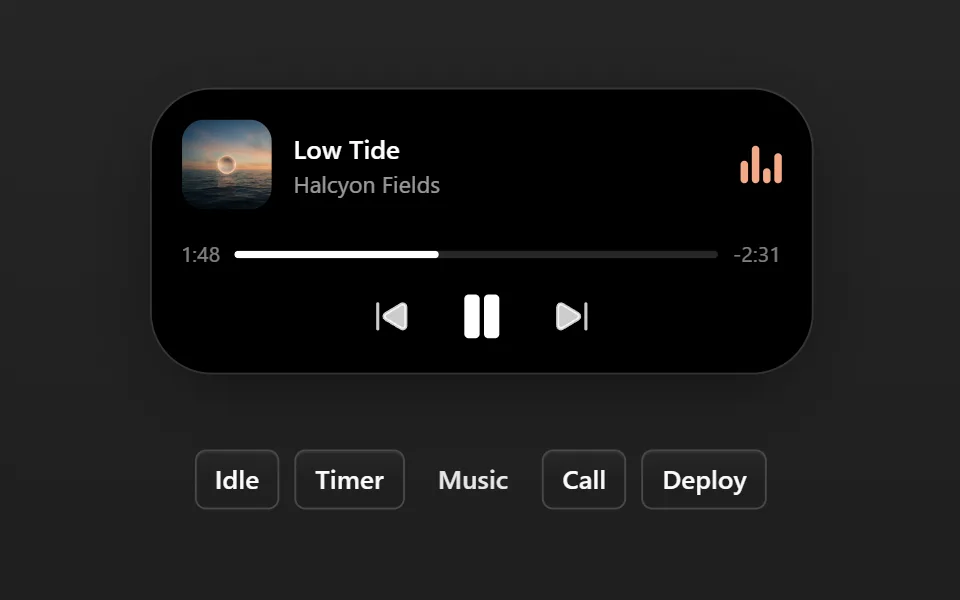
A black pill that morphs on a spring to fit whatever it is showing: a timer, a call, a song or a notification. Content swaps through a short blur crossfade, the corners never stretch mid-morph, and each change is announced politely.
motion