Transcript
transcriptA transcript that follows the audio: the current line is marked and kept in view, the word being said lights within it, and any line or word seeks back to where it was spoken. One tab stop, arrow keys between lines.
"use client";

import { useMemo, useRef, useState } from "react";

import { AudioPlayer } from "@/components/forme/audio-player/audio-player";
import type { AudioPlayerHandle } from "@/components/forme/audio-player/audio-player";
import { synthClip } from "@/components/forme/audio-player/demo-clip";
import { Transcript } from "@/components/forme/transcript/transcript";
import type { TranscriptSegment } from "@/components/forme/transcript/transcript";

const lines = [
  { speaker: "Maya", text: "Thanks for joining. Quick summary of where we landed." },
  {
    speaker: "Maya",
    text: "The launch moves to the twelfth, and design signs off on onboarding by Friday.",
  },
  { speaker: "Jon", text: "Support gets the new help articles a week before release." },
  {
    speaker: "Maya",
    text: "If anything looks wrong, reply in the thread and I will update the notes.",
  },
];

// Timings the way a speech model returns them: a start and end per word,
// longer words taking longer, a pause between lines.
function timeLines(): TranscriptSegment[] {
  let clock = 0.4;
  return lines.map(({ speaker, text }) => {
    const words = text.split(" ").map((word) => {
      const start = clock;
      const end = start + 0.12 + word.length * 0.045;
      clock = end + (/[.,]$/.test(word) ? 0.3 : 0.06);
      return { text: word, start, end };
    });
    clock += 0.5;
    return { speaker, text, start: words[0]!.start, end: words.at(-1)!.end, words };
  });
}

export function TranscriptDemo() {
  const segments = useMemo(() => timeLines(), []);
  const clip = useMemo(
    () =>
      synthClip(
        segments.flatMap((segment) => segment.words ?? []),
        segments.at(-1)!.end + 0.6,
      ),
    [segments],
  );
  const player = useRef<AudioPlayerHandle>(null);
  const [time, setTime] = useState(0);

  return (
    <div className="flex w-full max-w-lg flex-col gap-3">
      <Transcript
        segments={segments}
        time={time}
        onSeek={(seconds) => player.current?.seek(seconds, { play: true })}
        className="max-h-72 rounded-xl border border-border bg-card p-2 lit edge"
      />
      <AudioPlayer
        ref={player}
        src={clip}
        markers={segments.map((segment) => segment.start)}
        onTimeUpdate={setTime}
      />
    </div>
  );
}
Install
Adds the component, its registry dependencies, and the token stylesheet you import once.
Examples
2 more ways to put it to work. Install one by name and it lands beside the component, or copy it from the Code tab into your app.
Speakers
A diarised meeting: each line carries who said it, and a click marks the line — wire onSeek to a player to jump there.
"use client";

import { useState } from "react";

import { Transcript } from "@/components/forme/transcript/transcript";
import type { TranscriptSegment } from "@/components/forme/transcript/transcript";

// A diarised meeting: each segment knows who said it. With no audio attached,
// clicking a line simply marks it — wire `onSeek` to a player to jump there.
const segments: TranscriptSegment[] = [
  {
    speaker: "Maya",
    start: 0,
    end: 6,
    text: "Let's start with the launch. Where did we land on the date?",
  },
  {
    speaker: "Jon",
    start: 6.5,
    end: 13,
    text: "The twelfth. Design needs until Friday for the onboarding flow, so anything earlier is a stretch.",
  },
  {
    speaker: "Maya",
    start: 13.5,
    end: 18,
    text: "Fine by me. Support, are the help articles on track?",
  },
  {
    speaker: "Priya",
    start: 18.5,
    end: 26,
    text: "Drafts are done. We want them live a week before release so the team can learn them.",
  },
  { speaker: "Jon", start: 26.5, end: 31, text: "Then the fifth is our real deadline for copy." },
  {
    speaker: "Maya",
    start: 31.5,
    end: 36,
    text: "Agreed. I'll put the fifth and the twelfth in the notes.",
  },
];

export function SpeakersExample() {
  const [time, setTime] = useState(6.5);

  return (
    <Transcript
      segments={segments}
      time={time}
      onSeek={setTime}
      className="max-h-96 w-full max-w-xl rounded-xl border border-border bg-card p-2 lit edge"
    />
  );
}
Live captions
Lines join as a streaming speech-to-text service finalises them, and the box keeps up with the newest one.
"use client";

import { useEffect, useState } from "react";

import { Waveform } from "@/components/forme/waveform/waveform";
import { Transcript } from "@/components/forme/transcript/transcript";
import type { TranscriptSegment } from "@/components/forme/transcript/transcript";

// Lines as a streaming speech-to-text service finalises them, timed in seconds
// from the start of the call.
const incoming: TranscriptSegment[] = [
  { start: 0, end: 3.4, text: "Thanks everyone for joining the quarterly review." },
  {
    start: 3.8,
    end: 8.2,
    text: "Revenue grew every quarter, ending at three hundred and one thousand.",
  },
  { start: 8.6, end: 12.4, text: "The biggest step was the annual plan launch in July." },
  { start: 12.8, end: 16.6, text: "Business customers more than doubled across the year." },
  { start: 17, end: 20.5, text: "Next quarter we focus on onboarding and support." },
  { start: 20.9, end: 24, text: "Questions now, or in the thread afterwards." },
];

export function LiveCaptionsExample() {
  const [time, setTime] = useState(0);
  const end = incoming.at(-1)!.end;

  // A live call has no seek bar: the clock only moves forward, and a line
  // joins the transcript once it has started.
  useEffect(() => {
    const timer = setInterval(() => setTime((now) => (now >= end + 3 ? 0 : now + 0.1)), 100);
    return () => clearInterval(timer);
  }, [end]);

  const heard = incoming.filter((segment) => segment.start <= time);
  const speaking = heard.some((segment) => time <= segment.end);

  return (
    <div className="flex w-full max-w-xl flex-col gap-2">
      <div className="flex items-center gap-2 px-1 text-caption-1-medium text-muted-foreground">
        <Waveform state={speaking ? "listening" : "idle"} bars={5} aria-label="" className="h-4" />
        <span aria-live="polite">{speaking ? "Live captions" : "Waiting for speech"}</span>
      </div>
      <Transcript
        segments={heard}
        time={time}
        className="h-64 rounded-xl border border-border bg-card p-2 lit edge"
      />
    </div>
  );
}
API reference
Read from the source, so it is the API of the file you install. A prop marked * is required.
Transcript
A transcript that follows the audio. A highlight slides from line to line, the word being said fills with an underline as it is spoken, and the box keeps the line in view — until the reader scrolls away, when a button offers the way back. Every line is one button (Enter replays it, a click on a word starts from that word) and the list is a single tab stop moved with the arrow keys, so a long recording is not hundreds of them.
| Prop | Type | Default | Description |
|---|---|---|---|
segments* | readonly TranscriptSegment[] | — | In order. The shape speech models return: Whisper, WhisperX, Deepgram, AssemblyAI. |
time* | number | — | The playback position, in seconds. |
onSeek | (seconds: number) => void | — | Clicking a line seeks to it, or to the clicked word when there are word timings. Without it the transcript is read-only. |
follow | boolean | true | Keeps the current line in view as playback moves. Scrolling away pauses it, and a "Back to" button brings it back. |
playing | boolean | false | Whether the audio is playing: the current line then shows live bars in place of its time. |
className | string | — |
Related
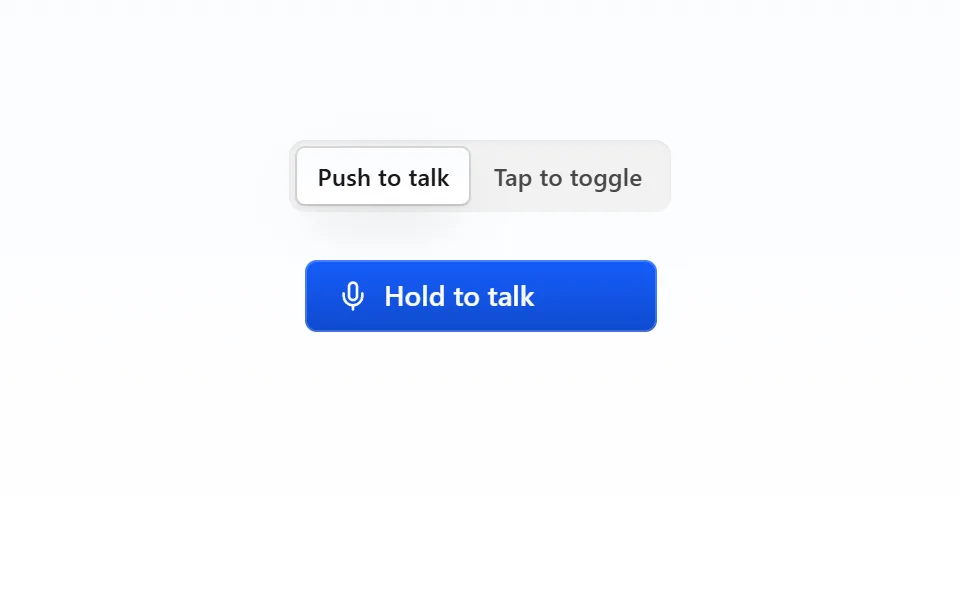
Voice Button
The record button of a voice interface: push to talk or tap to toggle, a live waveform and a running clock while recording, then transcribing, done or try again. You drive the state; it records nothing itself.
audio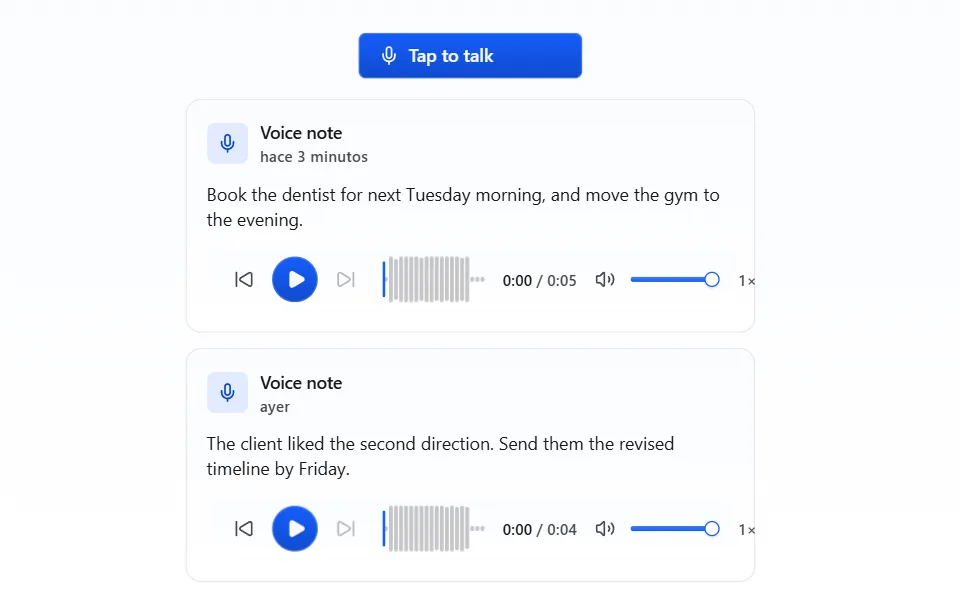
Voice Note
One entry in a list of voice notes: when it was recorded, what was said and the recording to check it against. While transcription runs it holds its place with a waveform and placeholder lines.
audio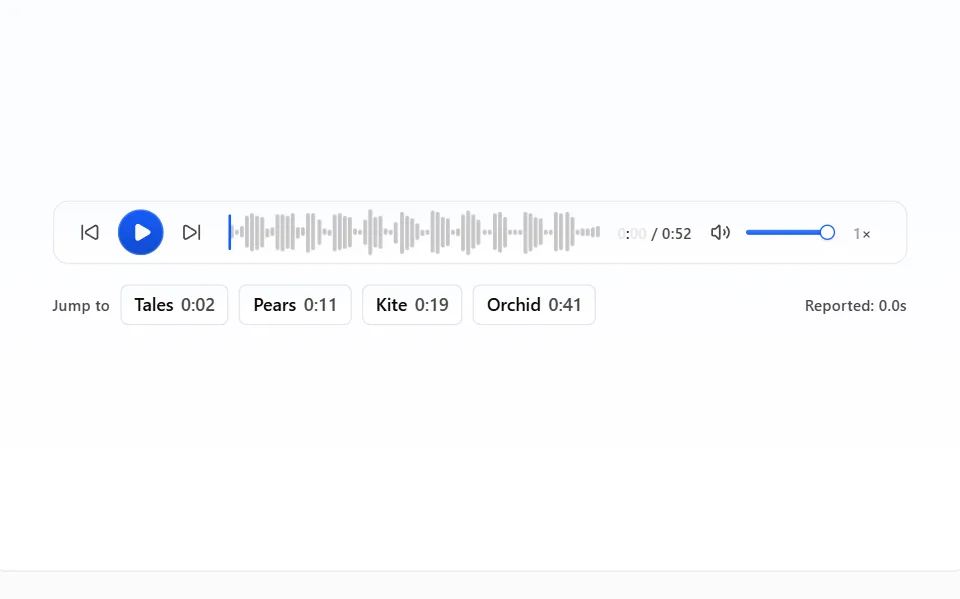
Audio Player
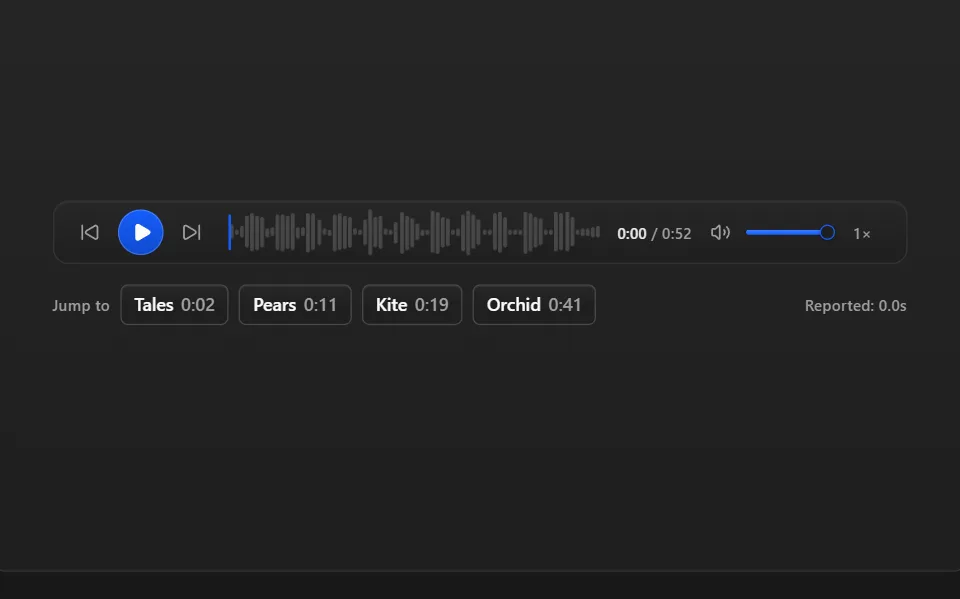
A transport bar for one recording: skip back and forward, play, a seek bar, time, volume and speed. Its ref is a small handle, so a transcript or a chapter list can seek and play it from outside.
audio