Sign in, split with testimonials
auth-2A sign-in page beside a brand panel: a headline, a carousel of customer quotes and a rating line. The form takes email or username and a password, with Google, Apple and GitHub underneath and a small footer of links.
import { Auth2 } from "@/components/forme/blocks/auth-2/auth-2";

const testimonials = [
  {
    quote:
      "We turned a rough dashboard sketch into a shipped portal in one focused week. The structure was ready; we tuned the copy and made it ours.",
    name: "Mira Chen",
    role: "Founder at Atlasforge",
  },
  {
    quote:
      "The auth and settings patterns gave our team a shared language fast. We stopped debating screens and got back to the workflow.",
    name: "Jonah Price",
    role: "Product lead at Nimblestack",
  },
  {
    quote:
      "Three uneven account screens became one calm flow. Every state was ready for review before the first design crit.",
    name: "Lena Romero",
    role: "Design lead at Northstar Labs",
  },
];

export function Auth2Demo() {
  return <Auth2 testimonials={testimonials} className="min-h-[44rem]" />;
}
Install
Adds the component, its registry dependencies, and the token stylesheet you import once.
API reference
Read from the source, so it is the API of the file you install. A prop marked * is required.
Auth2
Sign in beside a brand panel: a headline, a carousel of customer quotes and a rating. The panel is the part to rewrite; the form is the part to wire up. On a narrow container the panel steps aside.
| Prop | Type | Default | Description |
|---|---|---|---|
testimonials* | Testimonial[] | — | |
action | ComponentProps<"form">["action"] | — | Where the form posts: a URL or a server action. |
Also takes every prop of <div> attributes.
Related
Sign in, split with image
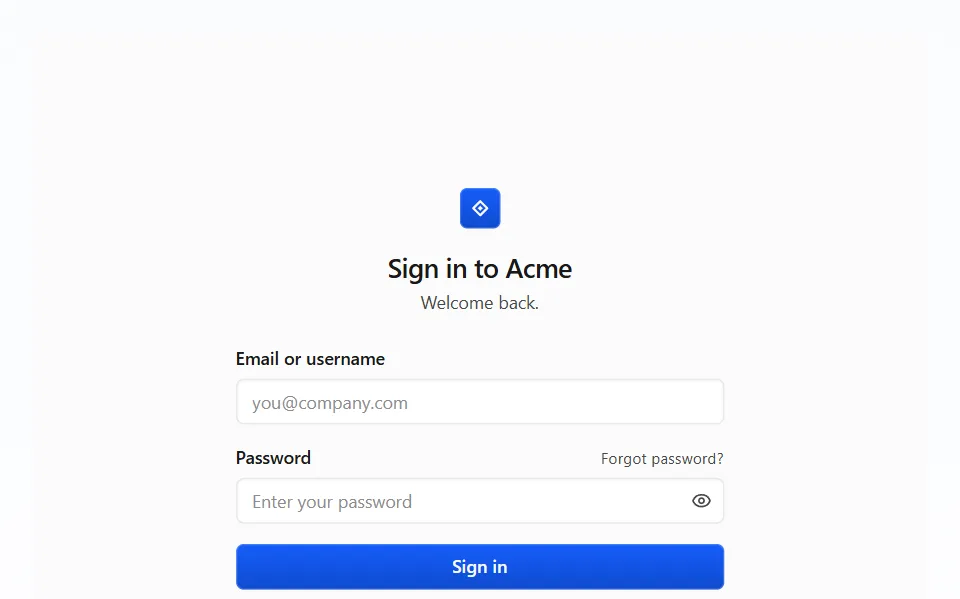
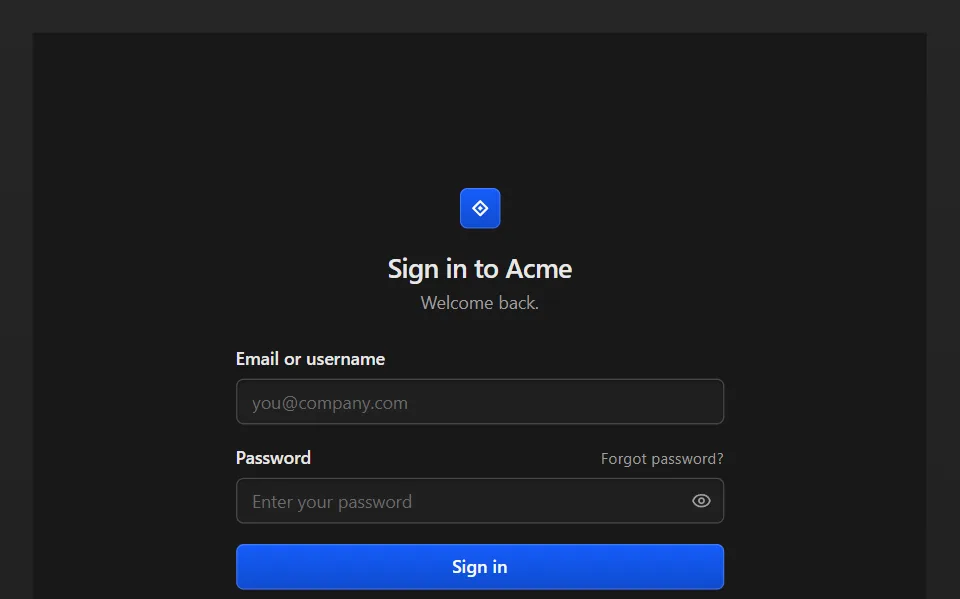
A sign-in page with the form on one side and a framed image on the other: email or username, a password with a show toggle and a forgot link, then Google and Apple. The image steps aside on narrow screens.
authentication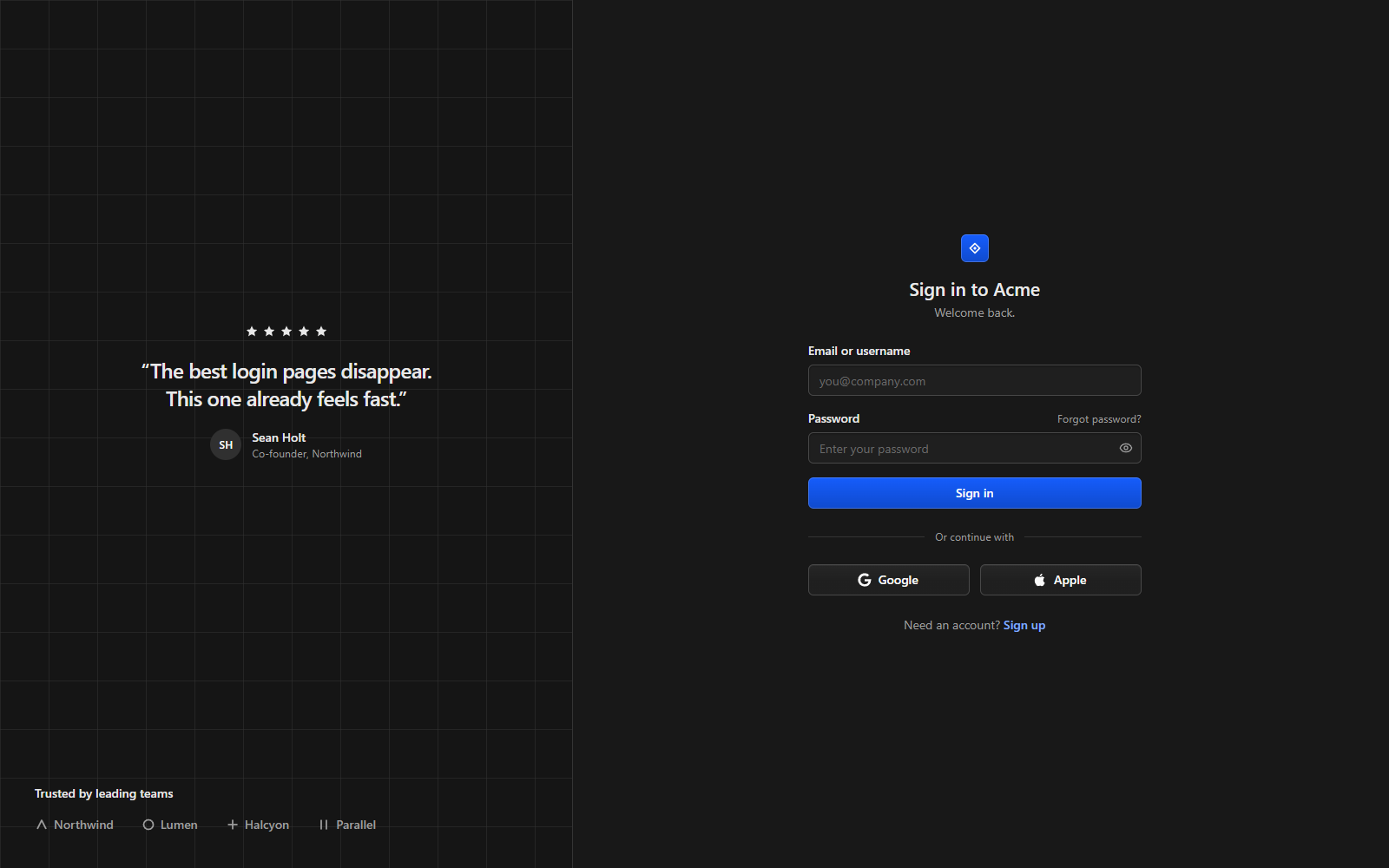 Pro
Sign in, proof first
Sign in with the proof leading: a customer quote and customer marks on a ruled panel to the left, the form to the right.
authentication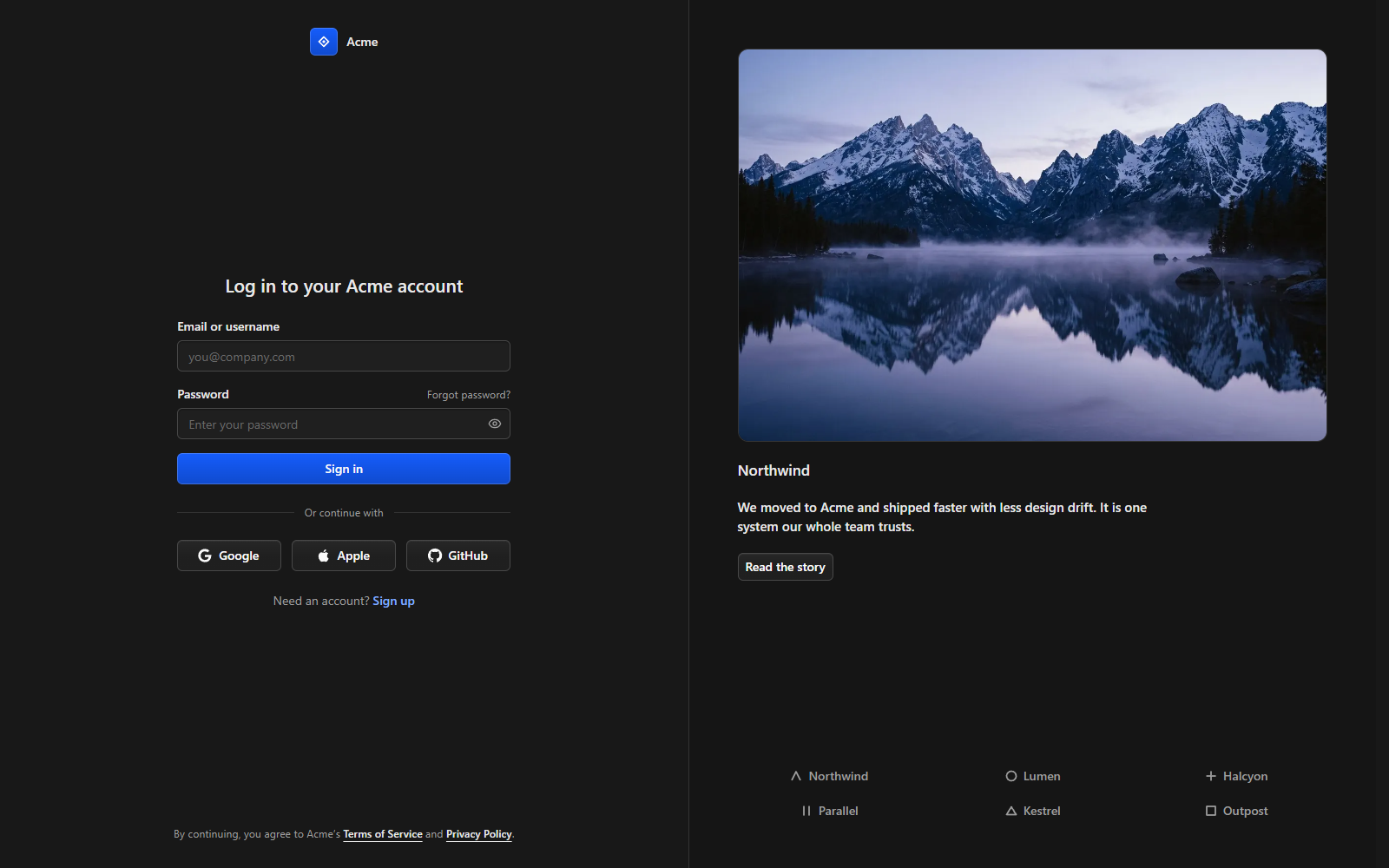 Pro
Sign in, split with customer story
Sign in beside a customer story: a photo, the customer's name, one line of what changed and a link to the rest, over a grid of other customers.
authentication