Mic Selector
mic-selectorA microphone picker that asks for permission first, so devices show by name rather than as blanks, then stays current as headsets are plugged in and out. Hands back a deviceId for getUserMedia.
"use client";

import { useState } from "react";

import { MicSelector } from "@/components/forme/mic-selector/mic-selector";

export function MicSelectorDemo() {
  const [deviceId, setDeviceId] = useState<string | null>(null);

  return (
    <div className="flex w-full max-w-sm flex-col gap-3">
      <MicSelector value={deviceId} onValueChange={setDeviceId} />
      <p className="text-caption-1-medium text-muted-foreground">
        {deviceId ? (
          <>
            Recording from <code className="tnum">{deviceId.slice(0, 12)}…</code>
          </>
        ) : (
          "Pick a device and its id goes into getUserMedia."
        )}
      </p>
    </div>
  );
}
Install
Adds the component, its registry dependencies, and the token stylesheet you import once.
API reference
Read from the source, so it is the API of the file you install. A prop marked * is required.
MicSelector
A microphone picker that handles the part people forget: until the page has permission the browser lists devices without names, so this asks once — releasing the microphone straight after — and then names them. The list stays current as headsets come and go.
| Prop | Type | Default | Description |
|---|---|---|---|
value | string | null | null | The chosen deviceId, for getUserMedia({ audio: { deviceId: { exact: value } } }). |
onValueChange | (deviceId: string) => void | — | |
label | string | "Microphone" | |
className | string | — |
Related
Voice Button
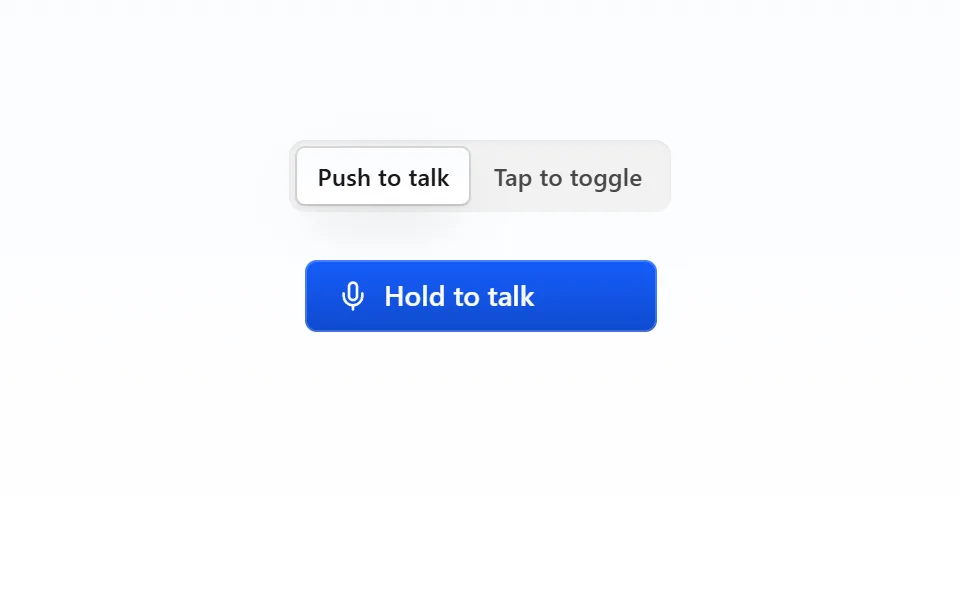
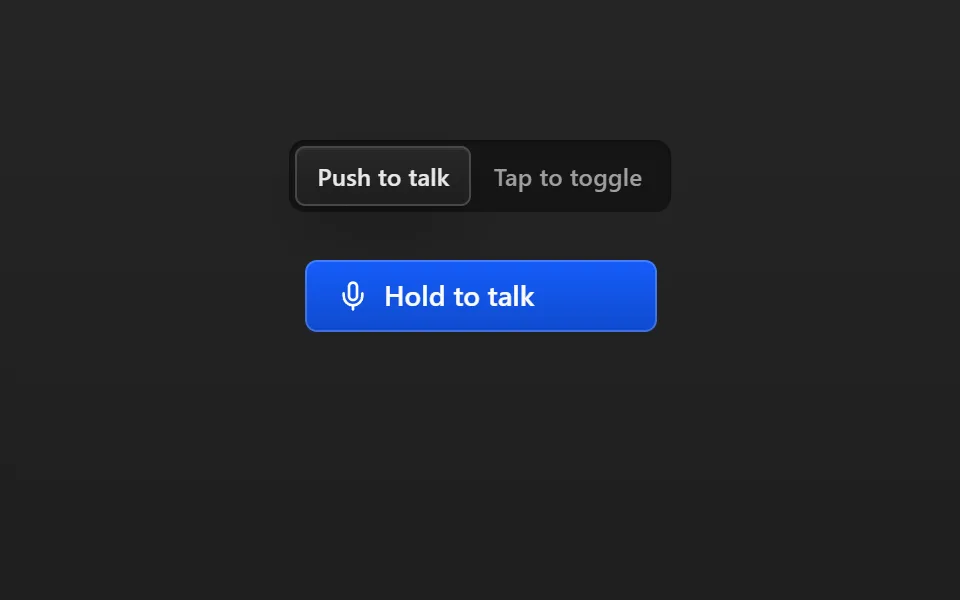
The record button of a voice interface: push to talk or tap to toggle, a live waveform and a running clock while recording, then transcribing, done or try again. You drive the state; it records nothing itself.
audio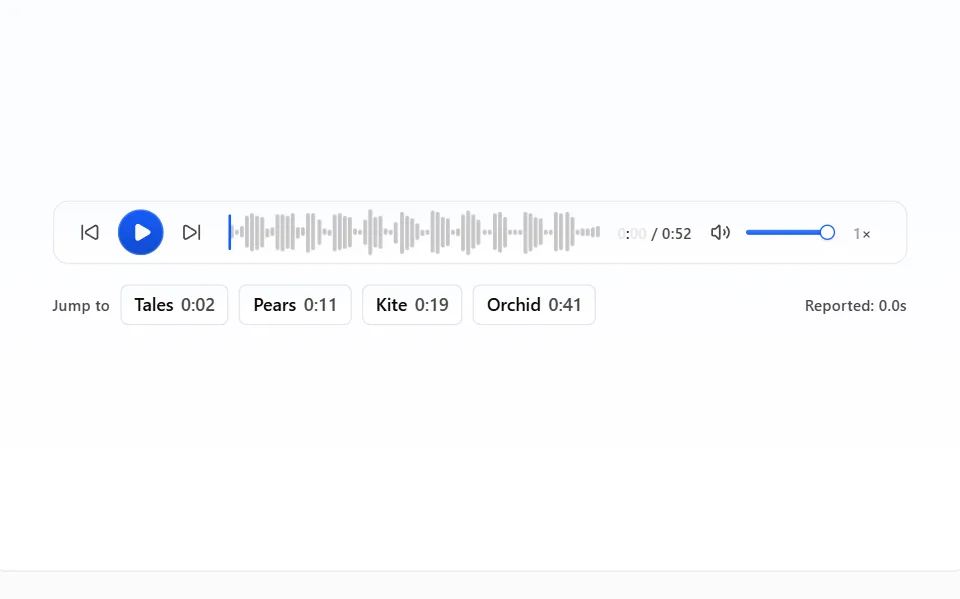
Audio Player
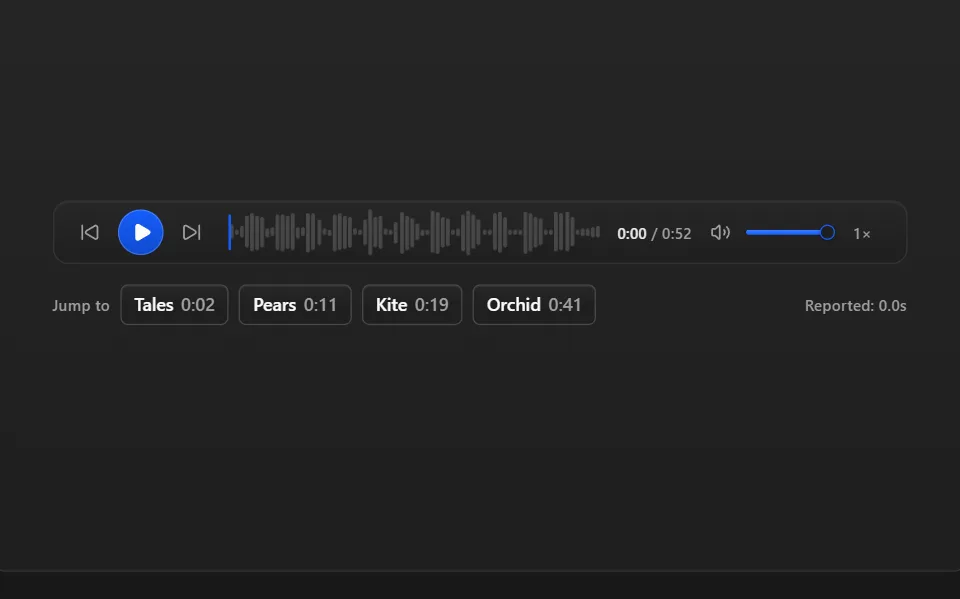
A transport bar for one recording: skip back and forward, play, a seek bar, time, volume and speed. Its ref is a small handle, so a transcript or a chapter list can seek and play it from outside.
audio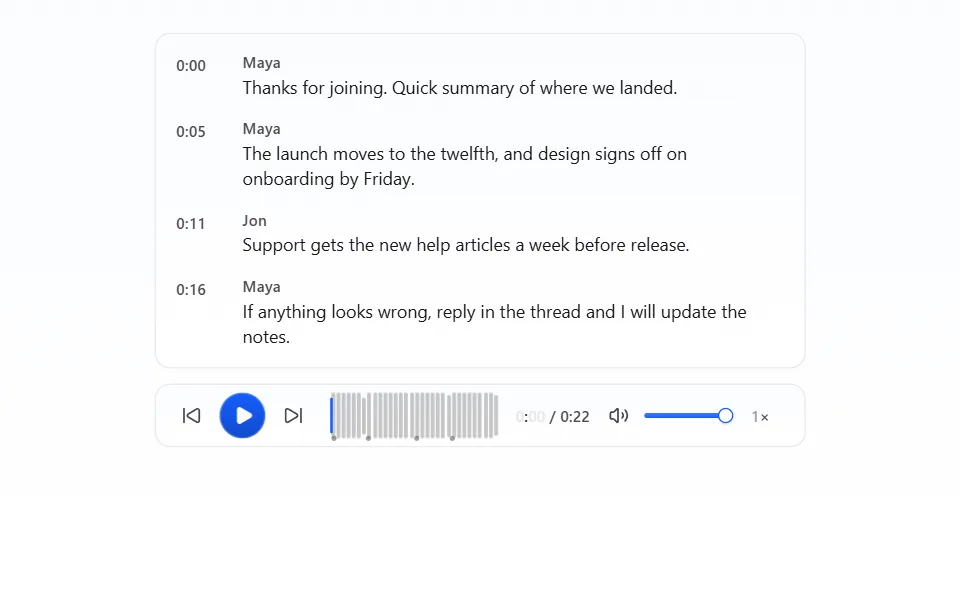
Transcript
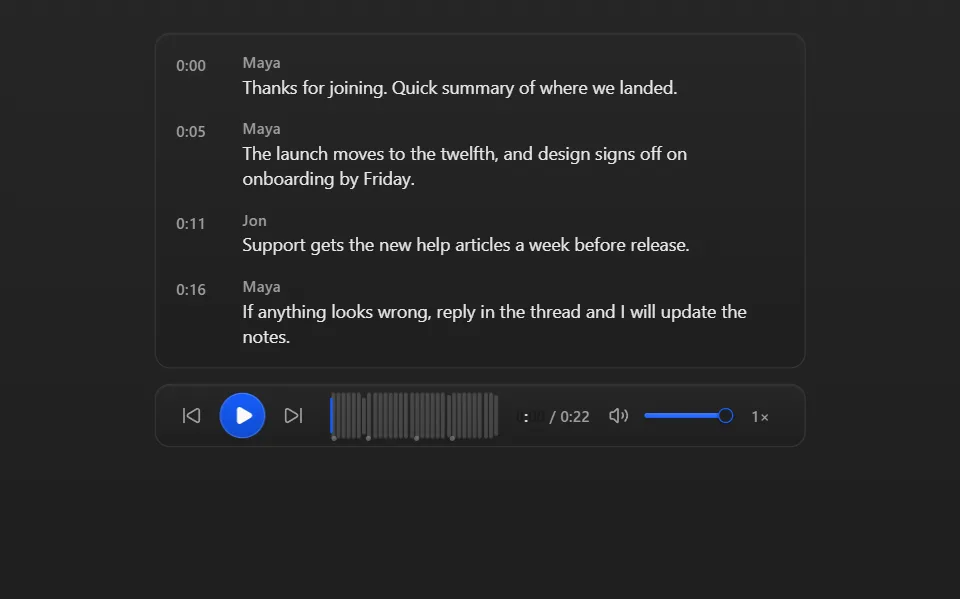
A transcript that follows the audio: the current line is marked and kept in view, the word being said lights within it, and any line or word seeks back to where it was spoken. One tab stop, arrow keys between lines.
audio