Sortable List
sortable-listA list you reorder by dragging a handle, or with the arrow keys once the handle has focus. The other rows move aside on a spring, the rest of each row stays free for text and links, and every keyboard move is announced with its new position.
"use client";

import { useState } from "react";

import { Badge } from "@/components/forme/badge/badge";
import { SortableList } from "@/components/forme/sortable-list/sortable-list";

interface Issue {
  id: string;
  title: string;
  key: string;
  priority: "Urgent" | "High" | "Normal";
}

const priorityVariant = { Urgent: "destructive", High: "warning", Normal: "neutral" } as const;

export function SortableListDemo() {
  const [issues, setIssues] = useState<Issue[]>([
    { id: "1", key: "FOR-128", title: "Calendar skips a day across DST", priority: "Urgent" },
    { id: "2", key: "FOR-131", title: "Data table loses selection on search", priority: "High" },
    { id: "3", key: "FOR-119", title: "Toast stack overlaps the dock on iPad", priority: "High" },
    { id: "4", key: "FOR-140", title: "Document the chart palette", priority: "Normal" },
  ]);

  return (
    <SortableList
      className="w-full max-w-md"
      label="Sprint priorities"
      items={issues}
      onReorder={setIssues}
      getId={(issue) => issue.id}
      getLabel={(issue) => issue.title}
      renderItem={(issue) => (
        <div className="flex items-center gap-3 pe-1">
          <div className="min-w-0 flex-1">
            <p className="truncate text-body-2-medium">{issue.title}</p>
            <p className="font-mono text-caption-2-regular text-muted-foreground">{issue.key}</p>
          </div>
          <Badge size="sm" variant={priorityVariant[issue.priority]}>
            {issue.priority}
          </Badge>
        </div>
      )}
    />
  );
}
Install
Adds the component, its registry dependencies, and the token stylesheet you import once.
Usage
import { SortableList } from "@/components/forme/sortable-list/sortable-list";

<SortableList
  label="Priorities"
  items={tasks}
  onReorder={setTasks}
  getId={(task) => task.id}
  getLabel={(task) => task.title}
  renderItem={(task) => <span>{task.title}</span>}
/>
When to use
Reach for it
- Short lists whose order is the data: priorities, steps, a playlist.
Use something else
- Long lists. Reordering hundreds of rows by drag is slower than a “move to” action.
- Moving items between groups or columns — that is a board.
API reference
Read from the source, so it is the API of the file you install. A prop marked * is required.
SortableList
A list you reorder by dragging a handle — or, with the handle focused, with the arrow keys.
| Prop | Type | Default | Description |
|---|---|---|---|
items* | readonly Item[] | — | |
onReorder* | (items: Item[]) => void | — | |
getId* | (item: Item) => string | — | |
getLabel* | (item: Item) => string | — | A short name for an item, used in the announcements: "Moved Design review to position 2". |
renderItem* | (item: Item) => ReactNode | — | |
label* | string | — | Accessible name for the list. |
className | string | — |
Accessibility
- Every row's handle works from the keyboard: focus it and press the up and down arrows.
- Each keyboard move is announced with the item's new position.
- The handle's label names the item and its position, read from
getLabel.
Motion
- The rows around the dragged one move aside on a spring; reduced motion makes the moves instant.
Responsive behaviour
- Dragging starts only from the handle, so a touch scroll that begins on a row still scrolls the page.
Related
Confirm Button
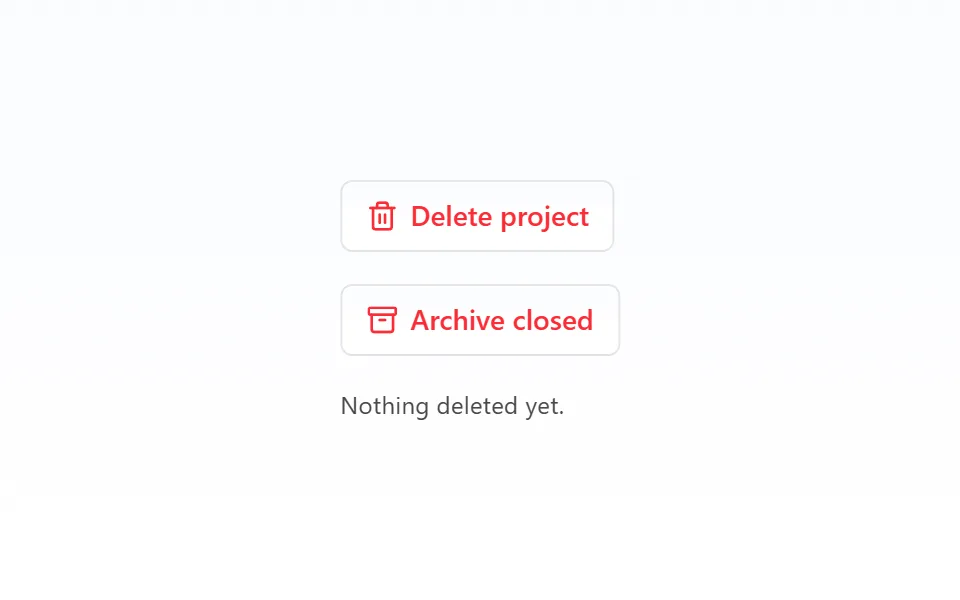
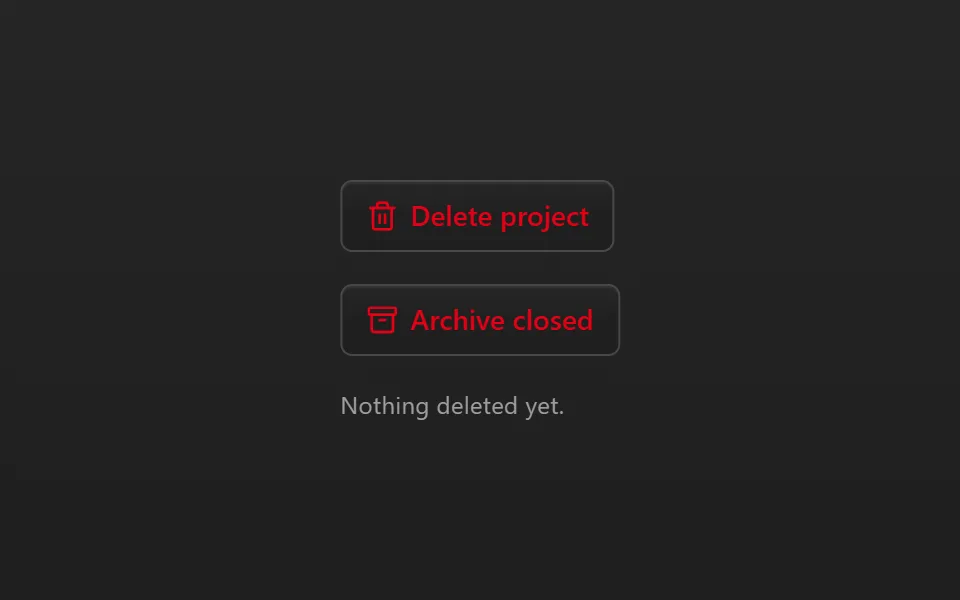
A destructive button that grows into its own confirmation on a spring, so the question appears where you are looking. Focus lands on Cancel, Esc or clicking away disarms it, and the confirm button shows a spinner while the action runs.
motion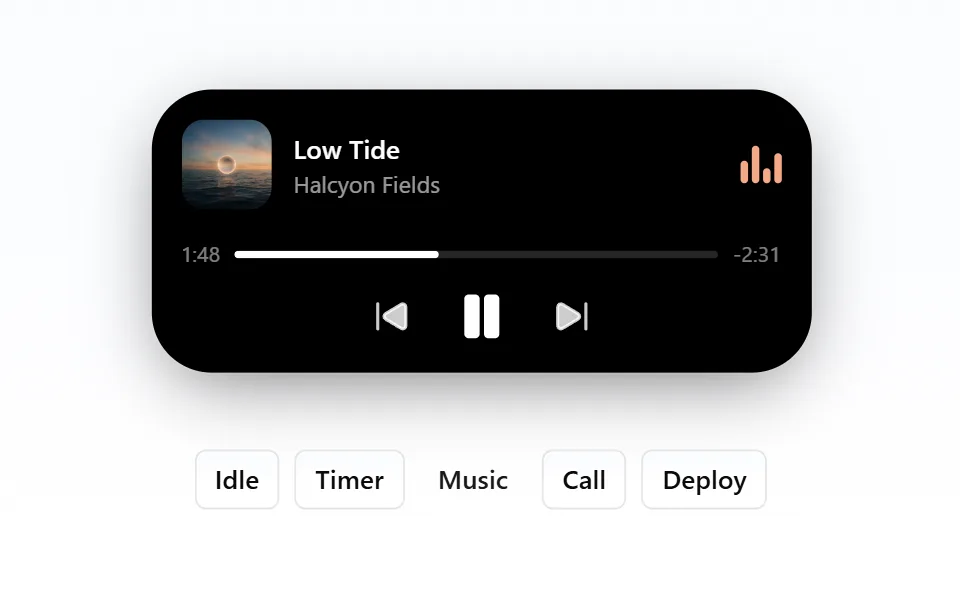
Dynamic Island
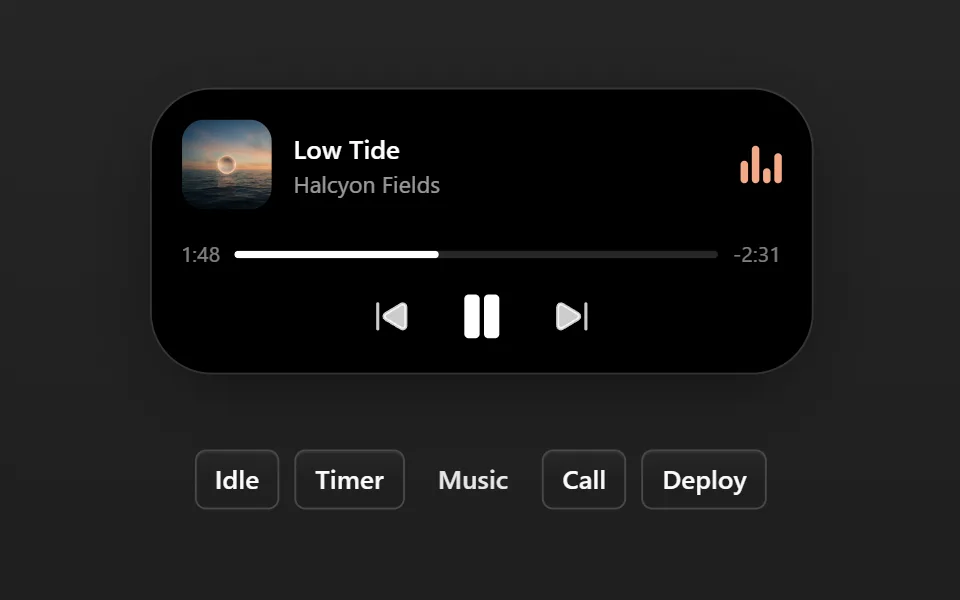
A black pill that morphs on a spring to fit whatever it is showing: a timer, a call, a song or a notification. Content swaps through a short blur crossfade, the corners never stretch mid-morph, and each change is announced politely.
motion
Marquee
A seamless, endlessly scrolling row for logos, photos or testimonials. It pauses on hover and focus, screen readers hear the content once, and reduced motion turns it into a row you scroll by hand. Pure CSS.
motion