Avatar Upload
avatar-uploadProA profile-photo editor: pick or drop an image, place it in the circle with drag, pinch, scroll or the keyboard, zoom from 1× to 4×, then upload the 512 px crop with progress, cancel, failure and retry.
Install
Pro items are served from an authenticated registry, so the CLI checks your licence before it writes anything.
Get Forme ProUsage
import { AvatarUpload } from "@/components/forme/avatar-upload/avatar-upload";

<AvatarUpload
  name={user.name}
  src={user.avatar}
  onUpload={async (blob, { report, signal }) => {
    report(0.2);
    const url = await uploadAvatar(blob, { signal, onProgress: report });
    return url;
  }}
  onRemove={removeAvatar}
/>
When to use
Reach for it
- A profile or account photo, where a square crop is the output.
- Any single image a person should place themselves before it is saved.
Use something else
- Large media libraries or multiple files; use the file dropzone instead.
- Images that should keep their aspect ratio, like a cover banner.
Accessibility
- The crop area is keyboard focusable: arrows move, plus and minus zoom, 0 resets and Enter saves; Escape cancels from anywhere in the editor.
- Every action is a real button; status and upload progress are announced in one live region, progress in 25% steps.
- Focus follows each phase to its primary control, Cancel upload, Try again or the avatar, so it never drops to the page.
- The hidden file input is opened by the avatar and by the labelled Upload button, so the native picker is always reachable.
Motion
- Crop and layout changes use Forme's springs. Reduced motion removes the settle ring and makes the crop snap into bounds.
Responsive behaviour
- The crop stage stacks above the controls, so it stays usable on a phone and inside a narrow settings column.
What is in the box
- The complete block, as readable source
- Every file it depends on, with relative imports
- Its npm dependencies, listed on the registry
- Responsive layout down to a phone width
- Accessible primitives where behaviour is hard
- No runtime dependency, before or after install
Often searched for as avatar upload, profile photo, image crop, crop editor, image upload.
Related
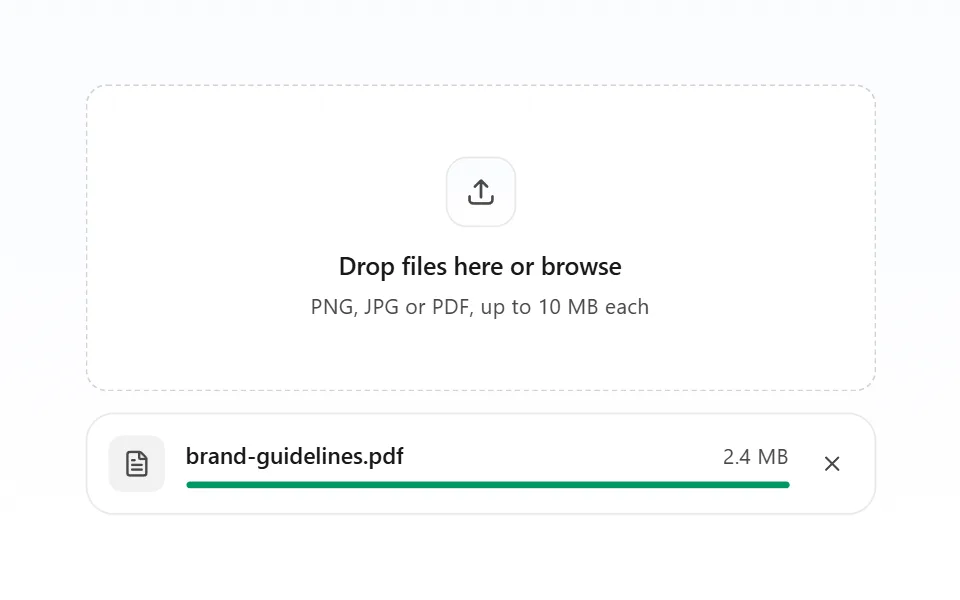
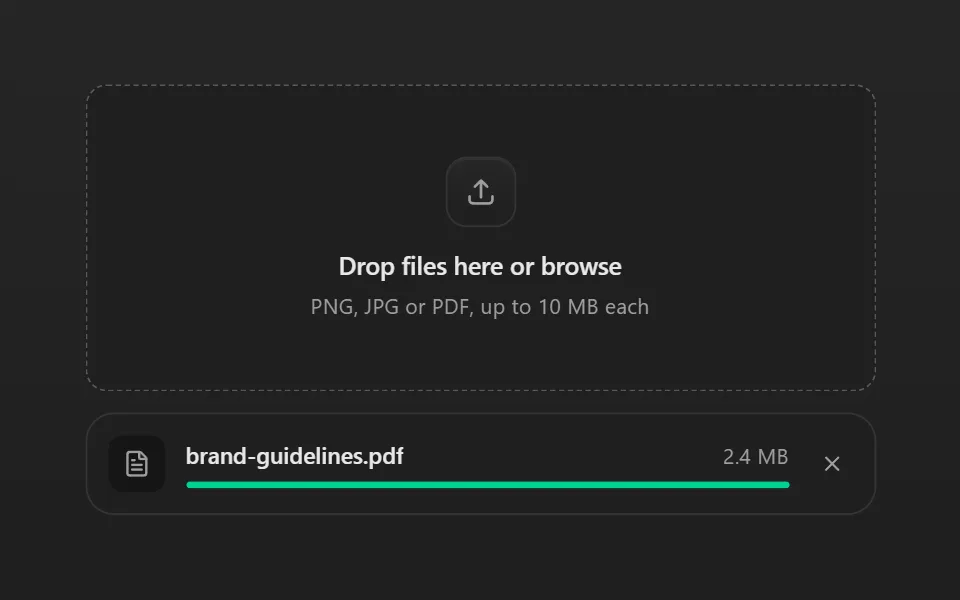
File Dropzone
A drop target that is also a real file picker, so click, keyboard and drag all work. Checks type and size on drop as well as in the picker, and reports each rejected file by name.
inputs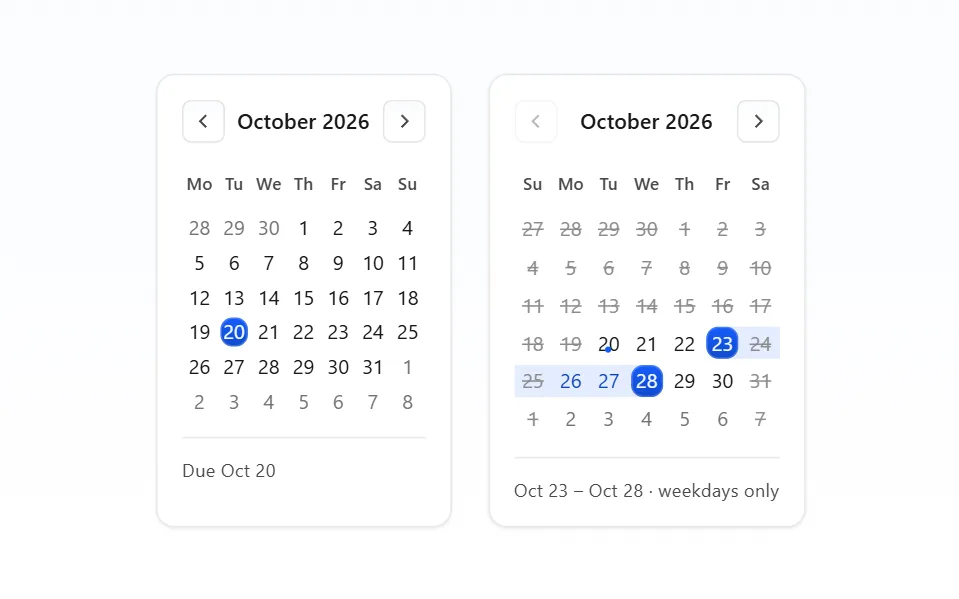
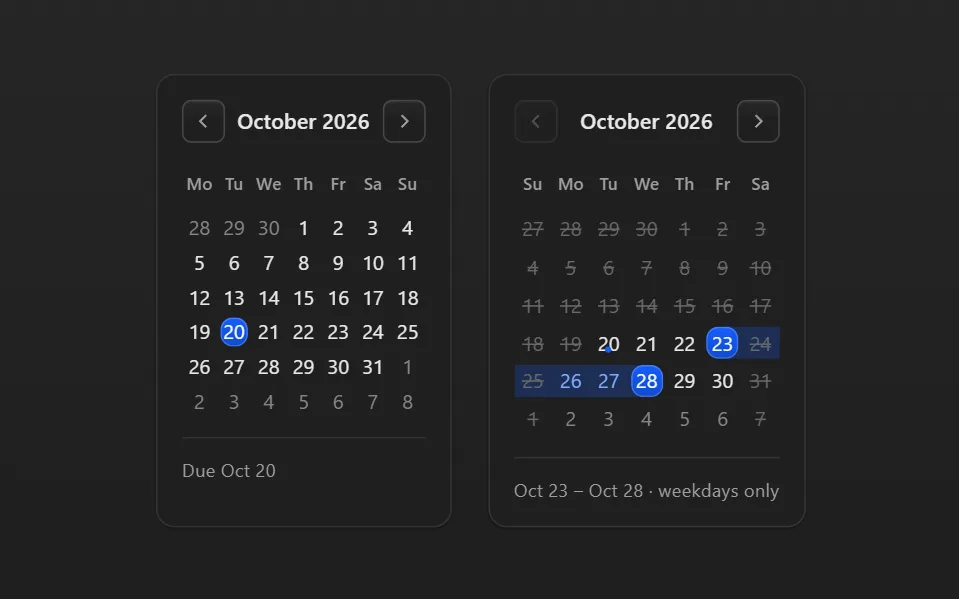
Calendar
A month grid for a single date or a range, with no date library. Full WAI-ARIA keyboard support, min, max and disabled days, a range that previews under the pointer, and a fixed six-week height so nothing below it jumps.
inputs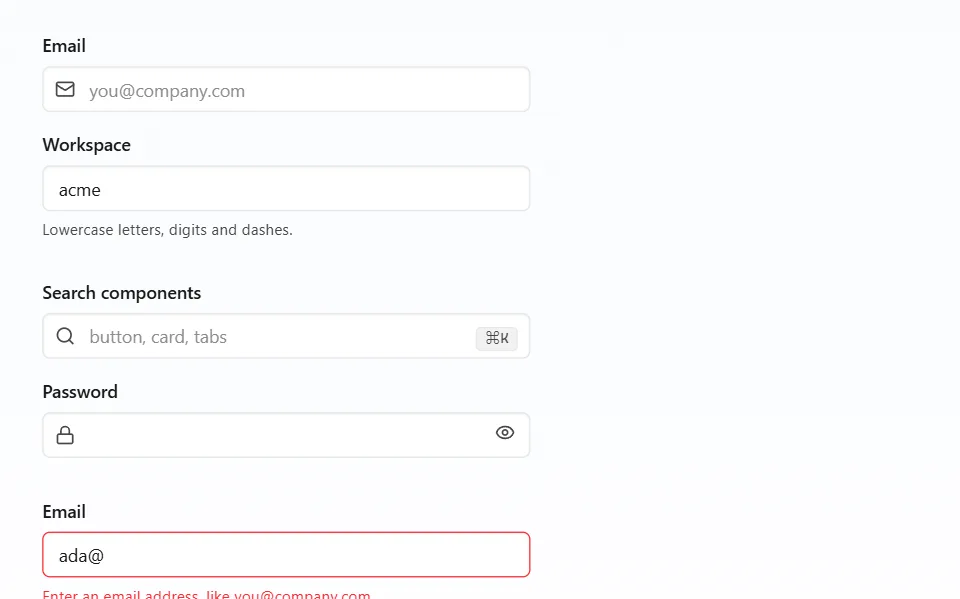
Input
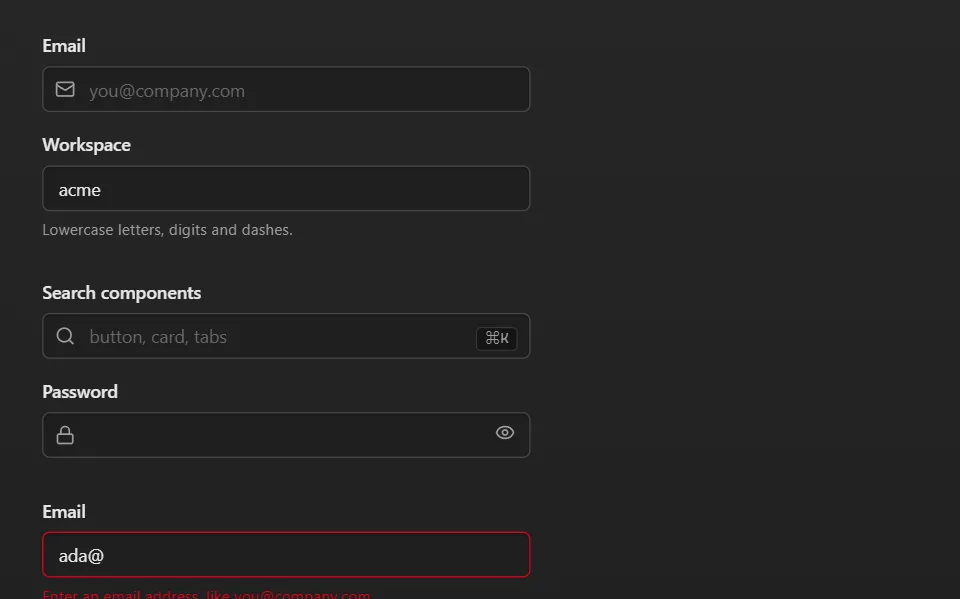
A text field with a real label, optional description, an error that is announced and wired up with aria-describedby, and room for an icon on either side. Sizes and the invalid state come from the same tokens as every other Forme surface.
inputs